
Kino - Pro Video Camera


Bring the film look to your iPhone with professional color presets and smooth AutoMotion. Capture, grade, and share stunning footage with the camera app designed for modern creators—no editing required.
Publisher
Category
Photo & VideoDownloads
194K+User Rating
Total Ratings
4K+Locales
12Discover the interface used by 194K+ users.

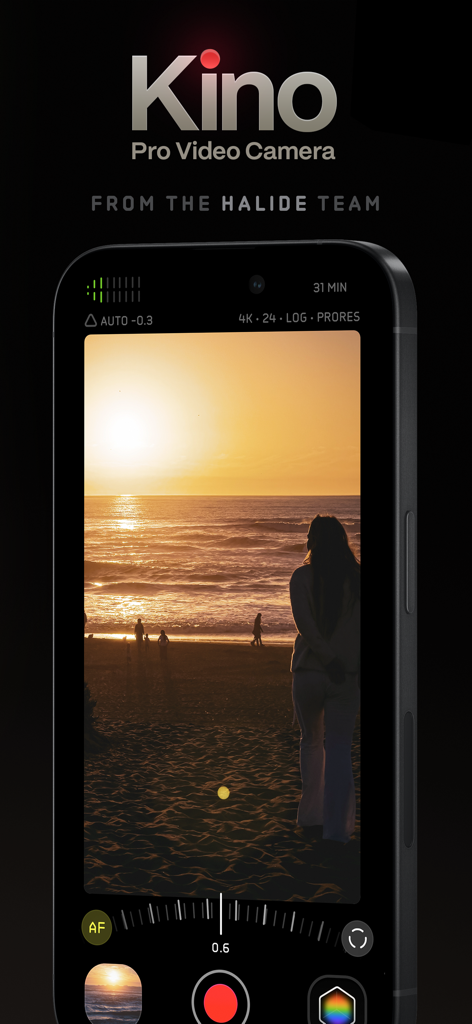
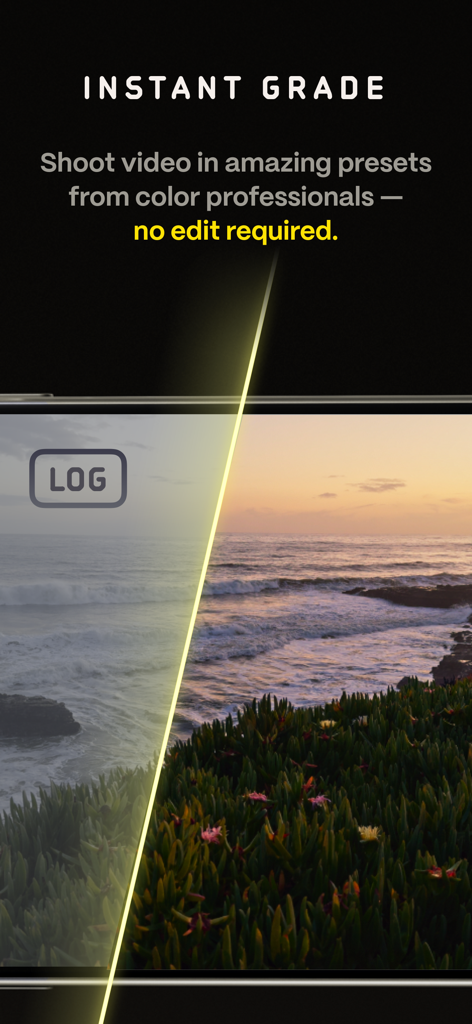
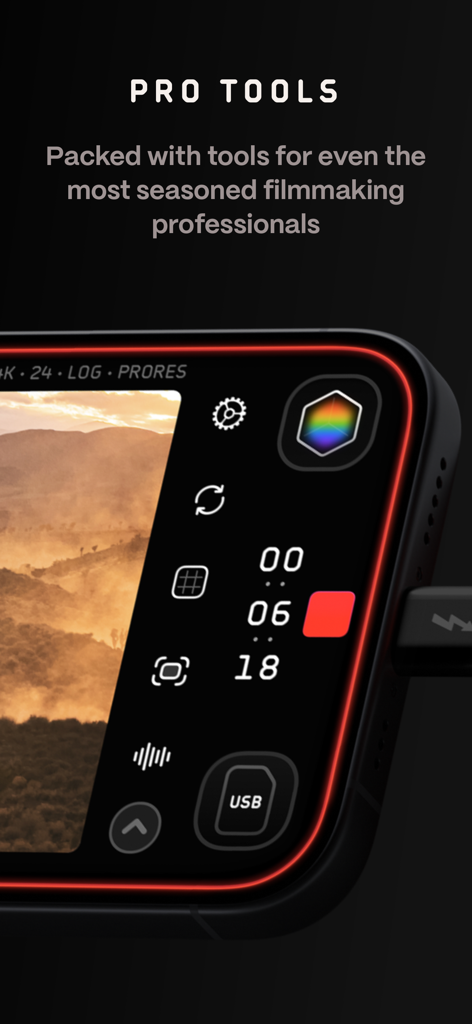
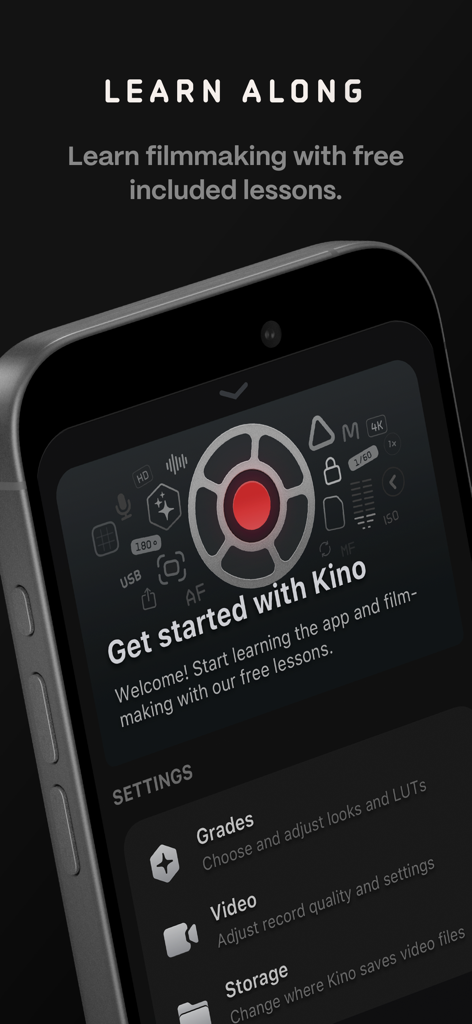
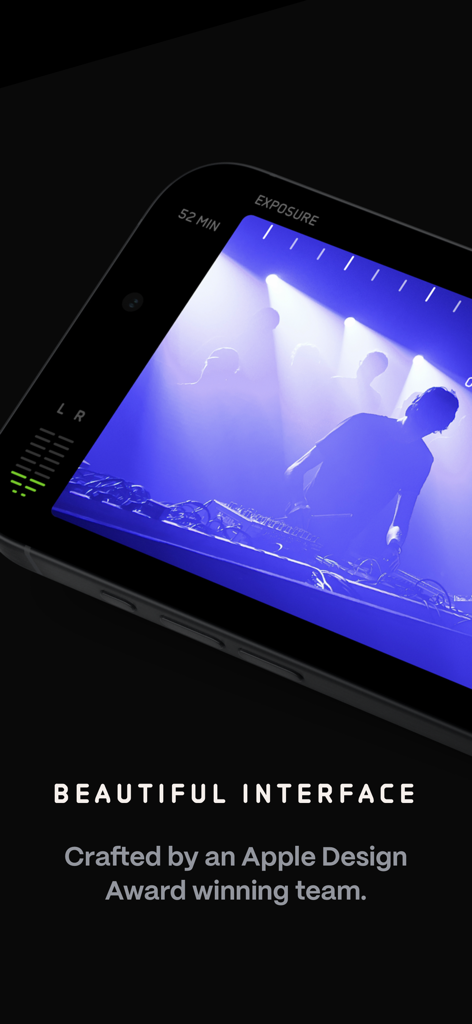
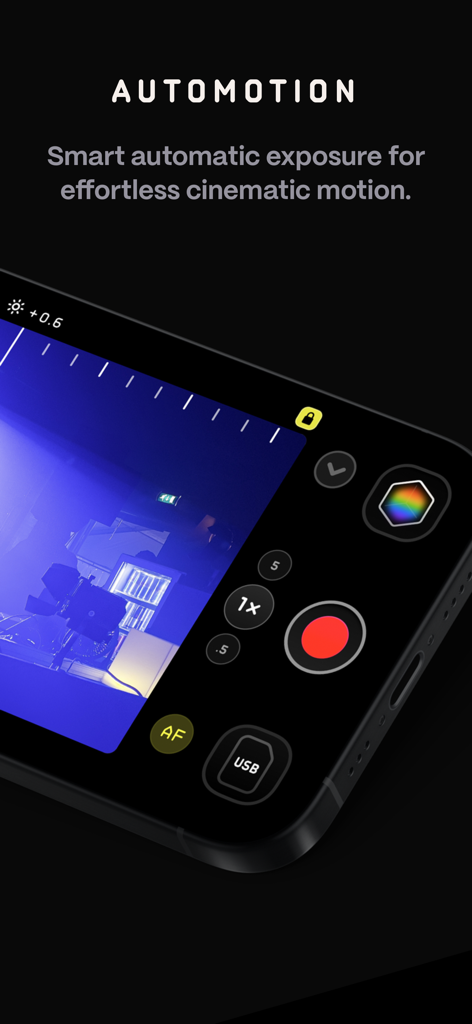
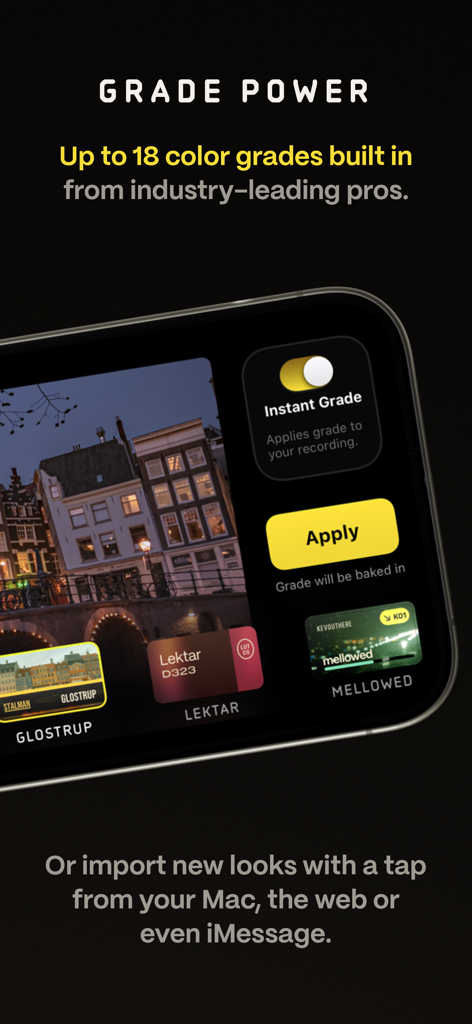
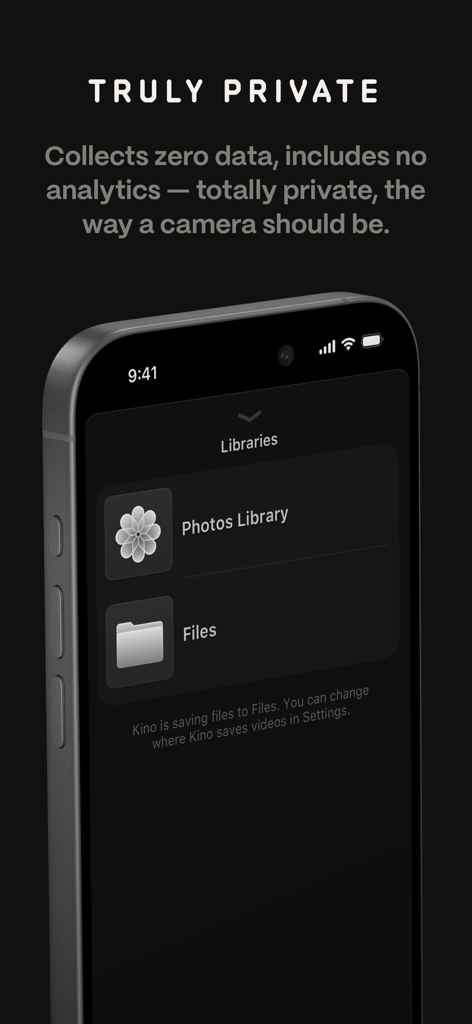
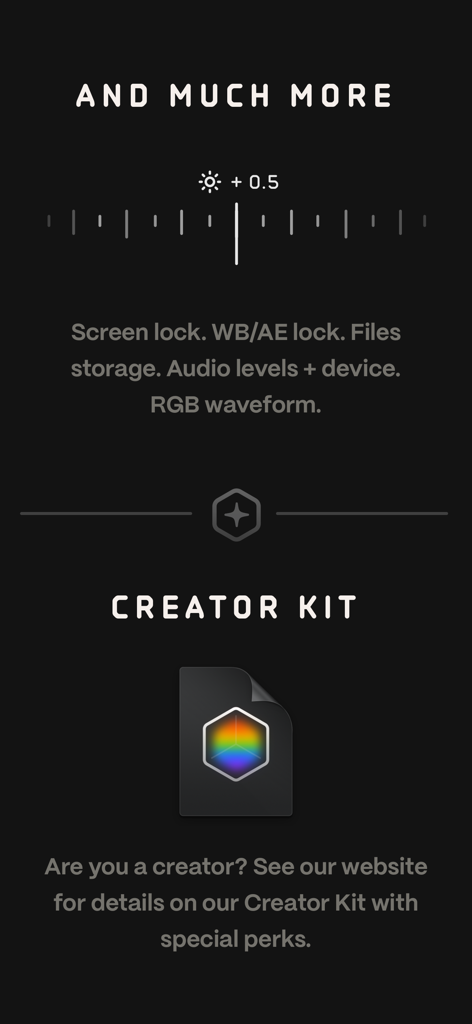
The tools that make this app stand out, trusted by 194K+ users.
Skip the editing booth. Apply expert-crafted LUTs while you record to get that perfect film look the moment you hit stop, ready to share on social media.
Achieve the organic 180-degree shutter look automatically. Our AutoMotion technology handles the technical math so your footage stays smooth and cinematic.
Access manual exposure, focus peaking, and RGB waveforms through a beautiful, minimalist interface that puts professional precision right under your thumb.
Trusted by 194K+ people who love this app.
"Kino has completely changed how I film content for my brand. The Instant Grade feature means I can shoot cinematic footage and post it to Reels immediately without any editing. It is like having a professional colorist in my pocket."
"As a hobbyist filmmaker, AutoMotion is a game-changer. I finally get that smooth 180-degree shutter look on my iPhone without messing with manual math. The interface is gorgeous and the privacy focus is a huge plus."
Everything you need to know about Kino - Pro Video Camera.
Description
Latest Version
1.3.2
Size
51.0 MB
First Released
May 29, 2024
Stop settling for standard mobile video. Unlock instant color grades and cinematic motion with the app designed for creators who value quality, simplicity, and privacy.
Everything you need to know about Kino - Pro Video Camera
Kino - Pro Video Camera is an app that allows users to record cinematic video with color presets and smooth motion, without requiring editing. It provides both simple and professional tools for all skill levels.
Yes, Kino includes a full manual mode with shutter speed, angle, ISO adjustment, focus peaking, color waveform, and audio meters. Users can also import LUTs and use the Instant Grade feature.
AutoMotion in Kino biases exposure towards a 180° shutter speed, which is the cinematic sweet spot. It automatically prioritizes the shutter angle to achieve a smooth, film-like motion.
Yes, Kino supports importing custom .cube LUT files from apps like Pixelmator Pro or Davinci Resolve. Users can open these files in Kino with a tap.
No, Kino - Pro Video Camera states that it collects zero data, gathers no information, and includes no analytics. The app emphasizes user privacy.
Instant Grade allows users to shoot video with cinematic, film-like color using expert-created presets. Kino saves the processed video directly, eliminating the need for post-capture editing.
Yes, Kino can store recordings in the Files app instead of Photos. This provides better and easier shot management for users.
Yes, the Kino team provides a free series of lessons to help users learn filmmaking with the app. Users can enroll in a lesson plan to receive easy-to-follow lessons.
Kino - Pro Video Camera was developed by Ben Sandofsky and Sebastiaan de With, with assistance from Katie-Rose Summerfield and Doug Broussard. It is from the Halide team.
Apps with similar features and user experience

Blackmagic Design Inc

Hangzhou Ostar Media Co.,Ltd.

Panda Apps Limited

Pixl Concerto Technology Limited

Leica Camera AG

Shenzhen Fotorgear Technology Co., Ltd.

北北 宋

BRAND CELLAR HOLDINGS PTE LTD

森 林