
LightUp Learning


The interactive companion for Edison and Tesla kits. Build magnetic circuits, visualize electricity flow in real-time, and master coding through hands-on play.
Publisher
Category
EducationDownloads
329K+User Rating
Total Ratings
0Locales
1Discover the interface used by 329K+ users.
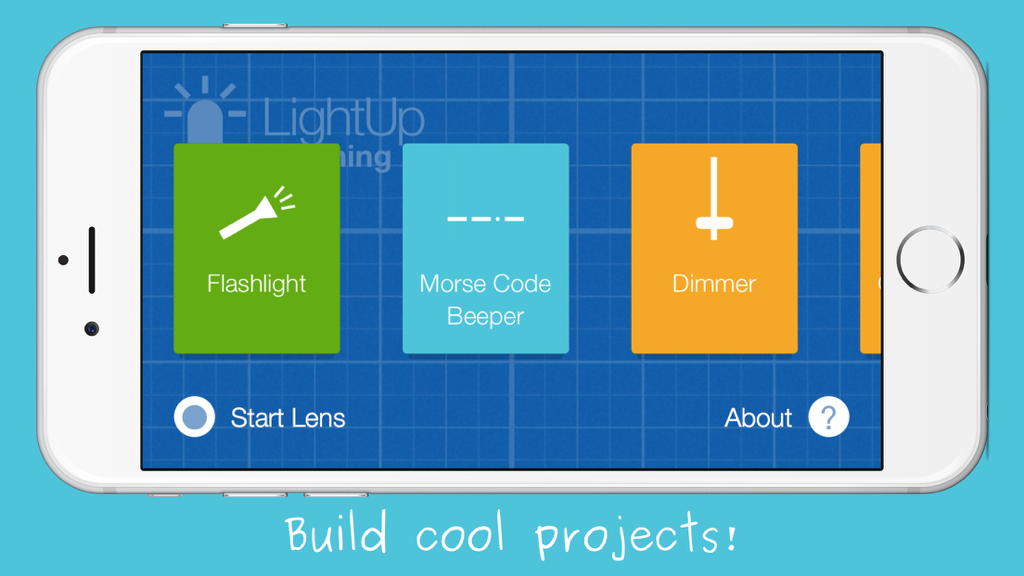
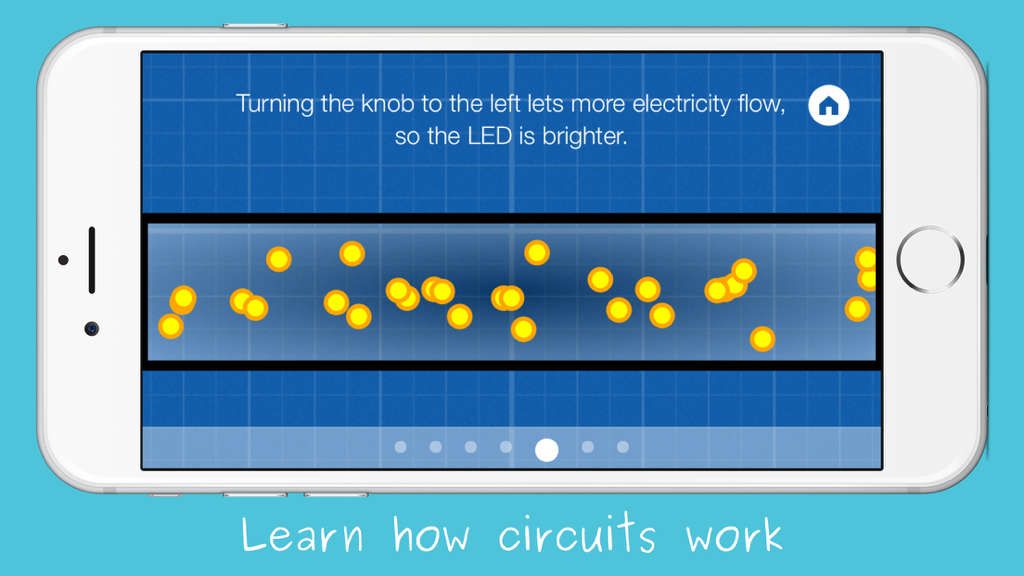
The tools that make this app stand out, trusted by 329K+ users.
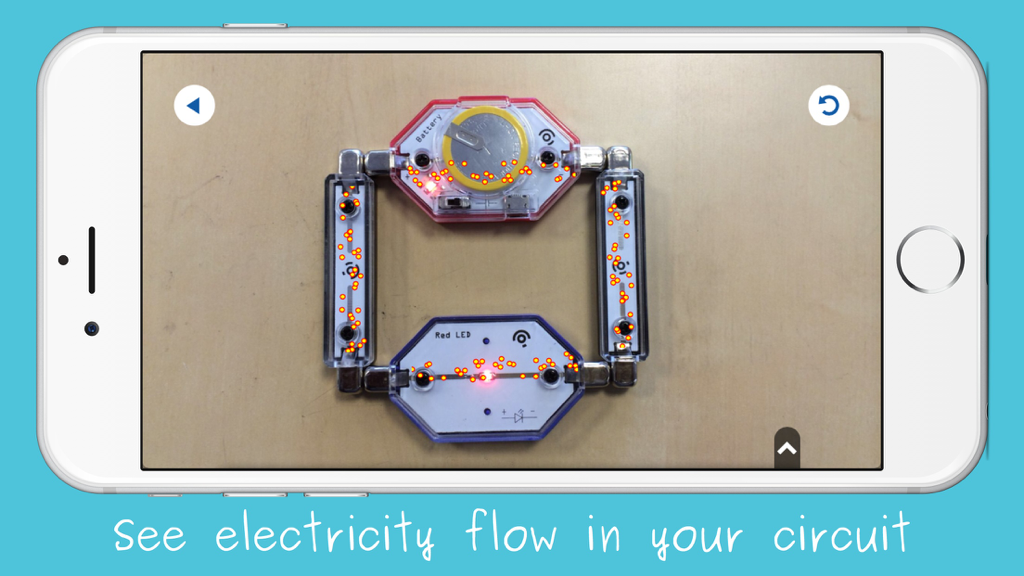
See the invisible. Our AR technology lets kids visualize electricity flowing through their circuits, turning abstract physics into a concrete, visual experience.
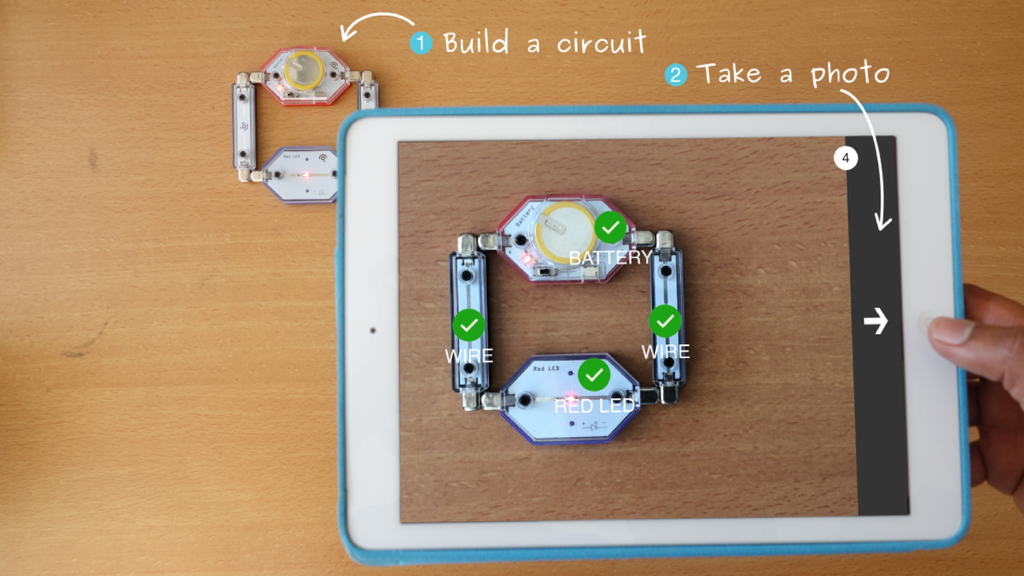
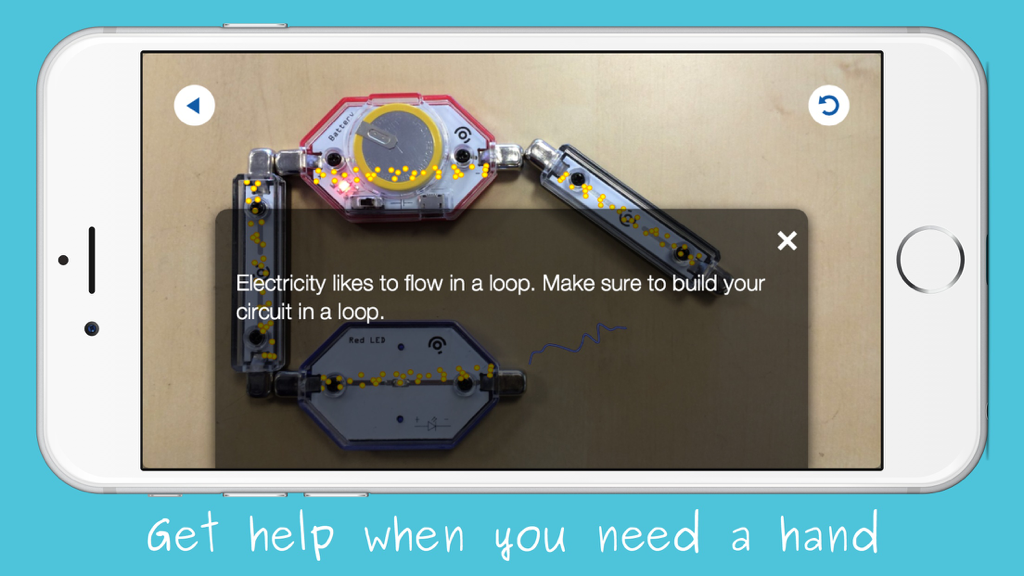
Boost independence with instant feedback. Children can snap a photo to identify errors and fix their circuits without needing constant adult supervision.
Connect logic to reality. Use simple drag-and-drop coding to program your hardware, teaching the fundamentals of software engineering through hands-on play.
Trusted by 329K+ people who love this app.
"LightUp has transformed how my son spends his screen time. The 'X-ray' feature is incredible; it finally made the concept of electricity click for him! I love that he can troubleshoot his own builds just by taking a photo."
"As an educator, I've seen many STEM tools, but this is the most intuitive. The combination of physical building and AR feedback is brilliant. It makes complex engineering concepts accessible and fun for my students."
Everything you need to know about LightUp Learning.
Description
Latest Version
1.4.9
Size
143.3 MB
First Released
Feb 18, 2014
Download the LightUp Learning app today to unlock AR X-ray vision, master your circuits, and start coding the next big invention.
Everything you need to know about LightUp Learning
The LightUp Learning app is a companion for LightUp Edison and Tesla Kits. It facilitates building and learning about electronic circuits.
Users build circuits by magnetically snapping together circuit blocks. This method eliminates the need for wires, breadboards, or soldering irons.
Yes, the LightUp Learning app provides assistance. Users take a photo of their circuit, and the app offers help and feedback when needed.
Yes, the LightUp Learning app features "x-ray vision." This allows users to see the electricity flowing throughout their physical circuit.
LightUp Learning enables coding projects like Music Boxes and Alarms. Users drag and drop code blocks on an iPad to create these projects.
You can purchase LightUp kits directly from the official website. Visit www.lightup.io to acquire your own kit.
Apps with similar features and user experience

Guangdong Luxi Online Non-Academic Training School Co., Ltd.

LEGO Education

LEGO Education

WONDER WORKSHOP, INC.

WONDER WORKSHOP, INC.
LEGO System A/S