
MarginNote 4: AI Notes·MindMap



Transform complex PDFs and textbooks into visual mind maps, structured outlines, and smart flashcards. The ultimate all-in-one workspace for students, researchers, and power users to master any subject.
Publisher
Category
ProductivityDownloads
334K+User Rating
Total Ratings
17K+Locales
4Discover the interface used by 334K+ users.
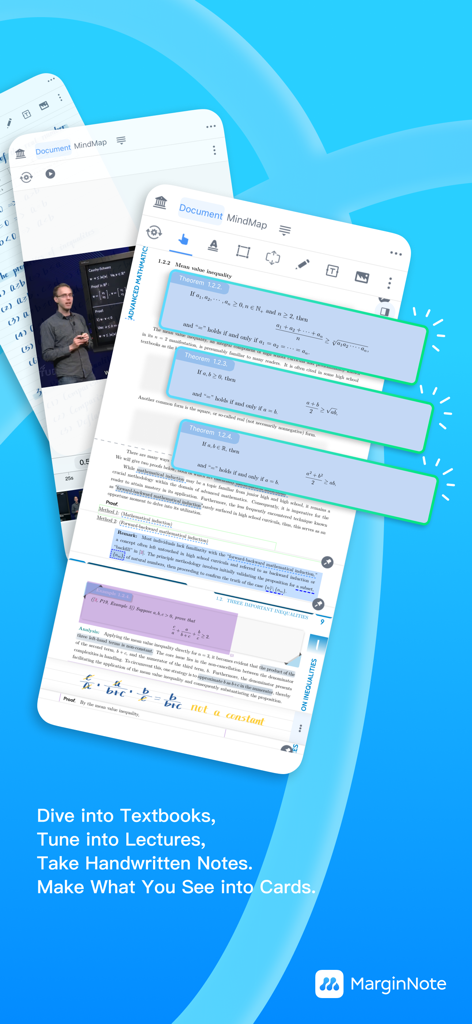
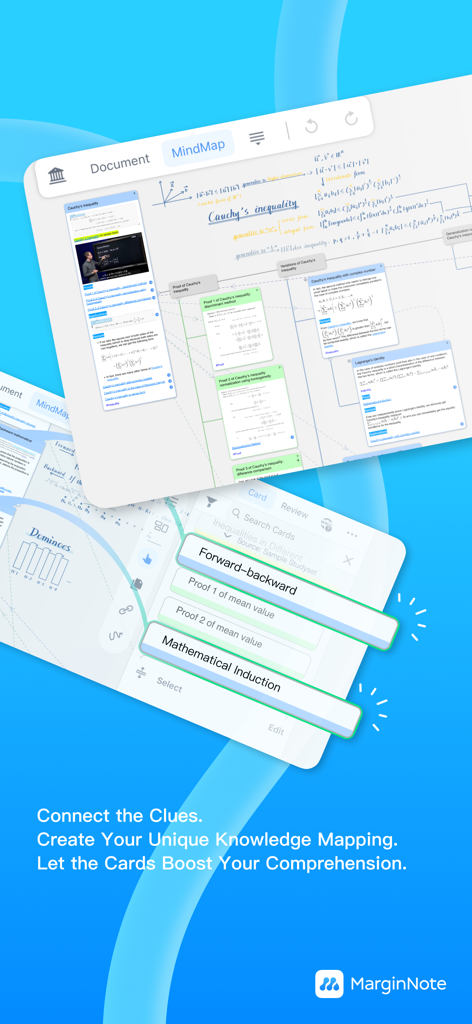
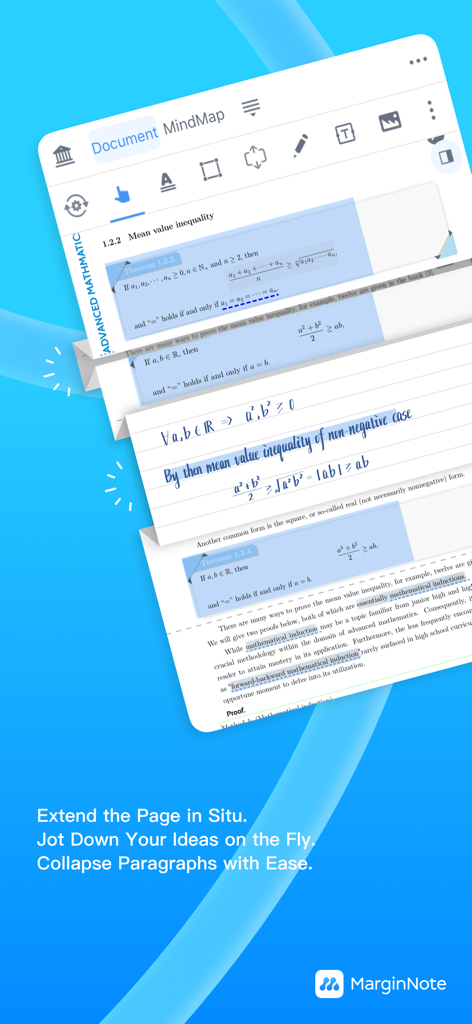
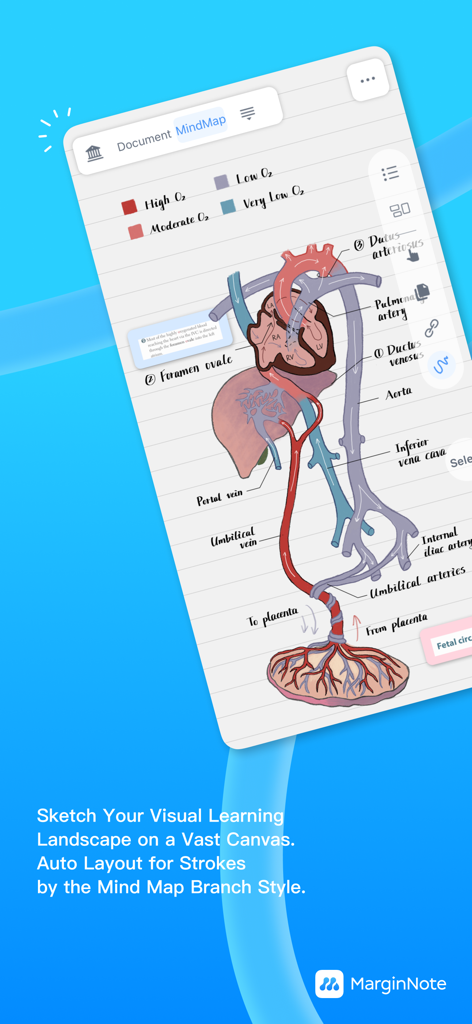
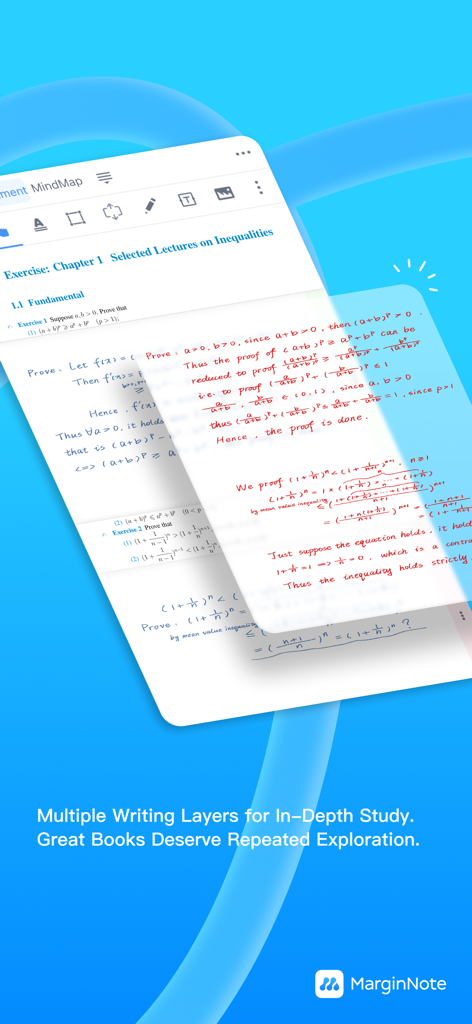

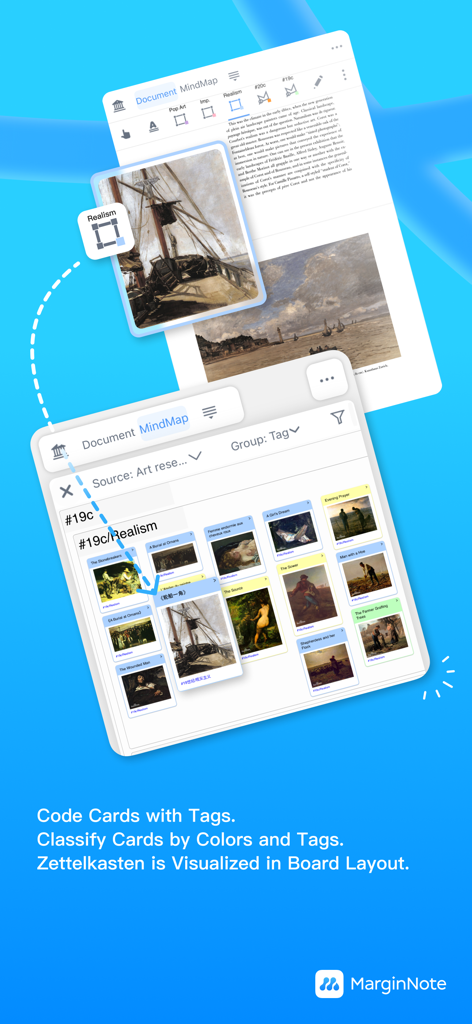
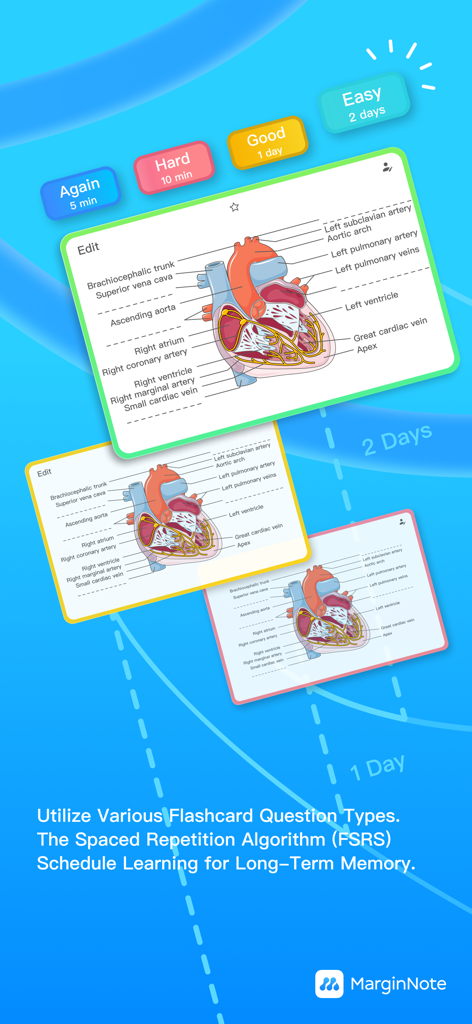
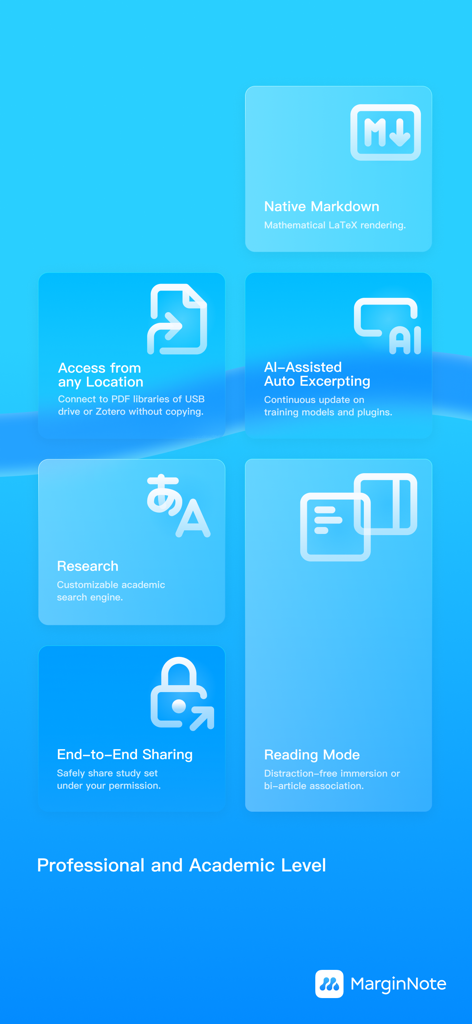
The tools that make this app stand out, trusted by 334K+ users.
Transform fragmented highlights into dynamic mind maps. Visualize complex connections across hundreds of PDFs to build your 'Second Brain' effortlessly.
Accelerate your literature review. Instantly extract formulas, charts, and key insights from academic papers with high-speed OCR and intelligent content detection.
Master your material with built-in flashcards. Create study decks directly from your notes and use the FSRS algorithm to optimize your long-term memory.
Trusted by 334K+ people who love this app.
"MarginNote 4 has completely changed how I study for my medical boards. The ability to turn complex textbook diagrams into spaced-repetition flashcards instantly while reading is a total game-changer. The FSRS algorithm ensures I actually remember what I read weeks later. It is the only app that truly bridges the gap between active reading and long-term memory."
"For my dissertation research, I needed something far more powerful than a standard PDF reader. The mind-mapping tool and Zettelkasten-style card board allowed me to visualize connections between hundreds of papers that I previously missed. Integrating my Zotero library was seamless, making it the ultimate second brain for complex academic synthesis."
Everything you need to know about MarginNote 4: AI Notes·MindMap.
Description
Latest Version
4.2.3
Size
522.7 MB
First Released
May 12, 2024
Join thousands of researchers and students transforming complex reading into lasting insights. Start your 14-day free trial and experience the ultimate study workspace on iPad, Mac, and iPhone.
Everything you need to know about MarginNote 4: AI Notes·MindMap
MarginNote 4 is a study application combining reading, note-taking, mind mapping, and spaced-repetition flashcards in a single workspace. It supports a comprehensive study workflow from preview to review.
Yes, MarginNote 4 features extensive mind mapping capabilities, allowing users to build idea trees, choose from 10 branch styles, and auto-generate mind maps from card properties.
Yes, MarginNote 4 includes an in-place Flashcard Editor and utilizes the FSRS spaced-repetition algorithm. This schedules optimal review times for long-term memory retention.
MarginNote 4 offers Basic (free), Pro (one-time purchase for iPad features), and Max (one-time purchase or semester upgrade for all Apple devices with advanced academic tools). All plans include a 14-day free trial.
Yes, MarginNote 4 features a fast OCR engine for clean PDF annotation. The Pro plan includes on-device OCR, and the app supports digitized Cloze for scanned books.
Yes, MarginNote 4 supports iCloud sync across iPhone, iPad, and Mac devices. The Max membership tier provides Pro features accessible on every Apple device.
MarginNote 4 enhances critical thinking with features like Quick Extend Note, which adds writing space beside paragraphs. It also has Handwriting Layers to refresh books for new study sessions.
Yes, MarginNote 4 allows users to combine various study materials using the Study Set feature. This keeps PDFs, EPUBs, videos, and audio together in one project.
Yes, users can annotate PDFs in MarginNote 4, even with the free Basic membership, by highlighting and using Quick Extend Note. The app also features a fast OCR engine for clean PDF annotations.
Yes, MarginNote 4 integrates with other libraries via External Library Access. Users can open files from Zotero, USB drives, and more directly, without copying them.
Apps with similar features and user experience

TOPMUSE PTE. LTD.

Theaai Corporation

Tuling Network Limited

Yan Cheng Cheok

DANIEL PONCELAS VARGAS

Genio Tech, LLC

Supersmart LLC
Erik Wegener

Wesam Alzahir
