Microsoft Excel

Microsoft Excel

Download on App StoreDownload on Google Play
Spark by MWM logo
Logo of Microsoft Excel

Microsoft Excel: The World’s Most Trusted Spreadsheets in Your Pocket

Turn data into insights from anywhere. Create, edit, and analyze with the power of AI and seamless multi-device sync, whether you’re managing a business budget or a global project.

Publisher

Microsoft Corporation

Category

Productivity

Downloads

160M+

User Rating

4.7/5

Total Ratings

6M+

Locales

33

Precision at Your Fingertips

Discover the interface used by 160M+ users.
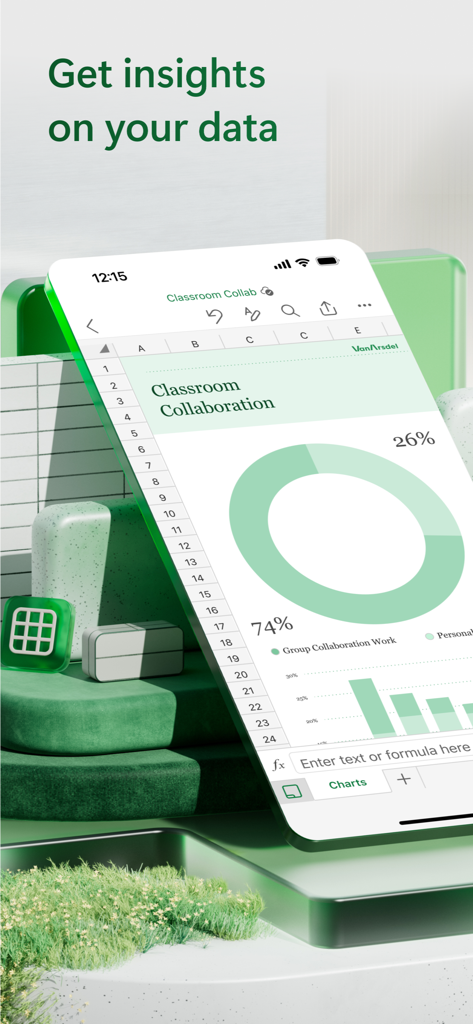
Microsoft Excel mobile app showing a spreadsheet with a donut chart and bar graph on an iPhone

Microsoft Excel mobile app showing a spreadsheet with a donut chart and bar graph on an iPhone

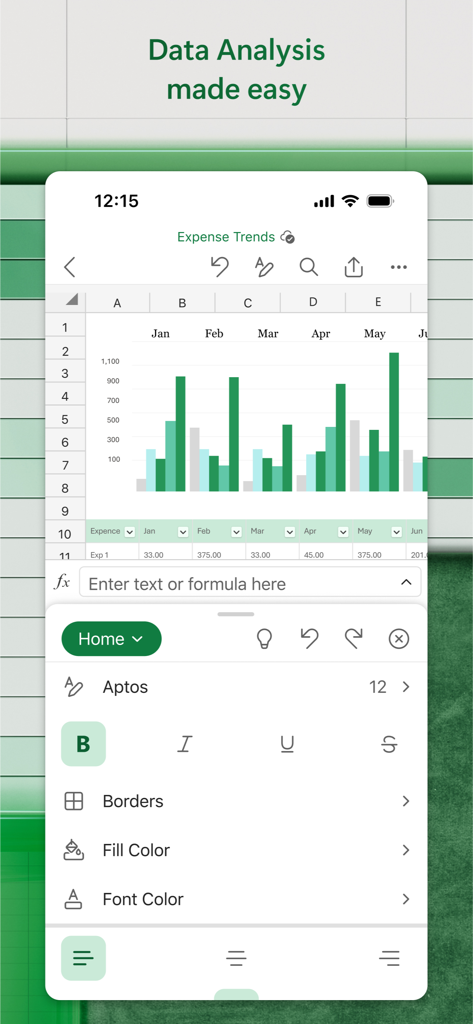
Microsoft Excel mobile interface showing a bar chart for expense trends and data editing tools.

Microsoft Excel mobile interface showing a bar chart for expense trends and data editing tools.

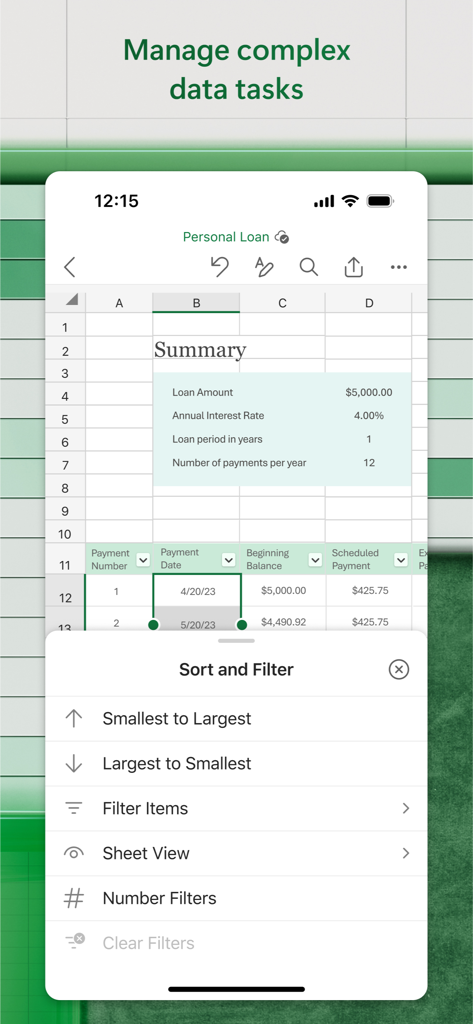
Microsoft Excel mobile app interface showing a personal loan spreadsheet with sort and filter options open.

Microsoft Excel mobile app interface showing a personal loan spreadsheet with sort and filter options open.

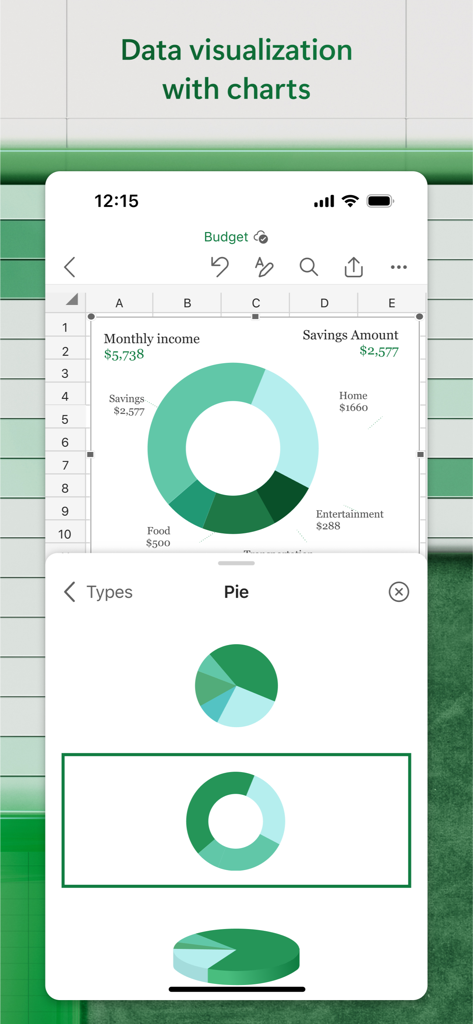
Microsoft Excel app interface showing a donut pie chart for personal budget visualization on a mobile screen

Microsoft Excel app interface showing a donut pie chart for personal budget visualization on a mobile screen

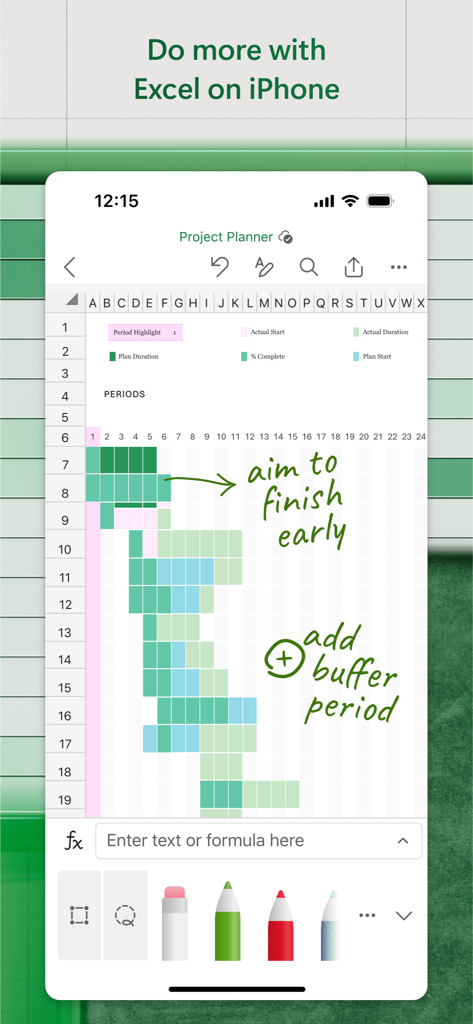
Microsoft Excel on iPhone showing a project planner spreadsheet with green handwritten ink annotations.

Microsoft Excel on iPhone showing a project planner spreadsheet with green handwritten ink annotations.

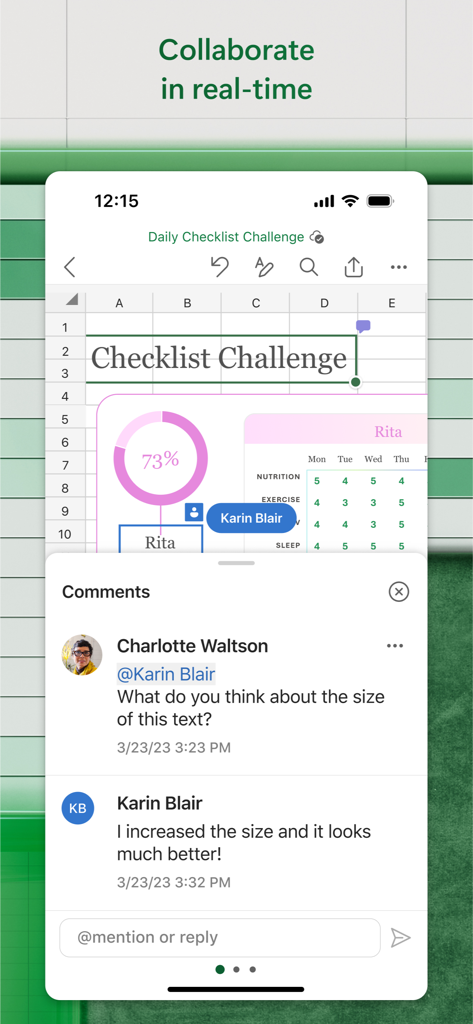
Real time collaboration and commenting in Microsoft Excel mobile app

Real time collaboration and commenting in Microsoft Excel mobile app

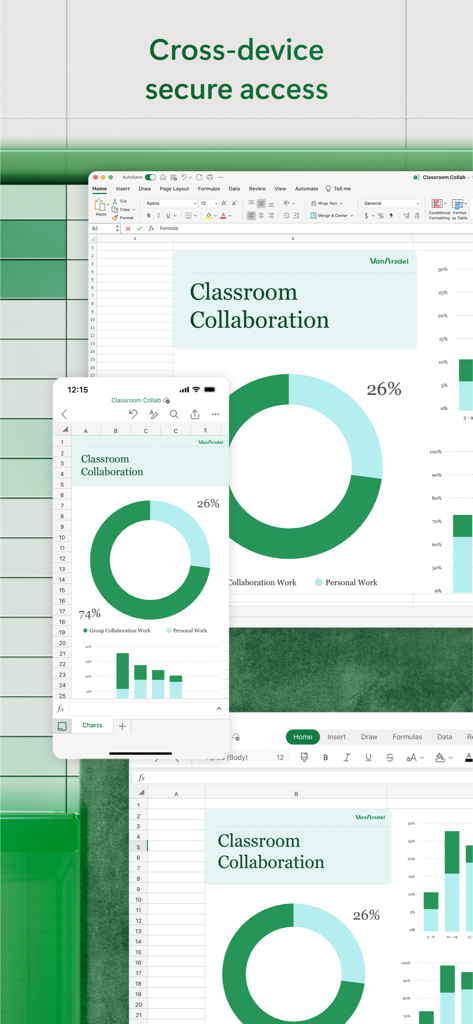
Microsoft Excel displaying a classroom collaboration chart synchronized across desktop and mobile devices

Microsoft Excel displaying a classroom collaboration chart synchronized across desktop and mobile devices

Master Your Data Anywhere

The tools that make this app stand out, trusted by 160M+ users.

🔄

Seamless Cross-Device Workflow

Start a project on your desktop and finish it on your phone. Enjoy perfect file fidelity and real-time syncing across all your Apple devices.

📊

Advanced Mobile Analysis

Unlock deep insights with familiar formulas and AI-powered tools. Create professional charts and manage complex tables with a single tap.

💰

Smart Financial Management

Take control of your personal wealth or business accounting with dedicated templates for budgeting, tax estimates, and investment tracking.

Loved by users worldwide

Trusted by 160M+ people who love this app.

"

"As an analyst constantly on the move between meetings, the Excel mobile app is a total lifesaver. I can review complex financial models and update charts directly from my iPhone during my commute. The fidelity is perfect, meaning everything looks exactly like it does on my desktop, which is absolutely crucial for my client presentations."

Marcus T.
"

"Managing my small business inventory used to be a chore, but this app makes it so much easier. I love the Cards View for checking my stock levels on the fly, and the built-in budgeting templates helped me get organized in minutes. It is the ultimate productivity tool for any entrepreneur looking to stay on top of their finances."

Sarah J.

About the app

Everything you need to know about Microsoft Excel.

Description

Microsoft Excel, the spreadsheet app, lets you create, view, edit, and share your files quickly and easily. Manage spreadsheets, tables and workbooks attached to email messages from your phone with this powerful productivity app. Work in data analysis, accounting, auditing, or other fields confidently with anyone, anywhere. Quickly graph the most complex formulas, charts and tables with amazing features. Review spreadsheets and run data analysis on the go. Customize tables and spreadsheets the way you want with robust formatting tools and great features. The productivity app lets you build your spreadsheet to meet your specific needs. Get the power of AI with Copilot1 in your favorite apps when you sign in with your Microsoft 365 subscription. Create templates, edit spreadsheets, organize charts and share with ease when you download Microsoft Excel. Tables & Spreadsheets: Create, Calculate and Analyze • Jump-start your budget, task list, accounting, or financial analysis with Excel’s modern templates. • Quickly graph with familiar formulas to run calculations and analyze your data. • Rich productivity features and formatting options make your workbook easier to read and use. • Use Cards View to easily see and manage spreadsheets. Productivity App: Review, Edit, and Work Anywhere • Review your Excel files from any device. • Edit sheets and data or update your task list from anywhere. • Spreadsheet features like sort and filter columns help focus your reviews. • Create, duplicate, hide, and unhide sheets easily. Data Analysis • Analyze data using common charts and graphs. • Use spreadsheet features like add and edit chart labels to highlight key insights in your data. • Pie chart maker: create charts and graphs from your data. Finance: Budgeting & Accounting • Use agile spreadsheets and charts to help manage budgets. • Familiar tools to help you drill down to your exact finance needs. • Calculate tax estimates, personal finances and more. Draw and Annotate with Ink • Make notes, highlight your worksheet, create shapes, or write equations using the draw tab feature in Excel on devices with touch capabilities. Sharing made easy • Share your files with a few taps to quickly invite others to edit, view, or leave comments directly in your workbooks. • Copy the content of your worksheet in the body of an email message with its format intact or attach or copy a link to your workbook for other sharing options. Download Microsoft Excel and get the best way to create, organize and manage data and spreadsheets from your iPhone or iPad. To create or edit documents, sign in with a free Microsoft account on devices with a screen size smaller than 10.1 inches. Unlock the premium Microsoft 365 experience with a qualifying subscription for your phone, tablet, PC, and Mac. Monthly Microsoft 365 subscriptions purchased from the app will be charged to your App Store account and will automatically renew within 24 hours prior to the end of the current subscription period unless auto-renewal is disabled beforehand. You can manage your subscriptions in your App Store account settings. This app is provided by either Microsoft or a third-party app publisher and is subject to a separate privacy statement and terms and conditions. Data provided through the use of this store and this app may be accessible to Microsoft or the third-party app publisher, as applicable, and transferred to, stored, and processed in the United States or any other country where Microsoft or the app publisher and their affiliates or service providers maintain facilities. Please refer to the Microsoft Software License Terms for Microsoft 365. See “License Agreement” link under Information. By installing the app, you agree to these terms and conditions.

Latest Version

2.105

Size

398.2 MB

First Released

Mar 27, 2014

Take the Power of Excel Anywhere

Join over 160 million users managing budgets, data, and complex formulas on the go. Get the world’s most trusted productivity app for your iPhone or iPad.

Download on App StoreDownload on Google Play
FAQ

Frequently Asked Questions

Everything you need to know about Microsoft Excel

What is Microsoft Excel?

Microsoft Excel is a spreadsheet app that enables users to create, view, edit, and share files quickly and easily. It provides powerful productivity tools for managing spreadsheets, tables, and workbooks.

Can users create and edit documents in Microsoft Excel for free?

Yes, users can create or edit documents in Microsoft Excel for free on devices with a screen size smaller than 10.1 inches by signing in with a free Microsoft account.

Does Microsoft Excel support data analysis?

Yes, Microsoft Excel supports data analysis. Users can run data analysis on the go, use common charts and graphs for analysis, and add/edit chart labels to highlight key insights.

How can I collaborate on spreadsheets using Microsoft Excel?

Yes, Microsoft Excel allows collaboration. Users can share files to invite others to edit, view, or leave comments directly in workbooks. Content can also be copied to email or a link shared.

Does Microsoft Excel offer features for budgeting and accounting?

Yes, Microsoft Excel offers features for budgeting and accounting. Users can jump-start their budget with modern templates and utilize agile spreadsheets and charts to manage financial needs.

Can I draw or annotate in Microsoft Excel on my device?

Yes, users can draw and annotate in Microsoft Excel. The app features a draw tab for making notes, highlighting worksheets, creating shapes, or writing equations on touch-enabled devices.

Is a Microsoft 365 subscription required for premium features in Microsoft Excel?

Yes, a qualifying Microsoft 365 subscription unlocks the premium experience across phone, tablet, PC, and Mac for Microsoft Excel, including features like Copilot.

How do I manage my Microsoft Excel subscription?

Users manage monthly Microsoft 365 subscriptions, purchased from the app, in their App Store account settings. Subscriptions automatically renew unless auto-renewal is disabled.

Can Microsoft Excel sort and filter data within spreadsheets?

Yes, Microsoft Excel includes spreadsheet features such as sort and filter columns. These tools help users focus their reviews and manage complex data tasks.

Does Microsoft Excel allow cross-device access to files?

Yes, Microsoft Excel provides cross-device access. Users can review Excel files from any device and access them securely across platforms like iPhone and Mac.