
Microsoft SharePoint



Stay connected to your team and files from anywhere. Access personalized news, corporate resources, and AI-powered search to keep your productivity moving while on the go.
Publisher
Category
ProductivityDownloads
15M+User Rating
Total Ratings
466K+Locales
31Discover the interface used by 15M+ users.
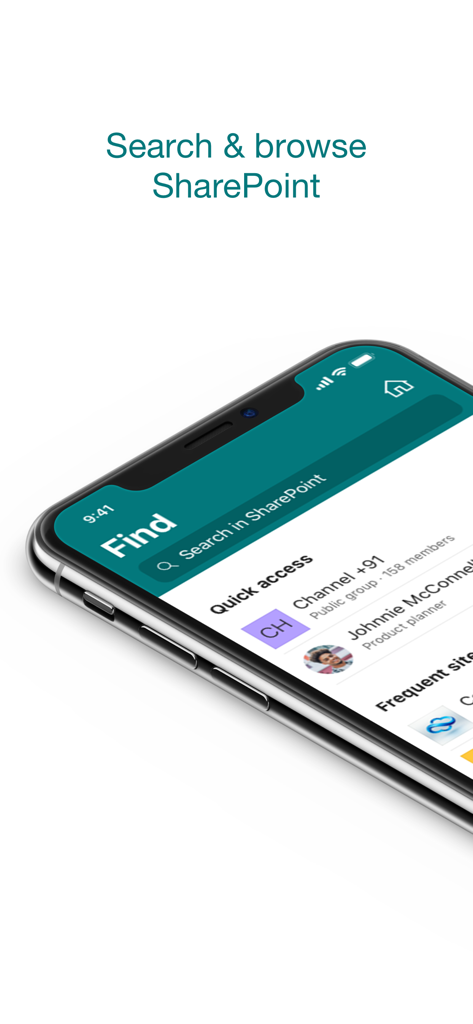
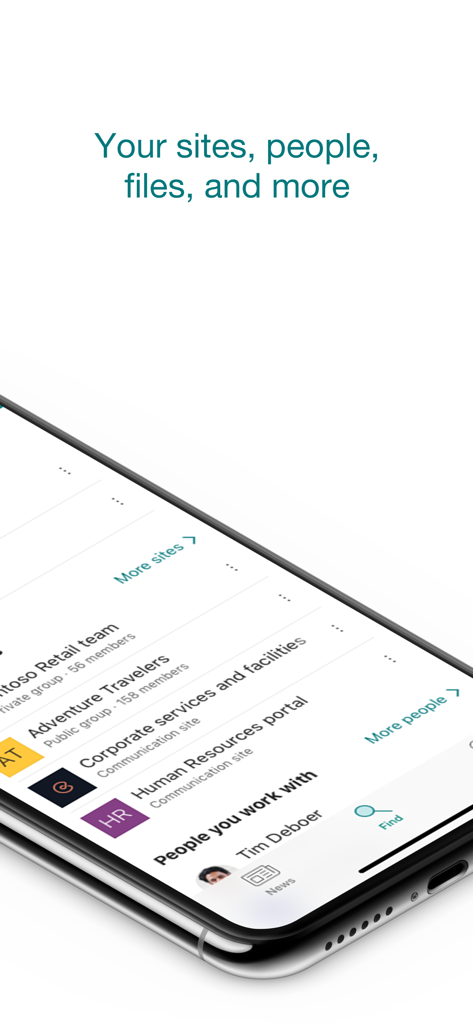
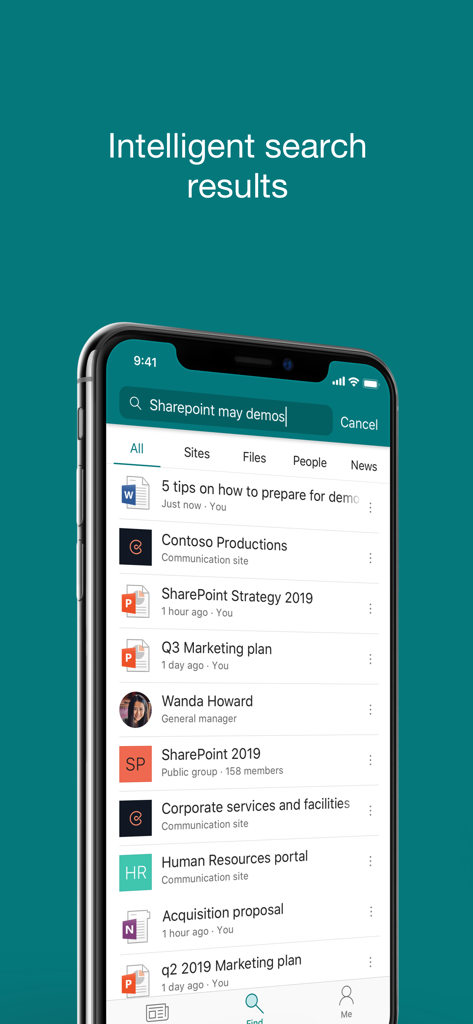
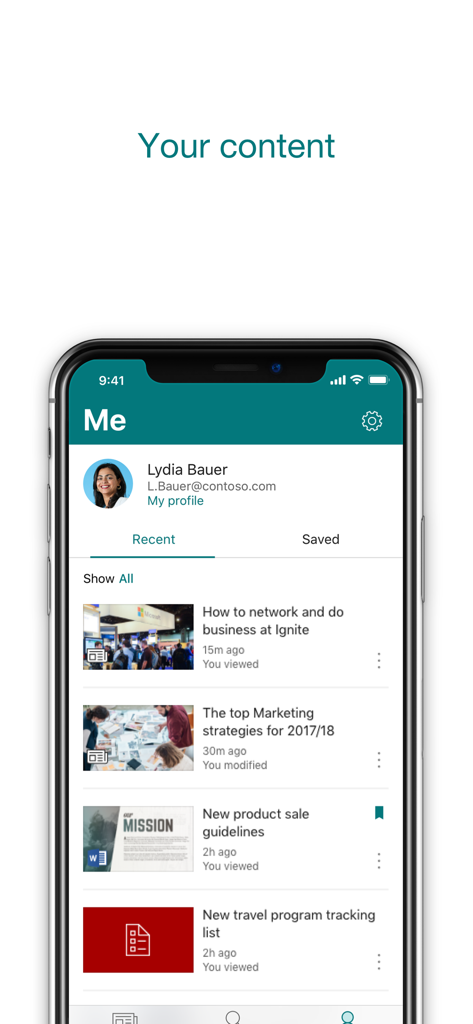
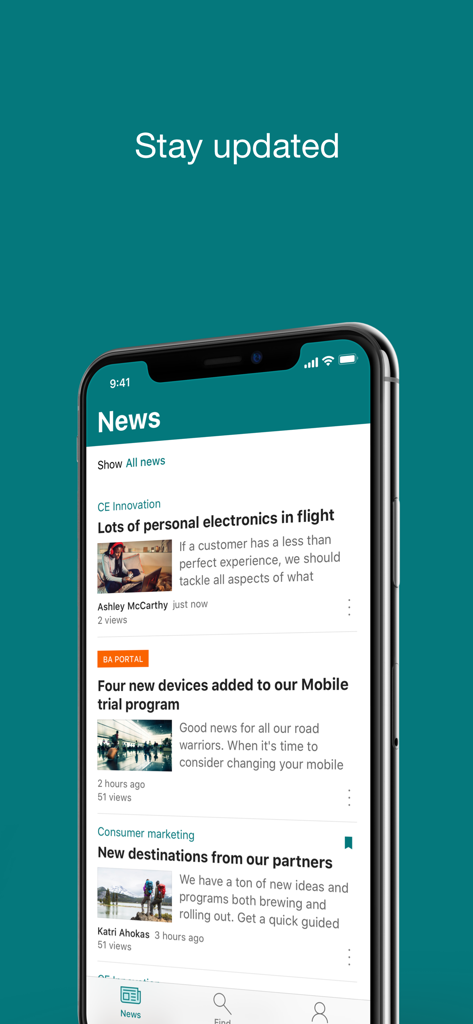
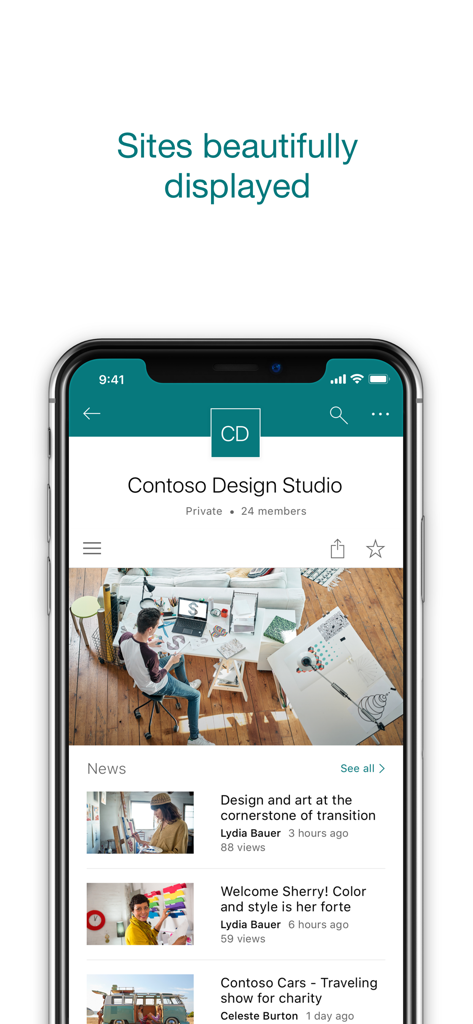
The tools that make this app stand out, trusted by 15M+ users.
Stop digging through folders. Our AI surfaces the exact documents and sites you need based on your current projects and collaborations.
Quickly find and connect with colleagues. View rich profiles to understand team structures and stay updated on what your peers are working on.
Never miss a beat. Access a personalized feed of news, reports, and status updates, or share your own progress directly from the field.
Trusted by 15M+ people who love this app.
"The AI-driven search is a total game changer for my workflow. Being able to pull up the exact document I need while heading to a client meeting has saved me so much time. It feels like the app actually understands which projects are my priority."
"Keeping our hybrid team engaged is much easier with the mobile news feature. I love how I can share quick updates and photos from company events instantly. Plus, the people search makes it so simple to put a face to a name when collaborating across departments."
Insights from user reviews.
Sentiment Score
Summary
The mobile app elicits strong negative feedback, largely due to severe login and stability issues, including frequent crashes, freezing, and persistent authentication problems, particularly affecting iOS and iPad users. Critical file management deficiencies are also common, with users reporting difficulties uploading, downloading, or reliably opening various documents. The user interface is widely criticized for being complex, unintuitive, and hard to navigate, with issues like broken buttons and inconsistent displays. Despite these significant drawbacks, some users recognize the app's potential for team collaboration, centralized information access, and secure document organization.
Common Themes
Everything you need to know about Microsoft SharePoint.
Description
Latest Version
4.55.2
Size
76.1 MB
First Released
Jun 20, 2016
Join over 15 million professionals who stay connected and productive. Access your files, news, and team expertise with AI-powered focus, right from your mobile device.
Everything you need to know about Microsoft SharePoint
The Microsoft SharePoint mobile app personalizes finding files, news, sites, and people across your organization. It uses AI to keep you productive by understanding your work and colleagues' connections.
Yes, the Microsoft SharePoint app includes a search function to find and discover important content. You can search across sites, files, people, and news.
Yes, the Microsoft SharePoint app works with both SharePoint Online (cloud) and on-premises SharePoint Server versions 2013 and higher. Users sign in to their respective SharePoint sites.
Yes, you can create news posts on the go using the Microsoft SharePoint app. This allows you to share updates, reports, status, and experiences with your team.
To sign in to the Microsoft SharePoint app, your organization requires an Office 365 subscription that includes SharePoint Online or an on-premises SharePoint Server.
Yes, the Microsoft SharePoint app allows you to add multiple accounts and easily switch between them. This feature supports various organizational needs.
The Microsoft SharePoint app infuses AI into the mobile experience. It builds an understanding of your work, how you work, and how colleagues' work relates to you to personalize content.
Yes, the Microsoft SharePoint app provides a personalized view of your content. You can access sections for "Recent" and "Saved" items within the app.
Yes, you can tap on a user within the Microsoft SharePoint app to access their contact card. This also shows who they work with and what they are working on.
Yes, data provided through the use of the Microsoft SharePoint app may be accessible to Microsoft and transferred, stored, and processed in the United States or any other country where Microsoft or its affiliates maintain facilities.
Apps with similar features and user experience

Mega Limited

Box, Inc.

Zoho Corporation

Alibaba Cloud Computing Ltd.

Dropbox, Inc.

ARCTERA AM, LLC

SEATALK PRIVATE LIMITED

SIGNET TECHNOLOGY PLATFORM COMPANY LIMITED

Zhuhai Kingsoft Office Software Co.,Ltd
