
Mininote - Cute note and diary



Create a cozy space for your thoughts. Track your daily mood, design custom emoticons, and turn your memories into a beautiful digital scrapbook.
Publisher
Category
LifestyleDownloads
3M+User Rating
Total Ratings
147K+Locales
5Discover the interface used by 3M+ users.
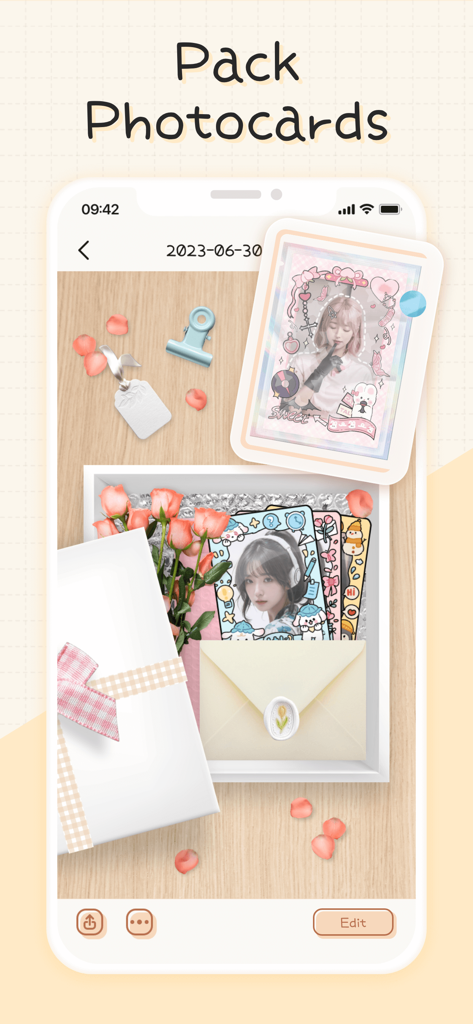
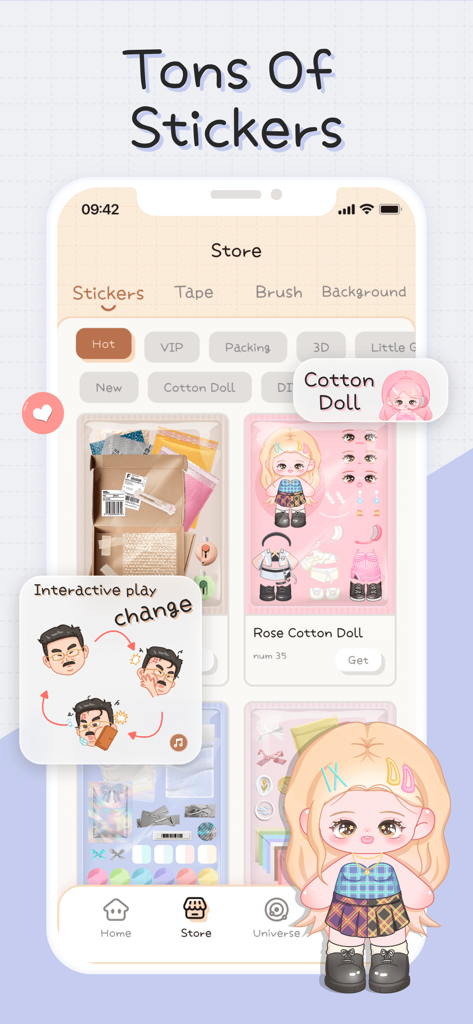
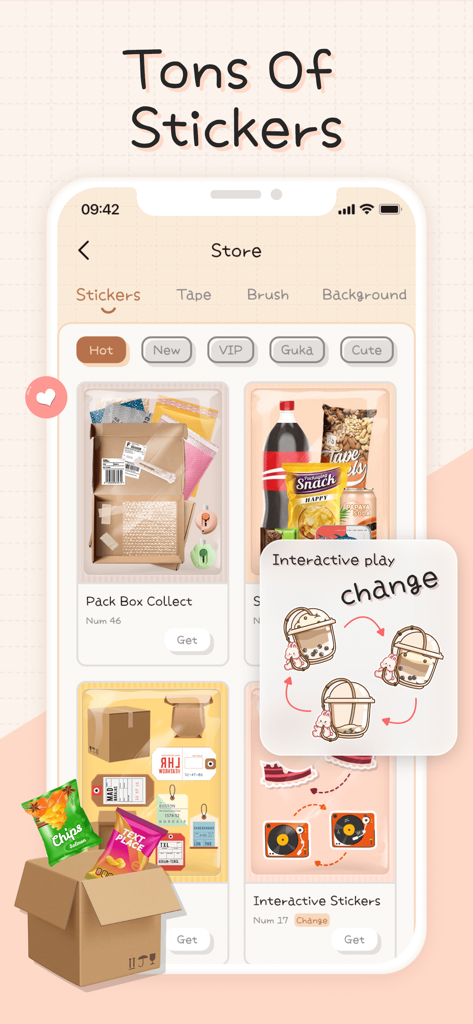
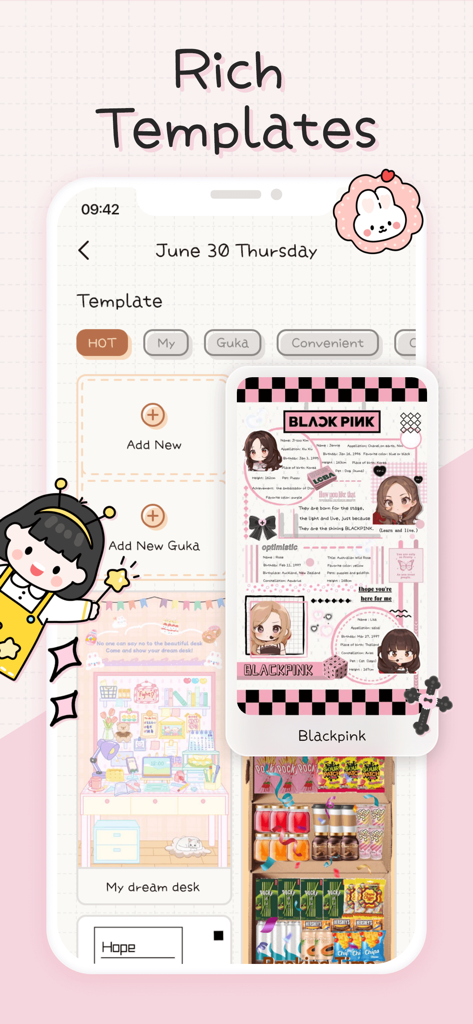
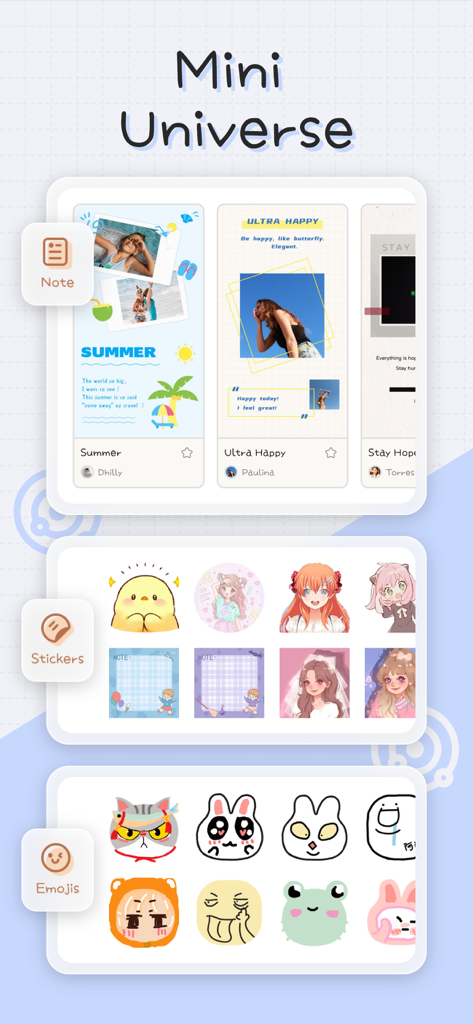
The tools that make this app stand out, trusted by 3M+ users.
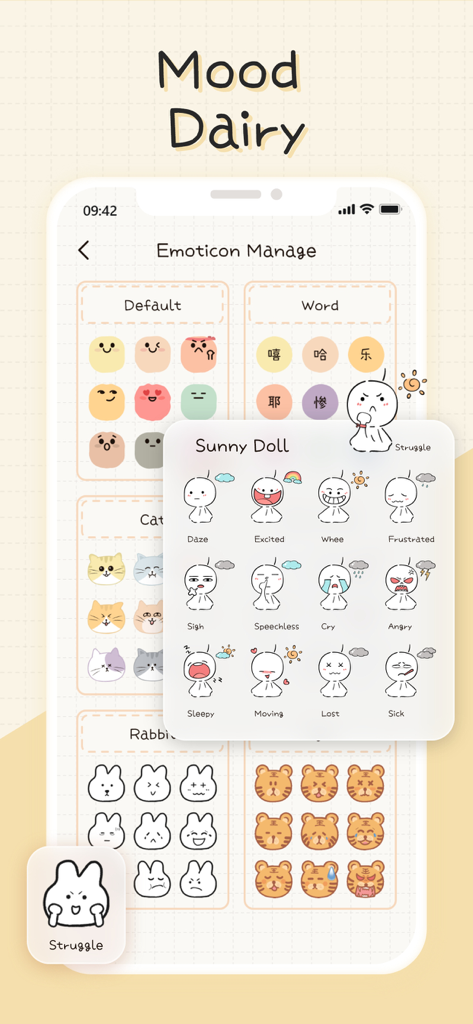
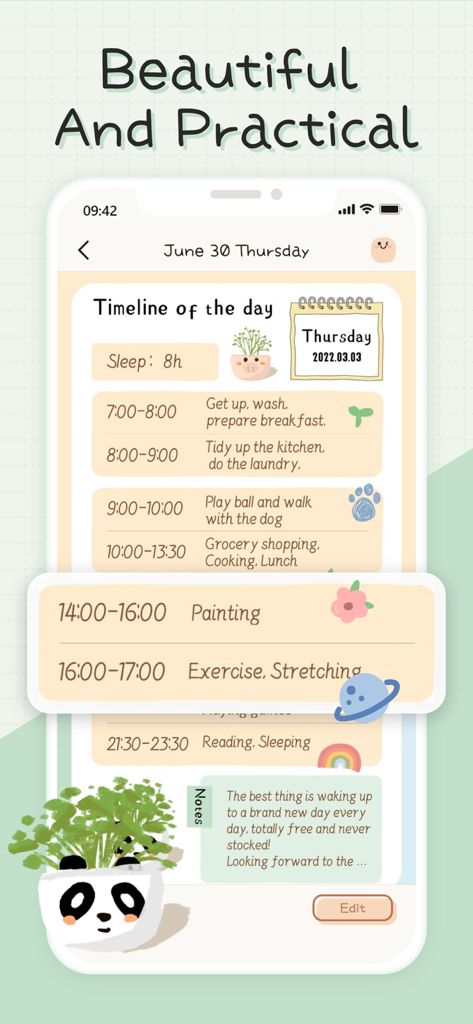
Express yourself with custom emoticons and track your emotional journey through a beautiful, color-coded calendar view.
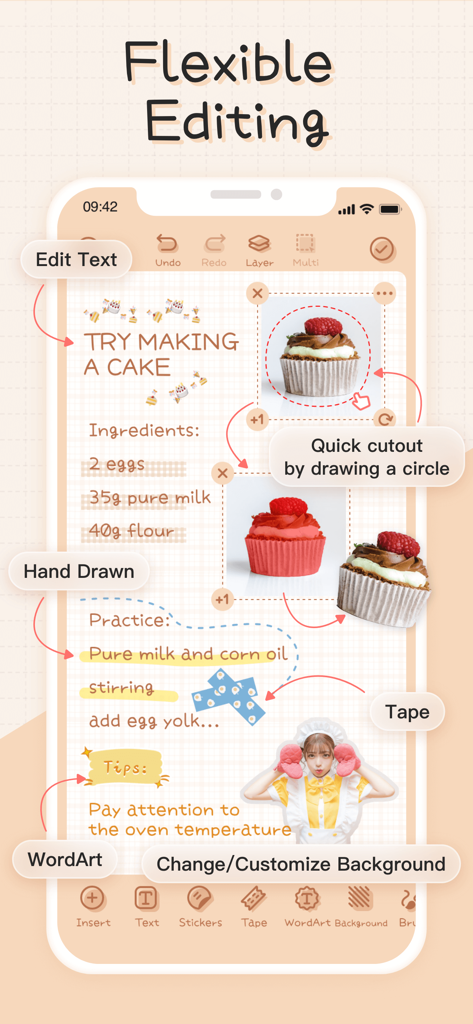
Personalize every page with powerful editing tools, adorable VIP stickers, and your own hand-drawn mini emoticons.
Protect your deepest thoughts with password locking and secure iCloud backups, keeping your digital diary safe and sound.
Trusted by 3M+ people who love this app.
"Mininote is literally the cutest app on my phone! I love how I can customize every page with stickers and my own drawings. It is like a digital version of my favorite stationery, but I can take it everywhere. It has made journaling so much more fun and aesthetic!"
"I have tried so many mood trackers, but this is the first one I have actually stuck with. The monthly calendar view is amazing for seeing my emotional patterns at a glance. Plus, the password protection makes me feel safe sharing my private thoughts. Highly recommend!"
Everything you need to know about Mininote - Cute note and diary.
Description
Latest Version
2.40.8
Size
324.1 MB
First Released
Jul 19, 2021
Join over 3 million users turning their daily moods into a work of art. Download Mininote and create your own cute, safe space for memories.
Everything you need to know about Mininote - Cute note and diary
Mininote is a free mood tracking diary and portable electronic notebook. It helps users record their mood, daily notes, and customize entries with various editing functions and materials.
Yes, Mininote is a free mood tracking diary. It also offers a VIP Premium subscription for additional features like no ads and unlocked materials.
Mininote features include mood diary recording, drawing mini emoticons, powerful note editing, password setting, iCloud backup, notifications, and a calendar view for monthly mood tracking.
Yes, Mininote allows users to record their mood diary anytime and anywhere. It also supports drawing custom emoticons and provides a calendar view for monthly mood tracking.
Yes, Mininote provides a powerful note editing function. It includes features like text editing, hand-drawn elements, WordArt, background customization, and quick cutouts for images.
Mininote offers extensive customization. Users can draw emoticons, use rich templates, add various stickers, tapes, and brushes, and customize backgrounds for their notes and diary entries.
To remove ads in Mininote, users must purchase the VIP Premium subscription. This subscription also unlocks all VIP materials and provides additional advanced services within the app.
Mininote VIP Premium offers a completely ad-free experience, unlocks all VIP materials, and provides access to more advanced services within the application.
Mininote VIP Premium offers monthly, annually, and one-time purchase subscription options. Payments are deducted from the user's iTunes account upon purchase confirmation.
To cancel a Mininote VIP subscription, go to "Settings" > "iTuneStore & AppStore" > "AppleID" > "View AppleID" > "Subscribe". Cancel at least 24 hours before the current withholding period.
Yes, Mininote supports iCloud backup. This feature ensures that user data for notes and mood diaries is saved securely and can be restored if needed on another device.
Yes, Mininote supports password setting. This allows users to secure their personal mood diaries and notes, ensuring their privacy within the application.
Mininote's privacy policy is available on its official website. Users can review the full details regarding data handling and privacy practices at the provided URL.
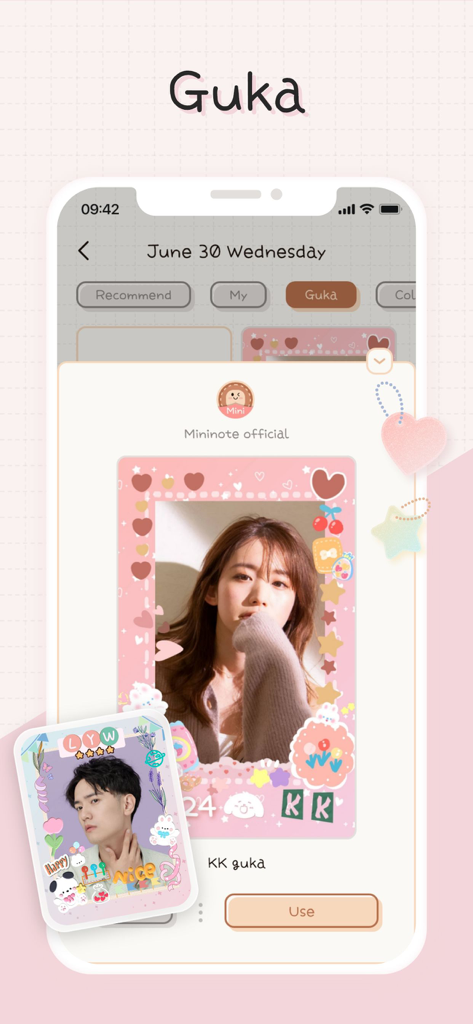
Yes, Mininote incorporates 'Guka' elements. Users can find and utilize 'Guka' within templates and customize their entries with specific 'Guka' frames and designs, as shown in the app's store.
Apps with similar features and user experience

Bloom Built Inc

EMMO Corp.

健祥 林

Beijing Burst Fruit Technology Co., Ltd

Chongqing Shuman Cultural Diffusion Co., Ltd.

佳鹏 柯
Timo Partl

Dreamkit Co., Ltd.

Solid Apps SRL