Paintstorm Studio Lite

Paintstorm Studio Lite

Download on App Store
Spark by MWM logo
Logo of Paintstorm Studio Lite
Paintstorm Studio Lite: Professional Digital Painting for the iPad Power User

Unleash the full potential of your Apple Pencil with a desktop-grade brush engine, organic bristle customization, and advanced stroke stabilization designed for serious artists.

Publisher

Sergei Komarov

Category

Entertainment

Downloads

1M+

User Rating

4.3/5

Total Ratings

1K+

Locales

1

Mastery in Every Stroke

Discover the interface used by 1M+ users.
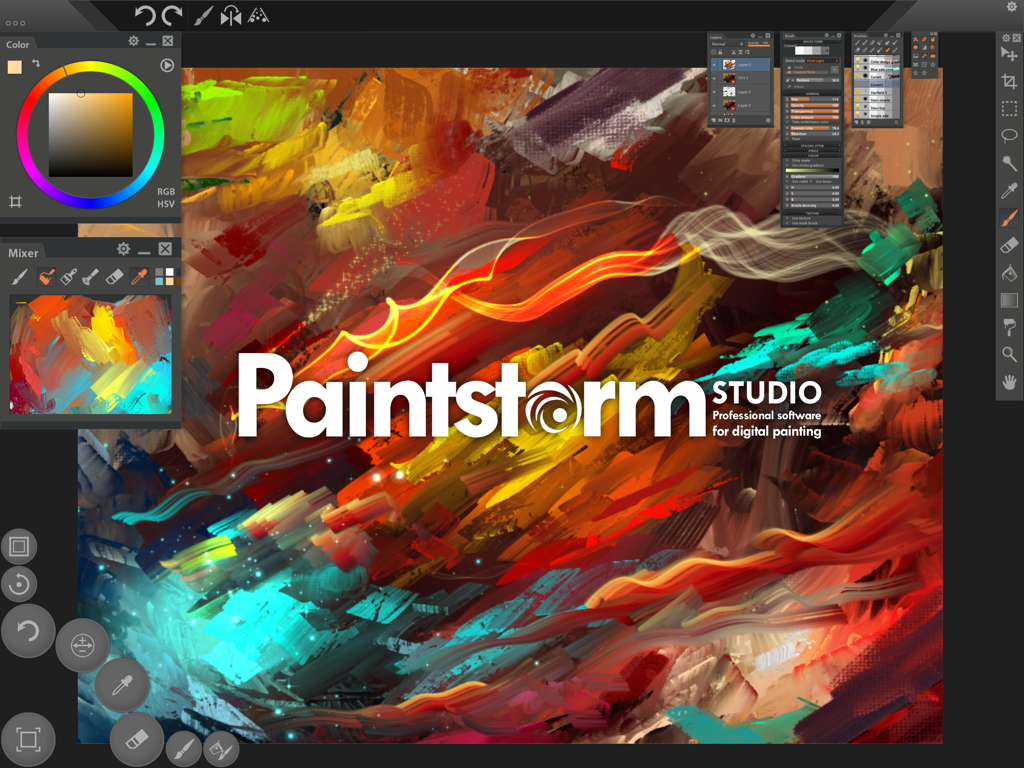
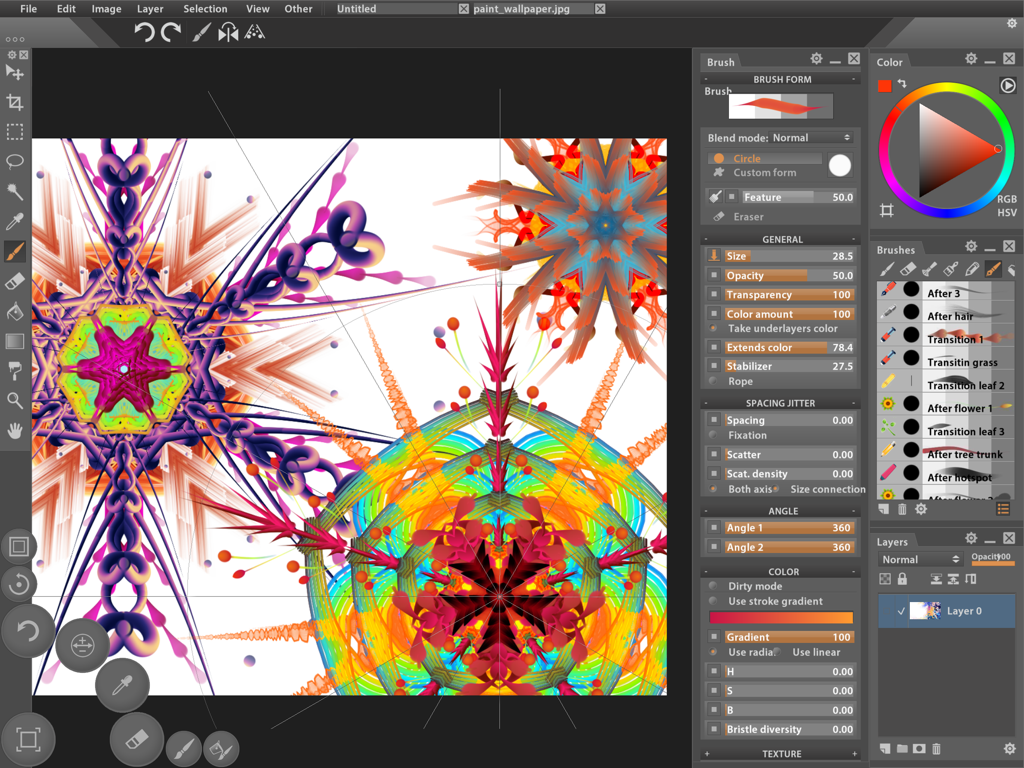
Interface of Paintstorm Studio Lite showing vibrant digital painting brushstrokes and professional artist panels

Interface of Paintstorm Studio Lite showing vibrant digital painting brushstrokes and professional artist panels

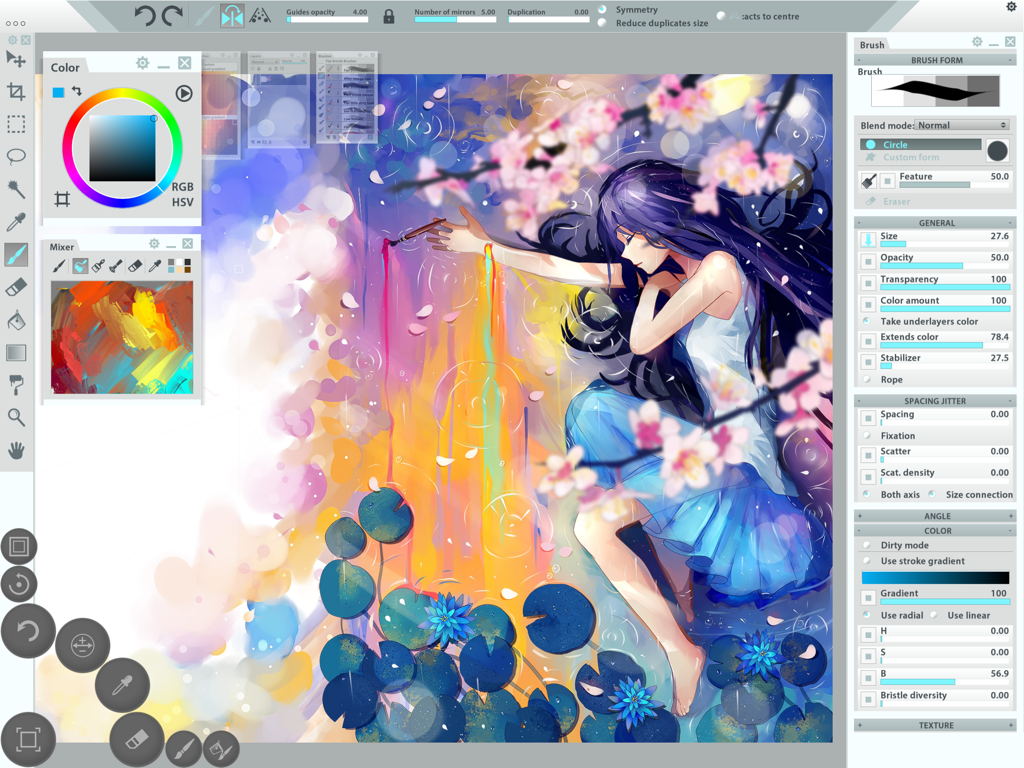
Professional digital painting interface showing advanced brush customization and symmetrical artwork

Professional digital painting interface showing advanced brush customization and symmetrical artwork

Paintstorm Studio Lite interface featuring a digital painting and advanced brush settings panels

Paintstorm Studio Lite interface featuring a digital painting and advanced brush settings panels

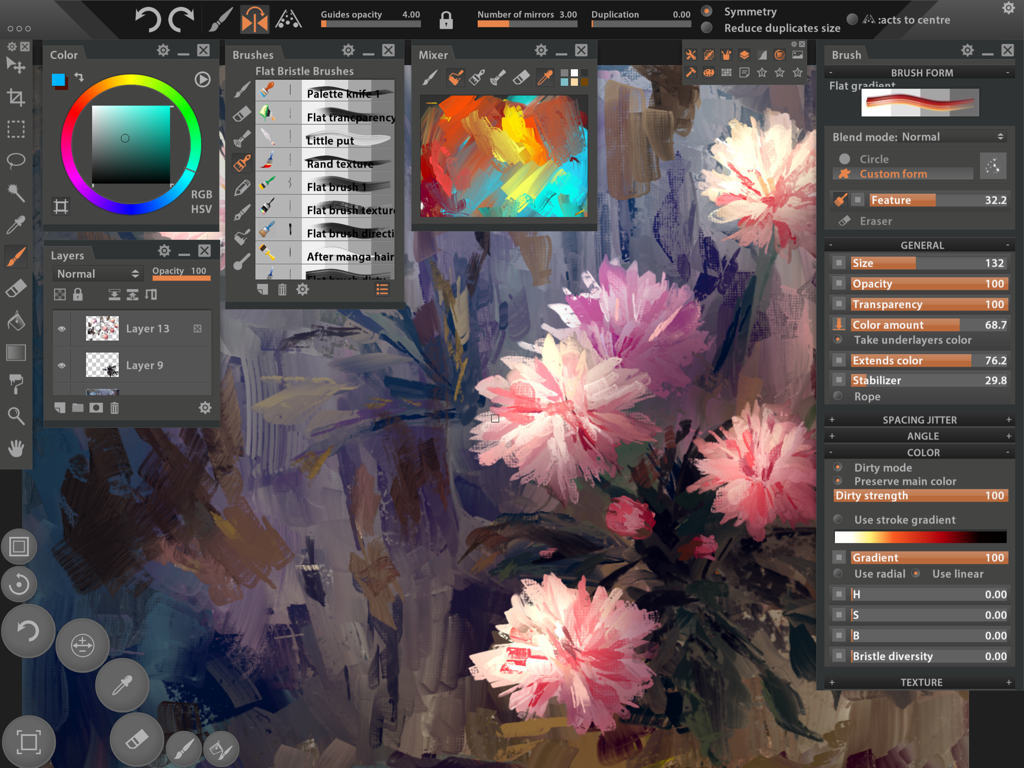
A professional digital painting workspace in Paintstorm Studio Lite showing floral artwork and complex brush customization panels on an iPad interface.

A professional digital painting workspace in Paintstorm Studio Lite showing floral artwork and complex brush customization panels on an iPad interface.

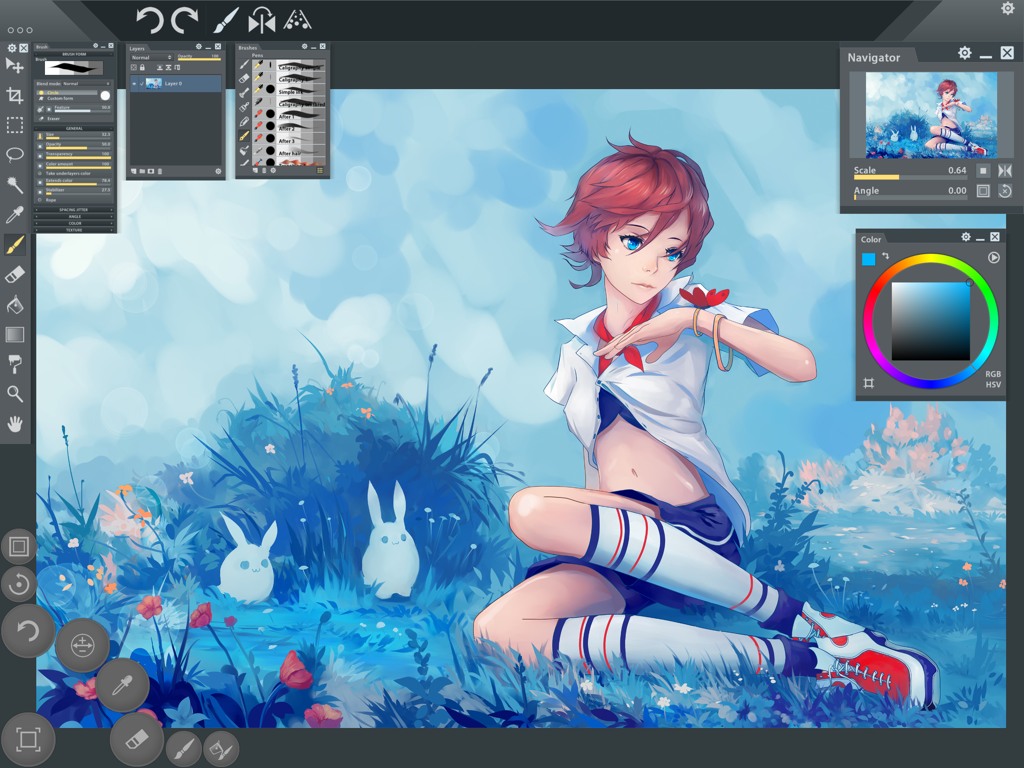
Paintstorm Studio Lite app interface showing an anime illustration with professional painting tools.

Paintstorm Studio Lite app interface showing an anime illustration with professional painting tools.

Master Your Digital Canvas

The tools that make this app stand out, trusted by 1M+ users.

🖌️

Unrivaled Brush Physics

Go beyond simple sketches with professional bristle brushes, dirty modes, and underlayer color blending that mimic the organic feel of real paint.

✍️

Pro Apple Pencil Optimization

Unleash the full potential of your hardware with specialized support for pressure, tilt, and direction to ensure every stroke is captured with precision.

⚙️

A Studio Built for You

Tinker to your heart's content with custom panels, dynamic interface scaling, and deep settings that turn your iPad into a professional workstation.

Loved by users worldwide

Trusted by 1M+ people who love this app.

"

"I've tried every drawing app on the iPad, but Paintstorm Studio Lite is the only one that gives me the desktop-grade brush customization I actually need. The ability to create custom panels and the precision of the stroke stabilizer is a game-changer for my concept art workflow. It feels like a professional workstation in my hands."

Marcus T., Concept Artist
"

"As someone who spent decades with oil paints, I was skeptical about going digital. Paintstorm’s 'Dirty Brush' mode and bristle settings are the most realistic I've found. It captures the tilt and pressure of my Apple Pencil perfectly, making the transition feel completely natural. It's my go-to for plein air sketches now."

Elena R., Fine Artist

About the app

Everything you need to know about Paintstorm Studio Lite.

Description

Paintstorm Studio is the first iOS App designed not only for simple sketches, but professional digital painting of any level, genre and technique. Paintstorm helps you to discover the magnificence and unleash the full potential of Apple Pencil and brings you to a whole new level of drawing. Creating an art masterpiece has never been so mobile. A major feature of Paintstorm Studio is the array of brushes to choose from. We did our best so that you can easily and quickly adjust the brushes suitable to your painting style. Anyone who has ever painted knows it's hard to overestimate the painting tool and the importance of all the seemingly insignificant details. We tried not to miss any of them. Our goal was to create an intuitive, simple-to-use but at the same time functionally powerful tool that brings the process of digital painting to a new level, making it as comfortable as possible. - Full control of all brush options (Incredible possibilities for brush settings) - Bristle brushes of any form and kind - Stroke post correction (You can take an action on any option. Not only on the stroke thickness) - Parameters binding to the perspective - Dynamic interface (Global interface scale, panels scale, opacity, color) - Custom panels - Full controlled mask-brush (Each brush can work as mask for other brush) - Takes underlayer's color while blending - "Close gaps" function when you fill or select - Dirty brush mode - Stroke stabilizer - Usable color mixer - Different gradient strokes - Mirror drawing - Standard tools pack (Lasso, Magic wand, Crop, Fill, Gradient and etc) - Control of the random amounts - Apple Pencil support (Pressure, Tilt, Direction) Lite version restrictions: - It is not possible to load and save psd files - A watermark is added to the picture Upgrade to the full version and get rid of the limits!

Latest Version

2.50

Size

102.9 MB

First Released

Mar 31, 2016

Unleash the Full Power of Your Apple Pencil

Experience professional-grade digital painting with unparalleled brush customization. Download Paintstorm Studio Lite and start creating your masterpiece today.

Download on App Store