
Photo Cleaner: Swipewipe




Stop stressing over "Storage Full" notifications. Turn your digital decluttering into a fun, nostalgic game where you swipe right to keep your favorite memories and left to delete the rest. Simple, satisfying, and totally aesthetic.
Publisher
Category
UtilitiesDownloads
11M+User Rating
Total Ratings
113K+Locales
34Discover the interface used by 11M+ users.
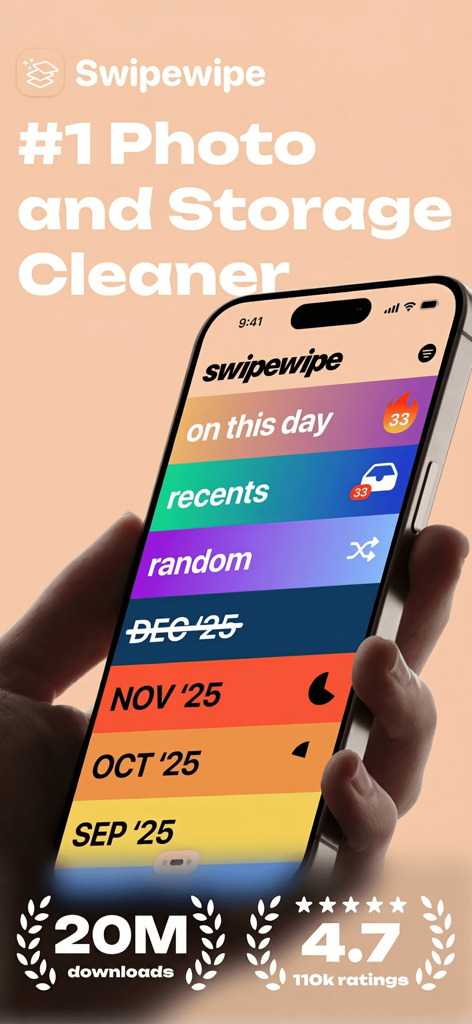





The tools that make this app stand out, trusted by 11M+ users.
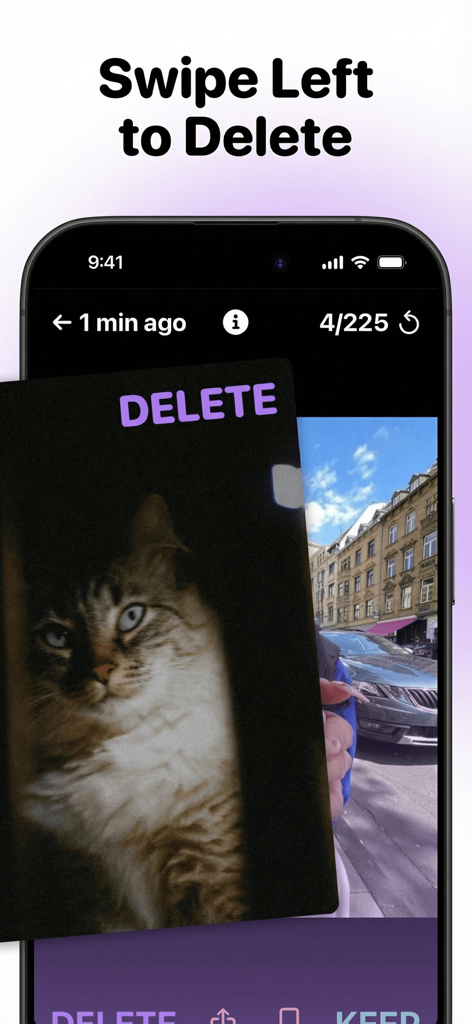
Quickly sort through thousands of photos with ease. Swipe right to keep or left to delete. It is the fastest, most addictive way to curate your gallery.
Revisit your favorite milestones with the 'On This Day' feature. Cleaning your camera roll feels like a trip down memory lane rather than a chore.
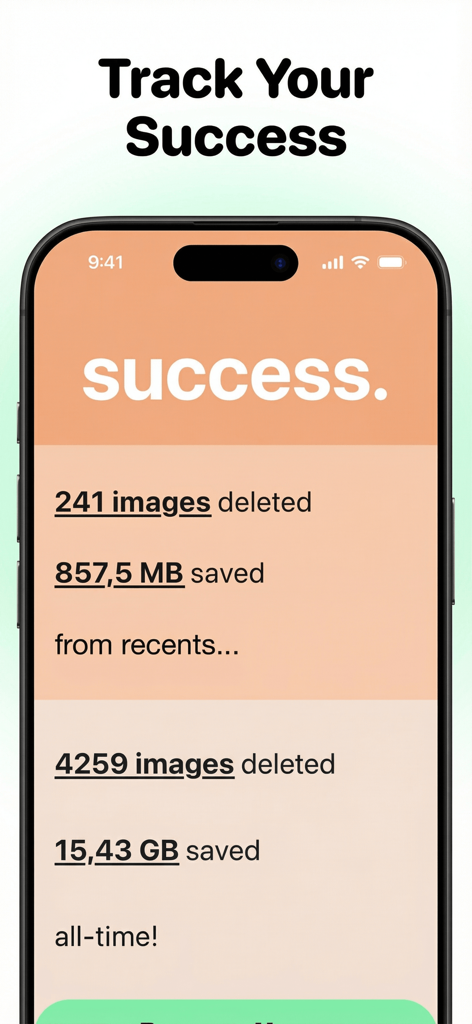
Track your progress with real-time stats and see exactly how many gigabytes you have reclaimed. Finally say goodbye to expensive cloud storage upgrades.
Trusted by 11M+ people who love this app.
"I used to dread the 'Storage Full' notification, but Swipewipe turned decluttering into my favorite nighttime ritual. It's so fun to swipe through old memories while actually making space for new ones. I cleared 20GB in just a few sittings!"
"Perfect for anyone who takes 50 photos just to get the right one for the grid. The swipe mechanic is super addictive and way faster than the default photos app. The progress tracker actually makes me want to finish cleaning my whole library."
Everything you need to know about Photo Cleaner: Swipewipe.
Description
Latest Version
3.2.43
Size
202.8 MB
First Released
Mar 5, 2022
Join over 11 million users who have turned digital decluttering into a fun daily ritual. Reclaim your gigabytes and make room for new memories—one swipe at a time.
Everything you need to know about Photo Cleaner: Swipewipe
Swipewipe is a photo cleaner app that helps users organize and declutter their camera roll by swiping photos to keep or delete. It offers features like "On This Day" and month-by-month organization.
Users delete photos in Swipewipe by swiping left on the image. Swiping left marks the photo for deletion, helping to clear space from the camera roll.
Users keep photos in Swipewipe by swiping right on the image. Swiping right saves the photo, ensuring it remains in the user's camera roll.
Yes, Swipewipe helps users relive old memories with its "On This Day" feature. This allows users to view photos from years past on the current date. The app also has an "On This Day" widget.
Yes, Swipewipe allows users to track their photo cleaning progress. The app shows statistics like the number of images deleted and the amount of memory saved, both for recent activity and all-time.
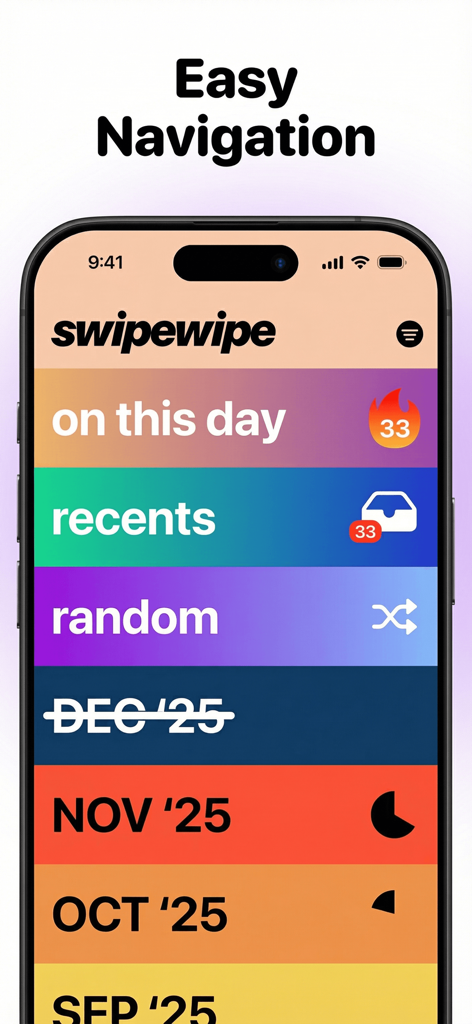
Swipewipe offers easy navigation through "On This Day", "Recents", "Random", and month-by-month views. Users can tap to go back or hold for photo metadata.
Yes, Swipewipe can create videos from photos. The app includes a feature to "Create a Supercut video from your pics."
Yes, Swipewipe offers photo enhancement features. Users can enhance their photos directly within the app.
Swipewipe organizes photos chronologically using its "Month-by-Month" feature. This allows users to review and manage their photos based on when they were taken.
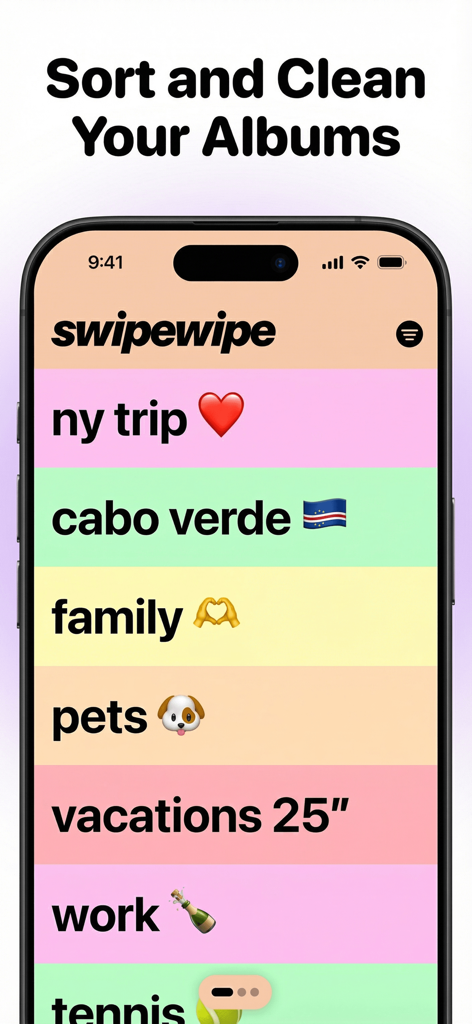
Yes, Swipewipe allows users to sort and clean their albums. The app displays various album categories such as "ny trip", "family", and "vacations".
Apps with similar features and user experience

CleverFiles Inc.

Slidebox LLC

Picnic Ventures Ltd

VIBE WITH ME LTD

AEGIS SOLUTIONS PRIVATE LIMITED

DEEP FLOW SOFTWARE SERVICES - FZCO

GM UniverseApps Limited

GRIMLAX TRADE,S.L.

XSTUDIOS BILISIM TEKNOLOJILERI REKLAMCILIK ANONIM SIRKETI
