Protractor for Angle Measuring


Transform your iPhone into a high-accuracy measurement tool. Effortlessly assess angles in real-time via camera, photos, or touch—engineered for architects, contractors, and DIY experts.
Publisher
Category
UtilitiesDownloads
115K+User Rating
Total Ratings
400Locales
1Discover the interface used by 115K+ users.
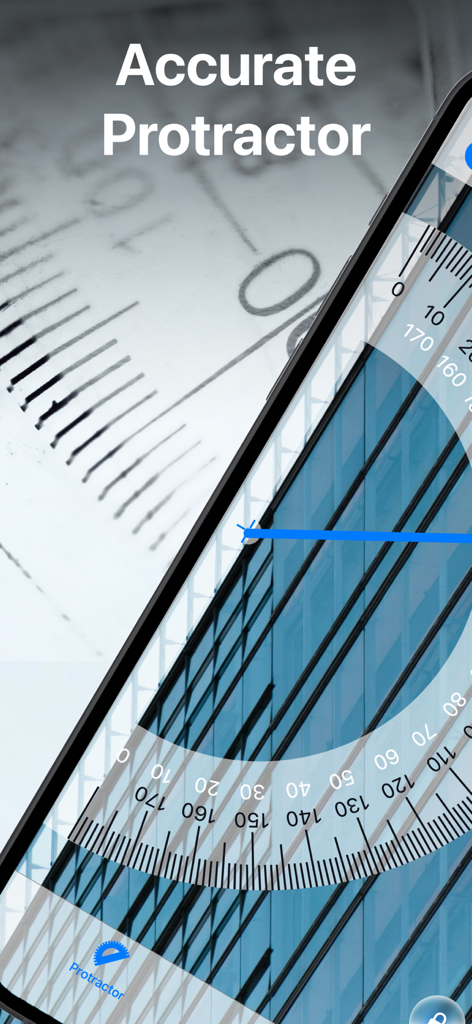
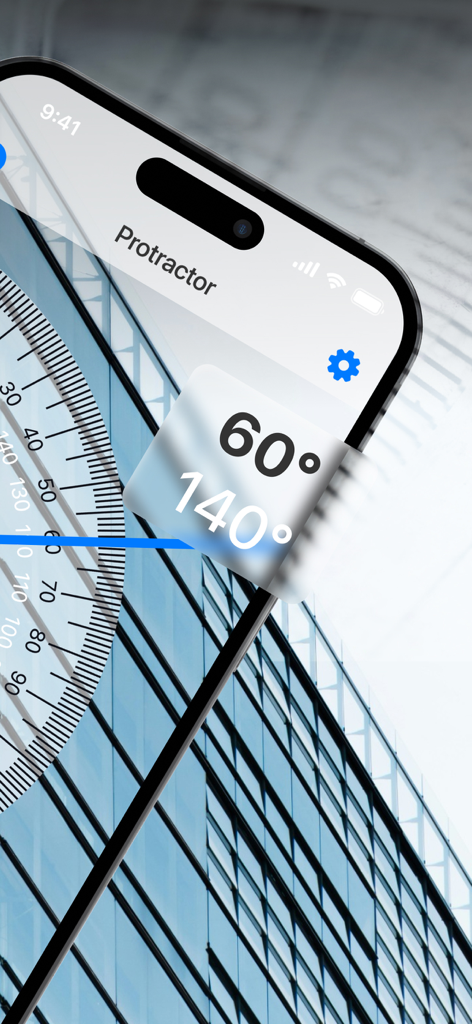
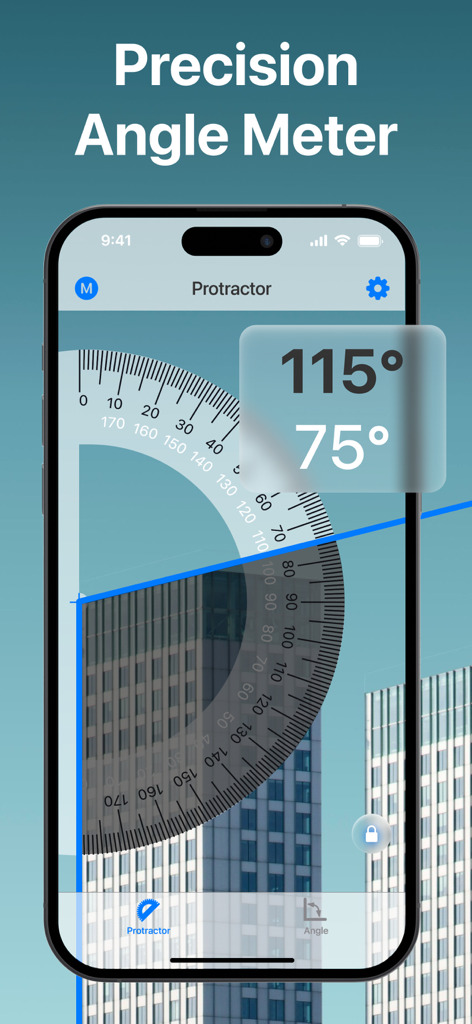
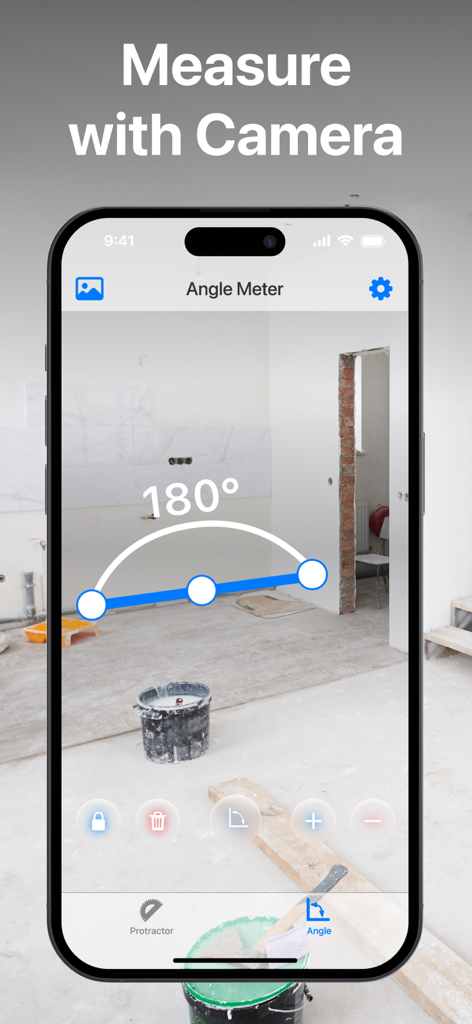
The tools that make this app stand out, trusted by 115K+ users.
Point, tap, and measure. Use your camera to capture real-time angles of any structure or object without physical contact.
Achieve perfect verticality. Use the built-in pendulum to determine precise tilt and level for cabinetry, art, or construction.
Snap a picture and measure multiple angles at once. Ideal for documenting project specs and sharing measurements with contractors.
Trusted by 115K+ people who love this app.
"As an architect, I am often on-site without my full kit. This app is a lifesaver for quick assessments. Being able to snap a photo and measure multiple angles simultaneously is a game-changer for my workflow and documentation."
"I have been using this for a weekend shelving project, and the accuracy is spot on. The plumb bob feature helped me get everything perfectly level without digging through my messy garage for my old physical tools."
Everything you need to know about Protractor for Angle Measuring.
Description
Latest Version
1.1.3
Size
110.2 MB
First Released
Mar 22, 2024
Join over 115,000 architects and DIY enthusiasts. Download the ultimate angle expert today and transform your iPhone into a professional-grade measuring tool.
Everything you need to know about Protractor for Angle Measuring
Protractor for Angle Measuring transforms your iPhone into a precision angle tool. It measures angles effortlessly using intuitive touch and camera modes, providing real-time assessments or measurements from photos.
Yes, the Protractor app allows angle measurement directly from photos. It also offers real-time angle assessment using the device's camera for immediate feedback.
Yes, Protractor for Angle Measuring supports the simultaneous measurement of unlimited angles. This feature allows users to assess multiple angles efficiently within the app.
Yes, the Protractor app allows for tool color customization. This feature enhances visual convenience and personalizes the user interface for angle measurement.
Yes, Protractor for Angle Measuring is ideal for architects and other professionals. It provides quick, reliable, and precise angle assessments for various practical applications.
The "Touch Measure" function in Protractor allows users to define angles by tapping the screen. It integrates with the camera view for precise, on-screen angle setting.
The "Plumb Bob Pendulum" feature in Protractor determines the tilt of surfaces. Users must calibrate this tool to ensure accurate and reliable measurements.
Yes, Protractor for Angle Measuring includes additional tools. The app features a Ruler and a Level, accessible from its bottom menu, alongside its core angle measurement functions.
Apps with similar features and user experience