
Reader+
Pearson Education, Inc. (Curriculum Group)



Experience a seamless, interactive way to learn with Pearson. Access your books offline, watch integrated multimedia, and stay organized with smart note-taking on any device.
Publisher
Category
EducationDownloads
300K+User Rating
Total Ratings
9K+Locales
16Discover the interface used by 300K+ users.
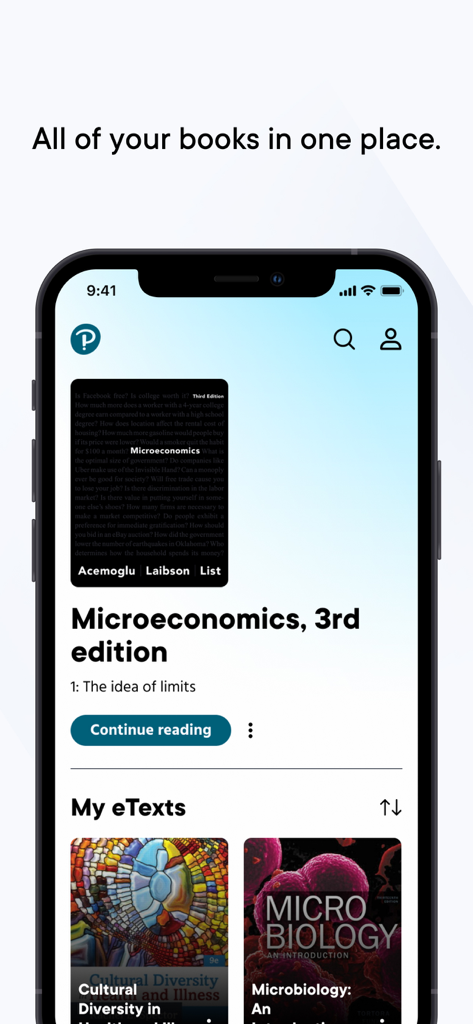
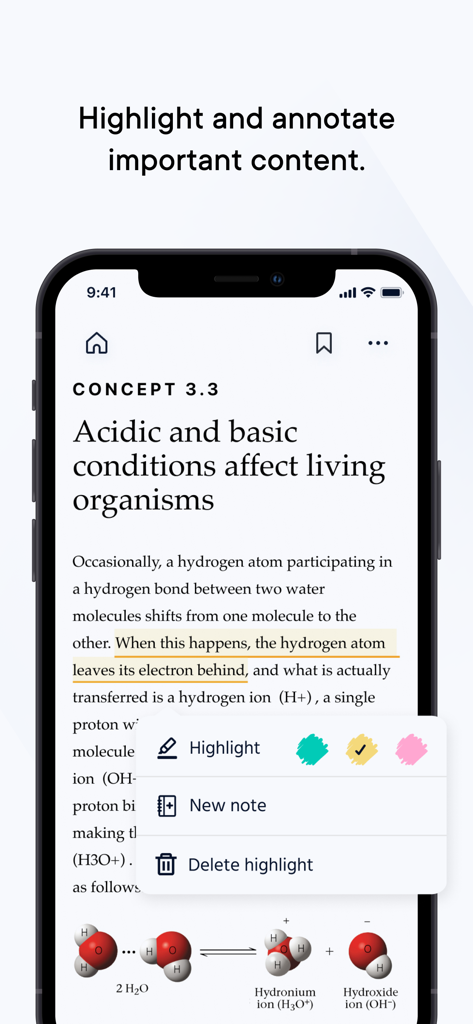
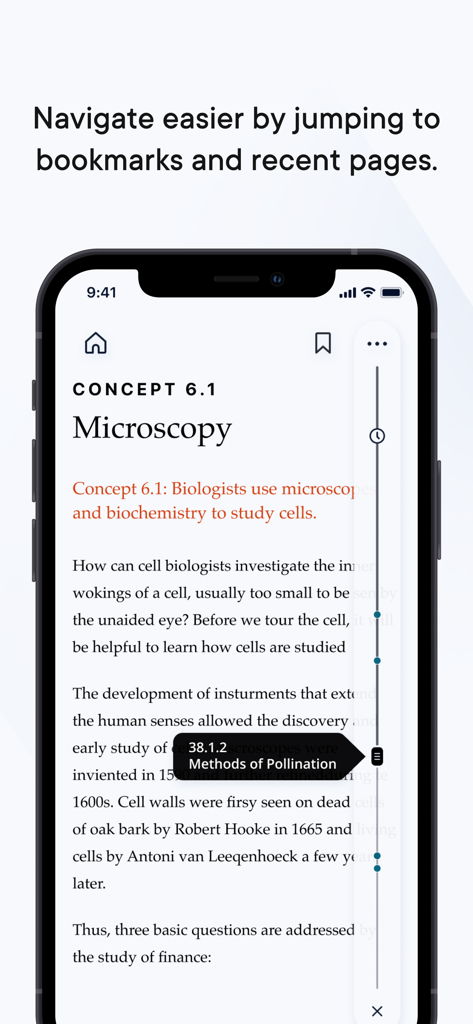
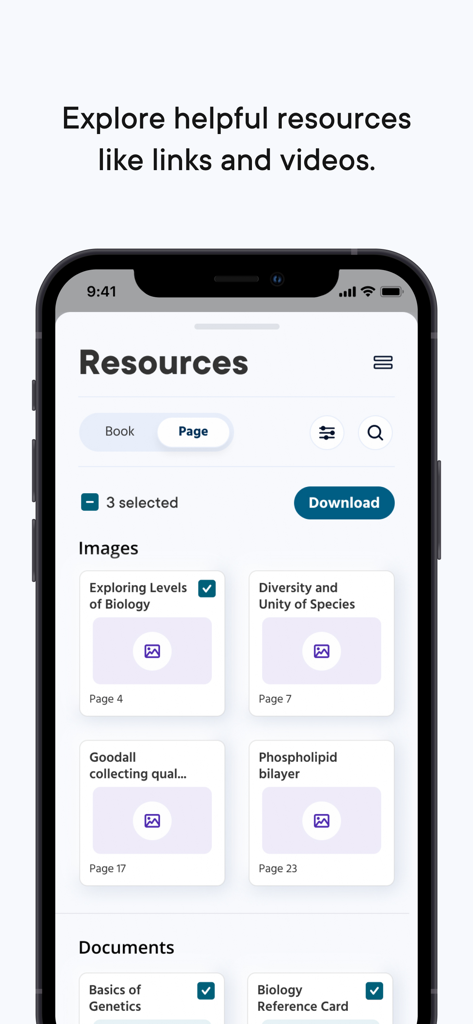
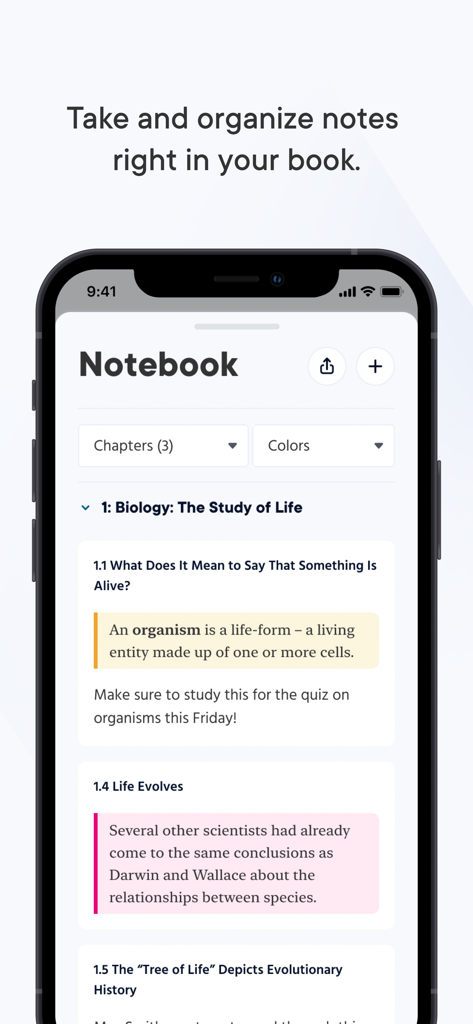
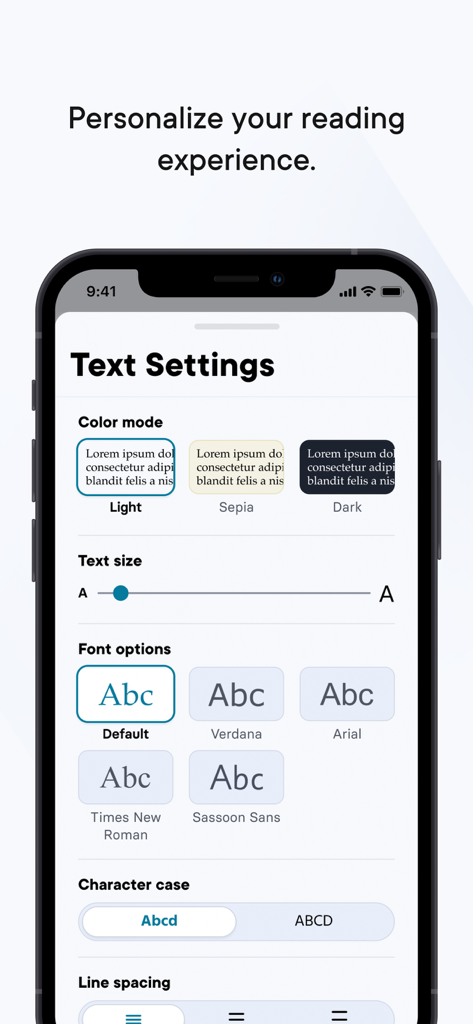
The tools that make this app stand out, trusted by 300K+ users.
Download your textbooks and keep learning on the bus, in the park, or anywhere Wi-Fi can't reach with full offline access.
Highlight key concepts and take notes that sync instantly across your devices, ensuring your study guides are always exam-ready.
Go beyond static text with integrated videos and interactive quizzes designed to help you grasp complex topics faster.
Trusted by 300K+ people who love this app.
"The offline mode is a game changer for studying on the train between classes. I no longer have to carry heavy textbooks across campus, and having all my Pearson materials in one visual bookshelf makes staying organized so much easier for my finals."
"The interactive multimedia and card view for resources are exactly what I needed to stay engaged. Being able to watch a video explanation immediately after reading a chapter helps me actually understand the material rather than just memorizing it for the test."
Everything you need to know about Reader+.
Description
Latest Version
4.7.0
Size
515.1 MB
First Released
Nov 14, 2015
Stop carrying heavy textbooks and start studying smarter. Download Reader+ to access your Pearson materials, interactive activities, and notes anywhere—even offline.
Everything you need to know about Reader+
Reader+ is an app designed for navigating, reading, taking notes, and saving bookmarks in your books. It supports integrated multimedia and interactive activities to enhance learning.
Yes, Reader+ works seamlessly online and offline. This allows users to focus on reading and activities without needing an internet connection.
Yes, Reader+ integrates multimedia and interactive activities. This enhances and extends the learning experience for users.
Reader+ allows personalization through 'Text Settings'. Users can adjust color mode (Light, Sepia, Dark), text size, font options (e.g., Arial, Verdana), character case, and line spacing.
Yes, Reader+ enables users to highlight important content and take notes directly within their books. It also provides tools to organize these notes.
Yes, Reader+ includes better support for accessibility. This ensures a more inclusive reading experience for all users.
Reader+ features a new card view in the Resource Panel to visually find and interact with supplemental resources. These resources can include images, documents, links, and videos.
Reader+ features a new interface for navigation and allows users to jump to bookmarks and recent pages. It also provides an updated bookshelf to easily find books.
Top-ranked apps in the same category

Duolingo, Inc

DEEP FLOW SOFTWARE SERVICES - FZCO

Wuhan Jiakaobaodian Information Service Co., Ltd.

Toca Boca AB

Google LLC

Guangzhou Polar Future Culture Technology Co., Ltd

Student Information Consultation Service Co., Ltd.

GAUTHTECH PTE. LTD.

Aleksandr Ulitin