
Rx Drone



Transform your favorite toy drone into a high-tech explorer. Stream live video directly to your screen, capture stunning aerial snapshots, and record every backyard adventure to share with friends and family.
Publisher
Category
EntertainmentDownloads
426K+User Rating
Total Ratings
400Locales
12Discover the interface used by 426K+ users.
The tools that make this app stand out, trusted by 426K+ users.
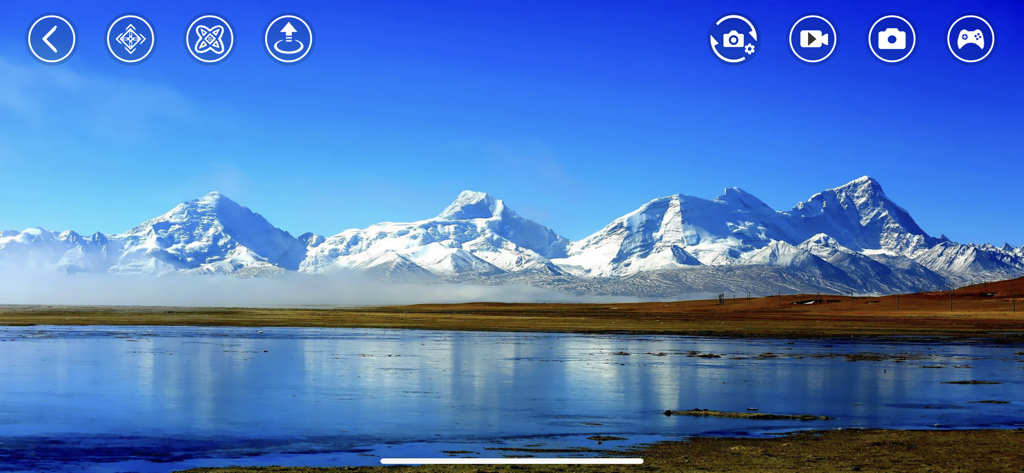
Experience the thrill of flight with a live First-Person View. Watch your drone's perspective in HD directly on your screen as you navigate your backyard or the park.
Snap high-angle photos or record aerial videos with one tap. Media is saved directly to your mobile album, making it easy to share your adventures on TikTok or Instagram.
Skip the complex setups. Connect your device via WiFi to gain intuitive flight controls and an immersive full-screen display designed for pilots of all ages.
Trusted by 426K+ people who love this app.
"I bought a budget drone for my son's 10th birthday and Rx Drone made the setup a breeze. Seeing his face light up when the live video feed hit my iPhone was priceless. It turns a simple toy into a real high-tech adventure for the whole family!"
"The FPV mode is sick! I love flying over the backyard and getting snapshots of the roof from the air. It is so easy to save the videos directly to my camera roll and post them to my Reels. Definitely the best way to level up a basic drone."
Everything you need to know about Rx Drone.
Description
Latest Version
2.1.4
Size
129.7 MB
First Released
Jan 17, 2016
Download Rx Drone now to transform your toy into a high-tech explorer. Start streaming live video and capturing epic aerial snapshots directly to your phone.
Everything you need to know about Rx Drone
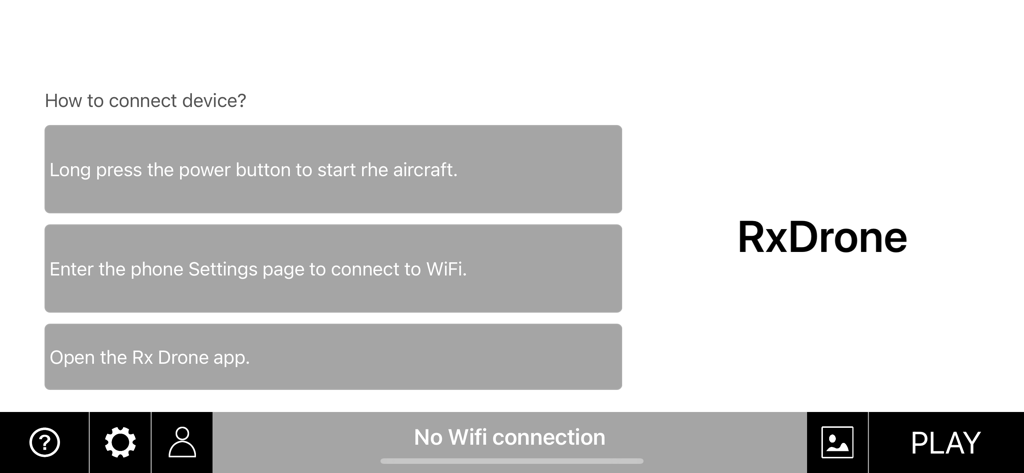
Yes, to connect your device to Rx Drone, long press the aircraft's power button, connect your phone to its WiFi in settings, then open the Rx Drone app.
Yes, the Rx Drone app can control a compatible toy or aircraft via a WIFI connection. This is a core function of the application.
Yes, the Rx Drone app allows users to play video streams directly from the toy. It also supports full-screen video playback.
Yes, the Rx Drone app allows users to get a snapshot from the video feed. These snapshots can then be saved directly into the app's album.
Yes, the Rx Drone app has recording capabilities. It displays the recording time and saves the recorded files directly into the app's album.
Yes, Rx Drone includes an album feature. Users can browse saved pictures and play recorded video files directly within this in-app album.
The Rx Drone app indicates a lost Wi-Fi connection by displaying a "No Wifi connection" message prominently on the screen, prompting the user to reconnect.
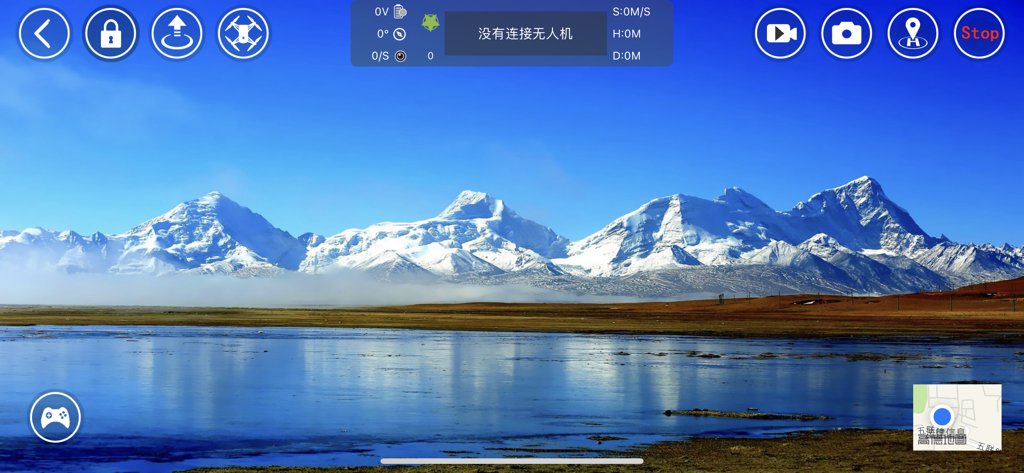
Yes, the Rx Drone app provides controls for drone movement and orientation, including options for locking, rotation, and flipping.
Yes, Rx Drone displays flight metrics. The app shows indicators for speed (S:0M/S), flight time (H:0M), and distance (D:0M) in the top central part of the interface.
Yes, the Rx Drone app includes a mini-map feature, typically located in the bottom-right corner, allowing users to view their drone's location.
Apps with similar features and user experience

Dronelink LLC
VC TECHNOLOGY LTD
SMART WIDGET LABS COMPANY LIMITED

SZ DJI TECHNOLOGY CO., LTD

Robert Ronash

Parrot
文 张

SHENZHEN TZH ELECTRONICS TECHNOLOGY CO., LTD

SZ DJI TECHNOLOGY CO., LTD