
SECOM Safety confirmation



Ensure the safety of your employees with real-time reporting and instant disaster notifications. The essential tool for modern corporate duty of care and business continuity.
Publisher
Category
BusinessDownloads
3M+User Rating
Total Ratings
700Locales
2Discover the interface used by 3M+ users.
The tools that make this app stand out, trusted by 3M+ users.
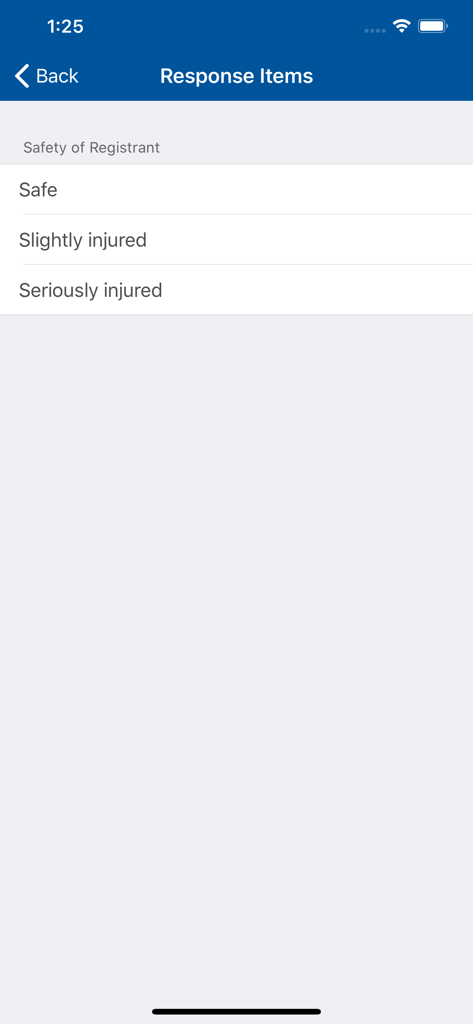
Provide your status in seconds during emergencies, ensuring your organization knows you are safe without the stress of complex forms.
Receive immediate alerts and check-in requests even during high-traffic disasters, so you never miss a vital communication from your team.
Empower administrators with high-priority menus to coordinate response efforts and monitor team safety in real-time.
Trusted by 3M+ people who love this app.
"Managing safety for a team of over 200 people used to be a logistical nightmare during disaster drills. This app has completely changed that. The push notification system is incredibly reliable, and the ability to see real-time safety reports allows us to maintain our Duty of Care without the old-fashioned manual check-ins. It is an essential tool for our Business Continuity Plan."
"I work in an area prone to severe weather, and having this app on my phone provides a genuine sense of security. In a high-stress situation, you need something that works instantly. The interface is clean and functional—no fluff, just the critical features needed to report my status. It gives me peace of mind knowing my employer is looking out for us."
Insights from user reviews.
Sentiment Score
Summary
This app receives overwhelmingly negative feedback, primarily due to its poor functionality and frustrating user experience. Users frequently report issues with notifications not being delivered, difficulties with login and account management—especially after device changes—and a generally clunky interface. Many express resentment over being forced to install and use the app by their employers, questioning its necessity and reliability during actual emergencies. Additionally, several users experienced performance issues such as the app freezing or failing to open, and a lack of multilingual support is a notable complaint.
Common Themes
Everything you need to know about SECOM Safety confirmation.
Description
Latest Version
1.5.1
Size
5.5 MB
First Released
Apr 6, 2020
Join over 3 million professionals using SECOM to ensure workplace safety and seamless emergency reporting. Download now and stay connected to your team during critical events.
Everything you need to know about SECOM Safety confirmation
The SECOM Safety confirmation app allows users to report their safety status during disasters. It also enables receiving push notifications for safety confirmation if their corporation has applied for the service.
The SECOM Safety confirmation app is for users issued by corporations that have contracts with SECOM Trust Systems Co., Ltd. for specific services, such as SECOM Safety Confirmation Service.
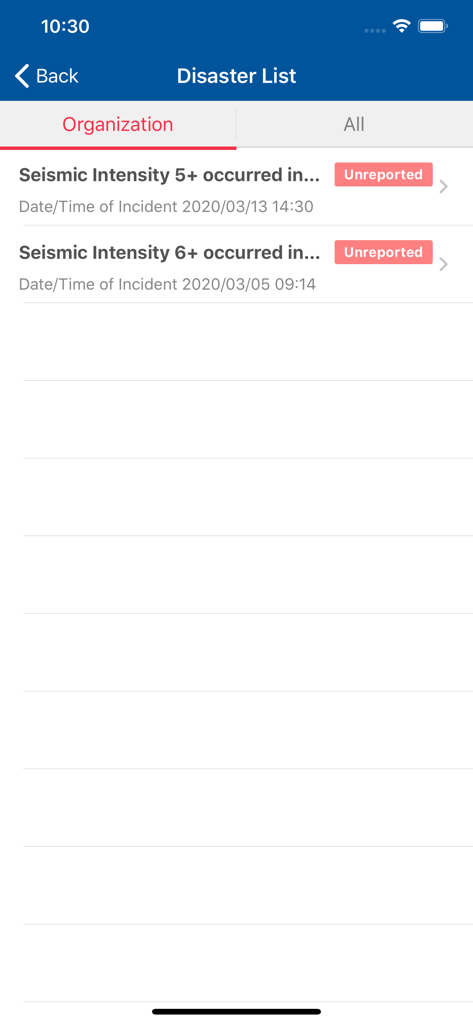
Users can report their safety status directly within the SECOM Safety confirmation app when subject to safety confirmation. They can also do this from the disaster list.
Yes, users of the SECOM Safety confirmation app can receive Push notifications for safety confirmation. This requires the user's corporation to have applied for this service from SECOM Trust Systems Co., Ltd.
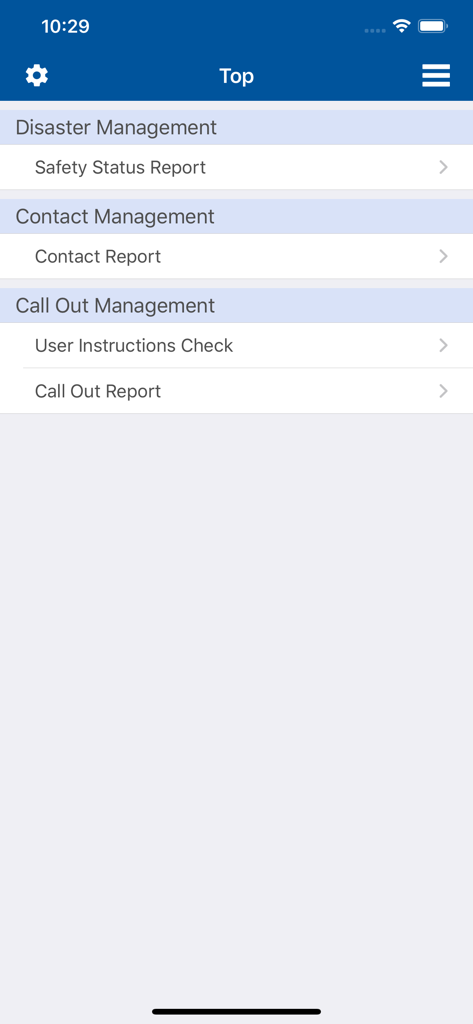
The SECOM Safety confirmation app supports SECOM Safety Confirmation Service, SECOM Emergency Contact Service, and SECOM Emergency Call Out Service.
Yes, the SECOM Safety confirmation app includes an administrator function. Users assigned to a group for administrator Push notifications can receive and access an administrator menu.
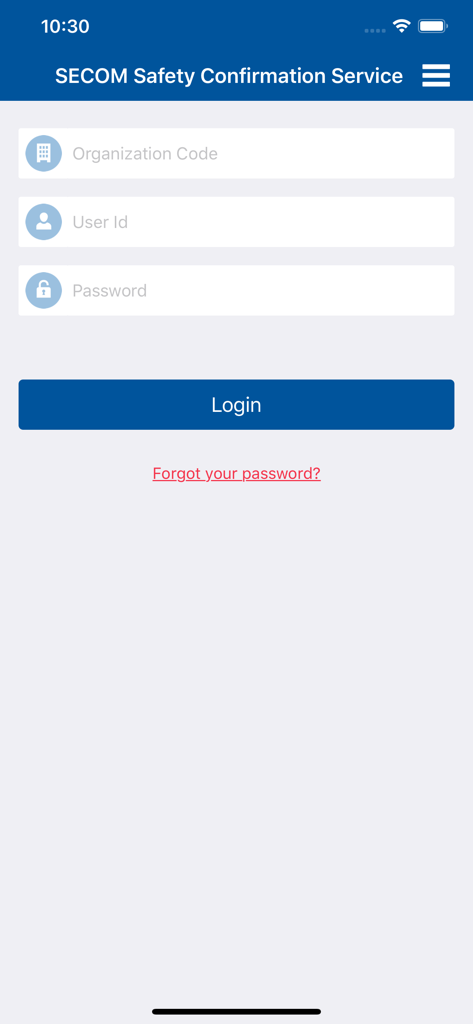
Users log in to the SECOM Safety confirmation app using an Organization Code, User Id, and Password. Options for Biometric Login and One-time password Login are also available.
Yes, users can browse a list of disasters subject to safety confirmation within the SECOM Safety confirmation app. They can then report their safety status directly from this list.
Apps with similar features and user experience

Alert Media LLC

ENJAD ASSOCIATION FOR SEARCH AND RESCUE

RAPTOR TECHNOLOGIES, LLC

Pascal Corporation

TOYOKUMO, Inc.

INFOCOM CORPORATION
Everbridge, Inc.

Correctional Psychiatric Services, P.C.