
Simple Quran



Experience the sacred text through a clean, distraction-free interface. Designed for clarity and spiritual focus, it is the neatest way to stay connected to your faith on your favorite devices.
Publisher
Category
BooksDownloads
929K+User Rating
Total Ratings
200Locales
3Discover the interface used by 929K+ users.
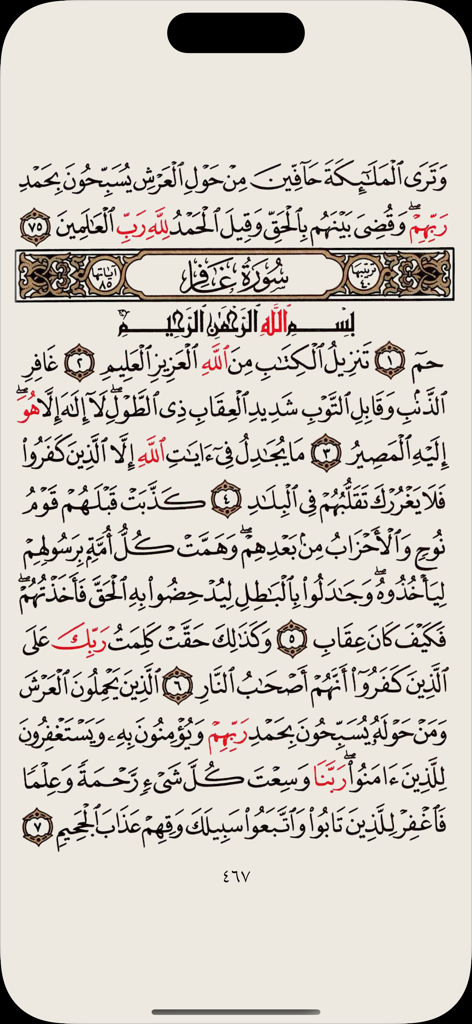
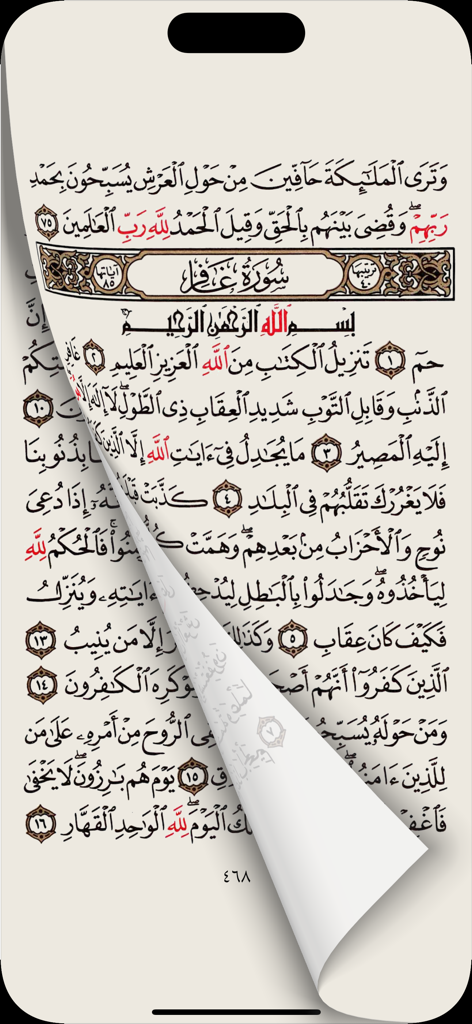
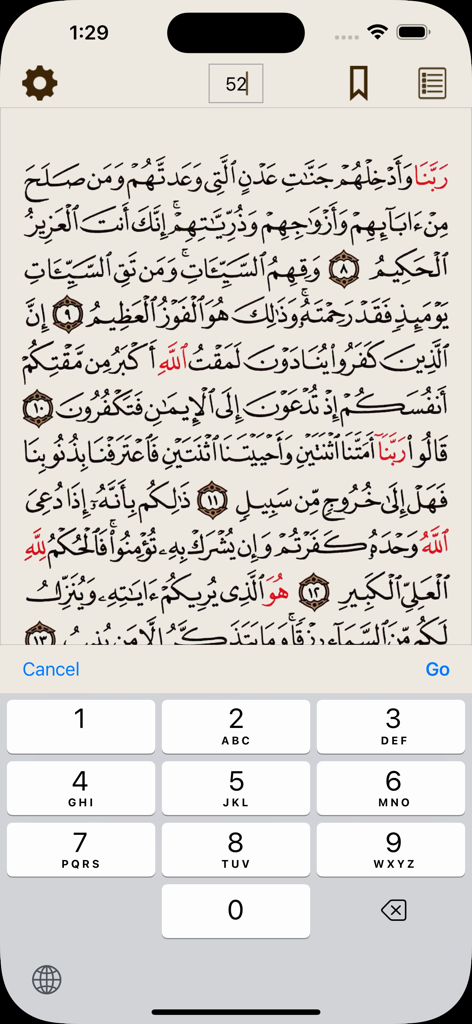
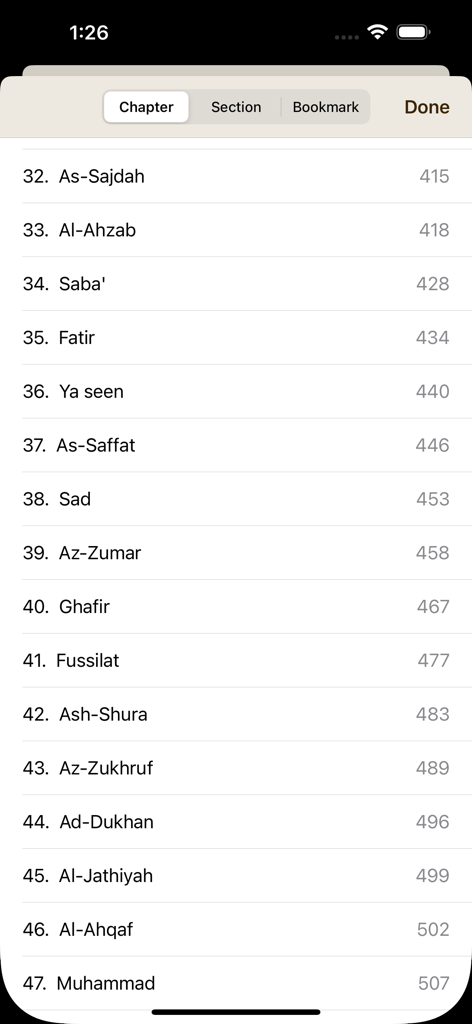
The tools that make this app stand out, trusted by 929K+ users.
A clean, 'neat' interface with zero ads or complex menus, allowing you to focus entirely on your spiritual connection.
Beautifully rendered digital text designed for clarity on all iOS devices, making extended reading sessions gentle on your eyes.
Designed for the busy professional and student, our lightweight app lets you jump into your daily recitation in seconds.
Trusted by 929K+ people who love this app.
"Finally, a Quran app that respects my focus. The design is incredibly clean, and there are no distracting ads or unnecessary features. It is my go-to for daily reading because it feels so light and intuitive on my iPhone."
"I love how polished and 'Apple-like' this app feels. The typography is beautiful and easy on the eyes, making it perfect for long reading sessions before bed. It is the most comfortable digital Quran experience I have found."
Everything you need to know about Simple Quran.
Description
Latest Version
2.2.15
Size
665.2 MB
First Released
Apr 24, 2018
Join nearly a million users finding peace through a minimalist, Apple-inspired reading experience. Download Simple Quran today.
Everything you need to know about Simple Quran
The Simple Quran app is an iOS application designed for easy and comfortable reading of the Quran.
The Quran text provided within the Simple Quran app originates from deencast.com.
Yes, Simple Quran is an iOS app, specifically designed for Apple devices.
Users can navigate to a specific page in Simple Quran by tapping the page number icon, entering the desired page number, and pressing "Go."
Yes, the Simple Quran app allows browsing by chapter. Users access a list of chapters with their corresponding page numbers from the navigation menu.
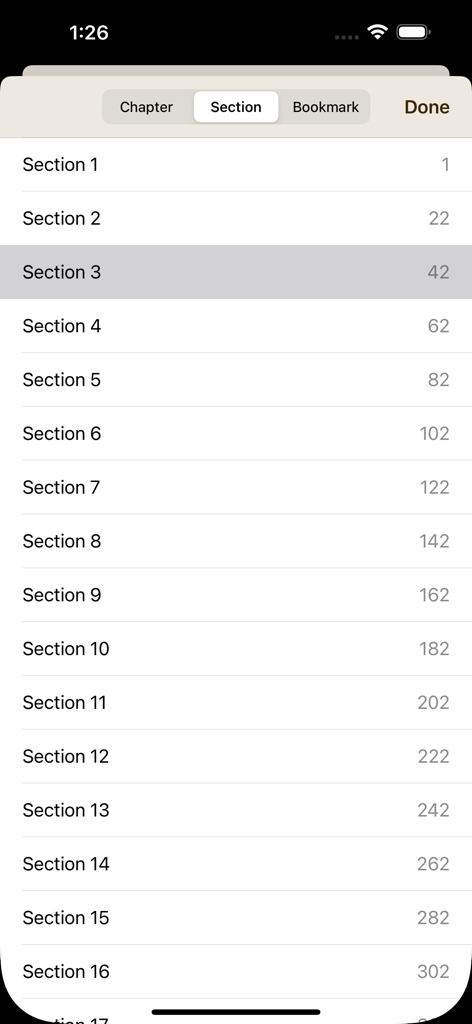
Yes, the Simple Quran app supports navigation by section. Users select the "Section" tab to view a list of numbered sections and their starting pages.
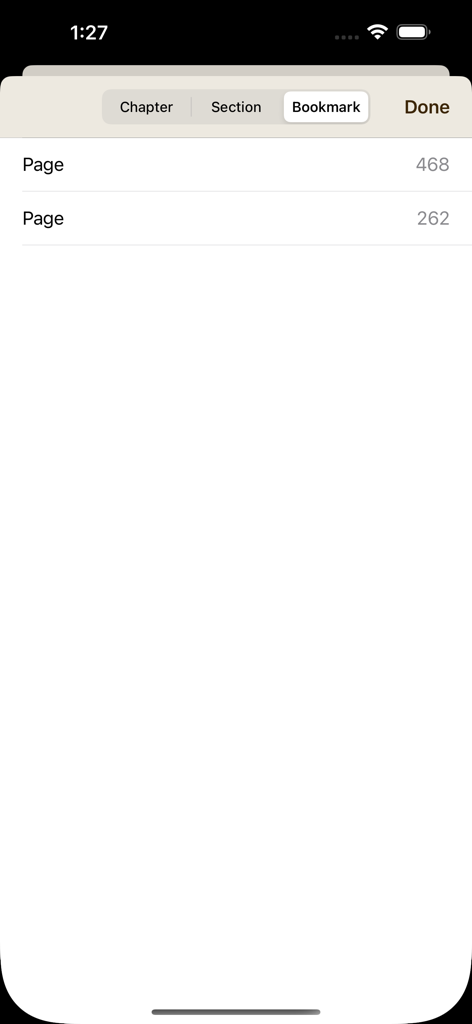
Users access their saved bookmarks in the Simple Quran app by selecting the "Bookmark" tab within the navigation menu. Bookmarked pages are listed there.
Apps with similar features and user experience

Hayrat Nesriyat

Bustomi .

Digital Ummah Pty Ltd

Yutaka Tsutano

Maher Al Masri

Maher Al Masri

FanzeTech

Omran Adam