
Smart Security Camera App



Eliminate app fatigue by connecting all your WiFi and IP cameras into one streamlined hub. Stream live footage, manage multiple brands with ease, and secure your home from anywhere.
Publisher
Category
UtilitiesDownloads
361K+User Rating
Total Ratings
3K+Locales
9Discover the interface used by 361K+ users.
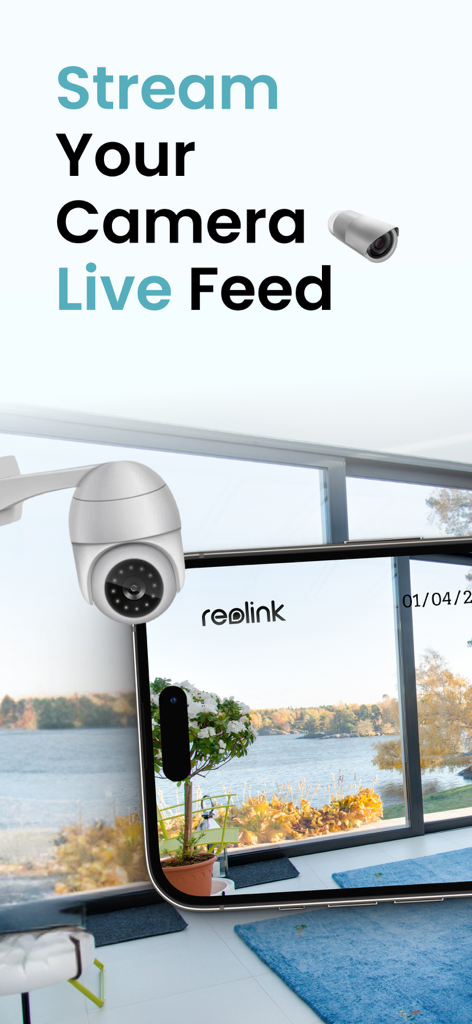
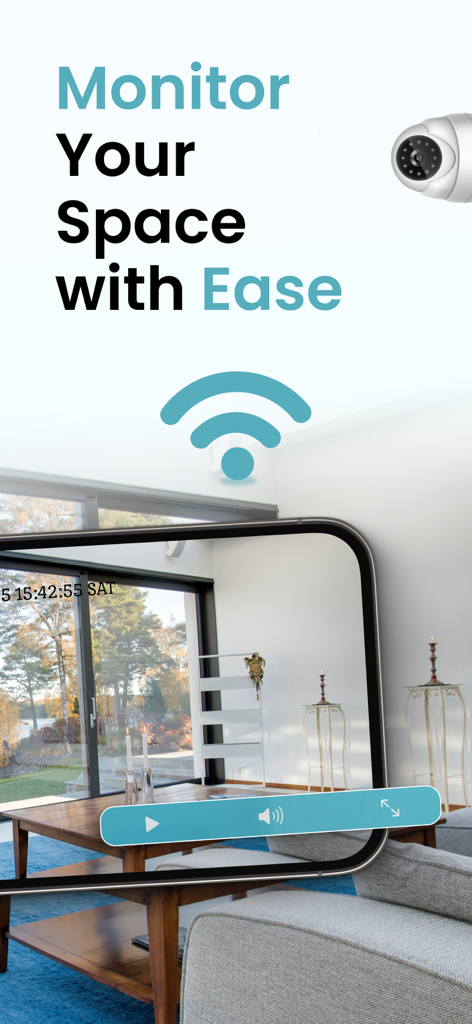
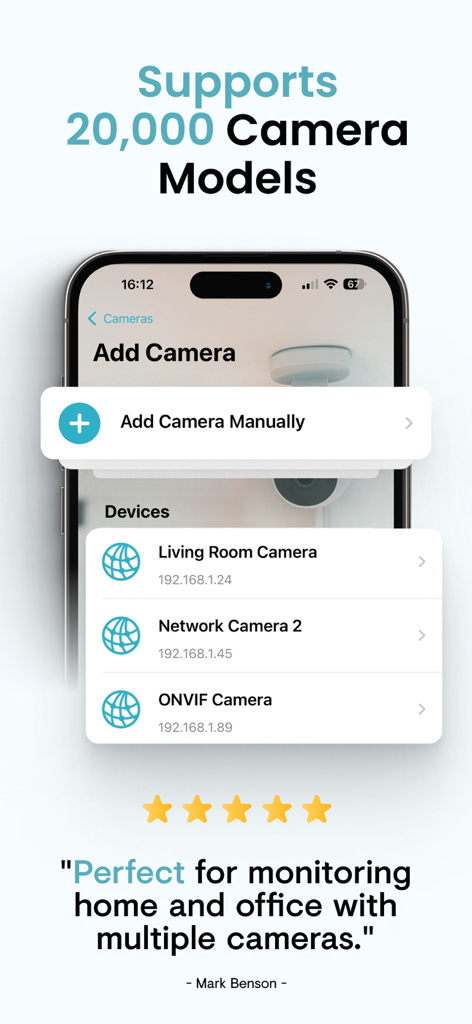
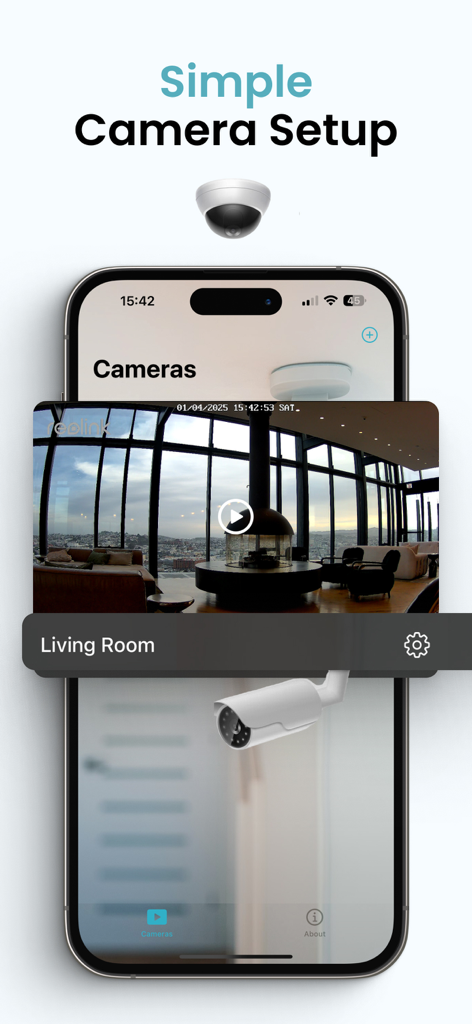
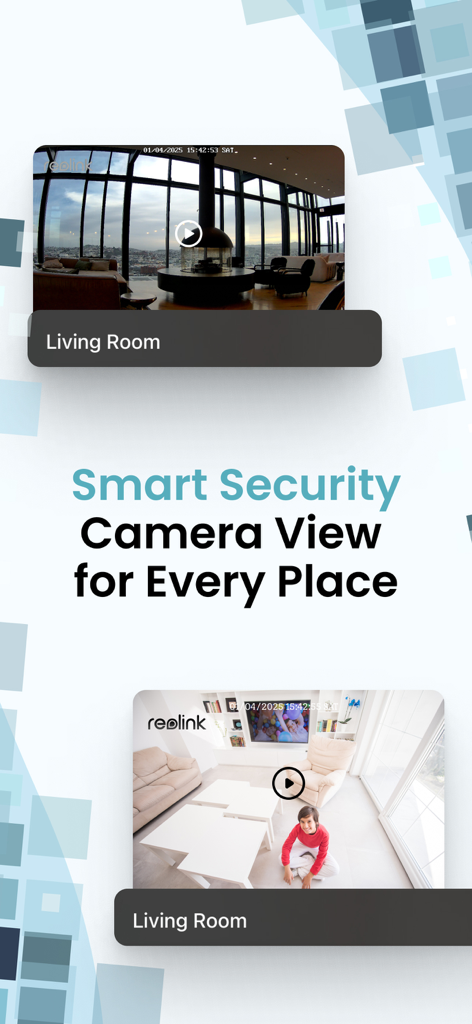
The tools that make this app stand out, trusted by 361K+ users.
End app fatigue by consolidating different brands into one hub. Using the ONVIF standard, we connect to your Reolink, Tapo, and generic cameras instantly.
Give your budget hardware a high-end upgrade. Experience a clean, intuitive design that makes monitoring your home as easy as checking the weather.
Perfect for busy pet parents and homeowners. Stream live footage from anywhere and stay connected to what matters most with just a tap.
Trusted by 361K+ people who love this app.
"Finally, I can see my living room and the backyard cameras in one place! I have two different camera brands, and this app connects them perfectly. It's so much easier to check on my puppy during my lunch break without switching back and forth between glitchy apps."
"The best universal viewer I've found. Setting up my IP cameras via ONVIF was seamless. The interface is clean and way more responsive than the apps that came with my hardware. It gives me real peace of mind knowing I can monitor my shop and my home from a single dashboard."
Insights from user reviews.
Sentiment Score
Summary
This mobile app receives overwhelmingly negative feedback, with a significant number of users labeling it as a 'scam' or 'fake' and mistaking it for official camera applications like Tapo or EZVIZ. Many reviewers report being charged for expensive subscriptions upfront, often citing amounts like £50 or €59.99, only to find that the app fails to connect to their cameras or does not function as expected. Common complaints include difficulties with camera setup, a complete lack of customer support, and the inability to cancel subscriptions or obtain refunds. A small number of positive reviews exist, offering generic praise for the app's functionality, ease of use, or simply expressing general satisfaction.
Common Themes
Everything you need to know about Smart Security Camera App.
Description
Latest Version
1.7.7
Size
71.8 MB
First Released
Jan 8, 2025
Join over 300,000 users who have eliminated app fatigue. Connect your WiFi cameras in minutes and start monitoring what matters most with the ultimate universal security hub.
Everything you need to know about Smart Security Camera App
The Smart Security Camera App allows users to stream live footage from WiFi security cameras, manage multiple IP cameras, and monitor their space remotely. It provides control and peace of mind.
The Smart Security Camera App supports 20,000 camera models. It utilizes the ONVIF standard to ensure compatibility with a wide range of devices.
Yes, the Smart Security Camera App allows users to add, organize, and manage multiple cameras. This feature enables users to tailor their security setup to specific needs.
The Smart Security Camera App offers premium subscriptions with unlimited access to features. Users can choose between one-month or one-year auto-renewing subscriptions.
Users can manage their subscriptions and turn off auto-renewal in their Account Settings after purchase. This action must be performed at least 24 hours before the current period ends.
Yes, the Smart Security Camera App uses the ONVIF standard to ensure compatibility with a wide range of security devices. This allows integration with many different camera types.
Yes, the Smart Security Camera App features a user-friendly interface designed for simplicity. It is easy to navigate, making it suitable for all tech levels.
Apps with similar features and user experience

TP-Link Systems Inc.
Intelbras S.A. Ind. de Telecom. Elet. Brasileira
Intelbras S.A. Ind. de Telecom. Elet. Brasileira

明军 顾
KONSTANTA, OOO Apps

健 冯

PRAMA INDIA PRIVATE LIMITED

Shenzhen Kean Digital Co. LTD.
Driving Theory Test LLC