Swish Sports

Swish Sports

Download on App StoreDownload on Google Play
Spark by MWM logo
Logo of Swish Sports

Swish Sports: The Ultimate Way to Organize and Join Pick-up Games

Ditch the messy group chats. Easily create private matches for your inner circle or join public games in your neighborhood. From basketball to pickleball, your next squad is just a tap away.

Publisher

SWISH LLC

Category

Sports

Downloads

235K+

User Rating

4.0/5

Total Ratings

200

Locales

1

Step Onto the Court

Discover the interface used by 235K+ users.
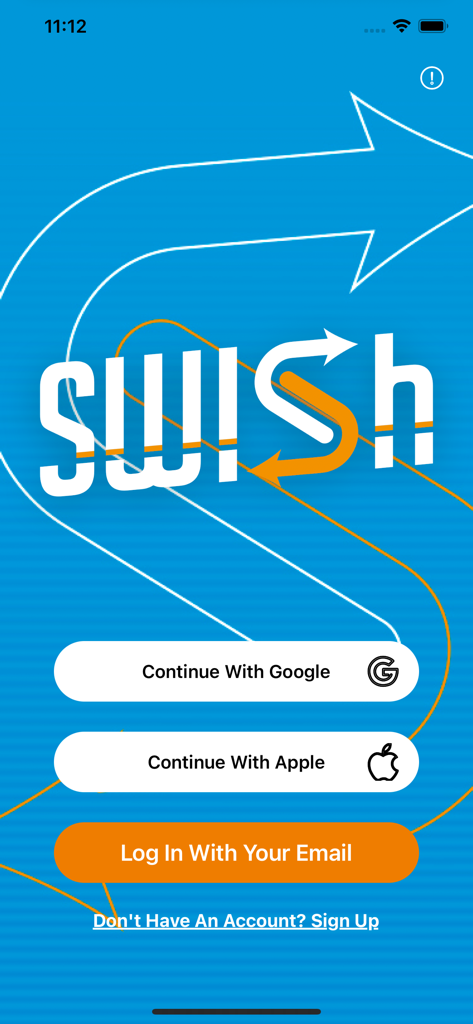
Swish Sports app login screen with Google and Apple sign-in options

Swish Sports app login screen with Google and Apple sign-in options

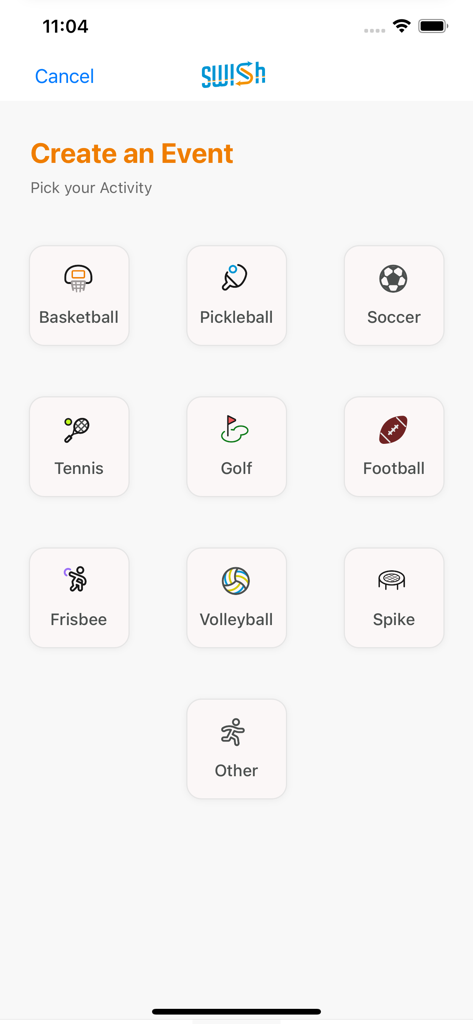
Interface showing various sports options for creating a new event in the Swish app

Interface showing various sports options for creating a new event in the Swish app

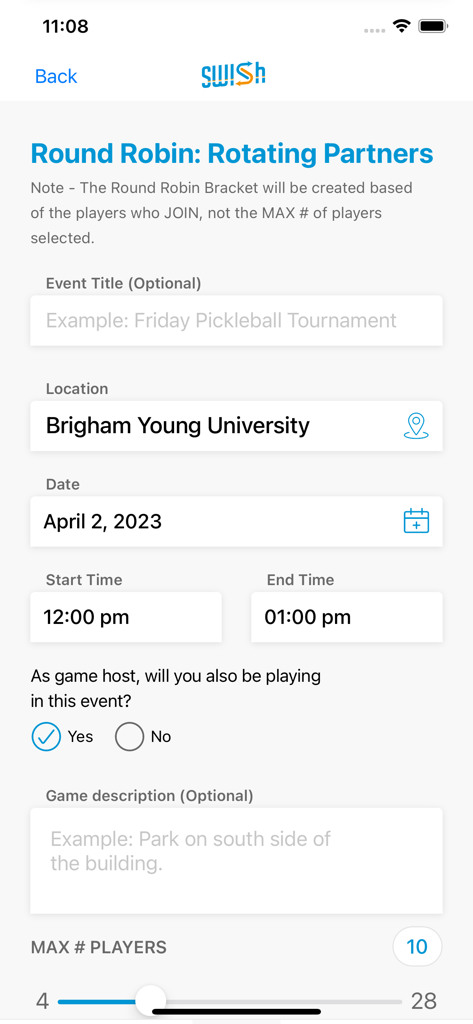
The Swish Sports app interface for creating a round robin event with details for location, date, time, and player limit.

The Swish Sports app interface for creating a round robin event with details for location, date, time, and player limit.

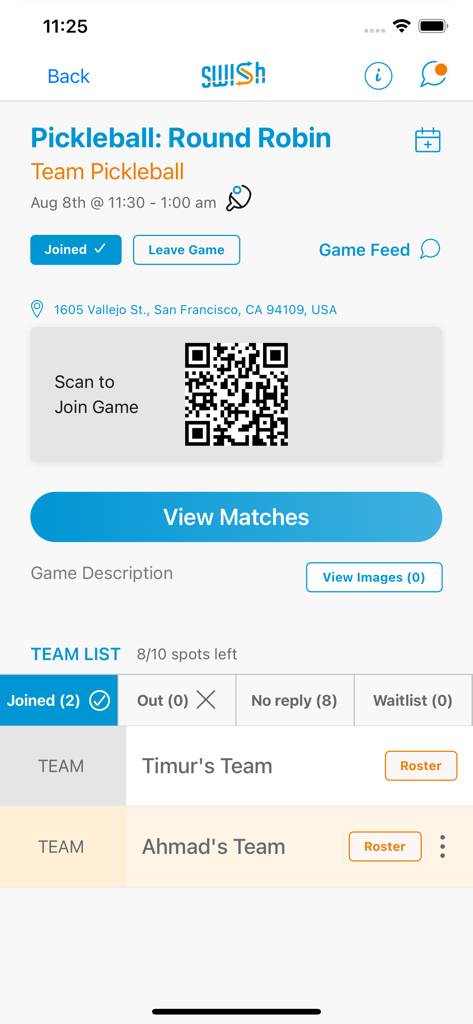
Interface of the Swish Sports app showing details and a QR code for a pickleball round robin match.

Interface of the Swish Sports app showing details and a QR code for a pickleball round robin match.

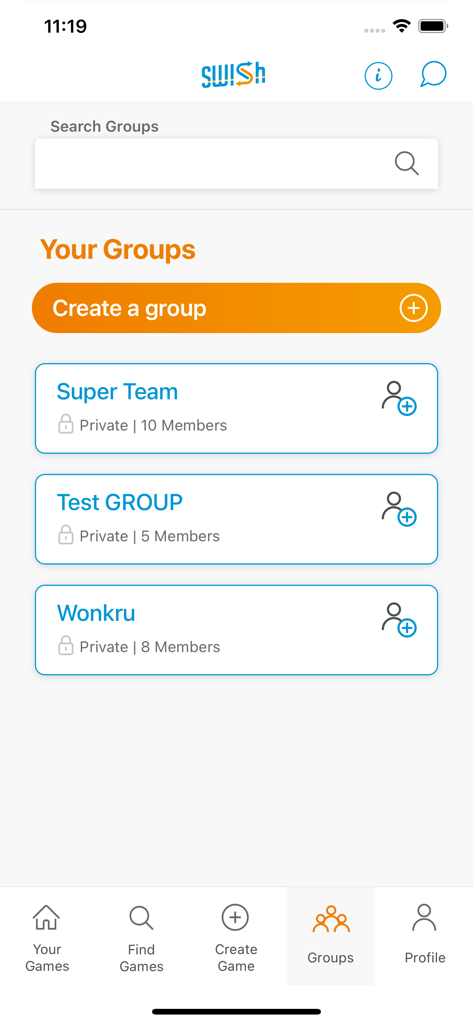
The groups management screen of the Swish Sports mobile app showing private player groups

The groups management screen of the Swish Sports mobile app showing private player groups

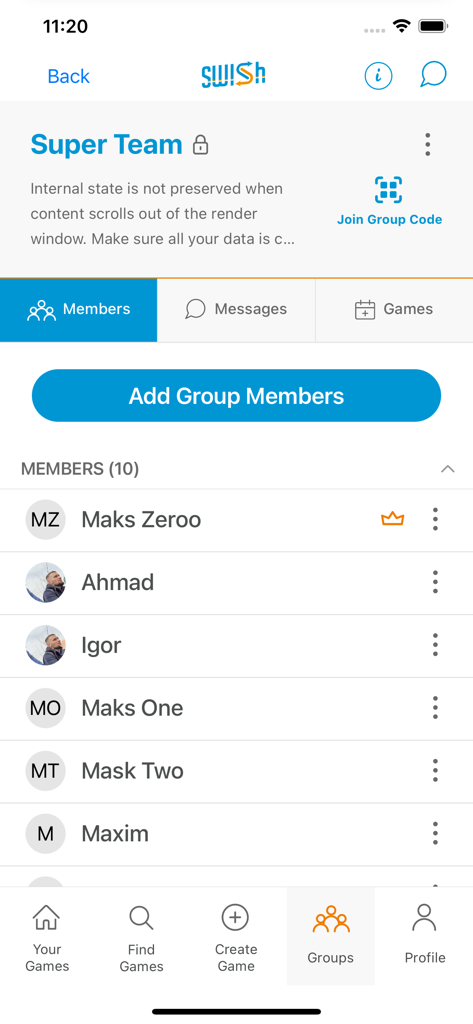
The Swish Sports app interface displaying a list of members in a private sports group called Super Team.

The Swish Sports app interface displaying a list of members in a private sports group called Super Team.

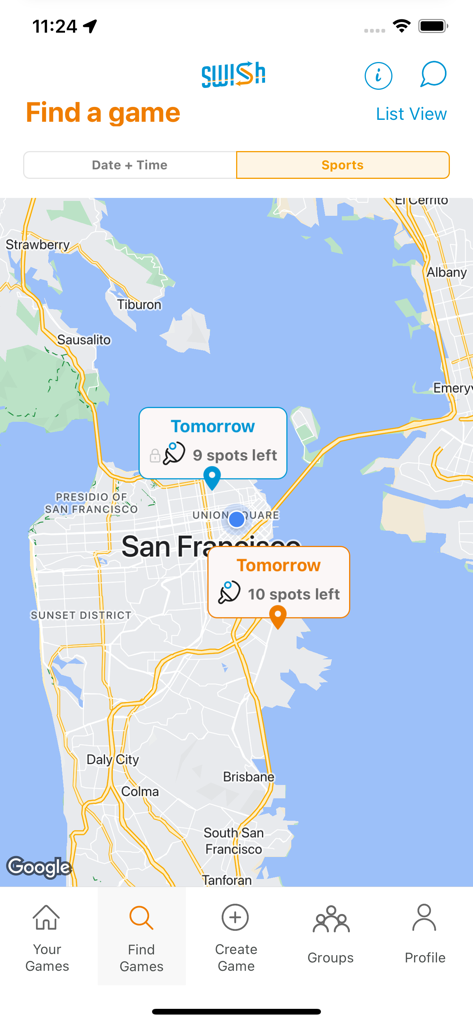
Map view in Swish Sports app showing available pick-up games and open spots in San Francisco.

Map view in Swish Sports app showing available pick-up games and open spots in San Francisco.

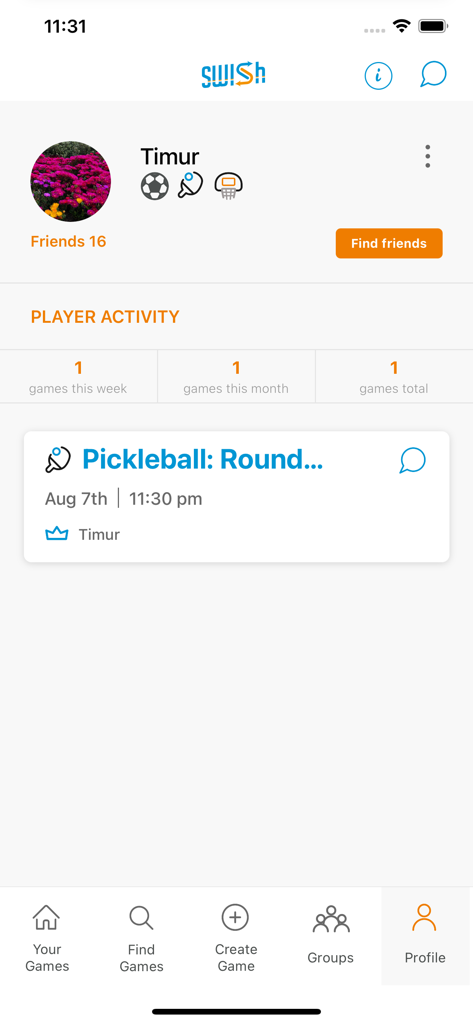
User profile interface of Swish Sports app showing player activity and scheduled pickleball matches

User profile interface of Swish Sports app showing player activity and scheduled pickleball matches

Play More, Plan Less

The tools that make this app stand out, trusted by 235K+ users.

🚫

Ditch Group Chat Fatigue

Stop chasing RSVPs in messy threads. See exactly who is playing, where the court is, and when to tip off—all in one clean dashboard.

🎾

Instant Game Discovery

New in town or just looking for a run? Browse public games nearby to find your local squad and get back on the court without the social friction.

👥

Private or Public Flexibility

Host exclusive sessions for your inner circle or open up spots to the community to ensure you always have enough players for a full game.

Loved by users worldwide

Trusted by 235K+ people who love this app.

"

"I just moved to a new city and didn't know anyone to play basketball with. Swish made it so easy to find public games and meet other players in my neighborhood. No more showing up at the park alone hoping to find a game!"

Mark S.
"

"Managing my weekly pickleball group used to be a nightmare of group texts and missed messages. With Swish, I just post the time and location, and everyone signs up instantly. It saves me so much time and keeps our games organized."

Sarah J.

About the app

Everything you need to know about Swish Sports.

Description

Create, find, and join pick-up sports games anytime, anywhere. Create player groups with your friends to organize pick-up sports games or join a public game and go play! PLAYER GROUPS Swish enables you to create & join public or private player groups with your friends to organize all your pick-up sporting games. Have a set group of friends you like to play basketball, pickleball, soccer, or any other sport with? Private groups allow you to create and post games to the app that only your group will see and be invited to. If you like playing with whomever and connecting with new people, public groups are visible to all users. Anyone can post and join public sporting games for a public group. FIND / CREATE GAMES All swish users can create a pick-up game or join a game and go play! The Create a game process prompts Swish users to choose the location, time, sport, and number of open spots. You can create a private game for a group of friends, or a public game for anyone to join. ORGANIZATION Swish organizes all of your upcoming games and game invites for you – both games you’ve joined and games you’ve created. No more annoying confusing group chats when organizing sport events. Swish lets you see when & where you’re playing, and who has joined. Get the App and Share with your friends! Terms of Use: https://swishsportsapp.com/terms-of-use/

Latest Version

3.72.2

Size

62.3 MB

First Released

Sep 2, 2021

Ready to Stop Texting and Start Playing?

Ditch the group chat chaos and join 235,000+ athletes finding pick-up games in their city. Whether it is pickleball, basketball, or soccer, your next match is just a tap away.

Download on App StoreDownload on Google Play
FAQ

Frequently Asked Questions

Everything you need to know about Swish Sports

What is Swish Sports?

Swish Sports is an app designed to create, find, and join pick-up sports games. It allows users to organize private or public sporting events with friends or new players for various sports.

What sports can I play using Swish Sports?

Swish Sports allows users to organize games for basketball, pickleball, soccer, tennis, golf, football, frisbee, volleyball, and spike. Users can also select an "Other" option for different sports.

How do I create a pick-up game with Swish Sports?

To create a game in Swish Sports, users specify the location, date, time, sport, and number of open spots. Games can be designated as private for groups or public for anyone to join.

Can I create private groups in Swish Sports?

Yes, Swish Sports allows users to create private player groups. These groups enable the organization of games visible only to group members, facilitating play among friends.

Does Swish Sports help organize my upcoming games?

Yes, Swish Sports organizes all upcoming games and game invites. It displays when and where users are playing, and who has joined, eliminating the need for confusing group chats.

How do I sign up for a Swish Sports account?

Users can sign up for a Swish Sports account by continuing with their Google or Apple accounts, or by registering with their email address directly from the login screen.

How can I find pick-up games near me using Swish Sports?

Swish Sports includes a "Find Games" feature with a map view showing available games and their locations. Users can filter results by date, time, or sport to locate nearby events.

Can I manage group members in Swish Sports?

Yes, Swish Sports enables users to manage group members. Within a group's details, there is an option to "Add Group Members" and view the existing roster of players.

Where can I find the Terms of Use for Swish Sports?

The Terms of Use for Swish Sports are available on their website. A direct link is provided within the app description: https://swishsportsapp.com/terms-of-use/.

How does Swish Sports handle game attendance and RSVPs?

Swish Sports tracks game attendance by displaying who has joined, opted out, not replied, or is on a waitlist for a specific game, providing a clear overview of participant status.