
Synology Secure SignIn




Ditch the password fatigue. Protect your private cloud with frictionless two-factor authentication and one-tap sign-in approvals directly from your mobile device or Apple Watch.
Publisher
Category
UtilitiesDownloads
425K+User Rating
Total Ratings
38K+Locales
21Discover the interface used by 425K+ users.
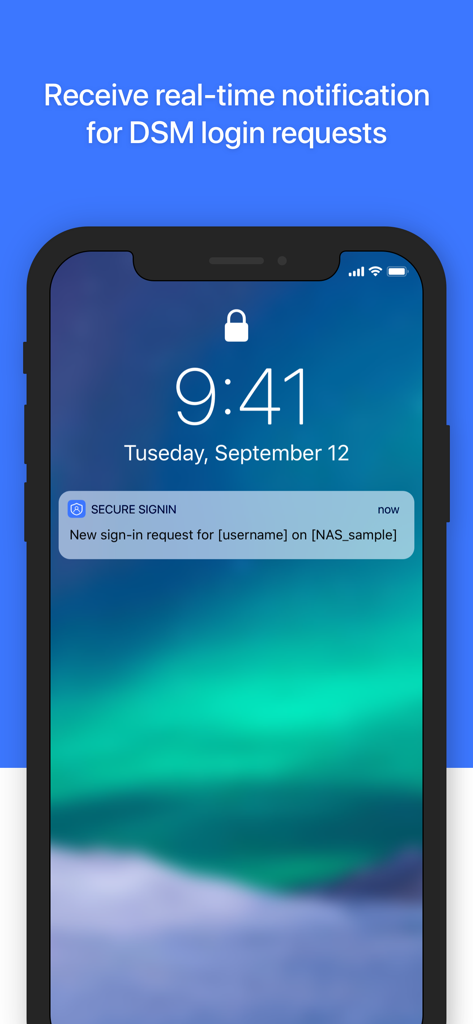
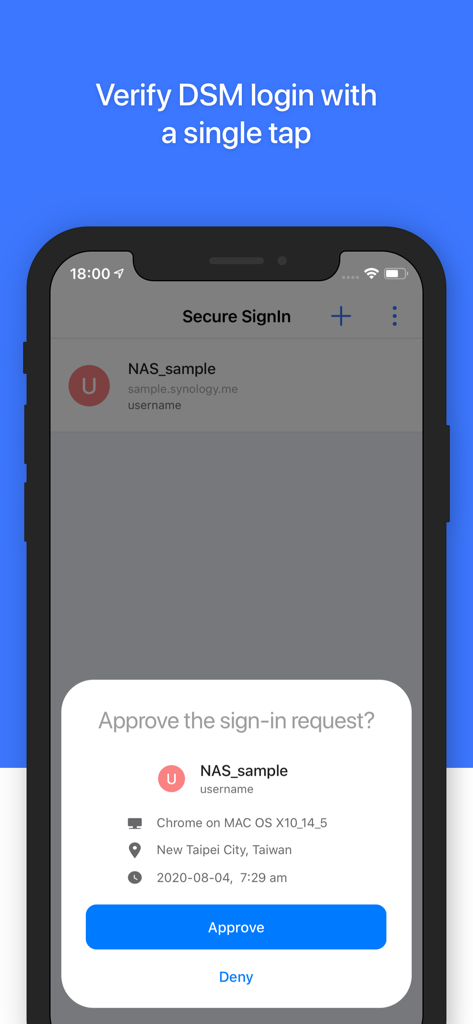
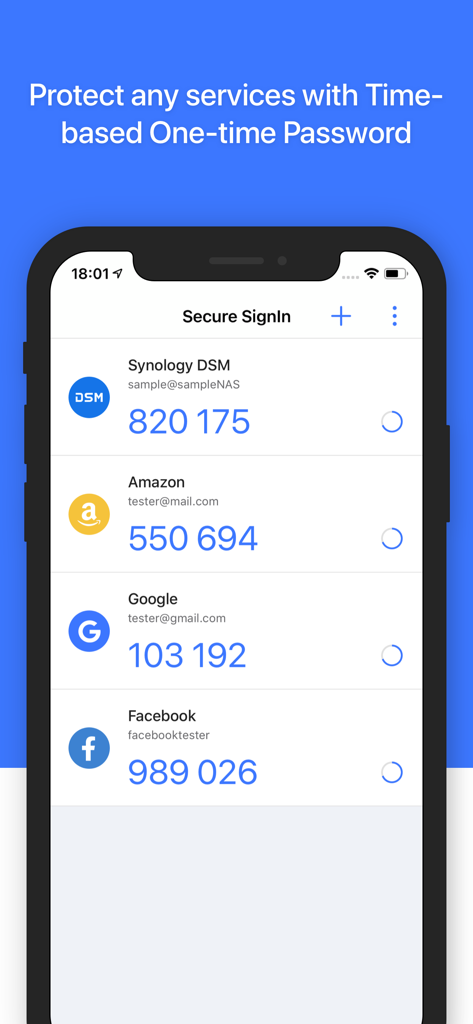
The tools that make this app stand out, trusted by 425K+ users.
Eliminate password fatigue. Sign in to your NAS with a single tap using biometric-backed mobile approvals for a seamless workflow.
Secure your business assets and family memories with robust 2nd-step verification, including time-based OTP codes and push notifications.
Approve sign-in requests directly from your Apple Watch. Stay productive and maintain your security posture without ever reaching for your phone.
Trusted by 425K+ people who love this app.
"As a freelance videographer, I deal with terabytes of client data daily. Synology Secure SignIn has completely streamlined my workflow. I no longer have to hunt for complex passwords; I just tap 'Approve' on my phone, and I'm in. It’s the perfect balance of enterprise-grade security and total convenience for my business."
"I've been a home lab enthusiast for years, and this app is the missing piece for my Synology setup. The Apple Watch integration is a game-changer—approving logins right from my wrist while I'm at my desk is incredibly smooth. It’s great to have a first-party tool that respects my privacy while making 2FA feel effortless."
Everything you need to know about Synology Secure SignIn.
Description
Latest Version
1.3.0
Size
49.8 MB
First Released
Dec 7, 2020
Join 425,000+ professionals who trust Synology Secure SignIn for frictionless, enterprise-grade protection. Download now and simplify your DSM 7.0 workflow.
Everything you need to know about Synology Secure SignIn
Synology Secure SignIn enhances account security by offering two verification methods: Approve sign-in and time-based one-time passwords (OTP). It functions as a second factor for authentication or can replace DSM passwords.
Yes, Synology Secure SignIn requires a Synology NAS, a Synology account, and DiskStation Manager 7.0 or above with the Synology Secure SignIn service enabled.
Synology Secure SignIn offers two main verification methods: 'Approve sign-in' for one-tap login verification and 'verification code (OTP)' for generating time-based one-time passwords.
Yes, the 'Approve sign-in' feature of Synology Secure SignIn can replace your DiskStation Manager (DSM) password for a streamlined and secure login experience.
Yes, Synology Secure SignIn delivers real-time notifications for DSM login requests to your device, enabling immediate approval or denial directly from the notification.
Yes, Synology Secure SignIn supports generating Time-based One-time Passwords (OTP) to protect various services, including Synology DSM, Amazon, Google, and Facebook accounts.
Apps with similar features and user experience

Banco de Chile

Raiffeisen Bank S.A.

DATEV eG

Atruvia AG

Namirial Spa

UBS AG

MINISTERSTVO VNITRA

Commerzbank AG

Commerzbank Aktiengesellschaft
