Tenuto

Tenuto

Download on App Store
Spark by MWM logo
Logo of Tenuto

Tenuto: Master Music Theory with Academic Precision

The professional standard for ear training and theory drills. Practice with 24 customizable exercises and a suite of musical calculators designed for serious students and educators.

Publisher

musictheory.net, LLC

Category

Music

Downloads

592K+

User Rating

4.8/5

Total Ratings

1K+

Locales

1

Practice with Precision

Discover the interface used by 592K+ users.
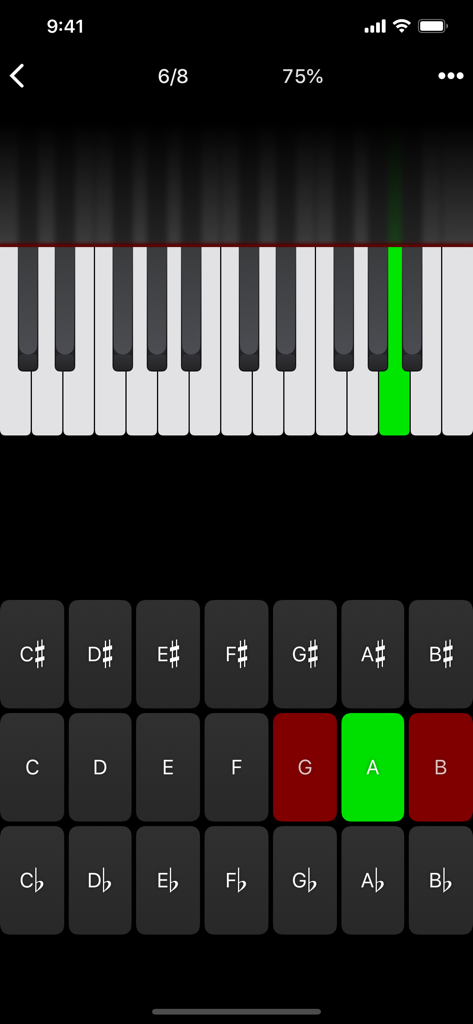
Tenuto music theory app interface showing a piano keyboard note identification exercise with a highlighted green key and letter buttons

Tenuto music theory app interface showing a piano keyboard note identification exercise with a highlighted green key and letter buttons

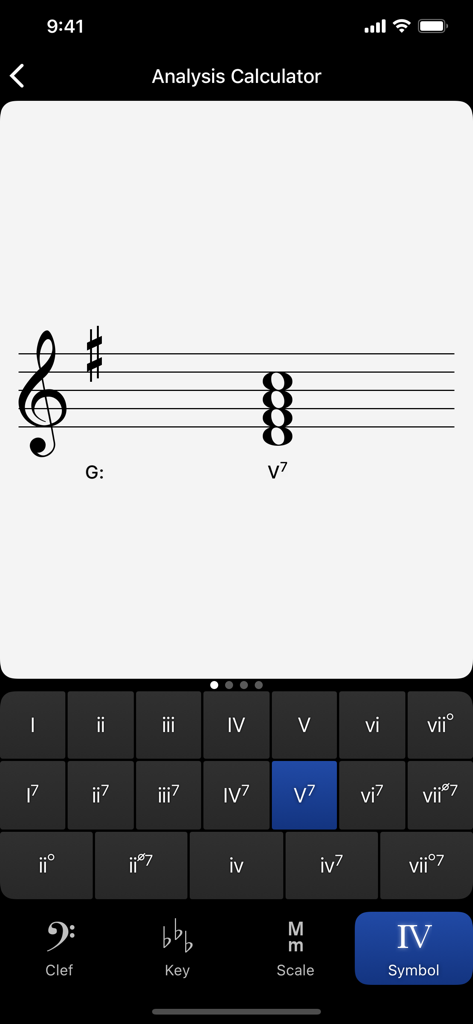
A screenshot of the Tenuto app showing the Analysis Calculator for Roman numeral identification in G major

A screenshot of the Tenuto app showing the Analysis Calculator for Roman numeral identification in G major

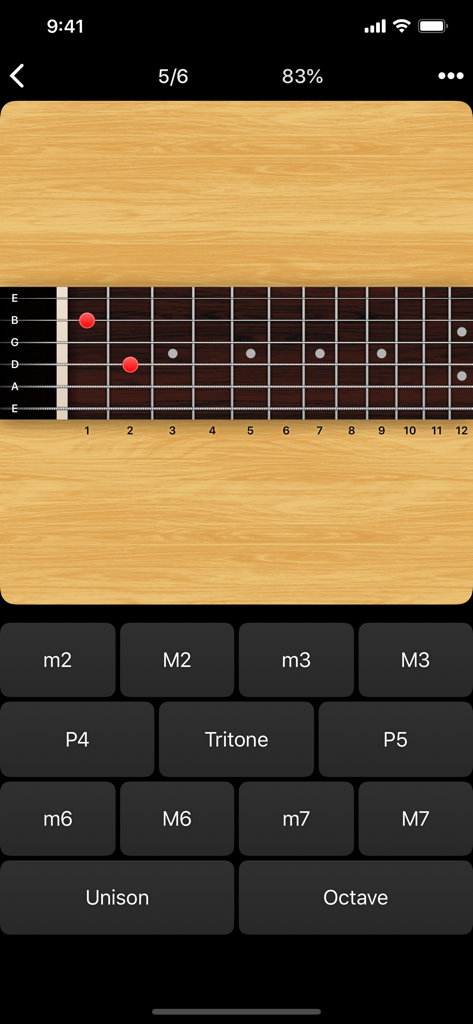
Guitar fretboard interval identification drill in the Tenuto music theory app.

Guitar fretboard interval identification drill in the Tenuto music theory app.

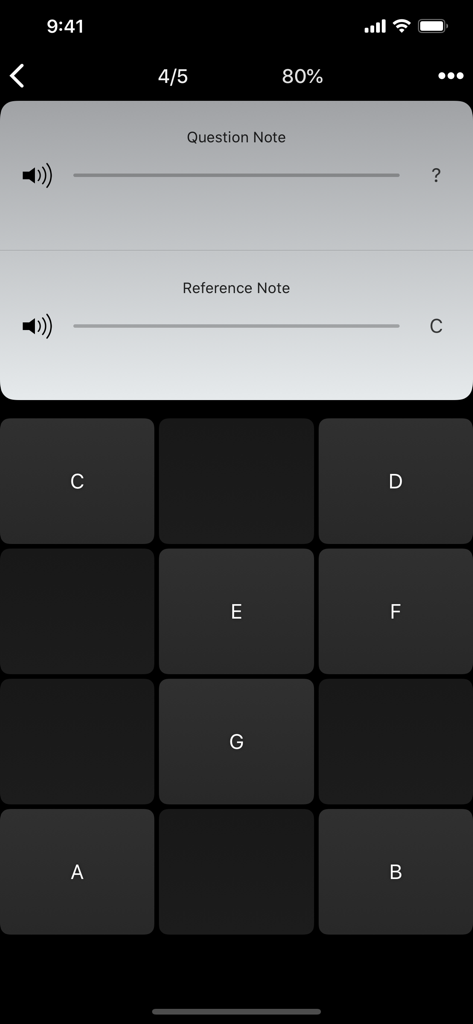
Tenuto app interface showing a note ear training exercise with note buttons and reference note C

Tenuto app interface showing a note ear training exercise with note buttons and reference note C

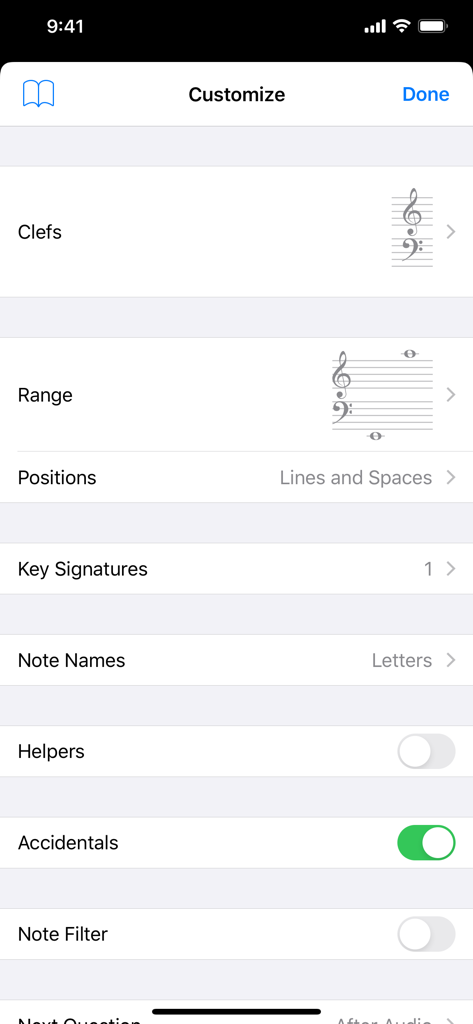
Tenuto app customization screen for music theory exercises showing settings for clefs and range

Tenuto app customization screen for music theory exercises showing settings for clefs and range

Master Your Music Theory

The tools that make this app stand out, trusted by 592K+ users.

🎯

Hyper-Focused Practice

Target your specific weaknesses by fully customizing every drill. Toggle specific intervals, scales, or keys to match your current syllabus or practice goals.

👂

Elite Aural Training

Develop a professional ear through rigorous identification drills. Master intervals, chords, and scales by ear with a no-nonsense, ad-free interface.

🧮

Professional Utility Tools

Go beyond the drills with six powerful calculators for accidentals, analysis symbols, and twelve-tone matrices—perfect for composition and exam prep.

Loved by users worldwide

Trusted by 592K+ people who love this app.

"

"As a music major, Tenuto has been a lifesaver for my Aural Skills exams. The ability to drill specific intervals and complex chords during my commute is exactly what I needed to achieve fluency. It is clean, efficient, and lacks the distracting fluff of other apps—just pure, effective practice."

Julianne M., Undergraduate Music Student
"

"Tenuto is the gold standard for my private studio. Whether I am helping a student with fretboard identification or using the matrix calculator for a composition lesson, it is my most-used professional tool. The surgical level of customization allows me to tailor exercises to any student's specific weakness."

Dr. Marcus Chen, Private Music Instructor

About the app

Everything you need to know about Tenuto.

Description

Tenuto is a collection of 24 highly-customizable exercises designed to enhance your musicality. From recognizing chords on a keyboard to identifying intervals by ear, it has an exercise for you. Tenuto also includes six musical calculators for accidentals, intervals, scales, chords, analysis symbols, and twelve-tone matrices. A short description of the exercises and calculators follows. –––––– • Note Identification • Key Signature Identification • Interval Identification • Scale Identification • Chord Identification Tap the button corresponding to the written staff line. For example: if shown a C, E, and G with a sharp; tap the "Augmented Triad" button. –––––– • Note Construction • Key Signature Construction • Interval Construction • Scale Construction • Chord Construction Construct the specified label by moving notes and/or adding accidentals. For example: if shown a C and an "Augmented 4th" label, move the second note to F and add a sharp. –––––– • Keyboard Reverse Identification Tap the piano key corresponding to the written note on the staff. While similar to Note Identification, this exercise uses a piano keyboard rather than note name buttons. • Keyboard Note Identification • Keyboard Interval Identification • Keyboard Scale Identification • Keyboard Chord Identification Tap the button corresponding to the highlighted piano key(s). If the C and G keys are highlighted, tap the "P5" (Perfect 5th) button. –––––– • Fretboard Note Identification • Fretboard Interval Identification • Fretboard Scale Identification • Fretboard Chord Identification Tap the button corresponding to the marked fretboard position(s). If the 2nd fret of the D string is marked, tap the "E" button. –––––– • Keyboard Ear Training • Note Ear Training Listen to the played reference and question notes. Select the piano key or note button corresponding to the question note. • Interval Ear Training • Scale Ear Training • Chord Ear Training Tap the button corresponding to the played notes. If E and F are played, tap the "Minor 2nd" button. –––––– • Accidental Calculator Display the accidental for a note and key. • Interval Calculator Display the interval for a note, type, and key. • Chord Calculator Display the scale for a tonic and scale type. • Chord Calculator Display the chord for a note, type, and key. • Analysis Calculator Display the chord for a symbol and key. • Matrix Calculator Display the twelve-tone matrix for a specified tone row.

Latest Version

5.0.1

Size

10.3 MB

First Released

Aug 30, 2011

Achieve Absolute Musical Fluency.

Join the gold standard in music theory training. Get the 24 professional-grade drills and calculators trusted by top conservatories and serious musicians worldwide.

Download on App Store
FAQ

Frequently Asked Questions

Everything you need to know about Tenuto

What is Tenuto?

Tenuto is an app offering 24 customizable exercises and six musical calculators to enhance musicality. It includes identification, construction, and ear training for notes, intervals, scales, and chords.

What types of musical exercises does Tenuto offer?

Tenuto offers exercises for note, key signature, interval, scale, and chord identification and construction. It also includes keyboard, fretboard, and ear training exercises.

Can Tenuto help with ear training?

Yes, Tenuto includes various ear training exercises, such as Keyboard Ear Training, Note Ear Training, Interval Ear Training, Scale Ear Training, and Chord Ear Training.

Does Tenuto include musical calculators?

Yes, Tenuto features six musical calculators. These include tools for accidentals, intervals, scales, chords, analysis symbols, and twelve-tone matrices.

How does Tenuto's Fretboard Identification work?

Tenuto's Fretboard Identification exercises require users to tap the button corresponding to marked fretboard positions to identify notes, intervals, scales, or chords.

Can I customize the exercises in Tenuto?

Yes, Tenuto allows customization of exercises. Users can adjust settings such as clefs, range, positions, key signatures, note names, helpers, accidentals, and note filters.

What is the Analysis Calculator in Tenuto?

The Analysis Calculator in Tenuto displays the chord for a given analysis symbol and key. It assists users in understanding harmonic progressions.

Does Tenuto support learning on a piano keyboard?

Yes, Tenuto supports learning with a piano keyboard. It offers Keyboard Reverse Identification, Keyboard Note Identification, and Keyboard Ear Training exercises.

How many exercises does Tenuto offer?

Tenuto offers a collection of 24 distinct exercises designed to enhance musicality across various aspects like identification, construction, and ear training.

What is the purpose of the Matrix Calculator in Tenuto?

The Matrix Calculator in Tenuto displays the twelve-tone matrix for a specified tone row. This tool is used for advanced serial music analysis.