
Titan Email: Contacts,Calendar




Elevate your professional image with read receipts, undo send, and seamless calendar integration. Manage multiple mailboxes and stay productive from anywhere.
Publisher
Category
BusinessDownloads
533K+User Rating
Total Ratings
4K+Locales
17Discover the interface used by 533K+ users.
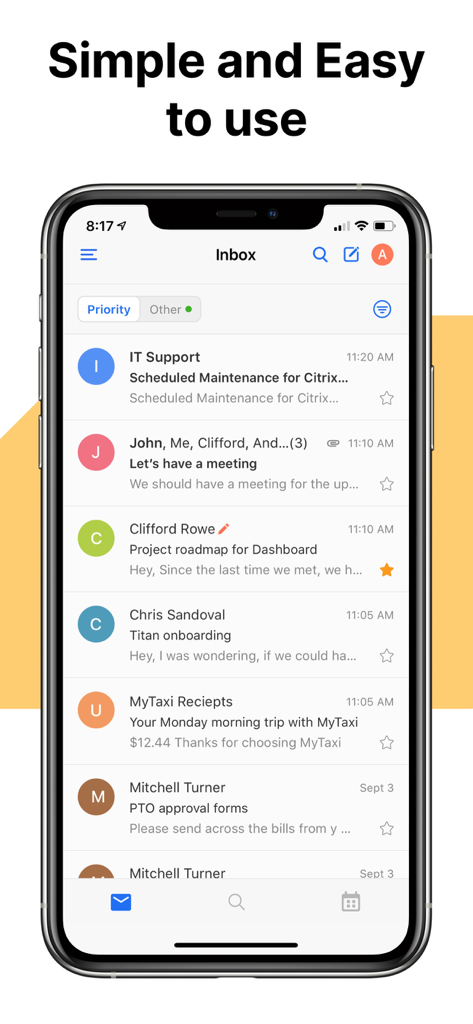
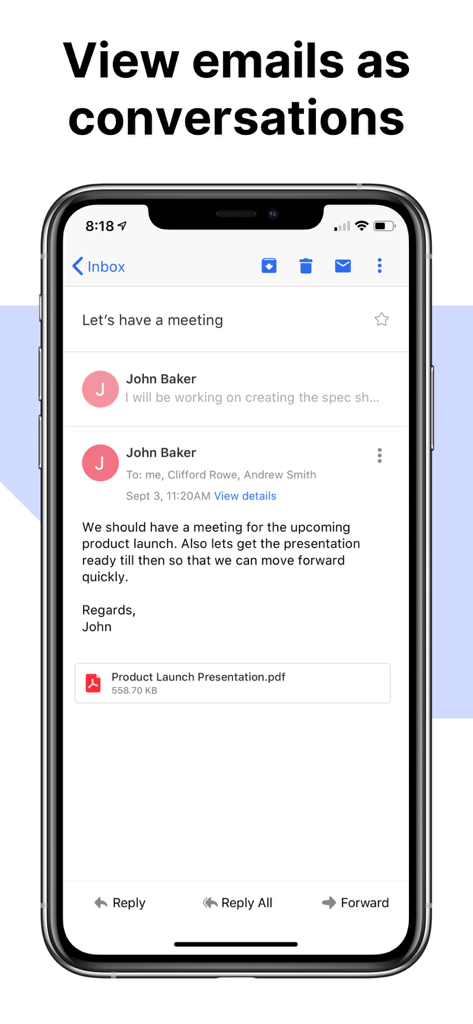
The tools that make this app stand out, trusted by 533K+ users.
Know exactly when a lead opens your email. Time your follow-ups perfectly and never stay in the dark again.
Maintain your professional edge. Quickly retract any email to fix mistakes or add that missing attachment.
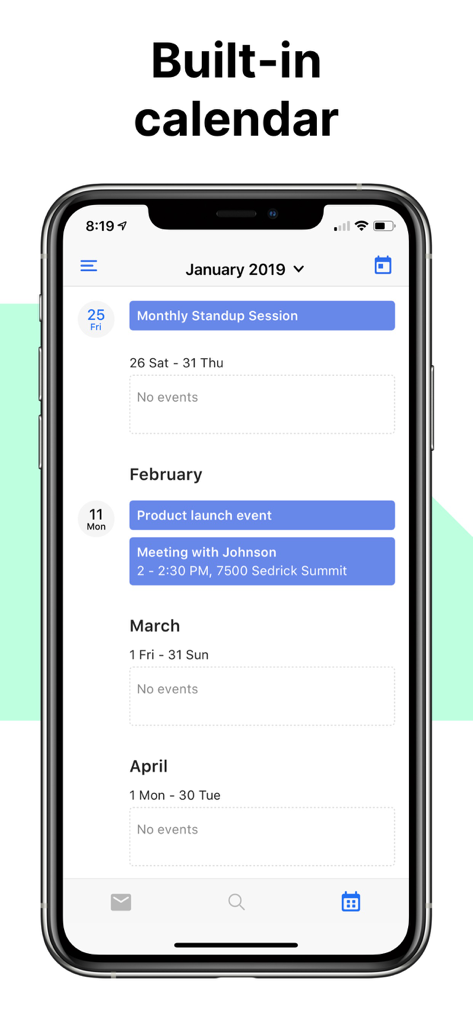
Schedule meetings and track your appointments without leaving your inbox. Stay organized while you're on the move.
Trusted by 533K+ people who love this app.
"Switching to Titan was the best move for my consulting business. The read receipts are a total game-changer; knowing exactly when a potential client has opened my proposal allows me to time my follow-ups perfectly. It makes me look so much more professional than using a generic email address."
"Managing multiple business mailboxes used to be a nightmare until I found Titan. The interface is incredibly clean, and the 'Undo Send' feature has saved me from embarrassing typos more times than I care to admit. It’s the ultimate mobile command center for any business owner on the move."
Everything you need to know about Titan Email: Contacts,Calendar.
Description
Latest Version
7.9.0
Size
191.3 MB
First Released
Nov 19, 2019
Join over 500,000 entrepreneurs and solopreneurs who manage their business on the move. Track every open, undo accidental mistakes, and stay on top of your schedule with the email experience your brand deserves.
Everything you need to know about Titan Email: Contacts,Calendar
No, the Titan Email app exclusively supports active Titan mail accounts. It does not support email services from Google, Microsoft, Yahoo!, or other providers.
Yes, the Titan Email app allows users to pull back messages after hitting send. It provides a window to unsend an email if a mistake occurs.
Yes, the Titan Email app includes a feature to track email opens using read receipts. This allows users to follow up on their emails accordingly.
Yes, the Titan Email app has a built-in calendar feature. Users can schedule meetings and manage their calendar directly within the app.
Yes, the Titan Email app allows users to access multiple Titan mailboxes from a single interface. This consolidates all your Titan accounts in one place.
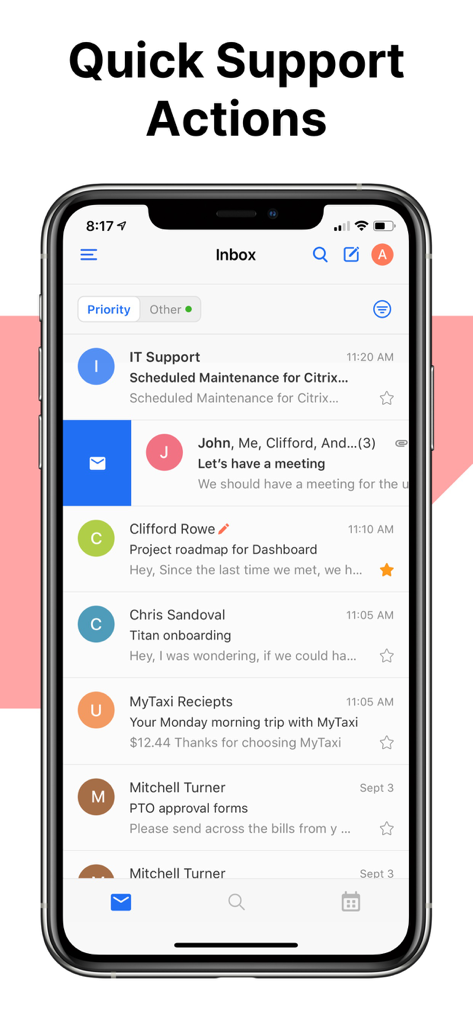
The Titan Email app allows users to swipe through their inbox to quickly find emails, archive them, or mark emails as unread that require revisiting.
Apps with similar features and user experience

Brivo Inc.

Tableau Software, LLC

Teachable Inc.

Synactive

Cybozu, Inc.

Digital Tools Ltd

Aruba S.p.A.

2 Simple Limited

British Telecommunications plc
