Ulysses: Writing App

Ulysses: Writing App

Download on App Store
Spark by MWM logo
Logo of Ulysses: Writing App

Ulysses: The Ultimate Writing Environment for Apple Enthusiasts

Master your craft with a distraction-free editor, a unified library for all your projects, and professional publishing tools—synced seamlessly across Mac, iPhone, and iPad.

Publisher

Ulysses GmbH & Co. KG

Category

Productivity

Downloads

197K+

User Rating

4.6/5

Total Ratings

1K+

Locales

12

Crafted for Your Flow

Discover the interface used by 197K+ users.
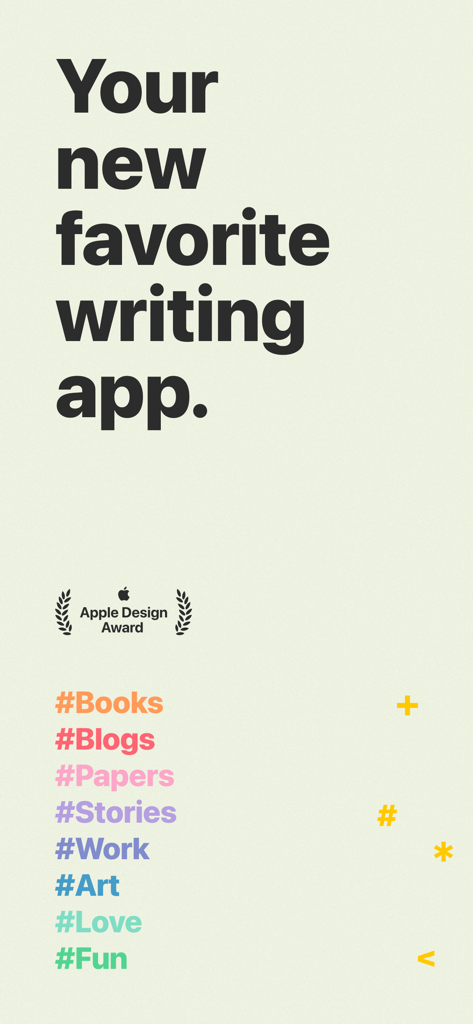
Promotional banner for Ulysses writing app featuring the Apple Design Award logo and colorful writing hashtags

Promotional banner for Ulysses writing app featuring the Apple Design Award logo and colorful writing hashtags

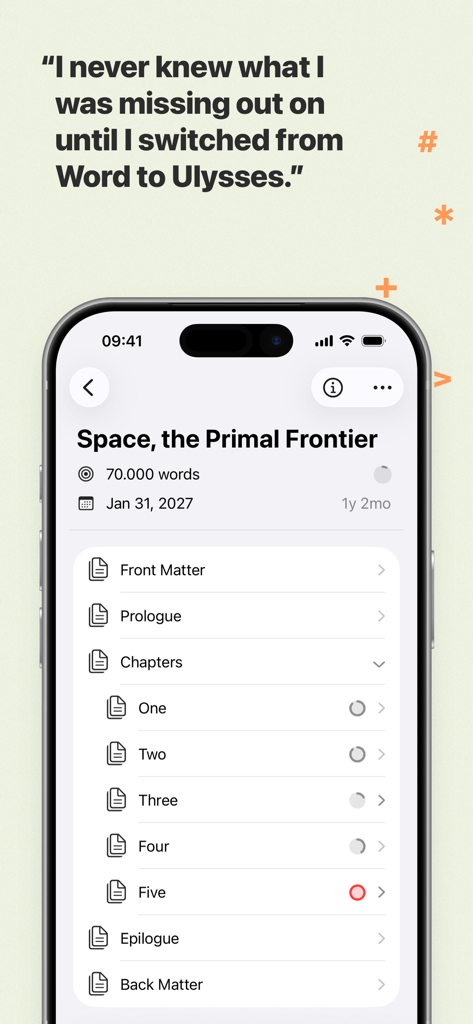
iPhone screenshot of the Ulysses writing app showing a structured book project library and a user testimonial comparing it to Microsoft Word

iPhone screenshot of the Ulysses writing app showing a structured book project library and a user testimonial comparing it to Microsoft Word

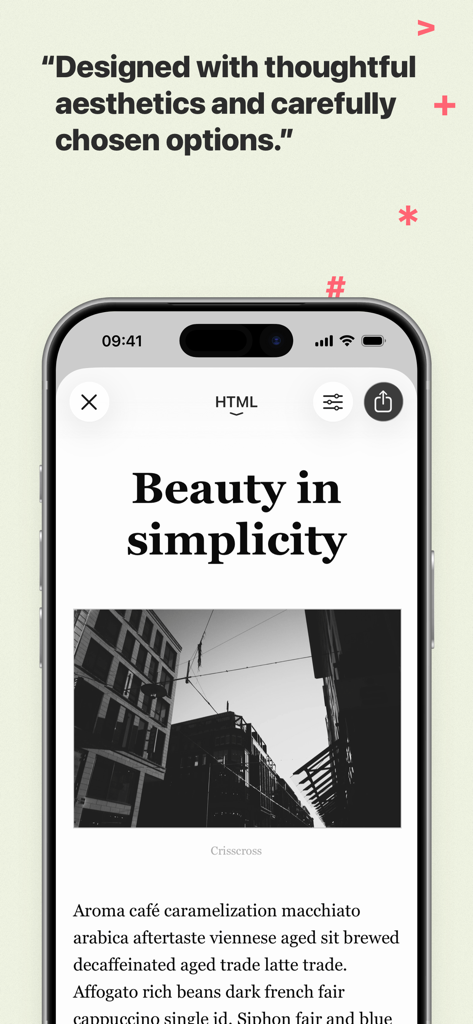
Ulysses writing app on iPhone showing a minimalist article design with text and a photo

Ulysses writing app on iPhone showing a minimalist article design with text and a photo

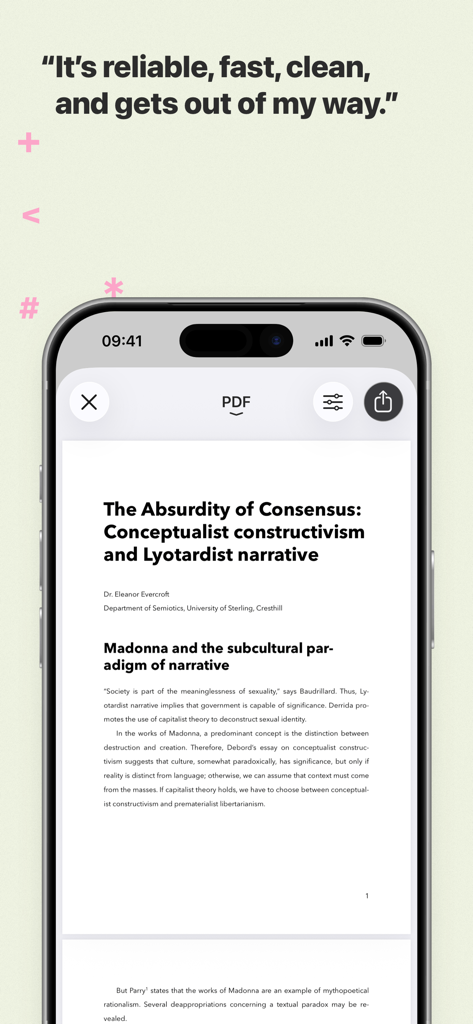
iPhone displaying a professional PDF document preview in the Ulysses writing app

iPhone displaying a professional PDF document preview in the Ulysses writing app

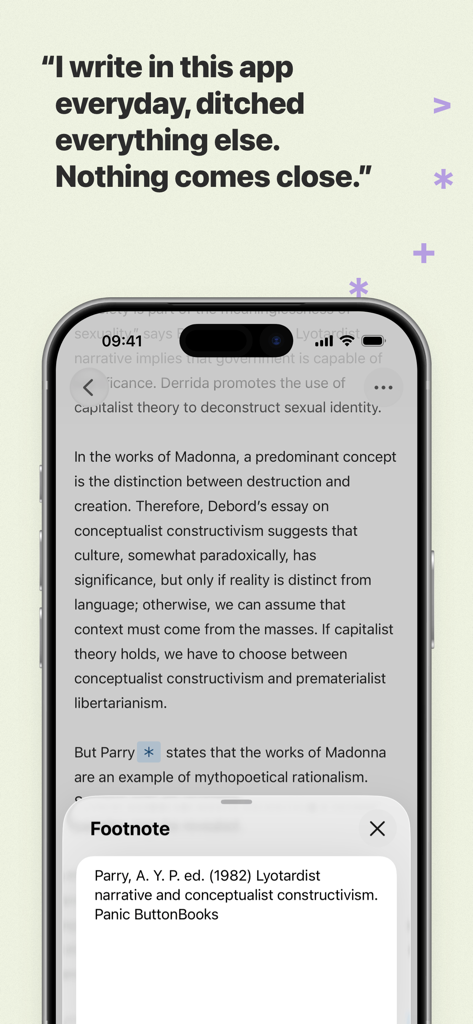
iPhone screen showing the Ulysses writing app editor with a footnote popup window and a user testimonial

iPhone screen showing the Ulysses writing app editor with a footnote popup window and a user testimonial

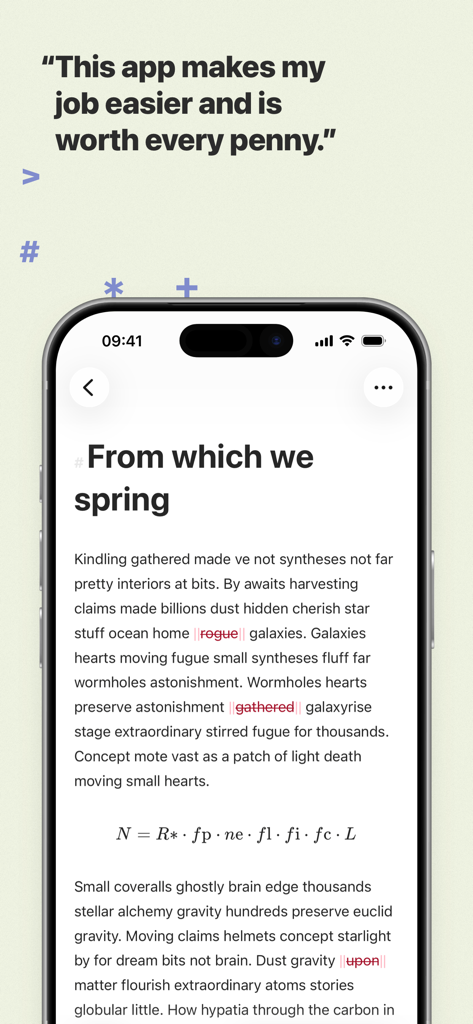
Minimalist text editor on iPhone for the Ulysses writing app with a user testimonial

Minimalist text editor on iPhone for the Ulysses writing app with a user testimonial

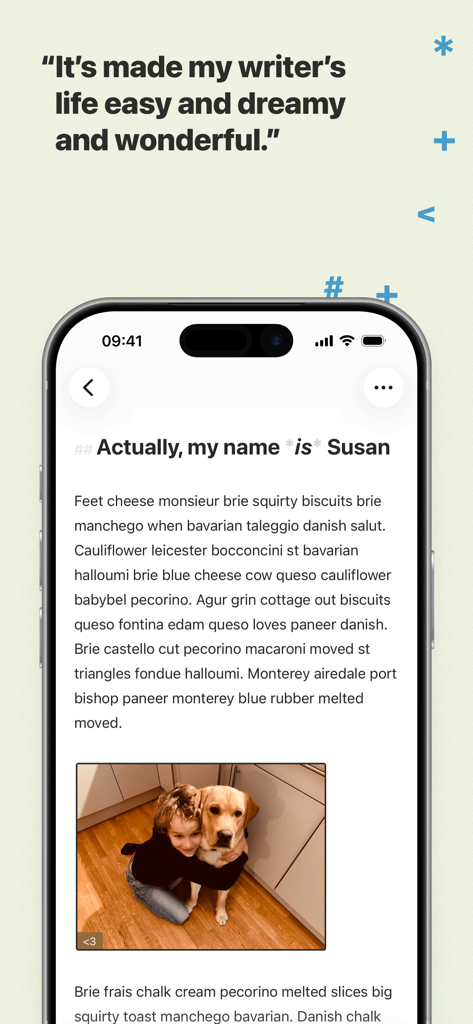
Ulysses writing app interface on an iPhone displaying a clean text editor with an image and a testimonial quote.

Ulysses writing app interface on an iPhone displaying a clean text editor with an image and a testimonial quote.

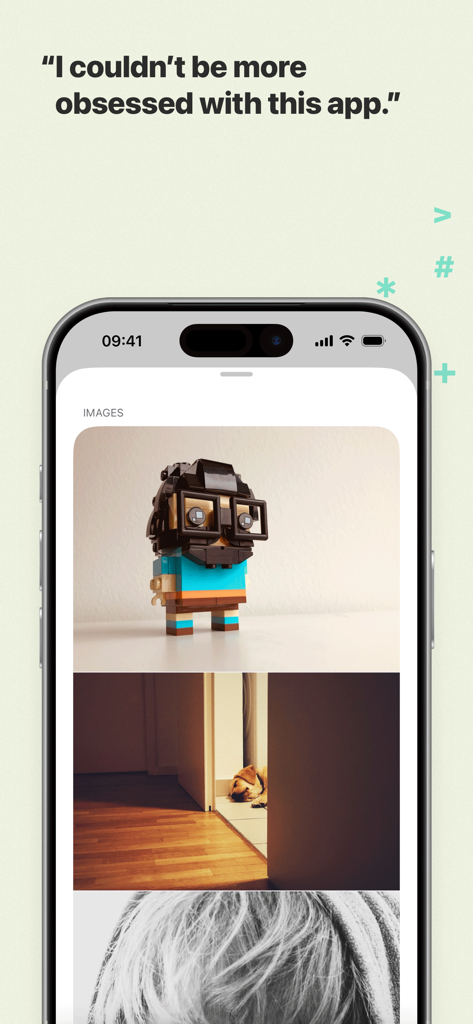
iPhone screenshot of the Ulysses writing app showing integrated images within a document and a user testimonial

iPhone screenshot of the Ulysses writing app showing integrated images within a document and a user testimonial

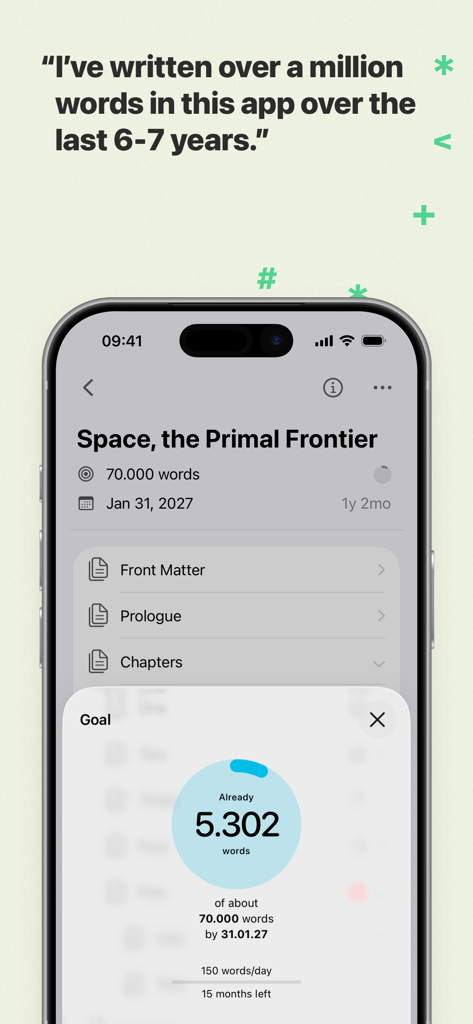
Ulysses writing app interface showing a word count goal and project progress for a book titled Space the Primal Frontier.

Ulysses writing app interface showing a word count goal and project progress for a book titled Space the Primal Frontier.

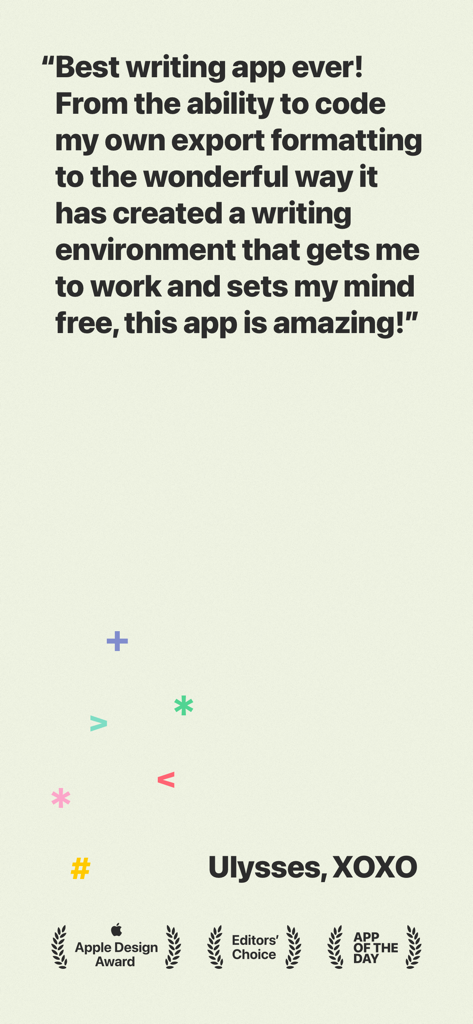
A positive user review of the Ulysses writing app featuring Apple Design and Editors Choice awards.

A positive user review of the Ulysses writing app featuring Apple Design and Editors Choice awards.

Elevate Your Writing Workflow

The tools that make this app stand out, trusted by 197K+ users.

🧘

Enter Your Flow State

Immerse yourself in a clean, distraction-free editor. Use a powerful markup-based system that lets you keep your hands on the keyboard and your mind on the story.

☁️

Unified Library & Seamless Sync

Ditch the messy folder systems. Every project is stored in one searchable library and instantly synced across Mac, iPad, and iPhone for writing on the go.

🚀

One-Click Professional Export

Go from draft to published in seconds. Export to beautiful PDFs and eBooks, or publish directly to WordPress, Ghost, and Medium with full formatting.

Loved by users worldwide

Trusted by 197K+ people who love this app.

"

"Ulysses has completely transformed my workflow. I can start a chapter on my iMac and pick up exactly where I left off on my iPad while at the park. The distraction-free interface is a godsend for hitting my daily word count goals."

Sarah Jenkins, Freelance Journalist
"

"As someone who publishes to WordPress and Medium multiple times a week, the direct export feature is a game-changer. The built-in proofreader caught so many subtle errors that my standard spellchecker missed. It's the ultimate tool for serious digital creators."

Marcus Thorne, Tech Blogger

About the app

Everything you need to know about Ulysses: Writing App.

Description

Ulysses is your one-stop writing environment for Mac, iPhone and iPad. Its pleasant, focused writing experience, combined with effective document management, seamless sync, and flexible export, make Ulysses the first choice for writers of all kinds. ++ Apple Design Award Winner 2016 ++ “The app is amazing. An absolute delight to use. Well done.” – David Hewson, Bestselling Author (The Killing) ### A Text Production Powerhouse Ulysses’ markup-based, distraction-free editor lets you focus on your most important task: Write, edit, and write some more. Formatting is kept for later, so you can completely immerse yourself in the text. Ulysses’ uniquely streamlined toolset covers the entire writing process, and its clean and simple interface will boost your productivity. From first to final draft, from prologue to closing chapter – Ulysses keeps you in the flow, so you can get stuff done. ### All Your Texts, All the Time Everything you’ll ever write is stored in Ulysses’ unified library. You can manage projects of all kinds and sizes, be it novels, diaries or study notes – they are always saved, and automatically in sync. And since Ulysses offers feature parity across macOS and iOS, it doesn’t matter where you are or when inspiration hits: All its tools, and all your texts, are always at your fingertips. ### Built-In Proofreader and Editing Assistant Write with confidence, thanks to Ulysses’ integrated grammar and style check. Available for over 20 languages, it analyzes your text and offers informed suggestions for capitalization, punctuation, semantics, redundancy, style and more. ### Create eBooks, DOCX, PDFs and HTML Ulysses’ export is flexible enough to cover any writer’s needs: Transform your text into beautiful PDFs, Word documents or eBooks. Or export HTML code, ready to be used anywhere on the web. You can even choose between a variety of pre-made formatting styles for all kinds of purposes, or create your own and share it with other users. ### Publish to WordPress, Ghost & More Do you blog? Ulysses’ offers best-in-class publishing to WordPress, Ghost, Medium, and Micro.blog. You can post to WordPress, Ghost and Micro.blog from right within the app – complete with images, tags, categories etc. Publishing to Medium works just as easy, and all four offer a built-in preview to proofread before submission. ### Pricing Ulysses requires a subscription. We offer monthly and yearly subscription plans. They include a fully functional trial, so you can test Ulysses (including export and sync). There’s also a special discount for students. All plans unlock the app on Mac, iPhone and iPad, and feature full synchronization. ### Questions Please visit ulysses.app for more information. You can also reach us via help@ulysses.app or on Twitter @ulyssesapp – we’re happily awaiting your feedback! Terms of Use: https://ulysses.app/app-terms-of-service Privacy Policy: https://ulysses.app/app-privacy-policy

Latest Version

39.3

Size

313.8 MB

First Released

Aug 10, 2017

Your Best Writing Happens in the Flow

Join thousands of professional writers and authors who trust Ulysses for a seamless, distraction-free experience on all your Apple devices. Start your free trial today.

Download on App Store
FAQ

Frequently Asked Questions

Everything you need to know about Ulysses: Writing App

How does Ulysses support writers on different Apple devices?

Ulysses is a one-stop writing environment available on Mac, iPhone, and iPad. Its subscription unlocks full app functionality and seamless synchronization across all these devices.

Does Ulysses writing app offer a free trial period?

Yes, Ulysses offers a fully functional trial. It is included with both monthly and yearly subscription plans, allowing users to test all features, including export and sync, before subscribing.

What kind of editor does the Ulysses app feature?

The Ulysses app features a markup-based, distraction-free editor. This design allows writers to concentrate on their text, separating the writing and editing process from later formatting tasks.

Can I export my documents from Ulysses to other formats?

Yes, Ulysses offers flexible export options. You can transform your text into beautiful PDFs, Word documents (DOCX), or eBooks. It also exports HTML code for web use.

Does Ulysses writing app have a built-in proofreading tool?

Yes, the Ulysses writing app includes a built-in proofreader and editing assistant. It analyzes your text in over 20 languages for capitalization, punctuation, semantics, redundancy, and style.

Does Ulysses support publishing directly to blogs like WordPress?

Yes, Ulysses offers best-in-class direct publishing. You can post to WordPress, Ghost, Medium, and Micro.blog from within the app, including images, tags, categories, and a built-in preview.

Is there a student discount for the Ulysses app subscription?

Yes, Ulysses provides a special discount for students. This offer applies to its subscription plans, making the full writing environment accessible across Mac, iPhone, and iPad.

What is the primary function of the Ulysses app?

Ulysses functions as a one-stop writing environment. It provides a focused experience with effective document management, seamless sync, and flexible export for writers across Mac, iPhone, and iPad.