Universal TV Remote ·

Universal TV Remote ·

Download on App Store
Spark by MWM logo
Logo of Universal TV Remote ·
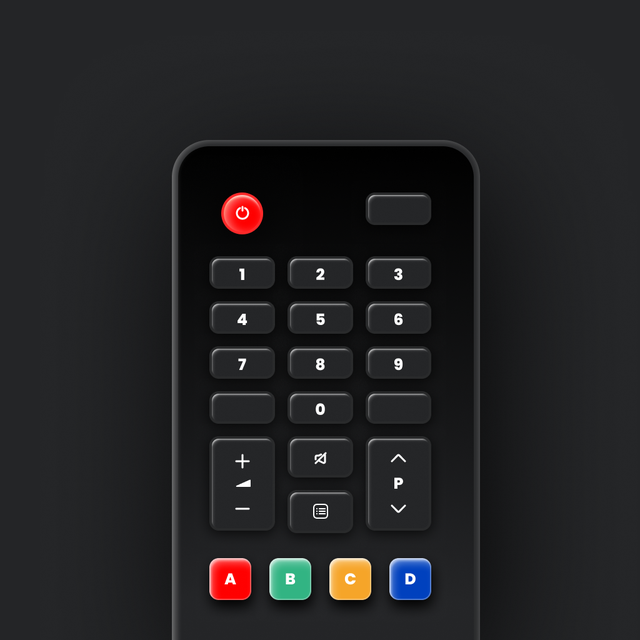
Universal TV Remote ·: One App for Every Screen in Your Home

Say goodbye to lost remotes and clunky buttons. Join 18 million users who control their Smart TVs with intuitive swipe gestures directly from their iPhone.

Publisher

KRAFTWERK 9 LTD

Category

Utilities

Downloads

18M+

User Rating

4.6/5

Total Ratings

140K+

Locales

22

Control at Your Fingertips

Discover the interface used by 18M+ users.
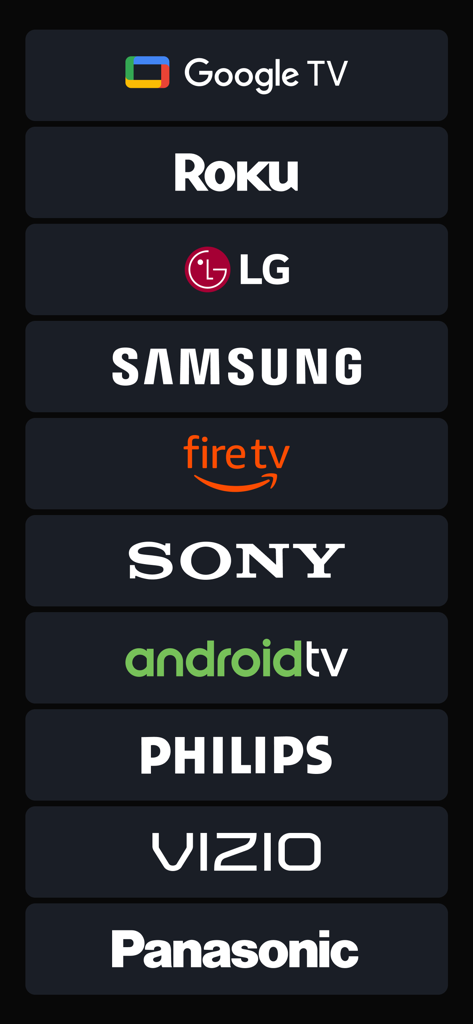
List of supported smart TV and streaming device brands

List of supported smart TV and streaming device brands

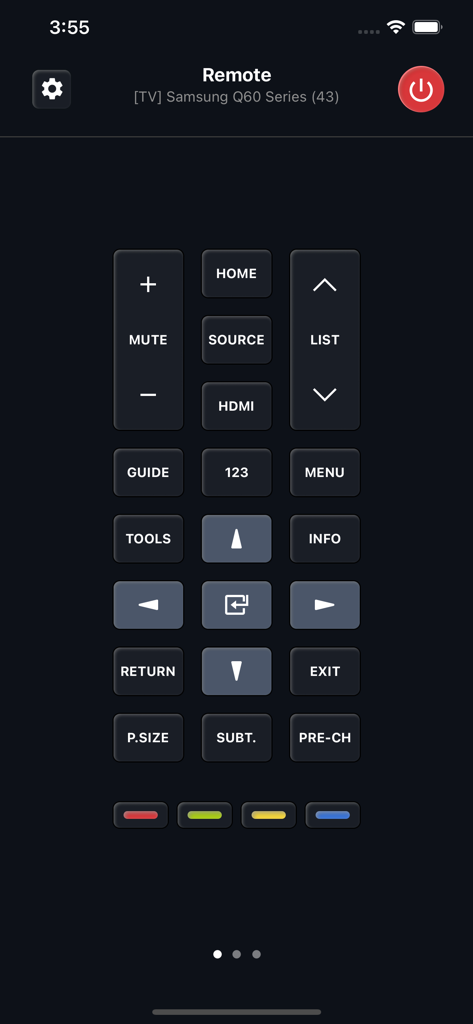
Digital remote control interface for a Samsung Smart TV on a smartphone app screen

Digital remote control interface for a Samsung Smart TV on a smartphone app screen

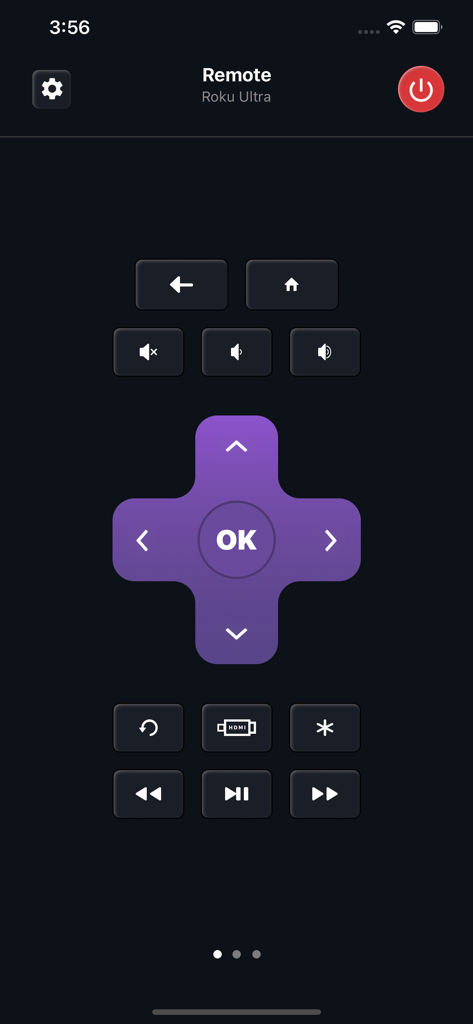
Mobile app interface for Universal TV Remote controlling a Roku Ultra device featuring a purple directional pad and playback buttons

Mobile app interface for Universal TV Remote controlling a Roku Ultra device featuring a purple directional pad and playback buttons

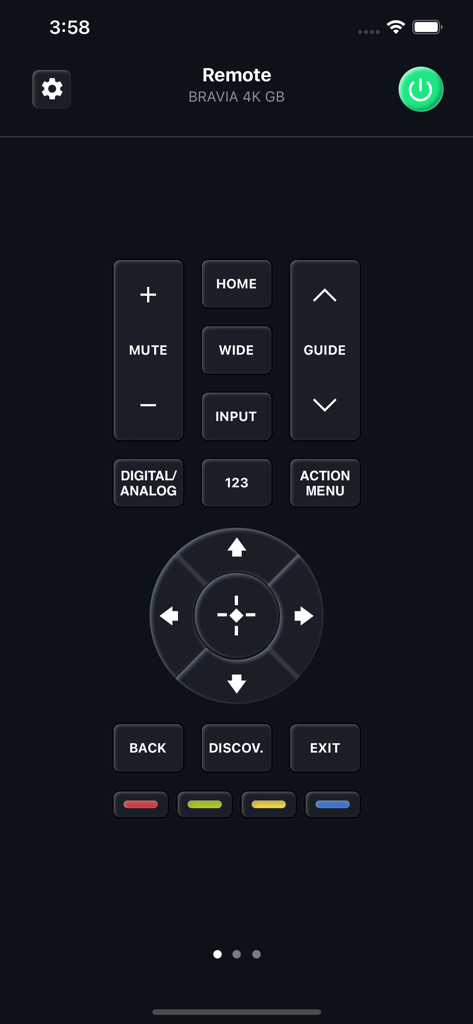
Mobile app interface showing a digital remote control for a Sony Bravia Smart TV

Mobile app interface showing a digital remote control for a Sony Bravia Smart TV

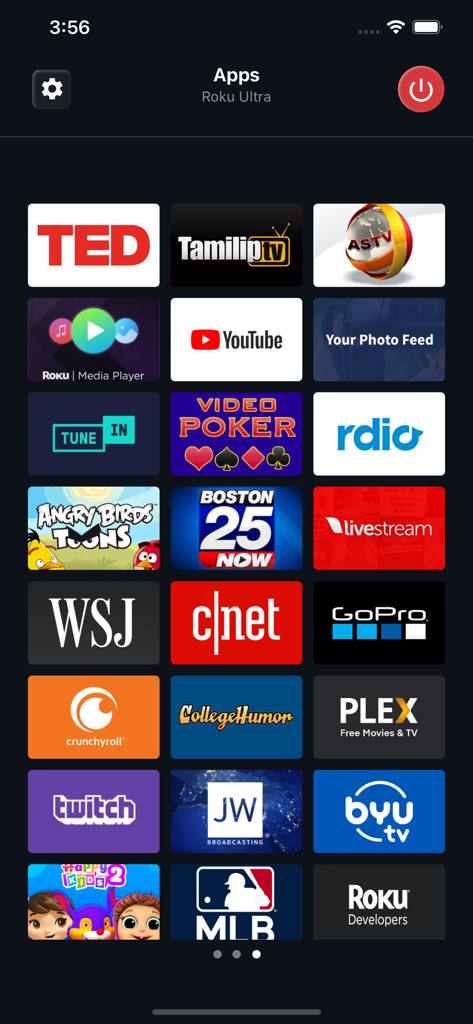
A mobile interface displaying a selection of streaming apps like YouTube and Twitch on a Roku device

A mobile interface displaying a selection of streaming apps like YouTube and Twitch on a Roku device

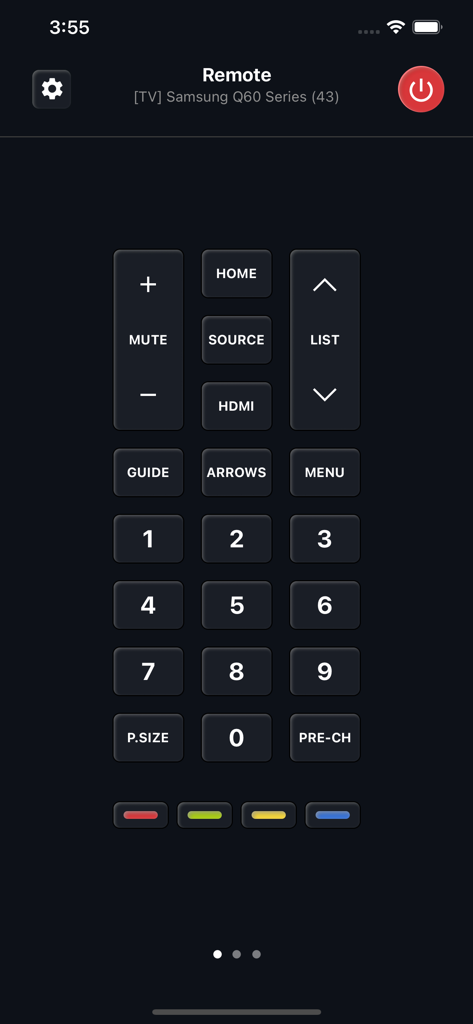
Universal TV Remote app interface showing a numeric keypad and controls for a Samsung Q60 Series Smart TV

Universal TV Remote app interface showing a numeric keypad and controls for a Samsung Q60 Series Smart TV

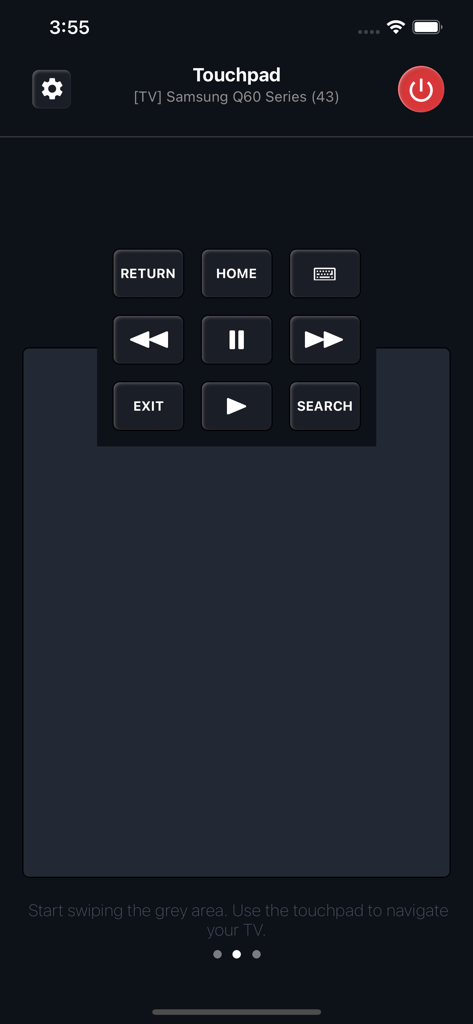
Smartphone app screen showing a universal TV remote touchpad interface with media controls for a Samsung Smart TV

Smartphone app screen showing a universal TV remote touchpad interface with media controls for a Samsung Smart TV

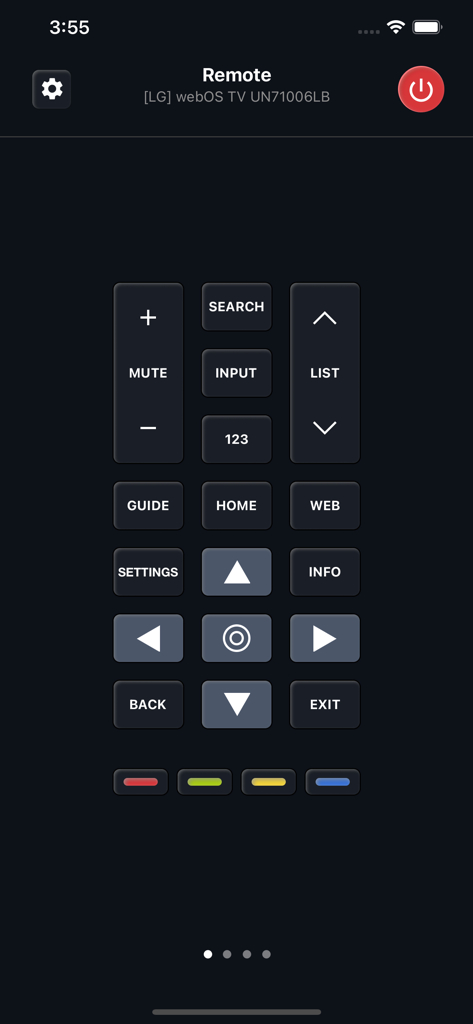
Digital remote control interface for LG webOS TV with navigation buttons on a dark theme

Digital remote control interface for LG webOS TV with navigation buttons on a dark theme

The Only Remote You'll Ever Need

The tools that make this app stand out, trusted by 18M+ users.

📺

True Universal Compatibility

One app to rule them all. Effortlessly switch between Samsung, LG, Roku, and hundreds of other brands across every room in your home.

👆

Intuitive Touchpad Navigation

Ditch the clunky buttons. Use familiar swipe gestures to browse movies and apps faster than a traditional physical remote ever could.

Smart Power & Wake-on-LAN

Never get off the couch again. Turn your TV on directly from your iPhone with advanced Wake-on-LAN technology for supported models.

Loved by users worldwide

Trusted by 18M+ people who love this app.

"

"Managing three different TVs with separate remotes used to be a headache, but this app unified everything. The gesture-based touchpad is way faster for scrolling through Netflix than any physical d-pad I've used. It's the ultimate convenience for a smart home setup."

Marcus J.
"

"I downloaded this in a panic when my remote batteries died, and I haven't looked back since. The interface is sleek, and I love that I can wake my TV directly from my phone. It’s easily the most reliable utility app on my home screen."

Elena R.

Review Analysis

Insights from user reviews.

Sentiment Score

14%
Negative

Summary

This app receives largely negative feedback from users, primarily due to excessive and unavoidable advertisements that often hinder usability. Many complaints also center around significant connectivity issues, with the app frequently failing to find or connect to TVs, even after users have paid for subscriptions. Furthermore, there are numerous accusations of fraudulent billing and unexpected charges for a service that often doesn't work as advertised. While some users praise its functionality, ease of use, and responsiveness when it does connect, these positive experiences are overshadowed by widespread dissatisfaction with its monetization practices and core performance.

Common Themes

App Performance(11)
TV Connectivity(9)
Ease of Setup/Use(8)
Remote Replacement Utility(3)
Excessive Advertisements(2)
Subscription Model(1)

About the app

Everything you need to know about Universal TV Remote ·.

Description

Universal Remote supports hundreds of models with various operating systems and screen resolutions, ranging from basic models no longer in manufacture to 2021 novelties with the most powerful hardware. The remote differs depending on not only the Smart TV manufacturer but also the type of operating system. Touchpad Instead of Buttons. We are confident that navigation with swipe gestures is much more convenient than by pressing regular "down" or "right" buttons, not distracting you from the most important thing: searching for your favorite movie or series on the TV. Still Can’t Turn the TV On? In a word, you can, but under one condition. Most new Smart TV models support the Wake-on-LAN function. It is possible only if you had already been connected to the TV earlier. Therefore, when using the application for the first time, you will need a hardware remote control. After that, you can use your Universal Remote. Premium Subscription You can subscribe for unlimited access to Premium features. Subscription is $19.99 yearly. Prices are equal to the value that "Apple's App Store Matrix" determines is the equivalent of the subscription price in USD. Payment will be charged to iTunes Account at confirmation of purchase. Subscription automatically renews unless auto-renew is turned off at least 24-hours before the end of the current period. Account will be charged for renewal within 24-hours prior to the end of the current period, and identify the cost of the renewal. Subscriptions may be managed by the user and auto-renewal may be turned off by going to the user’s Account Settings after purchase. For details please visit the link https://support.apple.com/HT202039. When your current trial/subscription period expires, you will be unsubscribed. The current active subscription period can not be canceled. After your subscription expires, you will no longer be able to use pictures marked as Premium. Any unused portion of a free trial period, if offered, will be forfeited when the user purchases a subscription to that publication, where applicable. Terms of Use: https://kraftwerk9.com/terms Privacy Policy: https://kraftwerk9.com/privacy

Latest Version

2.1.31

Size

71.1 MB

First Released

Nov 9, 2018

Ready to Simplify Your Living Room?

Join over 18 million users who turned their iPhone into the ultimate universal remote. Say goodbye to lost remotes and hello to effortless control for every TV in your home.

Download on App Store
FAQ

Frequently Asked Questions

Everything you need to know about Universal TV Remote ·

Which TV brands does Universal TV Remote · support?

Yes, Universal TV Remote · supports hundreds of models with various operating systems. It is compatible with brands like Google TV, Roku, LG, Samsung, Fire TV, Sony, Android TV, Philips, Vizio, and Panasonic.

Does Universal TV Remote · use a touchpad or traditional buttons for navigation?

Universal TV Remote · uses a touchpad with swipe gestures for navigation, which is presented as more convenient than pressing traditional 'down' or 'right' buttons. It also offers screens with traditional button layouts.

Can Universal TV Remote · turn on a Smart TV remotely?

Yes, Universal TV Remote · can turn on a Smart TV using the Wake-on-LAN function. This requires the app to have been connected to the TV previously. A hardware remote is necessary for the initial connection.

How much does a Premium Subscription for Universal TV Remote · cost?

A Premium Subscription for Universal TV Remote · costs $19.99 annually. This price is equivalent to the value that 'Apple's App Store Matrix' determines in USD.

Does the Universal TV Remote · Premium Subscription auto-renew?

Yes, the Universal TV Remote · Premium Subscription automatically renews. Auto-renewal must be turned off at least 24-hours before the current period ends to prevent the next charge.

How can users manage their Universal TV Remote · Premium Subscription?

Users can manage their Universal TV Remote · Premium Subscription, including turning off auto-renewal, by accessing their Account Settings after purchase. Further details are available via an Apple support link.

Can an active Universal TV Remote · Premium Subscription be canceled?

No, an active Universal TV Remote · Premium Subscription period cannot be canceled. Users will be unsubscribed once their current trial or subscription period expires.