Unroll.Me - Email Cleanup

Unroll.Me - Email Cleanup

Download on App Store
Spark by MWM logo
Logo of Unroll.Me - Email Cleanup

Unroll.Me - Take Back Control of Your Overwhelmed Inbox

Instantly identify every subscription flooding your mail. Swipe to block unwanted spam and combine the newsletters you love into one beautiful daily digest.

Publisher

UNROLLME INC

Category

Productivity

Downloads

3M+

User Rating

4.7/5

Total Ratings

128K+

Locales

1

A Glimpse of Inbox Zero

Discover the interface used by 3M+ users.
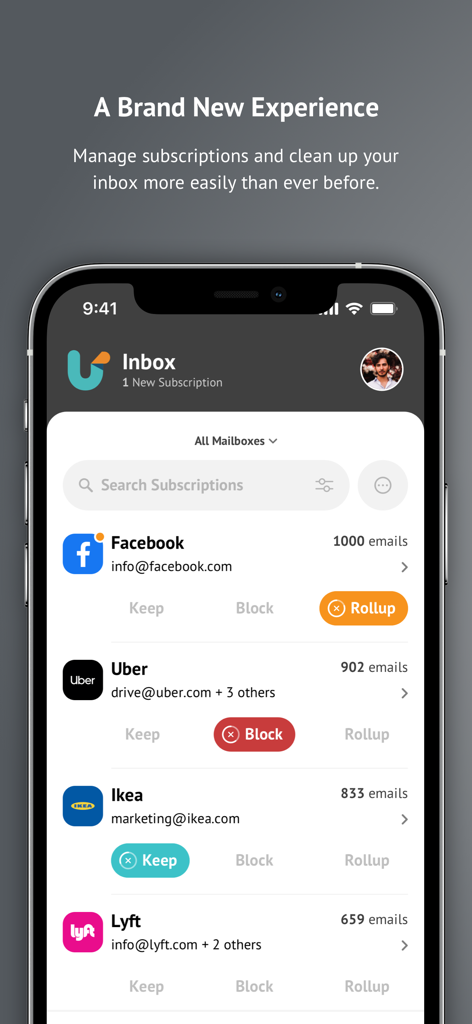
Mobile app interface for managing email subscriptions with Keep Block and Rollup buttons

Mobile app interface for managing email subscriptions with Keep Block and Rollup buttons

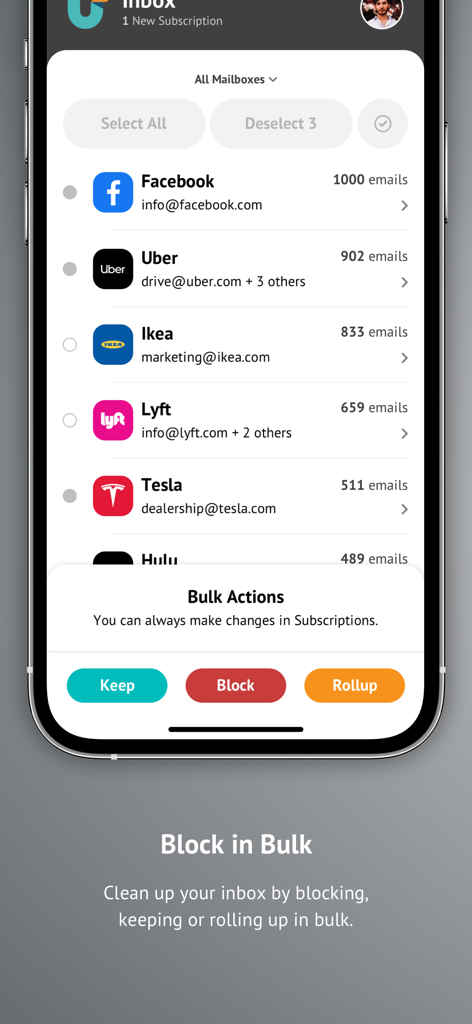
Unroll Me mobile app showing bulk actions to keep block or rollup email subscriptions

Unroll Me mobile app showing bulk actions to keep block or rollup email subscriptions

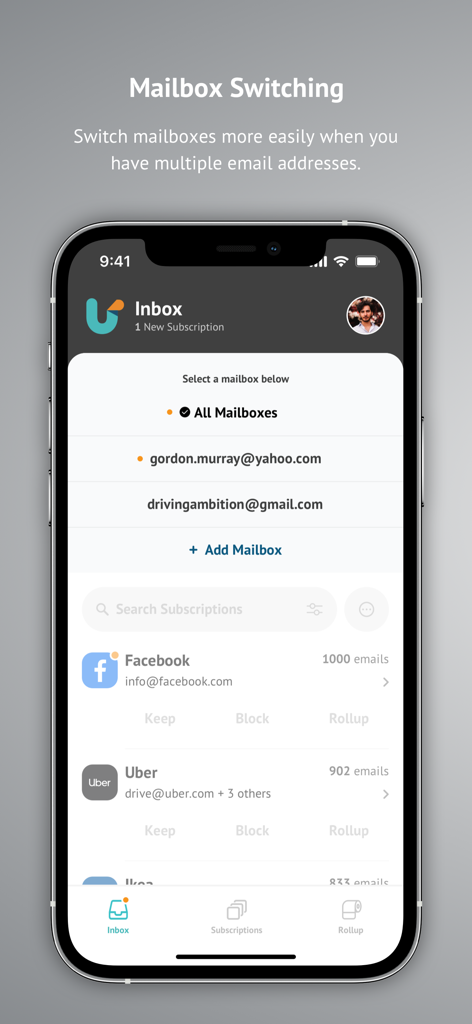
Interface of Unroll.Me app showing the mailbox switching feature for multiple email accounts.

Interface of Unroll.Me app showing the mailbox switching feature for multiple email accounts.

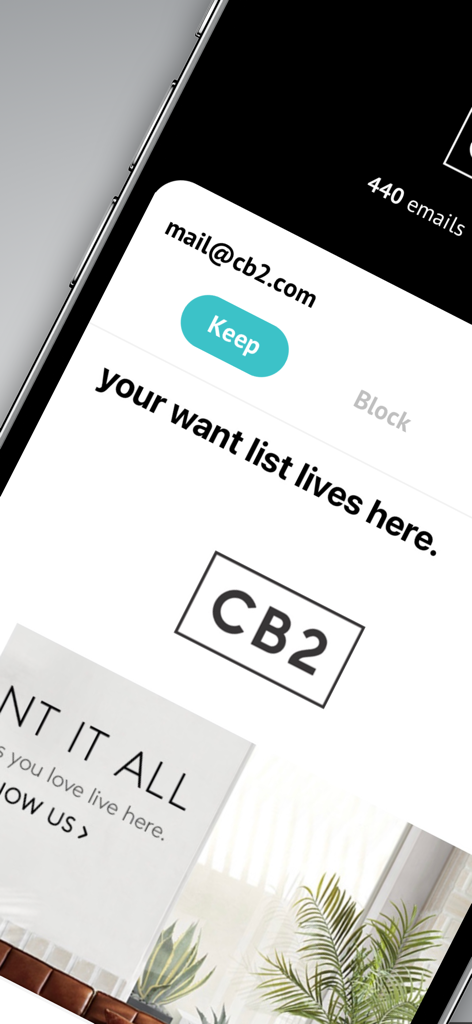
Close up of Unroll.Me app interface showing the option to keep a subscription from CB2.

Close up of Unroll.Me app interface showing the option to keep a subscription from CB2.

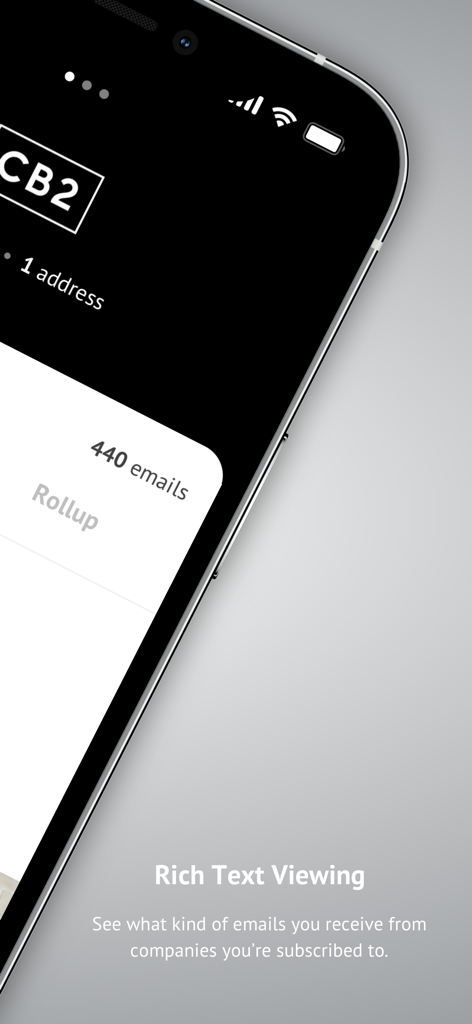
Unroll.Me app screenshot showing rich text viewing feature for subscription emails

Unroll.Me app screenshot showing rich text viewing feature for subscription emails

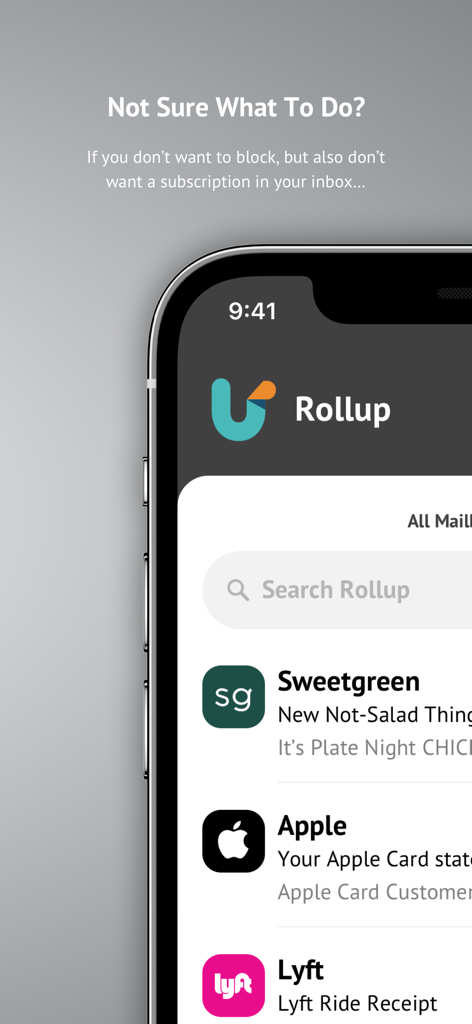
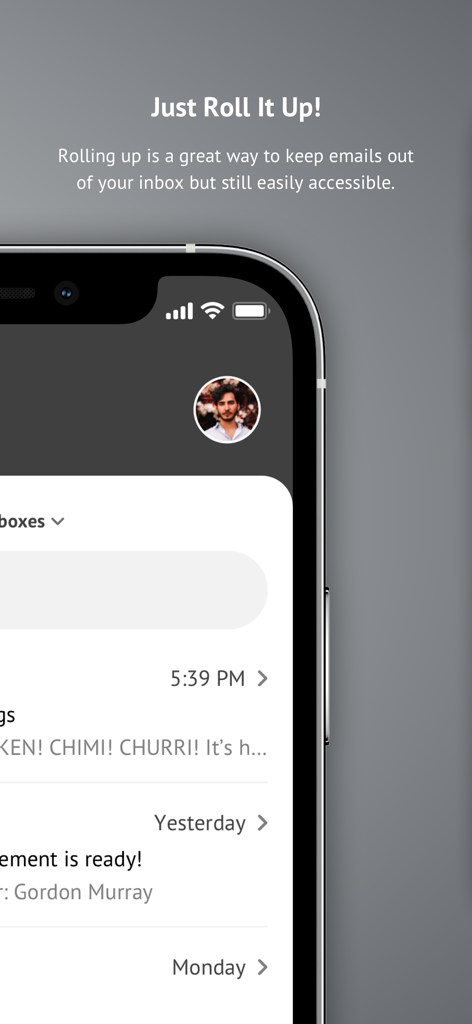
Unroll.Me app interface showing the email rollup feature to organize subscriptions

Unroll.Me app interface showing the email rollup feature to organize subscriptions

Unroll.Me app screen displaying the rollup feature for organizing email subscriptions

Unroll.Me app screen displaying the rollup feature for organizing email subscriptions

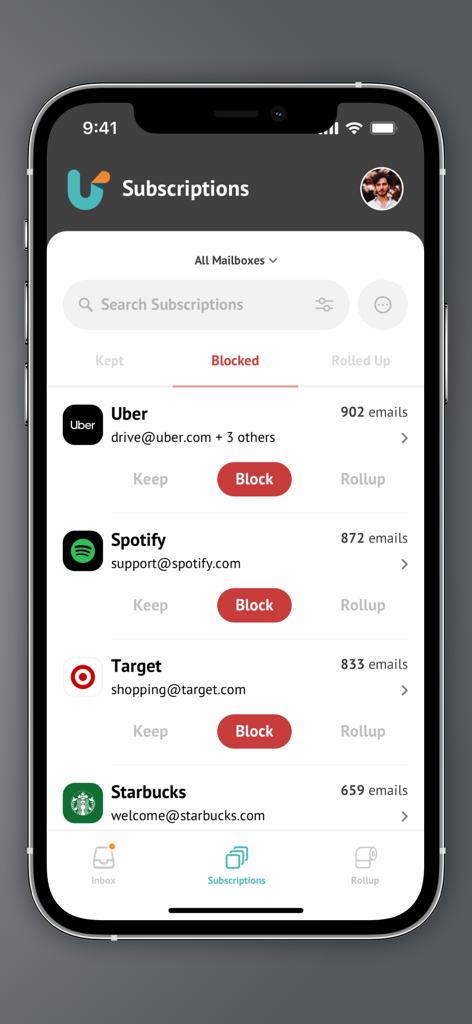
Unroll.Me app interface showing a list of email subscriptions with options to block keep or rollup

Unroll.Me app interface showing a list of email subscriptions with options to block keep or rollup

Reclaim Your Focus and Your Inbox

The tools that make this app stand out, trusted by 3M+ users.

🚫

One-Tap Unsubscribe

Instantly block unwanted newsletters and spam with a simple swipe. No more digging for tiny unsubscribe links.

🗞️

The Daily Rollup

Combine the emails you actually like into a single, beautiful daily digest. Keep the content, lose the clutter.

📧

Total Inbox Control

Manage multiple accounts—from Gmail to Yahoo—in one unified dashboard. Perfect for the multi-tasking professional.

Loved by users worldwide

Trusted by 3M+ people who love this app.

"

"As a marketing director juggling three different email accounts, I used to wake up to a mountain of digital noise. Unroll.Me changed everything. The swipe-to-unsubscribe feature is addictive, and the Rollup keeps my inbox focused on what actually matters. It’s the first tool I recommend to anyone dealing with heavy inbox anxiety!"

Sarah J.
"

"I cleared out over 200 subscriptions in under five minutes using this app. Now, I get one beautiful daily digest instead of fifty individual pings throughout the day. It’s genuinely given me back my 'me time' and reduced my digital clutter significantly. If you’re tired of endless marketing spam, this is an absolute must-download."

David K.

About the app

Everything you need to know about Unroll.Me - Email Cleanup.

Description

Are spam and subscription emails flooding your inbox? Do you have hundreds, if not thousands, of useless emails making your cluttered mailbox impossible to navigate? Worry no more! Unroll.Me to the rescue! Cleaning your inbox has never been so easy, or looked so good! With Unroll.Me, we’ll show you all the subscription emails in your inbox, and give you full control over what you want to do with them. Easily block unwanted emails, keep the ones you want, and rollup those that you don’t want to block, but also don’t necessarily want to see in your inbox. Here’s what you can expect from Unroll.Me: • View all subscription emails flooding your inbox and we’ll update this as we detect new subscriptions. • Block, keep, and rollup your subscription emails, either in bulk or individually. • Search your subscriptions easily so you can find that one company that won’t stop spamming you. • Wanted to block an email subscription that you kept or rolled up? No worries, you can edit any and all changes that you’ve made to your subscriptions in the Subscriptions tab. • View your rolled up emails - this updates once a day and we’ll send you a daily email of all new mail you received from your rolled up subscriptions. It’s like a daily digest email! • Add multiple email accounts and tackle your subscriptions across all accounts with Unroll.Me. • Support for the following email providers: Gmail, iCloud, Yahoo!, AOL, Outlook and Google Apps. More to come… Stop stressing over your inbox and get back to spending time on what matters to you. Download Unroll.Me and get back the “you time” you’ve been missing. Love Unroll.Me? Leave a review and let us know what you think!

Latest Version

3.3.27

Size

28.5 MB

First Released

Nov 5, 2015

Reclaim Your Inbox in Minutes

Join over 3 million people who've swiped away the noise. Download Unroll.Me today and get back the “you time” you’ve been missing.

Download on App Store
FAQ

Frequently Asked Questions

Everything you need to know about Unroll.Me - Email Cleanup

What is Unroll.Me and what does it do?

Unroll.Me is an email cleanup application designed to help users manage and organize their subscription emails. It provides tools to block, keep, or consolidate newsletters into a convenient daily digest.

How can I block unwanted emails using Unroll.Me?

Yes, Unroll.Me allows you to block unwanted subscription emails directly. You can block them individually from your inbox or utilize the bulk action feature to manage multiple subscriptions simultaneously.

Does Unroll.Me support managing multiple email accounts?

Yes, Unroll.Me supports multiple email accounts. Users can add various email addresses and manage subscriptions across all linked accounts, easily switching between them within the app.

Which email providers are compatible with Unroll.Me?

Unroll.Me is compatible with several major email providers, including Gmail, iCloud, Yahoo!, AOL, Outlook, and Google Apps. The app aims to expand support for additional providers in the future.

What is the 'Rollup' feature in Unroll.Me?

The 'Rollup' feature in Unroll.Me collects chosen subscription emails into a single daily digest. This keeps them out of your primary inbox while ensuring they remain accessible for review each day.

Can I view the content of emails before managing them in Unroll.Me?

Yes, Unroll.Me offers rich text viewing, allowing users to inspect the content of their subscription emails. This enables informed decisions before choosing to keep, block, or roll up a subscription.

How can I manage multiple email subscriptions at once with Unroll.Me?

Unroll.Me enables bulk management of subscriptions. Users can select multiple items from their inbox and apply 'Keep', 'Block', or 'Rollup' actions to all selected subscriptions simultaneously.

Is it possible to undo or change a subscription action in Unroll.Me?

Yes, you can edit any changes made to your subscriptions in Unroll.Me. The app allows users to modify previous 'keep', 'block', or 'rollup' decisions within the dedicated 'Subscriptions' tab.

Where can I view all my managed subscriptions within Unroll.Me?

Yes, Unroll.Me organizes all your managed subscriptions. You can find a comprehensive list of your 'Kept', 'Blocked', and 'Rolled Up' subscriptions within the 'Subscriptions' tab of the app.