
Veo Camera



Capture every play without a cameraman. Automate your recordings, livestream to fans, and create professional highlight reels to get your players noticed by scouts and recruiters.
Publisher
Category
SportsDownloads
1M+User Rating
Total Ratings
2K+Locales
7Discover the interface used by 1M+ users.
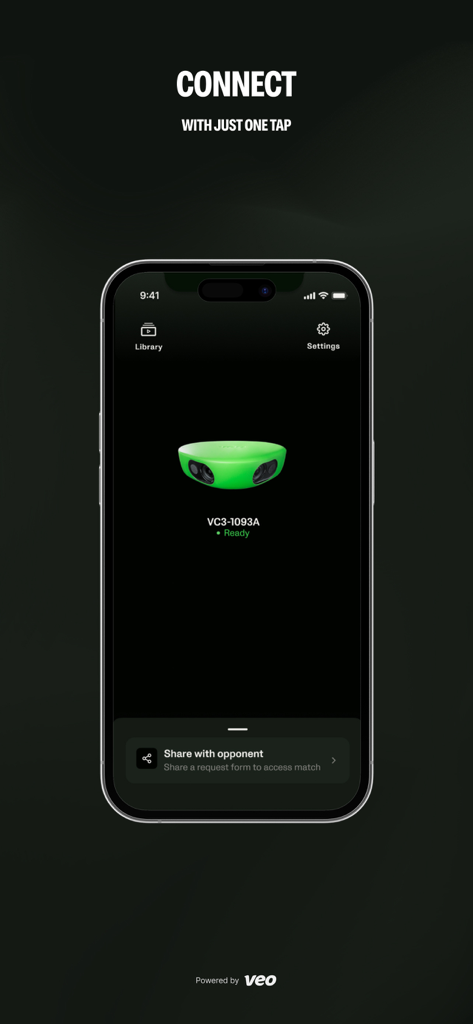
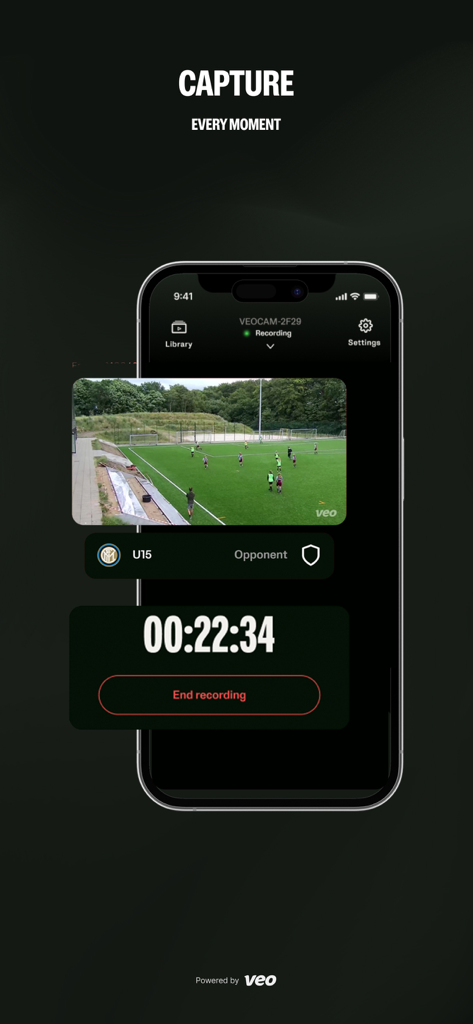
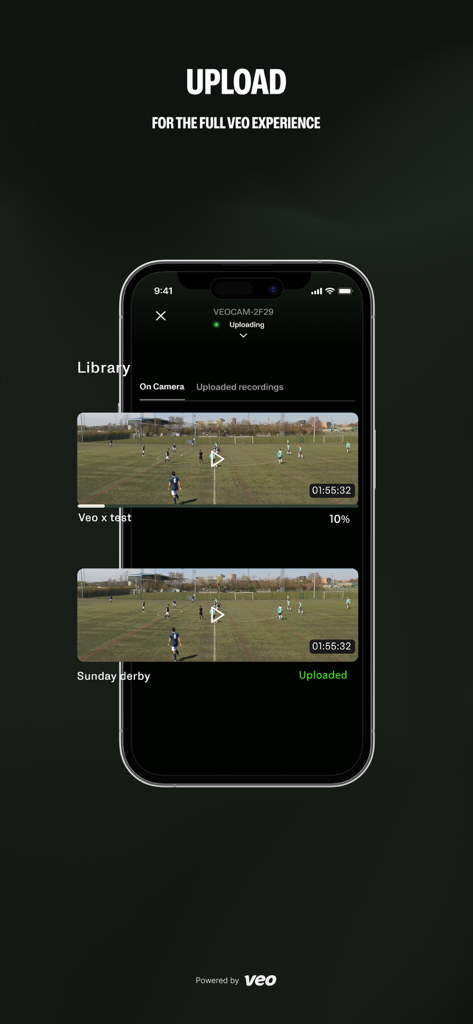
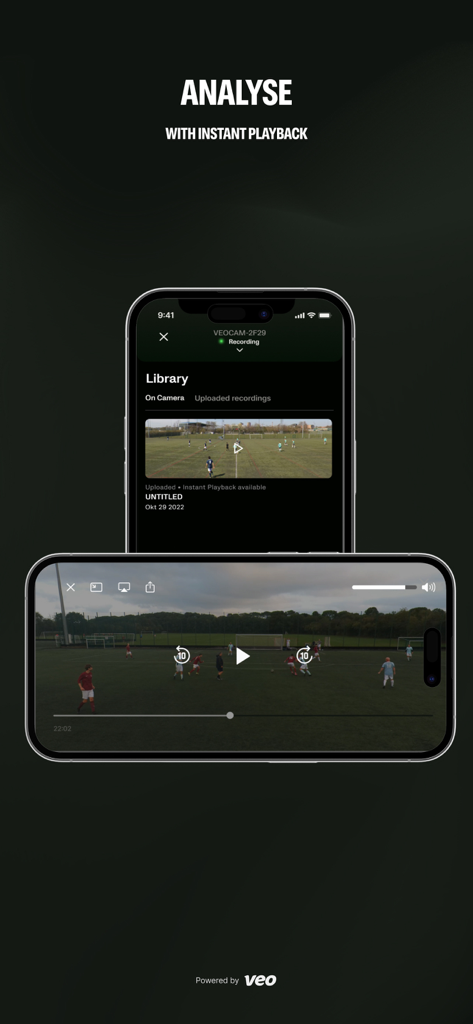
The tools that make this app stand out, trusted by 1M+ users.
Eliminate the need for a cameraman. Our AI follows the action automatically, ensuring you never miss a game-changing moment or a crucial play.
Instantly clip and share professional highlights. The ultimate tool for building recruitment reels that grab the attention of college scouts and recruiters.
Access elite data like heat maps and possession stats. Use instant playback at halftime to make the tactical adjustments that win championships.
Trusted by 1M+ people who love this app.
"Veo has completely transformed how we analyze our matches. The AI tracking is flawless, meaning I no longer need to find a volunteer to film from the sidelines. Being able to show my players instant playback at halftime has given us a massive competitive edge this season."
"As a parent, this is the best investment our team has made. The app is incredibly intuitive, making it easy to start a livestream so family members across the country can watch. The ability to quickly clip highlights for recruitment reels is a total lifesaver for college applications!"
Insights from user reviews.
Sentiment Score
Summary
The Veo mobile app garners predominantly negative feedback from users, reflected in a low overall sentiment score. Many users consistently report critical issues with camera connectivity, app stability, and recording/playback functions, frequently citing problems after recent software updates (e.g., versions 3.2.9, 3.2.10, 3.3.0) which have introduced bugs like broken previews and distorted playback. Customer support is also a significant point of dissatisfaction, with numerous complaints about unresponsiveness and inability to resolve technical problems. Despite these widespread frustrations, a few users commend the hardware quality and setup process of the newer Veo 3 camera, alongside the potential of the app's analytics and highlight features when they function correctly.
Common Themes
Everything you need to know about Veo Camera.
Description
Latest Version
3.5.6
Size
77.1 MB
First Released
Dec 1, 2020
Join over 1 million coaches and parents using Veo’s AI to capture every game-changing play, analyze performance at halftime, and create the highlight reels that get scouts' attention.
Everything you need to know about Veo Camera
The Veo Camera App provides easy connectivity to Veo Camera 1, 2, and 3. It offers full control with intuitive navigation.
Yes, the Veo Camera App allows users to start and stop recordings. It features a two-tap recording start functionality.
Yes, the Veo Camera App supports live streaming. Users can livestream to Veo Live and other external streaming destinations.
The Veo platform uses AI to automatically track the ball and detect key events during a game. This eliminates the need for a cameraman.
After uploading, users receive a full game breakdown. They can edit, draw, clip, and share highlights. Analytics include possession, heat maps, and other statistics.
Yes, the Veo Camera App offers instant playback. Users can analyze their game at halftime or directly after the recording.
Yes, users can add bookmarks while recording or live streaming. These bookmarks assist with game analysis later.
Yes, the Veo Camera App keeps users informed about their camera's status and health metrics.
The Veo Camera App allows users to manage and assign their recordings. Users can view recordings on the device or those already uploaded.
Yes, the Veo Camera app includes an easy first-time setup guide. This simplifies initial connectivity and use.
Apps with similar features and user experience

OnForm, Inc.

IMPROVESCAPE LLC

Golf Genius Mobile, LLC

SPORTSBOX.AI INC.

Pickleball Vision AI Inc.

SwingVision, Inc.

Ochy

Marcin Jachmann

Swing Profile Limited