Volume Boost – Sound Amplifier

Volume Boost – Sound Amplifier

Download on App Store
Spark by MWM logo
Logo of Volume Boost – Sound Amplifier
Volume Boost – Sound Amplifier: Crystal Clear Hearing with Your Favorite Headphones

Turn your AirPods or headset into a personalized hearing assistant. Our smart technology calibrates to your unique profile, filtering out background noise so you never miss a word in conversations again.

Publisher

Evgenia Pervushina

Category

Medical

Downloads

2M+

User Rating

4.3/5

Total Ratings

3K+

Locales

5

Pure Sound, Visualized

Discover the interface used by 2M+ users.
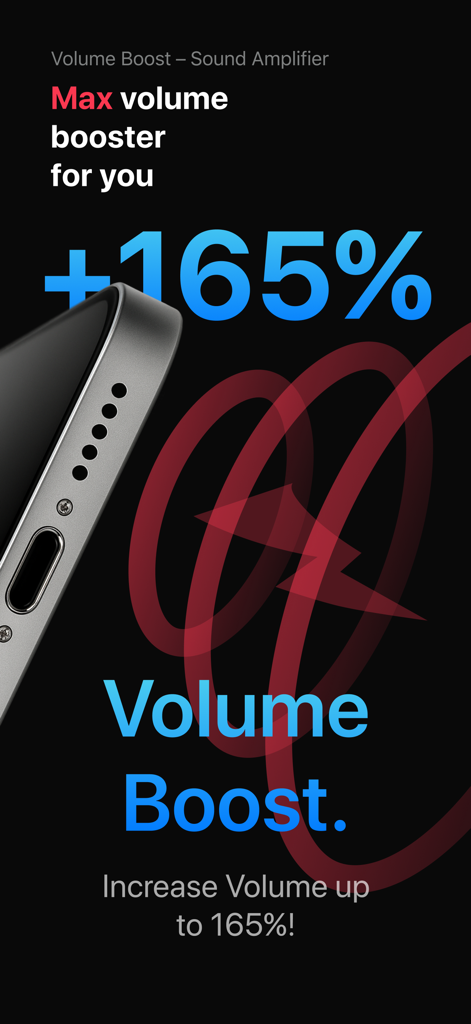
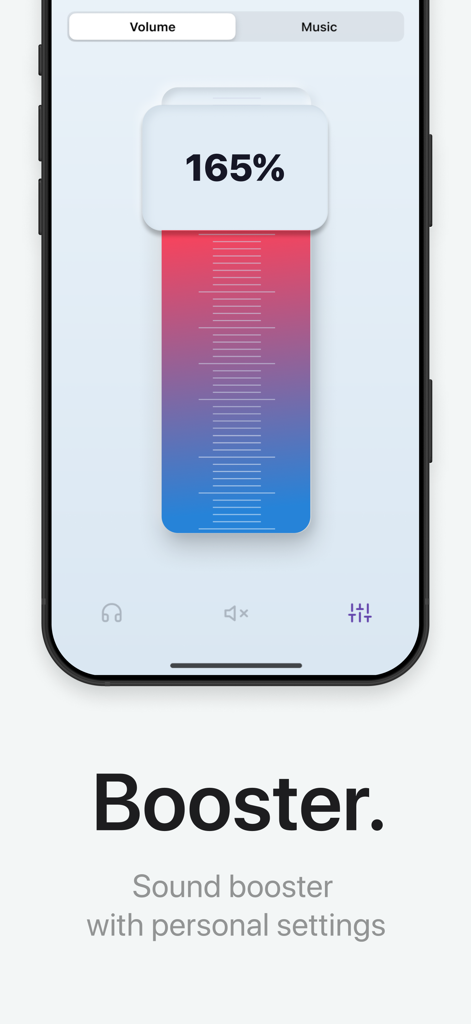
Volume Boost mobile app screen showing a 165 percent sound amplification increase

Volume Boost mobile app screen showing a 165 percent sound amplification increase

App interface showing a volume booster slider set to 165 percent

App interface showing a volume booster slider set to 165 percent

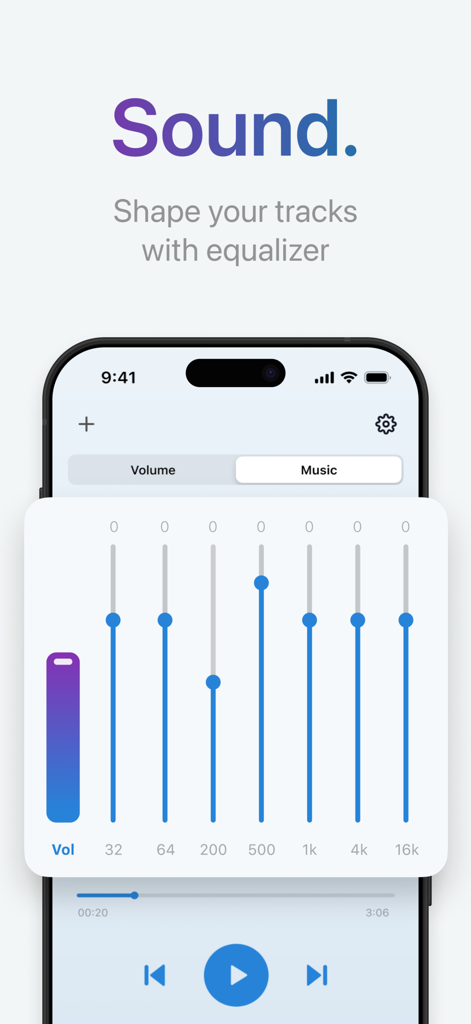
A smartphone display showing a multi band equalizer for sound amplification and audio customization

A smartphone display showing a multi band equalizer for sound amplification and audio customization

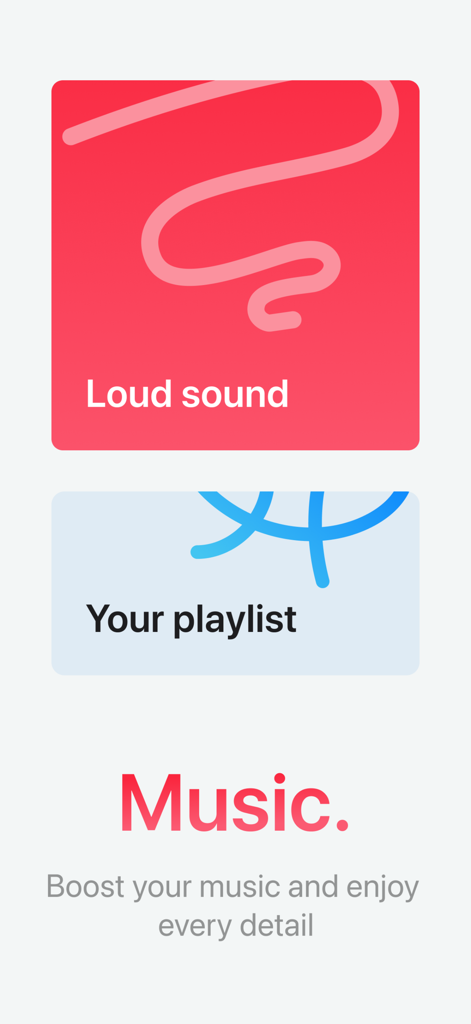
Music amplification screen showing loud sound and playlist options in the Volume Boost app.

Music amplification screen showing loud sound and playlist options in the Volume Boost app.

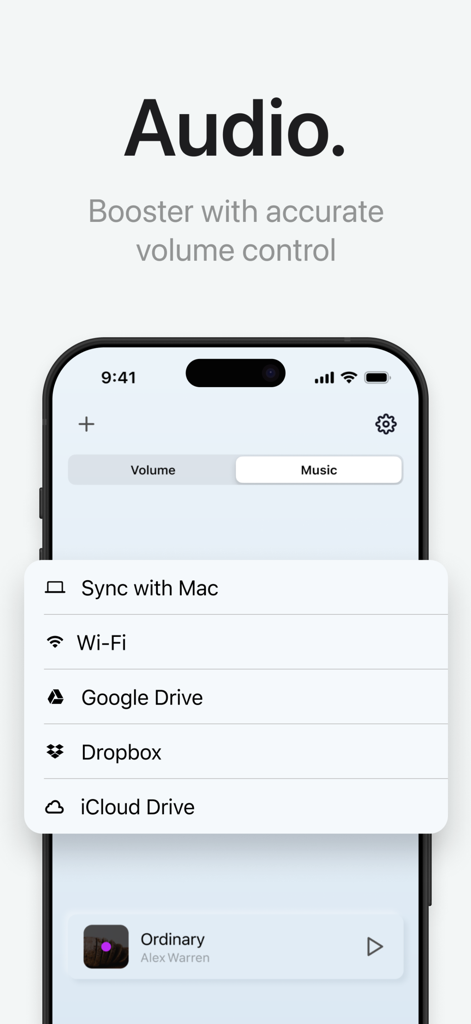
Audio source menu for syncing music and files from cloud storage in the volume boost app

Audio source menu for syncing music and files from cloud storage in the volume boost app

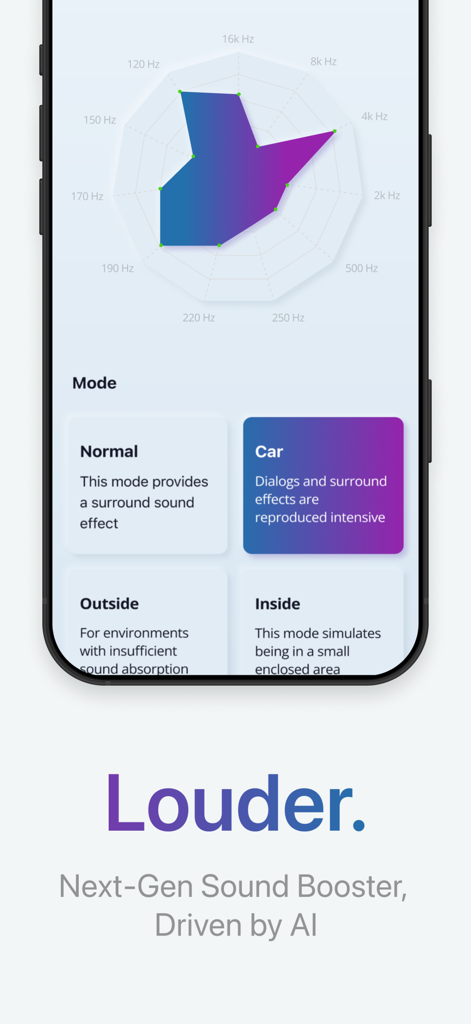
Volume Boost app interface showing AI sound frequency graph and environment mode selection like Car and Outside.

Volume Boost app interface showing AI sound frequency graph and environment mode selection like Car and Outside.

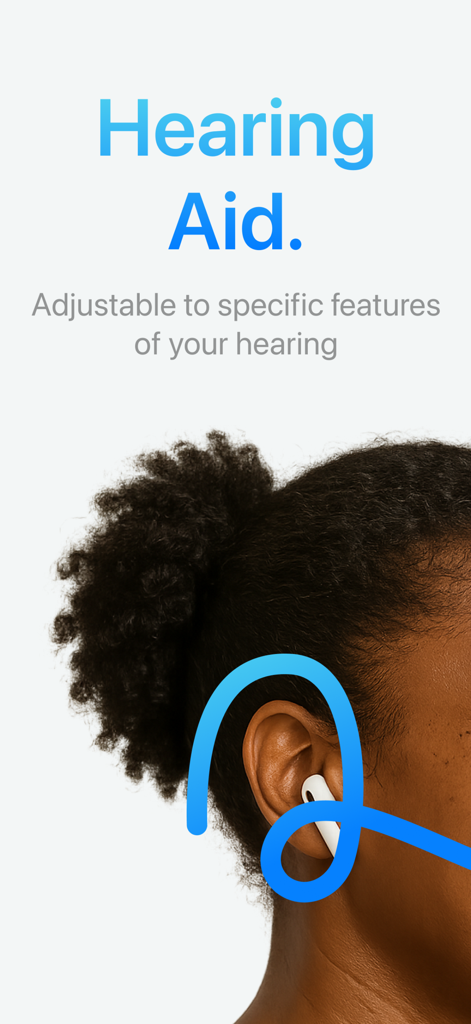
A woman wearing earphones with text describing adjustable hearing aid features

A woman wearing earphones with text describing adjustable hearing aid features

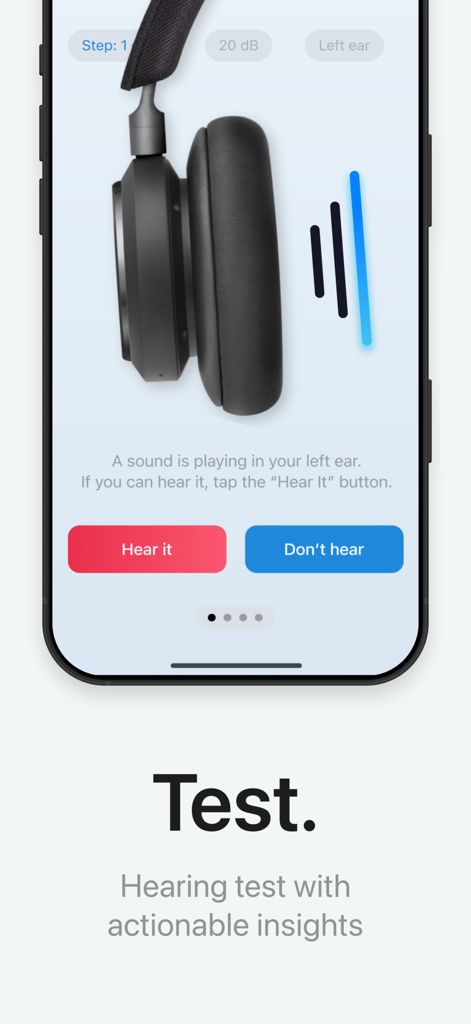
Smartphone screen showing a hearing test step for a sound amplifier app.

Smartphone screen showing a hearing test step for a sound amplifier app.

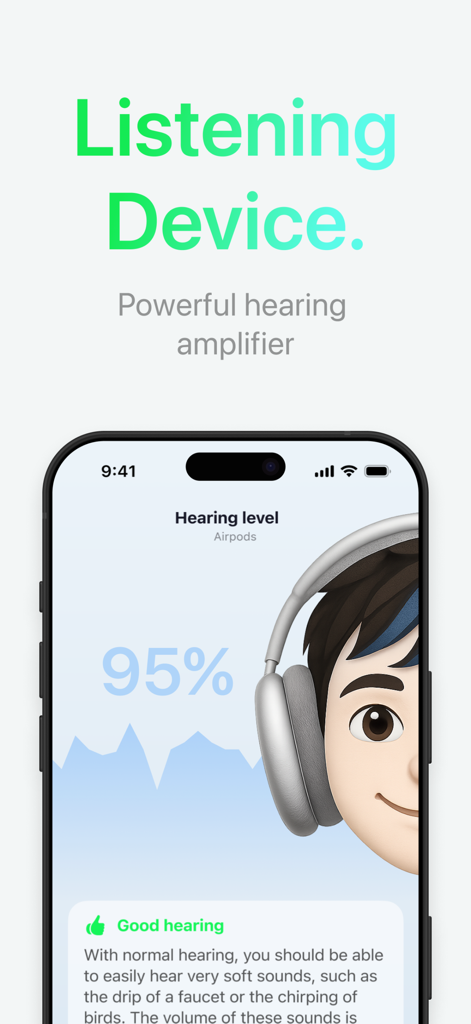
A mobile app screen showing a ninety five percent hearing level score with AirPods headphones

A mobile app screen showing a ninety five percent hearing level score with AirPods headphones

Rediscover the Joy of Clear Conversation

The tools that make this app stand out, trusted by 2M+ users.

👂

Personalized Ear Calibration

Skip the clinic and take our built-in hearing test. The app automatically adjusts sound frequencies for each ear, creating a bespoke audio experience tailored specifically to you.

💬

Smart Noise Filtering

Stay engaged in the conversation, even in busy restaurants or loud family gatherings. Our advanced filters isolate voices while suppressing distracting background noise.

🔊

Powerful +30dB Amplification

Hear every whisper and subtle sound clearly. Boost quiet dialogue by up to 30dB without distortion, making it the perfect companion for lectures, movies, or nature walks.

Loved by users worldwide

Trusted by 2M+ people who love this app.

"

"I was struggling to follow conversations during busy family dinners, but this app has been a game-changer. Using it with my AirPods feels completely natural, and the noise filtering is incredibly effective at focusing on voices."

Robert M.
"

"I love how this app calibrates to my specific hearing needs with the built-in test. It makes a huge difference when I am watching TV or in a meeting, allowing me to hear every word clearly without turning the volume up to max."

Sarah J.

About the app

Everything you need to know about Volume Boost – Sound Amplifier.

Description

Use the power of your smartphone and latest technologies for maximum sound amplification. Increase the volume and improve the sounds around you. App helps you to improve your sound perception. The app adjusts to specific features for each ear using a built-in test. You only need a simple headset to use it. -- Boost the sound of your headset -- Noise filtering function -- Automatic adjustment to hearing specifics; -- Adaptation to different types of environment; -- Full acoustic amplification up to 30 dB with a wired headset; -- Amplification of quiet sounds without losing the overall volume; -- Support of Bluetooth headsets and Air Pods.

 PLEASE PAY ATTENTION that the app is not intended for medical use, to obtain accurate data please consult your doctor. Do not delay the visit to your doctor if you have some problems with your hearing. ———— * Subscription Volume Boost – Sound Amplifier get access to all functions of the application. * You can turn off the auto-renewal at any time: you'll find the option to do this change to a different payment plan in the settings of your iTunes and App Store account. * The first time you can try the free trial for 3 days. After that, your account will be automatically charged for the subscription if you will not stop it before the end of the free trial. * The length of the subscription is 1 month, this subscription is auto-renewing. You can stop the subscription at any moment; * Account will be charged for renewal within 24-hours prior to the and of the current period, and identity the cost of the renewal. ATTENTION: before you subscribe please read: Privacy Policy(https://omniapp.ru/privacy) Terms Of Use(https://omniapp.ru/tos)

Latest Version

0.3.63

Size

96.6 MB

First Released

Mar 8, 2020

Never Miss a Word Again

Turn your iPhone and AirPods into a powerful, personalized sound amplifier. Start your 3-day free trial today and rediscover the joy of clear conversations.

Download on App Store
FAQ

Frequently Asked Questions

Everything you need to know about Volume Boost – Sound Amplifier

What is the primary function of the Volume Boost – Sound Amplifier app?

The Volume Boost – Sound Amplifier app amplifies sound and improves sound perception using smartphone technology. It increases volume and helps improve surrounding sounds.

Does Volume Boost – Sound Amplifier offer noise filtering?

Yes, the Volume Boost – Sound Amplifier app includes a noise filtering function. This feature enhances audio clarity by reducing unwanted background noise effectively.

Can the Volume Boost – Sound Amplifier app adjust to individual hearing needs?

Yes, the app automatically adjusts to specific hearing features for each ear. It uses a built-in test and adapts to various environments.

Is the Volume Boost – Sound Amplifier app a medical device?

No, the Volume Boost – Sound Amplifier app is not intended for medical use. Users should consult a doctor for accurate hearing data or problems.

What is the maximum sound amplification provided by Volume Boost – Sound Amplifier?

The Volume Boost – Sound Amplifier app provides full acoustic amplification up to 30 dB with a wired headset. It amplifies quiet sounds without losing overall volume.

Does Volume Boost – Sound Amplifier support Bluetooth devices and AirPods?

Yes, the Volume Boost – Sound Amplifier app supports both Bluetooth headsets and Apple AirPods. Users can connect these devices for enhanced sound amplification.

How much can the Volume Boost app increase volume?

The Volume Boost app can increase volume by up to 165%. It provides a sound booster with personal settings for precise volume control.

Does Volume Boost – Sound Amplifier offer an equalizer?

Yes, the Volume Boost – Sound Amplifier app includes a customizable equalizer. This feature allows users to shape and fine-tune their audio tracks.

Can I sync audio with other services using Volume Boost – Sound Amplifier?

Yes, the app supports syncing with Mac, Wi-Fi, Google Drive, Dropbox, and iCloud Drive. This enables broad audio management capabilities.

What subscription options are available for Volume Boost – Sound Amplifier?

The app offers a "Subscription Volume Boost – Sound Amplifier" to access all functions. This auto-renewing subscription has a length of 1 month.

Is there a free trial for the Volume Boost – Sound Amplifier app?

Yes, the Volume Boost – Sound Amplifier app provides a 3-day free trial. The account automatically charges for the subscription if not canceled before the trial ends.

How can I cancel my Volume Boost – Sound Amplifier subscription?

You can turn off auto-renewal at any time. The option to change payment plans is available in your iTunes and App Store account settings.