
VU PLAYER PRO



Elevate your home cinema with a cutting-edge M3U player built for high performance, sleek design, and total immersion on all your favorite devices.
Publisher
Category
EntertainmentDownloads
92K+User Rating
Total Ratings
4K+Locales
12Discover the interface used by 92K+ users.

The tools that make this app stand out, trusted by 92K+ users.
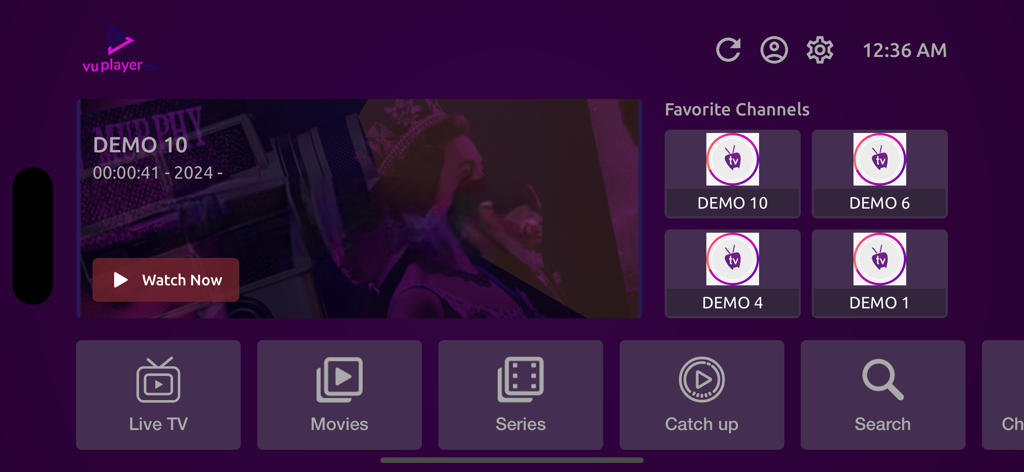
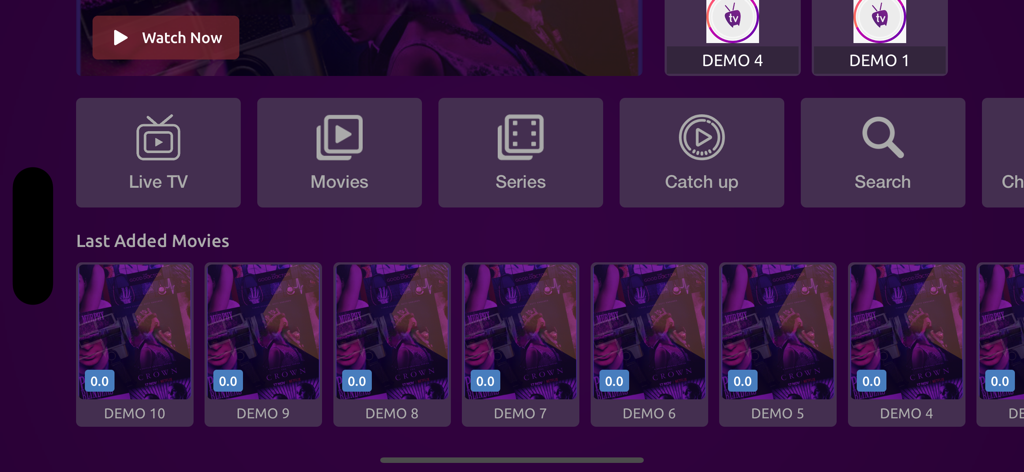
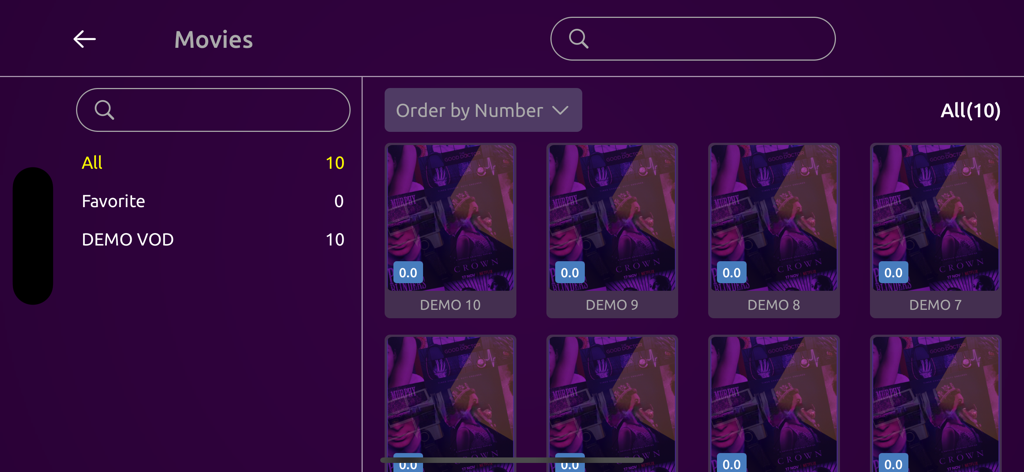
Experience a polished, professional interface that rivals mainstream streaming apps, specifically optimized for the Apple TV 4K.
Load massive m3u playlists in seconds. Enjoy lag-free live sports and 4K VOD without the crashes found in generic players.
Manage your content on your iPhone and watch on the big screen. Your playlists and favorites stay perfectly in sync across all Apple devices.
Trusted by 92K+ people who love this app.
"Finally, an IPTV player that doesn't look like it was designed in 2005! The UI is incredibly sleek on my Apple TV 4K, and the performance is lightning-fast even with my massive m3u playlist. It is the premium, high-end experience I have been looking for to complete my home theater setup."
"I have tried dozens of players to watch international sports, but VU Player Pro is on another level. It is so easy to organize my favorite channels, and the cross-device sync between my iPhone and Apple TV is flawless. It is worth every penny for the ergonomics alone."
Everything you need to know about VU PLAYER PRO.
Description
Latest Version
1.9
Size
61.7 MB
First Released
May 24, 2023
Join over 92,000 cord-cutters who have traded clunky interfaces for a sleek, pro-grade streaming experience. Download VU PLAYER PRO now on your iPhone, iPad, and Apple TV.
Everything you need to know about VU PLAYER PRO
VU Player Pro is a cutting-edge m3u player designed specifically for Smart TVs. It offers advanced features, exceptional performance, and a sleek design for an immersive entertainment experience.
Yes, VU Player Pro is explicitly described as a cutting-edge m3u player. It is built to efficiently handle m3u playlists, providing a seamless viewing experience on Smart TVs.
VU Player Pro is specifically tailored for Smart TVs. It aims to deliver an immersive and engaging entertainment experience directly from the comfort of your home on these devices.
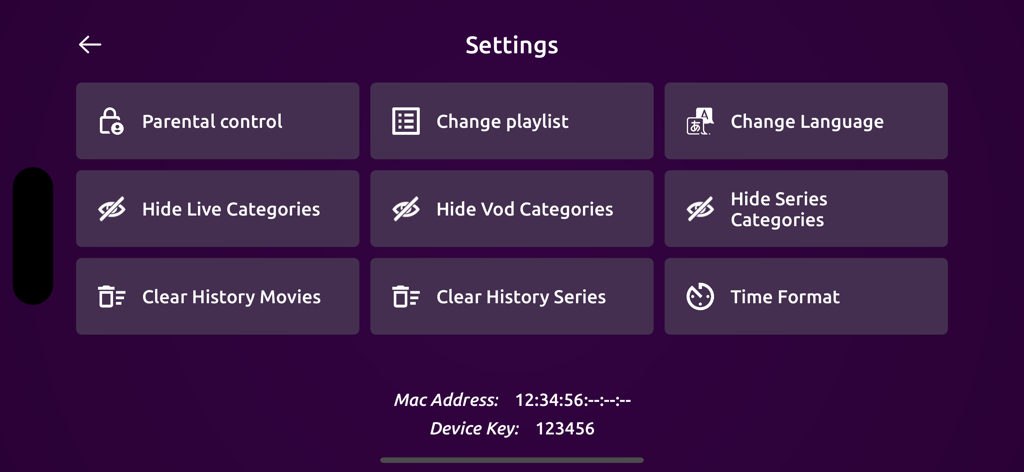
Yes, VU Player Pro includes a parental control feature. This option is accessible within the "Settings" menu to manage content restrictions and ensure a safe viewing environment.
Users can change the application language within VU Player Pro. A "Change Language" option is clearly available in the main "Settings" menu for user convenience.
Yes, VU Player Pro allows users to change playlists. The "Change playlist" option is conveniently located within the application's "Settings" menu for quick access.
VU Player Pro offers diverse content categories including "Live TV," "Movies," "Series," and "Catch up." These options are clearly displayed in the main navigation interface.
Yes, VU Player Pro provides options to hide "Live Categories," "Vod Categories," and "Series Categories." These settings are readily available within the "Settings" menu.
The Device Key and Mac Address for VU Player Pro are displayed within the application's "Settings" menu. They are typically found at the bottom of the screen.
Apps with similar features and user experience

Byte9 Inc

MUKING OU

WHMCS SMARTERS

belal samir

IRBOETECH CO., LIMITED

Dmitri Iasibis

Oskarina Ramos

Nguyen Van Sy

SmartersPlayer LLC