
WA Web - Dual Messenger ⁺


Effortlessly manage dual accounts on one device, bridge the iPad gap, and stand out with custom fonts and long screenshots designed for the modern professional.
Publisher
Category
Social NetworkingDownloads
1M+User Rating
Total Ratings
21K+Locales
13Discover the interface used by 1M+ users.
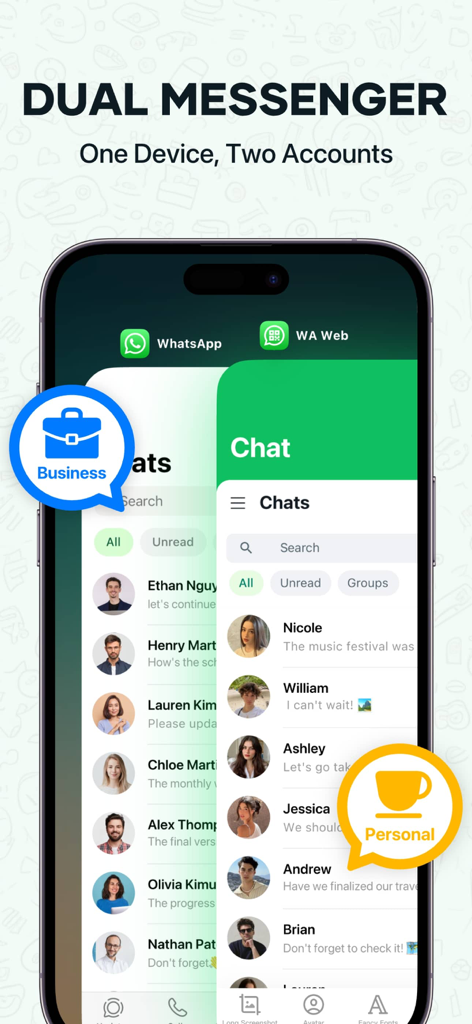
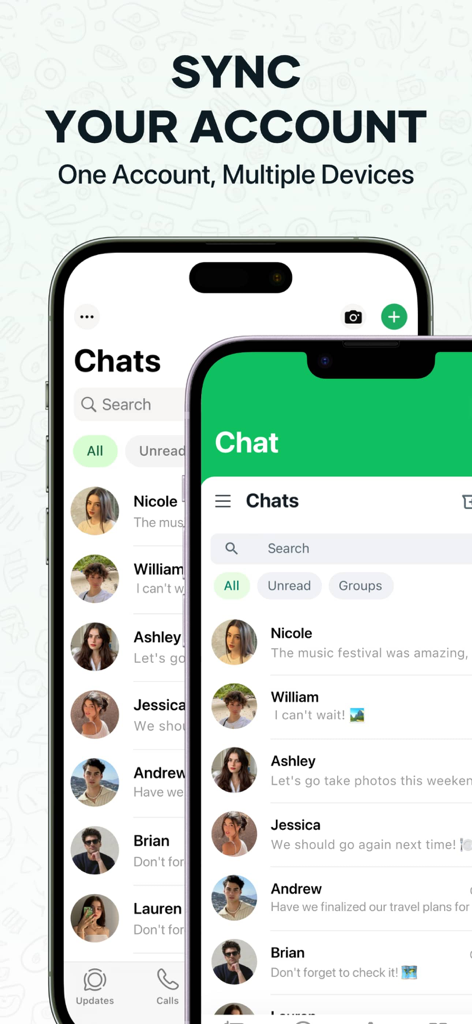
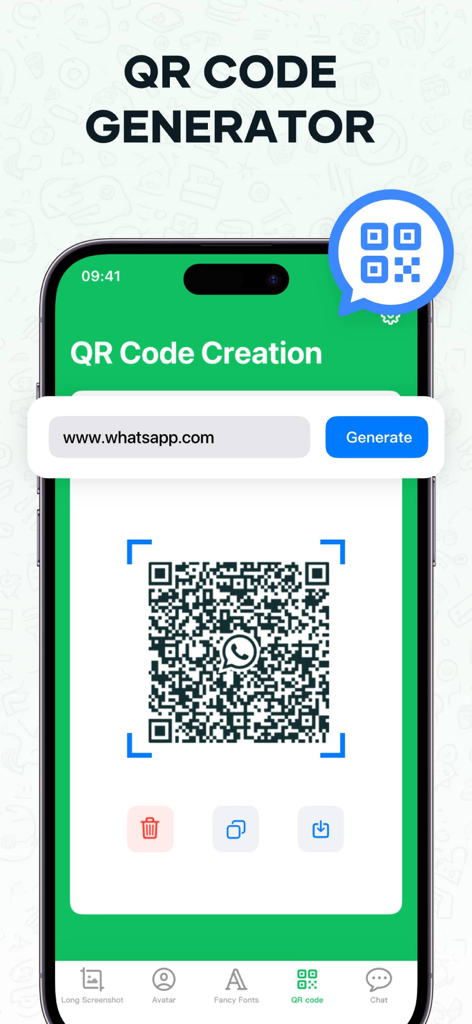
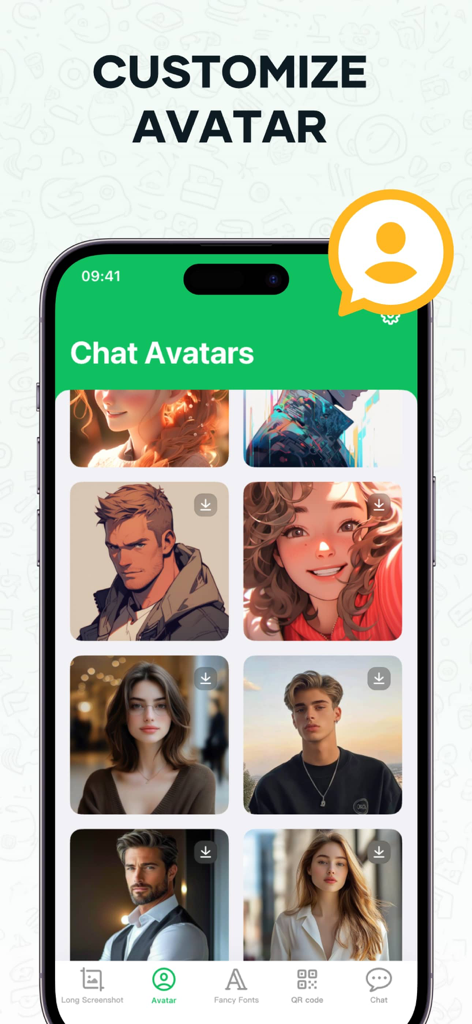
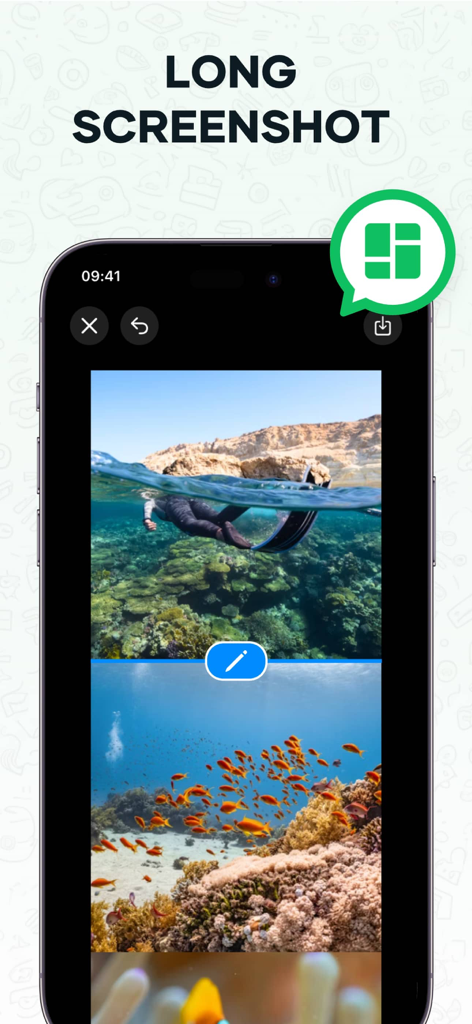
The tools that make this app stand out, trusted by 1M+ users.
Keep your work and personal life separate but accessible. Manage two accounts on one device or sync your messages to your iPad for a desktop-class experience.
Boost your response time with pre-set shortcuts. Perfect for entrepreneurs and side-hustlers who need to provide instant customer support on the go.
Stop stitching multiple images. Capture entire chat histories or important information threads in one seamless, high-quality long screenshot for easy archiving.
Trusted by 1M+ people who love this app.
"As a small business owner managing an Etsy shop and my personal life, this app is a total lifesaver. Being able to run two accounts on my iPhone without constantly logging in and out has streamlined my workflow, and the quick reply shortcuts make customer service a breeze!"
"Finally, the perfect solution for my iPad! Since there is no native WhatsApp app for tablets, I use this every day to stay connected while I work. The long screenshot feature is amazing for capturing entire threads, and the stylish fonts add such a cool touch to my messages."
Everything you need to know about WA Web - Dual Messenger ⁺.
Description
Latest Version
1.4.0
Size
75.8 MB
First Released
Jun 3, 2024
Join over 1 million professionals and side-hustlers. Download now to sync your accounts across devices and unlock the ultimate toolkit for your iPad and iPhone.
Everything you need to know about WA Web - Dual Messenger ⁺
WA Web - Dual Messenger ⁺ enables simultaneous use of two accounts on one device or one account across multiple devices. Users scan a QR code to log in, simplifying social interactions without frequent logins or logouts.
Yes, WA Web - Dual Messenger ⁺ allows users to stitch multiple photos into one seamless long screenshot directly within the app. This feature simplifies sharing extended conversations or images.
Yes, WA Web - Dual Messenger ⁺ includes a QR code generator. Users quickly generate QR codes for web links within the app and easily share them with friends.
Yes, WA Web - Dual Messenger ⁺ allows users to choose from a variety of chat avatars. This feature adds a personal touch to conversations within the application.
No, WA Web - Dual Messenger ⁺ is an unofficial tool for WhatsApp Messenger. An independent developer created it, and it is not affiliated with WhatsApp Inc.
Yes, WA Web - Dual Messenger ⁺ offers speedy reply options. Users set up shortcuts for quick replies, which streamlines conversations directly within the application.
Yes, WA Web - Dual Messenger ⁺ allows users to select from a range of stylish fonts. This feature helps make messages stand out in conversations.
Apps with similar features and user experience
中华 阳

Huong Le Thi
碧 郑
SEAMOBI TECH PTE LTD

Shobhaben Ukani
Changsha Liangchao Technology Co., Ltd.

Kokila Ukani

Siddharth bhadani
Ashish Paneliya