
WataameCamera



Turn your photos into fluffy cotton candy masterpieces with a simple flick. Explore over 122 pastel colors and whimsical shapes to make your social feed truly ethereal.
Publisher
Category
Photo & VideoDownloads
2M+User Rating
Total Ratings
66K+Locales
2Discover the interface used by 2M+ users.

The tools that make this app stand out, trusted by 2M+ users.
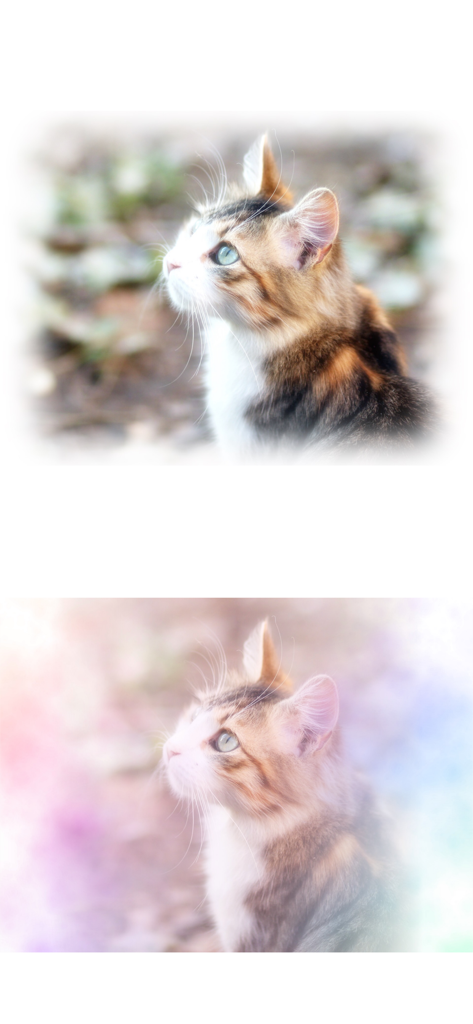
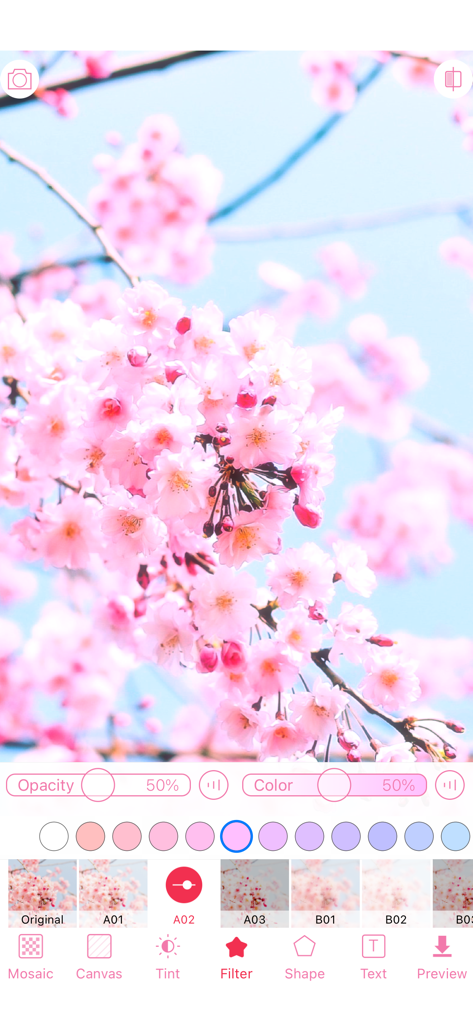
Instantly apply any of our 20 signature filters to give your photos a soft, ethereal glow that captures the ultimate 'Soft Girl' vibe.
Flick and spin through 122 vibrant colors to create one-of-a-kind gradients and artistic blends with a simple, playful gesture.
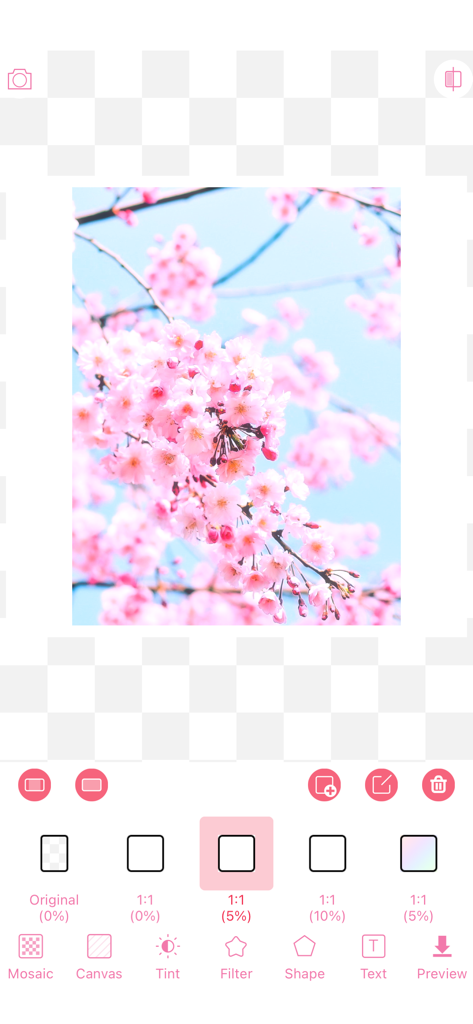
Frame your favorite moments using 21 unique shapes and custom color combos, making your Instagram stories and photo dumps stand out.
Trusted by 2M+ people who love this app.
"I am obsessed with the 'fluffy' vibe! It makes all my Instagram stories look so dreamy and aesthetic. The way you can spin the colors to get that perfect cotton candy gradient is a total game-changer. Finally, an app that understands the Soft Girl aesthetic perfectly!"
"The shape tool is everything! I use it to edit my photo dumps, and it adds such a cute, whimsical touch that you can't find in other apps. It's super intuitive and fun to play with—literally just flick and spin. My feed has never looked better!"
Everything you need to know about WataameCamera.
Description
Latest Version
1.77.0
Size
34.3 MB
First Released
Jul 30, 2018
Join over 2 million creators and transform your photos into soft, colorful cotton candy magic. Flick, spin, and start your aesthetic journey for free today.
Everything you need to know about WataameCamera
To create fluffy colorful photos with WataameCamera, load your photo, select a filter, choose colorful colors by flicking, and then save your edited image.
WataameCamera's primary function is to easily transform photos into fluffy, colorful images. Users achieve this by flicking colors and spinning them onto their pictures.
WataameCamera provides users with 20 different kinds of filters to enhance their photos. These filters can be applied after loading an image.
WataameCamera offers a selection of 122 colorful colors for photo editing. Users can choose two or more colors to spin them for unique effects.
Yes, users can combine multiple colors in WataameCamera. By selecting two or more colors, the app allows them to spin the chosen colors for a unique visual effect.
WataameCamera includes 21 different kinds of shapes within its Shape Tool feature. Users can apply these shapes using either a single color or a combination of two or more colors.
Yes, you can use multiple colors with the shape tool in WataameCamera. Selecting two or more colors enables the ability to spin them within the chosen shapes.
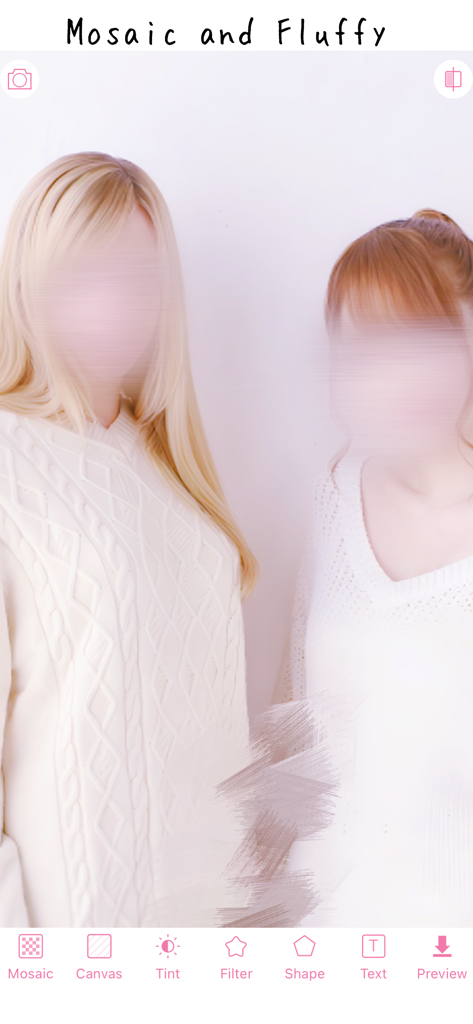
The WataameCamera interface displays main editing options including Mosaic, Canvas, Tint, Filter, Shape, Text, and Preview. These are accessible from the bottom navigation bar.
Yes, WataameCamera allows users to adjust the opacity for filters. The interface includes a slider specifically for controlling the opacity percentage of applied effects.
Apps with similar features and user experience

INFRAME CO., LIMITED

Cardinal Blue Software, Inc

Digital Masterpieces GmbH

Digital Masterpieces GmbH

立肯 郑

YOYA MOBILE TEKNOLOJI ANONIM SIRKETI

Ozan Kilic

Walrus Holdings(Hong Kong)Limited

Pal Patel
