
what3words: Navigation & Maps



Every 10-foot square in the world has a unique 3-word address. From remote trailheads to hidden city entrances, find your way with pinpoint accuracy—even when you are offline.
Publisher
Category
NavigationDownloads
13M+User Rating
Total Ratings
417K+Locales
61Discover the interface used by 13M+ users.
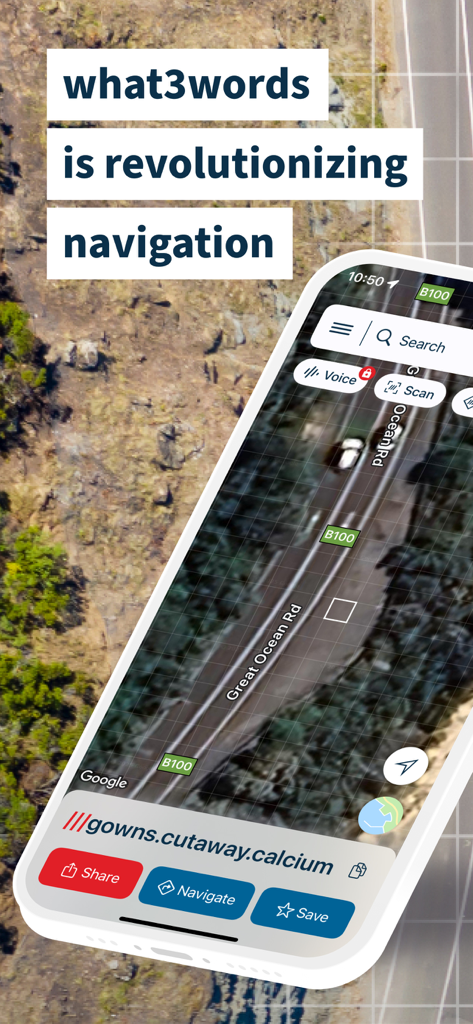
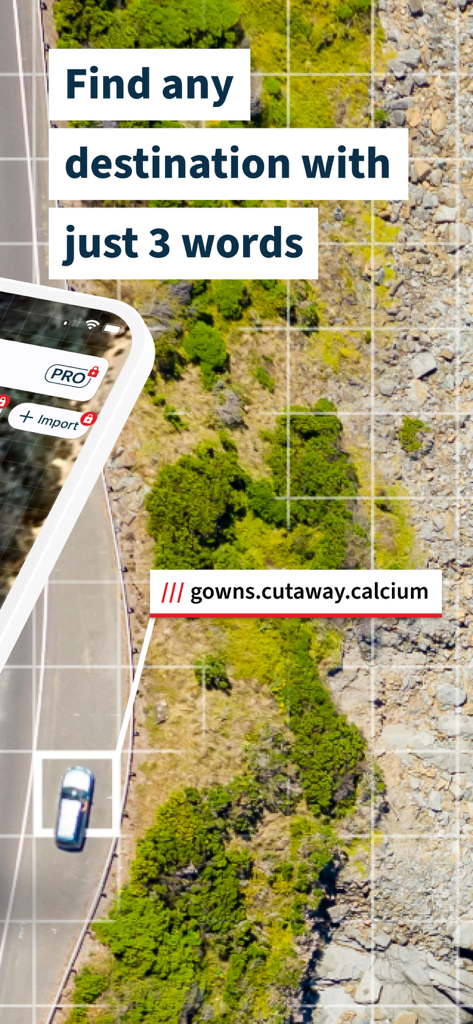
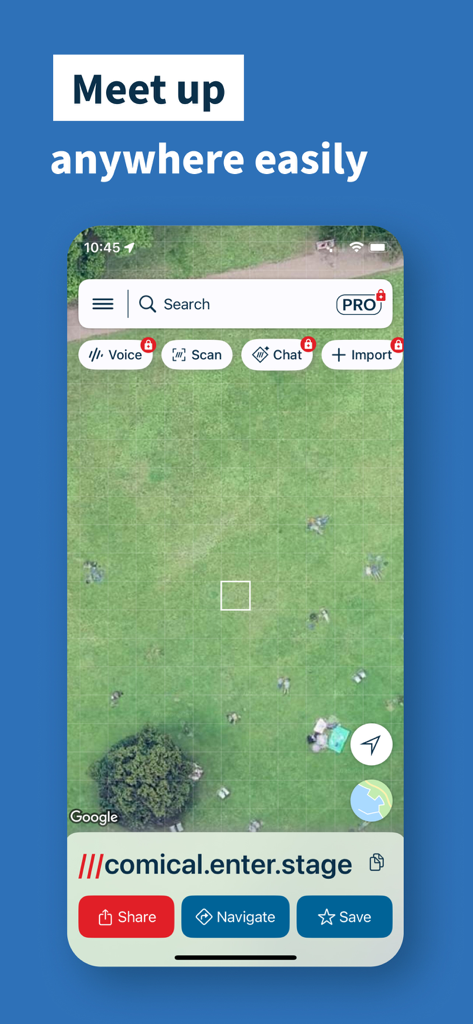
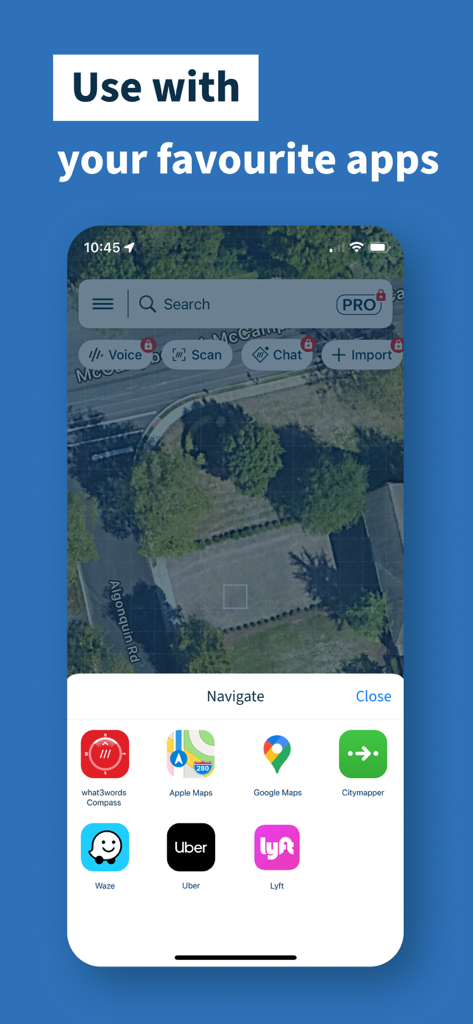
The tools that make this app stand out, trusted by 13M+ users.
Find trailheads, campsites, and scenic viewpoints without street addresses. Use compass mode to navigate offline when cell service disappears in National Parks.
Stop wasting time with vague descriptions at music festivals or crowded stadiums. Share a three-word address to lead your friends to a specific gate or your exact spot on the grass.
Be prepared for the unexpected. Many emergency dispatchers use what3words to locate callers in remote areas, ensuring help finds you exactly where you are, not just nearby.
Trusted by 13M+ people who love this app.
"As a frequent hiker, this app is a literal lifesaver. Standard maps often drop me miles away from actual trailheads in the National Parks, but what3words gets me to the exact square every time. The offline compass mode is a game-changer when I lose cell service in the mountains."
"I use what3words for everything from coordinating meetups at music festivals to helping delivery drivers find my specific apartment entrance. No more 'where are you?' texts or wandering around huge parking lots. It's the precision tool that's been missing from my navigation folder."
Everything you need to know about what3words: Navigation & Maps.
Description
Latest Version
5.3.0
Size
235.5 MB
First Released
Jul 1, 2013
Join over 13 million people using the world's most precise navigation tool for safer outdoor adventures, easier meetups, and stress-free deliveries.
Everything you need to know about what3words: Navigation & Maps
what3words assigns a unique three-word address to every 10-foot square globally. Users leverage these simple words to precisely find, share, and navigate to exact locations, fundamentally changing how destinations are identified.
Yes, what3words offers offline capabilities. Users can find their current three-word address without an internet connection and also utilize an offline compass mode for navigation in remote areas.
Yes, what3words integrates with popular navigation applications. It is compatible with Apple Maps, Google Maps, Citymapper, Waze, Uber, and Lyft, allowing users to navigate using their preferred mapping service.
what3words facilitates precise location sharing by providing a unique three-word address for any 10-foot square. Users can plan exact meet-up locations, guide visitors to their home or business, and share key spots easily.
Yes, users can save their favorite locations within the what3words app. This feature allows for categorizing and sharing these memorable spots as lists, ensuring important places are easily revisited or shared.
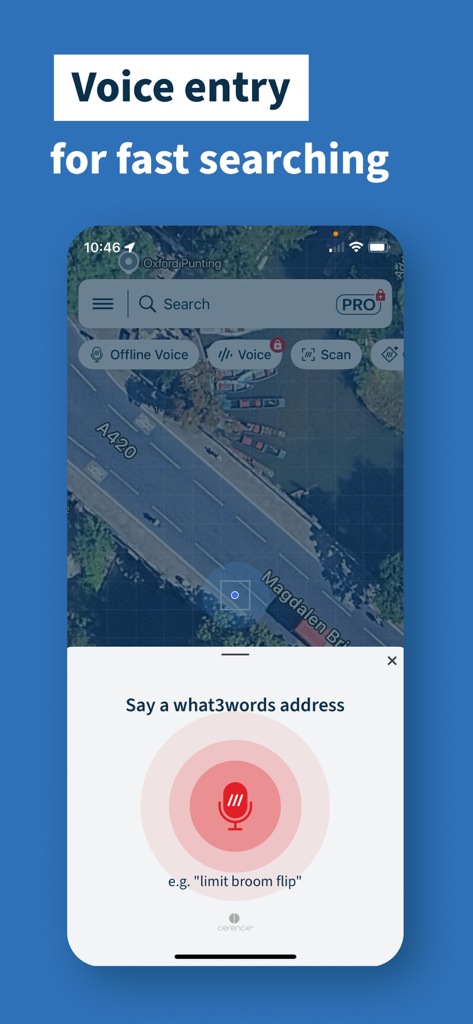
Yes, the what3words app supports voice entry for rapid searching. Users speak a three-word address directly into the app, which expedites the process of finding and navigating to a desired location.
The what3words app is available in over 60 languages. This extensive language support ensures a broad user base globally can access and utilize the app's precise navigation features in their native tongue.
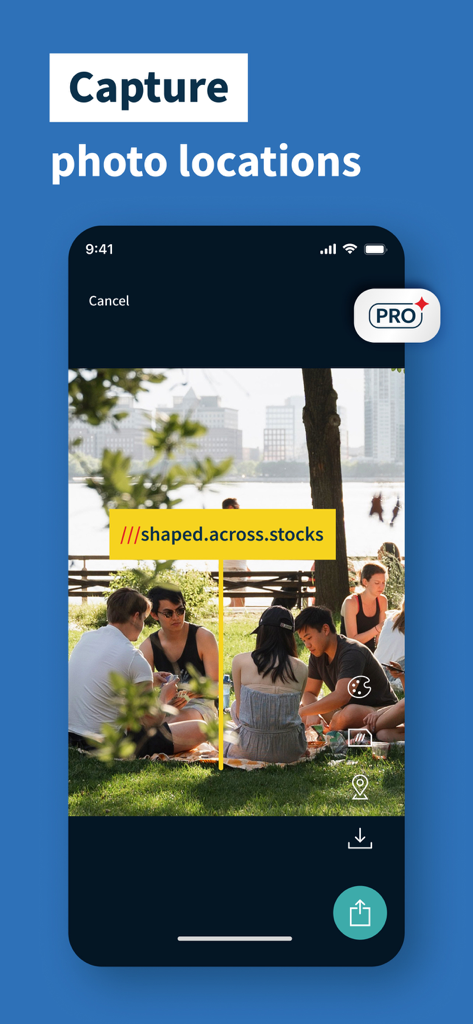
Yes, users can add a what3words address directly to a photo. This feature provides precise geo-tagging, linking visual memories to exact geographic locations for easy recall and sharing.
AutoSuggest is a feature in what3words that provides intelligent suggestions as users type. It helps confirm the correct three-word address quickly, enhancing search accuracy and user experience.
Apps with similar features and user experience
Yassir Hrout
MYSTIC MOBILE APPS LLC
ANKAGIS YAZILIM ANONIM SIRKETI

Hulab
RAYO INNOVATIONS PRIVATE LIMITED

Alexandre Morcos

ROOOM APP

Corner International, Inc.

XPLORER