
TV Cast for LG webOS




Der einfachste Weg, Online-Filme, Live-Sport und persönliche Videos von deinem iPhone auf deinen LG Smart TV zu streamen. Sag "Auf Wiedersehen" zu sperrigen TV-Browsern und genieße ein nahtloses, werbefreies Seherlebnis.
Herausgeber
Kategorie
Photo & VideoDownloads
6M+Bewertung
Bewertungen gesamt
29K+Sprachen
1Entdecken Sie die Oberfläche, die von 6M+ Nutzern verwendet wird.
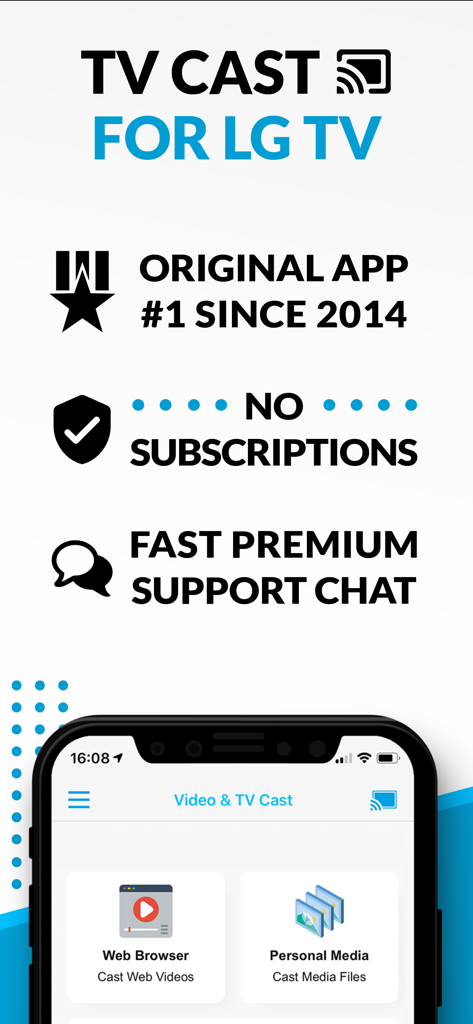
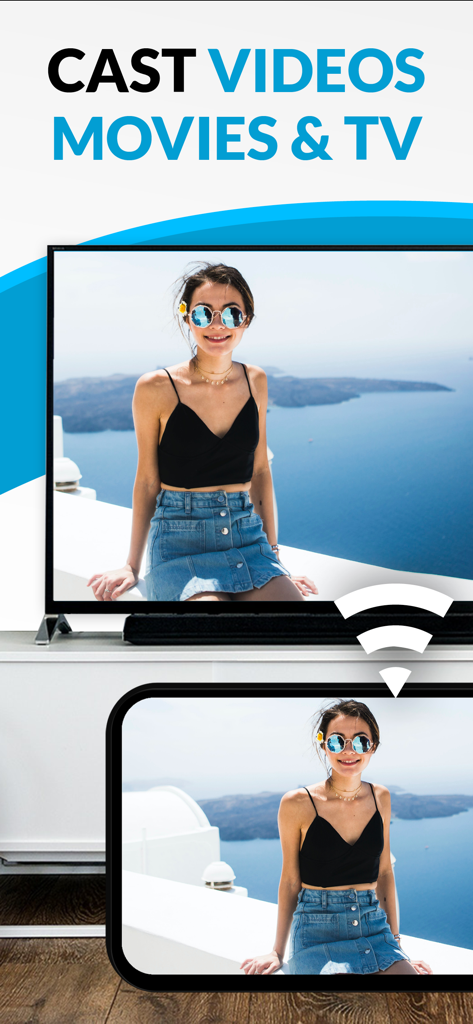
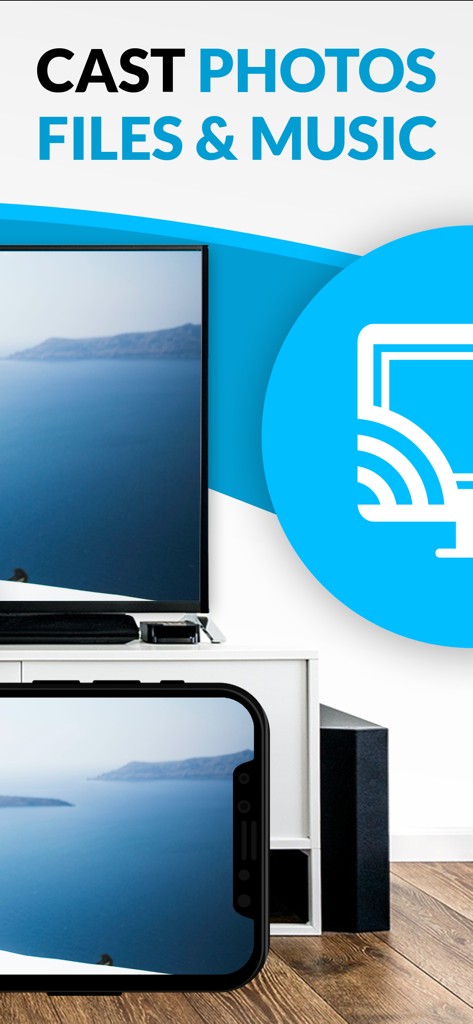
Die Tools, die diese App auszeichnen, gewählt von 6M+ Nutzern.
Streame Nischen-Sportarten, internationale Nachrichten oder Web-exklusive Filme, für die es keine eigene TV-App gibt. Wenn es im Web ist, ist es auf deinem TV.
Eliminiere aufdringliche Pop-ups und ablenkende Video-Anzeigen. Genieße ein saubereres, schnelleres Surferlebnis, das für den ultimativen Filmabend entwickelt wurde.
Überspringe Cloud-Uploads. Teile sofort deine hochwertigen 4K-persönlichen Videos und Familienerinnerungen direkt von deinem iPhone ins Wohnzimmer.
Vertraut von 6M+ Menschen, die diese App lieben.
"Dies ist das perfekte Werkzeug für Cord-Cutter. Ich benutze es, um Nischen-Sportarten und Live-Events zu streamen, die keine eigene App auf meinem LG TV haben. Es ist so viel schneller, als zu versuchen, URLs mit einer Fernbedienung einzugeben, und der Ad-Blocker macht das gesamte Erlebnis viel sauberer."
"Endlich habe ich einen einfachen Weg gefunden, meine iPhone-Videos auf den großen Bildschirm zu bekommen, ohne zusätzliche Hardware kaufen zu müssen. Die Einrichtung war schnell, und jetzt kann ich Familienurlaubs-Videos mit nur einem Fingertipp allen im Wohnzimmer zeigen. Sehr empfehlenswert für LG-Besitzer!"
Erkenntnisse aus Nutzerbewertungen.
Stimmungswert
Zusammenfassung
User reviews for this mobile app are overwhelmingly negative, citing widespread functionality issues such as videos not loading, connection failures, and the app simply not working for its intended casting purpose. Many users express feeling scammed due to excessive advertisements that impede usage and paywalls for basic features, often after purchasing the app. While a small minority appreciated its ease of use and immediate functionality, these positive experiences are overshadowed by widespread frustration. Furthermore, recent updates are criticized for introducing new pop-up warnings and causing video loading problems.
Häufige Themen
Alles, was Sie über wissen müssen TV Cast for LG webOS.
Beschreibung
Neueste Version
3.7
Größe
33.0 MB
Erstveröffentlichung
2. Juni 2016
Schließe dich über 6 Millionen Nutzern an und verändere, wie du Inhalte ansiehst. Streame jedes Web-Video, Livestream oder lokale Erinnerungen von deinem iPhone auf deinen LG Smart TV mit einem einzigen Tippen.
Alles, was Sie über wissen müssen TV Cast for LG webOS
TV Cast für LG webOS ist eine App, mit der Benutzer im Web surfen und Webinhalte, Online-Filme, Livestreams und Live-TV-Sendungen auf ihren LG Smart TV (webOS und NetCast) streamen können.
Nein, TV Cast für LG webOS unterstützt keine DRM-geschützten Videos wie Amazon Prime, Netflix, Hulu, Vudu, DirecTV, Xfinity und HBO now. Es unterstützt auch keine iTunes-Filme oder Flash-Videos.
Sie steuern die TV-App und die Videowiedergabe mit der Hardware-Fernbedienung Ihres LG TV. Ein In-App-Kauf für eine Remote Playbar bietet erweiterte Steuerelemente wie Scrubbing, Vorwärtsspulen, Zurückspulen, Wiedergabe, Pause und Stopp.
Nein, TV Cast für LG webOS erfordert keine Abonnements. Es bietet In-App-Käufe für Premium-Funktionen wie einen Ad-Blocker, eine Remote Playbar und lokale Videos.
Ja, die Upgrade-Funktion „Lokale Videos“ ermöglicht das Streamen von Videos aus der Kamera-Rolle (mp4, m4v, mov) von Ihrem iPhone oder iPad auf Ihren LG Smart TV.
TV Cast für LG webOS unterstützt Mp4, m3u8, HLS-Livestreams und Video-über-HTTPS für Webinhalte. Für lokale Videos unterstützt es die Formate mp4, m4v und mov.
Nein, TV Cast für LG webOS spiegelt nicht Ihren gesamten iPhone- oder iPad-Bildschirm. Es streamt nur den Videoteil einer Webseite auf Ihren LG Smart TV, nicht den gesamten Webinhalt.
Um das Streamen von Videos zu ermöglichen, öffnen Sie den LG App Store (LG Smart World / LG Content Store) auf Ihrem TV, suchen Sie nach 'TV Cast' und installieren Sie dann die Begleit-App.
Ja, ein "Ad-Blocker" ist als In-App-Kauf erhältlich. Er blockiert Anzeigen und Pop-ups auf den meisten Webseiten und entfernt Sponsorenwerbung aus der App.
Ja, TV Cast für LG webOS kann neben Videos auch Fotos, Dateien und Musik streamen. Die App-Oberfläche enthält eine Option „Persönliche Medien“ zum Streamen von Mediendateien.
Die Premium Edition ist ein In-App-Kauf, der alle aufgeführten Upgrade-Funktionen freischaltet. Sie beinhaltet auch zukünftige Funktionen ohne zusätzliche Kosten bei Veröffentlichung in aktualisierten App-Versionen.
Nein, es gibt keine Zeitbegrenzung für Videos, die mit TV Cast für LG webOS gestreamt werden. Benutzer können Videos jeder Länge ansehen, egal ob zwei Minuten oder mehrere Stunden.
Apps mit ähnlichen Funktionen und Nutzererfahrung

Video Lite, Inc.

Kraus und Karnath GbR 2Kit Consulting

Kraus und Karnath GbR 2Kit Consulting

TV Cast Pte. Ltd.

PIRON APPS

Kraus und Karnath GbR 2Kit Consulting

Kraus und Karnath GbR 2Kit Consulting

Kraus und Karnath GbR 2Kit Consulting

EXTREME SOLUTIONS APPS SL


