
TV Cast Pro for Samsung TV



Sehen Sie Online-Filme, Live-Sport und Ihre persönlichen Videos auf Ihrem Samsung Smart TV mit integrierter Werbungblockierung und erweiterter Wiedergabe – keine zusätzliche Hardware erforderlich.
Herausgeber
Kategorie
Photo & VideoDownloads
424K+Bewertung
Bewertungen gesamt
7K+Sprachen
1Entdecken Sie die Oberfläche, die von 424K+ Nutzern verwendet wird.
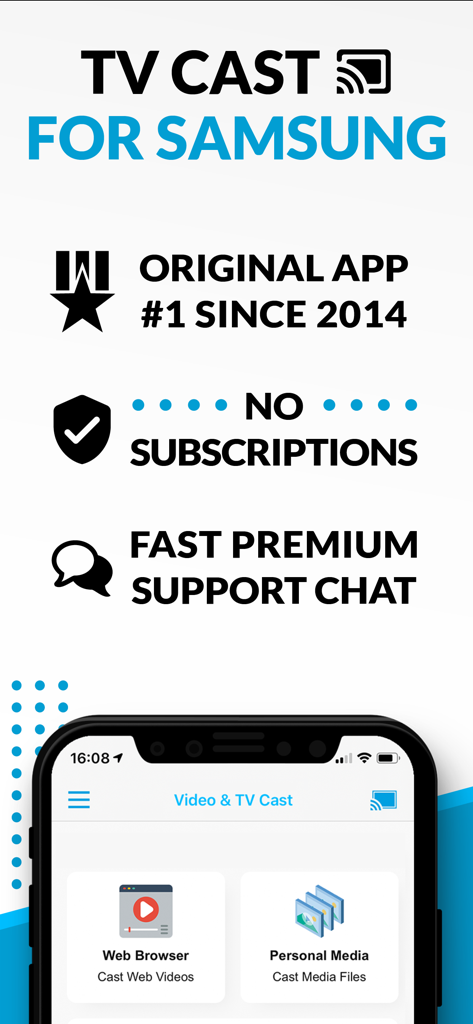

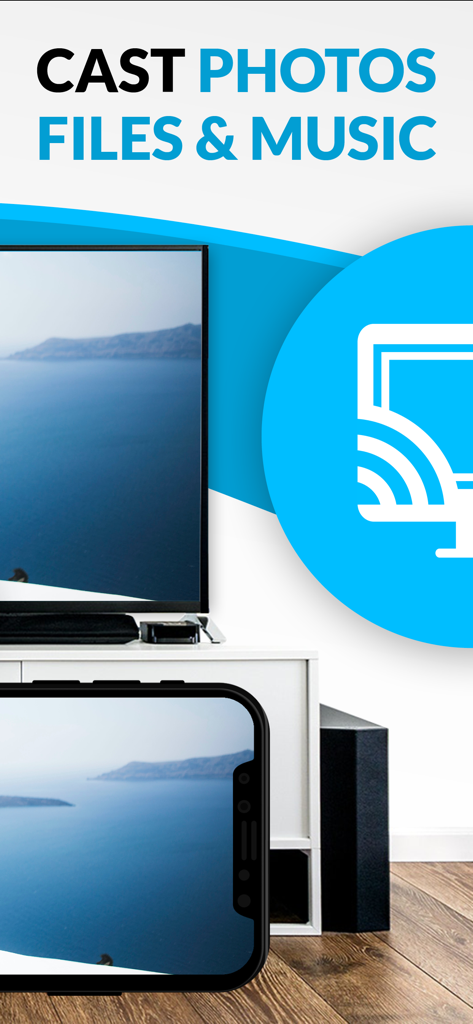
Die Tools, die diese App auszeichnen, gewählt von 424K+ Nutzern.
Hören Sie auf, mit aufdringlichen Pop-ups und Videoanzeigen zu kämpfen. Unser Pro Ad-Blocker bereinigt das Web, damit Sie sich auf den Film konzentrieren können, nicht auf die Ablenkungen.
Wenn es in einem Browser abgespielt wird, wird es auch auf Ihrem TV abgespielt. Streamen Sie Nischensportarten, Live-Nachrichten und Independent-Filme, die keine eigene Smart-TV-App haben.
Drängen Sie sich nicht nur um einen kleinen Handybildschirm. Streamen Sie Ihre hochauflösenden iPhone-Videos und Fotos mit einem einzigen Fingertipp direkt auf Ihren Samsung TV.
Vertraut von 424K+ Menschen, die diese App lieben.
"Ich habe endlich einen Weg gefunden, meine Lieblings-Internationalen Dokumentationen und Live-Sportarten direkt aus dem Web auf meinen 65-Zoll Samsung TV zu streamen. Der integrierte Ad-Blocker in der Pro-Version ist ein absoluter Game-Changer, da er alle frustrierenden Pop-ups entfernt. Es ist das zuverlässigste Casting-Tool, das ich je benutzt habe."
"Wir lieben es, damit Home-Videos von der Kamera-Rolle unseres iPhones während Familienfeiern auf dem Großbildschirm anzusehen. Es ist viel bequemer, als ein Telefon herumzureichen oder zusätzliche Hardware zu kaufen. Die Remote-Playbar macht es einfach, alles direkt von der Couch aus zu steuern."
Erkenntnisse aus Nutzerbewertungen.
Stimmungswert
Zusammenfassung
This mobile app receives overwhelmingly negative feedback from users, primarily due to significant issues with casting and screen mirroring functionality; many reviews report the app frequently fails to connect, freezes, or disconnects. Users also express frustration with the unintuitive interface and a perceived "scam" concerning unexpected additional costs for core features like screen mirroring after an initial purchase. While a few users praised its effectiveness for live streaming and noted a lack of lag, these positive experiences are rare amidst widespread complaints. The app's performance is also reported to have degraded following recent iOS software updates, leading to constant looping and an inability to cast specific content.
Häufige Themen
Alles, was Sie über wissen müssen TV Cast Pro for Samsung TV.
Beschreibung
Neueste Version
3.8
Größe
32.5 MB
Erstveröffentlichung
5. Juni 2016
Schließen Sie sich über 424.000 Nutzern an und verwandeln Sie Ihren Samsung TV in ein Web-Streaming-Kraftpaket. Blockieren Sie Werbung, streamen Sie lokale Videos und sehen Sie, was Sie wollen, wann Sie wollen.
Alles, was Sie über wissen müssen TV Cast Pro for Samsung TV
TV Cast Pro für Samsung TV streamt Webinhalte, Online-Filme, Livestreams und lokale Mediendateien von Ihrem iPhone/iPad direkt auf Ihren Samsung Smart TV oder Blu-ray Player. Es funktioniert ohne Abonnements.
Nein, TV Cast Pro für Samsung TV erfordert keine Abonnements. Es ist ein einmaliger Kauf und bietet Premium-Funktionen ohne wiederkehrende Gebühren.
Zur Einrichtung installieren Sie die Empfänger-App 'TV Cast' aus dem Samsung App Store auf Ihrem Fernseher. Geben Sie dann die IP-Adresse Ihres iPhone/iPad auf dem Fernseher über das Ziffernfeld der Samsung TV Remote ein.
TV Cast Pro streamt Webinhalte, Online-Filme, Livestreams und Live-TV-Sendungen und unterstützt Mp4-, M3U8- und HLS-Formate. Es überträgt auch Videos von der Kamera-Rolle, einschließlich MP4-, M4V- und MOV-Dateien.
Nein, TV Cast Pro für Samsung TV unterstützt keine Bildschirm- oder Tab-Spiegelung. Die App streamt nur die Videokomponente einer Website, nicht den gesamten Inhalt der Webseite.
Nein, TV Cast Pro für Samsung TV unterstützt keine DRM-geschützten Inhalte. Diese Einschränkung gilt für iTunes-Filme, Flash-Videos und andere DRM-verschlüsselte Videos wie HBO Now.
Ja, die Pro-Version von TV Cast Pro für Samsung TV enthält einen Ad-Blocker. Er blockiert Anzeigen und Pop-ups auf den meisten Websites und zeigt keine Sponsorenanzeigen innerhalb der App an.
Ja, Sie können die Videowiedergabe steuern. Die Pro-Version bietet eine Remote-Playbar für erweiterte Steuerungen, einschließlich Scrubbing, Vorwärts-, Rückwärts-, Wiedergabe-, Pause- und Stopp-Funktionen. Grundlegende Steuerelemente sind über die TV-Fernbedienung verfügbar.
Apps mit ähnlichen Funktionen und Nutzererfahrung

Video Lite, Inc.

Kraus und Karnath GbR 2Kit Consulting

Kraus und Karnath GbR 2Kit Consulting

TV Cast Pte. Ltd.

PIRON APPS

Kraus und Karnath GbR 2Kit Consulting

Kraus und Karnath GbR 2Kit Consulting

Kraus und Karnath GbR 2Kit Consulting

EXTREME SOLUTIONS APPS SL


