TV Cast Pro for LG webOS

TV Cast Pro for LG webOS

Herunterladen auf App StoreHerunterladen auf Google Play
Spark by MWM logo
Logo von TV Cast Pro for LG webOS

TV Cast Pro für LG webOS: Streamen Sie jedes Webvideo auf Ihren großen Bildschirm

Erleben Sie die ultimative Freiheit des Cord-Cuttings. Übertragen Sie Online-Filme, Live-Sport und persönliche Videos mit einem leistungsstarken Ad-Blocker und ohne Zeitbegrenzung auf Ihren LG Smart TV.

Herausgeber

Kraus und Karnath GbR 2Kit Consulting

Kategorie

Photo & Video

Downloads

568K+

Bewertung

3.3/5

Bewertungen gesamt

4K+

Sprachen

1

Ihr Fernseher, entfesselt

Entdecken Sie die Oberfläche, die von 568K+ Nutzern verwendet wird.
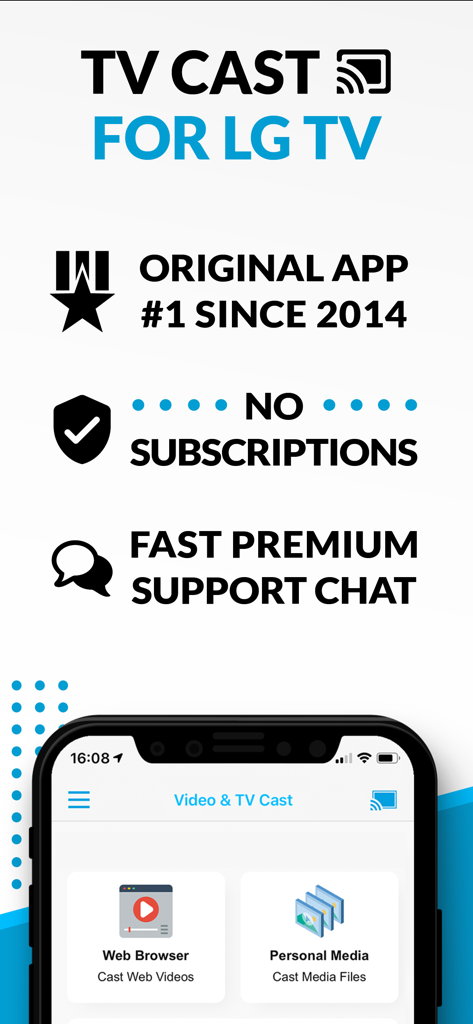
Übersicht über die TV Cast für LG TV App, die das Casting im Webbrowser und das Modell ohne Abonnement hervorhebt.

Übersicht über die TV Cast für LG TV App, die das Casting im Webbrowser und das Modell ohne Abonnement hervorhebt.

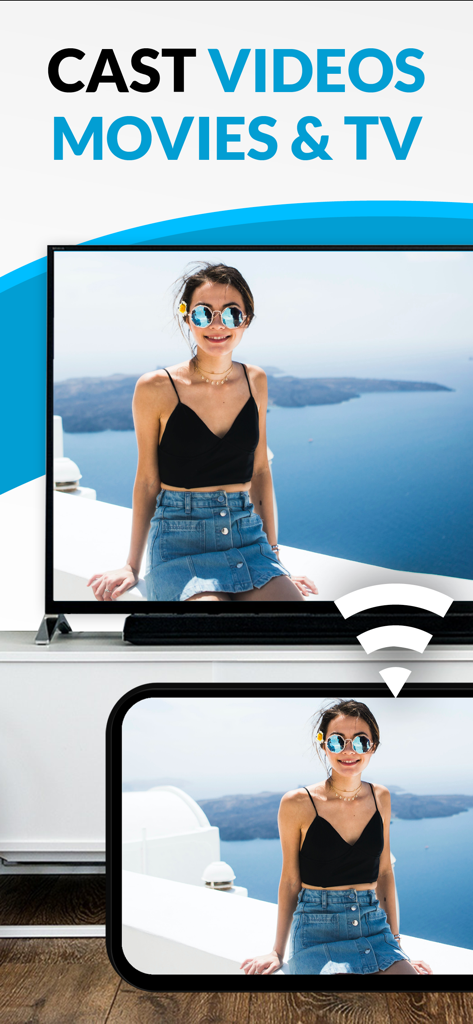
Übertragen eines Videos von einem Smartphone auf einen LG Smart TV-Bildschirm

Übertragen eines Videos von einem Smartphone auf einen LG Smart TV-Bildschirm

Ein Smartphone überträgt ein Foto einer Meereslandschaft auf einen LG Smart TV.

Ein Smartphone überträgt ein Foto einer Meereslandschaft auf einen LG Smart TV.

Verwandeln Sie Ihr LG Smart TV-Erlebnis

Die Tools, die diese App auszeichnen, gewählt von 568K+ Nutzern.

🌐

Grenzenlos streamen

Sehen Sie Nischensportarten, reine Web-Filme und Livestreams, die nicht in Standard-Apps verfügbar sind. Wenn es im Web ist, ist es auf Ihrem Fernseher.

🚫

Sauberes, werbefreies Fernsehen

Eliminieren Sie aufdringliche Pop-ups und Weiterleitungen. Unser Pro Ad-Blocker sorgt für ein reibungsloses, kinoreifes Erlebnis, selbst auf den unübersichtlichsten Websites.

📲

Erweiterte mobile Steuerung

Nutzen Sie Ihr iPhone als Präzisionsfernbedienung. Spulen, pausieren und spielen Sie Webvideos mühelos mit einer intuitiven Playbar ab, die perfekt in der Hand liegt.

Weltweit von Nutzern geliebt

Vertraut von 568K+ Menschen, die diese App lieben.

"

"Ich habe monatelang nach einer zuverlässigen Möglichkeit gesucht, Nischensportarten aus dem Internet auf meinen LG TV zu streamen. Diese App ist ein Game-Changer! Der Ad-Blocker in der Pro-Version funktioniert tatsächlich auf diesen unordentlichen Streaming-Seiten, und die Einrichtung war selbst für mein älteres webOS-Modell ein Kinderspiel. Kein Zusammenkneifen der Augen mehr vor dem Handy-Display!"

David Miller
"

"Als jemand, der gerne Heimvideos von seinem iPhone teilt, ist diese App genau das, was ich brauchte. Die lokale Video-Übertragung ist nahtlos, und ich liebe es, dass ich mein Handy als Fernbedienung nutzen kann, um das Video abzuspielen, zu pausieren und zu spulen. Es ist der perfekte Begleiter für unseren Wohnzimmerfernseher."

Sarah Jenkins

Bewertungsanalyse

Erkenntnisse aus Nutzerbewertungen.

Stimmungswert

10%
Negativ

Zusammenfassung

The "TV Cast Pro for LG webOS" app receives overwhelmingly negative feedback, primarily due to persistent connectivity issues and a general failure to function as advertised, leading many users to describe it as a "scam" and demand refunds. While some specific features like ease of use, intuitive interface, and impressive image quality for web videos are praised by a few, these positive aspects are largely overshadowed. Users are particularly frustrated by the app's inability to support popular streaming services, various file types, and its misleading claims regarding full screen mirroring, with many experiencing buffering, low resolution, or only sound output.

Häufige Themen

Overall Positive Experience(2)
Ease of Use(1)
Image Quality(1)
Reliability (web content)(1)
Multi-tasking Capabilities(1)

Über die App

Alles, was Sie über wissen müssen TV Cast Pro for LG webOS.

Beschreibung

Watch any web-video, online movie, livestream or live tv show on your LG Smart TV with webOS and NetCast. Enjoy the show on your big screen with the no#1 web video streamer. With Video & TV Cast for LG Smart TV you can browse the web and stream any web video, online movie, livestream or live tv show you want on your LG Smart TV. Mp4, m3u8, hls livestreams and also video-over-https are supported. There is no time limit at all! You can watch videos of 2 minutes or 2 hours or even more. Just open Video & TV Cast, navigate to a website, wait for link detection and send the video with a single tap to your LG Smart TV. The discovered link will be shown below the browser. A tap on the link will start the show. You don't need to install a big media server like Plex or any other third party software. >>> Important Notes * To enable video casting please open the LG App Store (LG Smart World / LG Content Store) on your TV, search for 'TV Cast' and install the companion app. * Please enter the ip-address of your iPhone/iPad by using the number pad and up/down/left/right keys on your TV Remote or scroll wheel on your Magic Remote. Just enter the numbers, no need to press the enter key. * iTunes movies, Flash video and DRM protected videos like Amazon Prime, Netflix, Hulu, Vudu, DirecTV, Xfinity, HBO now are not supported! * Please test your favorite videos with the free edition before upgrading! * Please use the hardware remote of your LG for controlling the TV app and video playback. * The app streams only the video part of a website and not the whole website content (No screen or tab mirroring!). * Sometimes it is necessary to play the video on your iPad or iPhone first before it gets discovered by the app for streaming. It may also be neccessary to start casting multiple times until it works with specific videos. * If a specific video is not working, please check the FAQ on the app startpage. If that does not help you, please drop us an email before leaving a negative comment on the App Store. We will try to add support for that website as soon as possible. >>> PRO FEATURES * Remote Playbar: Use the Playbar for advanced video control while browsing, including video scrubbing, forward, rewind, play, pause, stop. The playbar works on all LG Smart TVs. * Local Videos: Cast your camera roll videos from an iPhone or iPad. Supports mp4, m4v and mov videos that were saved to the camera roll via Apples SD-Card/USB Adapter, iTunes Desktop Software or third party apps. * Ad-Blocker + No Sponsoring Ads: The Pro app version has no ads and the Ad-Blocker blocks ads & popups on most websites that you visit. You can update, enable/disable ad-blocking at any time in the settings. * Bookmarks: Save unlimited website bookmarks. Synchronize and transfer them between different TV Cast apps and iOS devices by using backup and restore via iCloud. * Desktop Mode: Change the browser user-agent and cloak your iPhone/iPad as a desktop PC to load the desktop website instead of a mobile website. Please note that this will NOT enable video casting on websites that serve Flash videos in desktop mode. * Change Homepage: Set your personal homepage in the settings Disclaimer: This app is not affiliated with LG Electronics or any other trademark mentioned here.

Neueste Version

3.7

Größe

30.8 MB

Erstveröffentlichung

23. Juni 2016

Bereit, das Internet auf Ihrem großen Bildschirm zu erleben?

Schließen Sie sich über 500.000 Nutzern an, die ihren LG Smart TV aufgerüstet haben. Laden Sie den Nr. 1 Video-Caster herunter, um jeden Online-Film oder Livestream werbefrei zu streamen und die volle Kontrolle direkt über Ihr iPhone zu behalten.

Herunterladen auf App StoreHerunterladen auf Google Play