
360浏览器-极速版-安全上网-文件扫描PDF工具



延续您习惯的极速体验。无论是跨端同步书签、AI一键转换文档,还是畅享全能视频播放,360浏览器为您在海外的数字办公与生活全面护航。
Publisher
Category
UtilitiesDownloads
11M+User Rating
Total Ratings
135K+Locales
3Discover the interface used by 11M+ users.
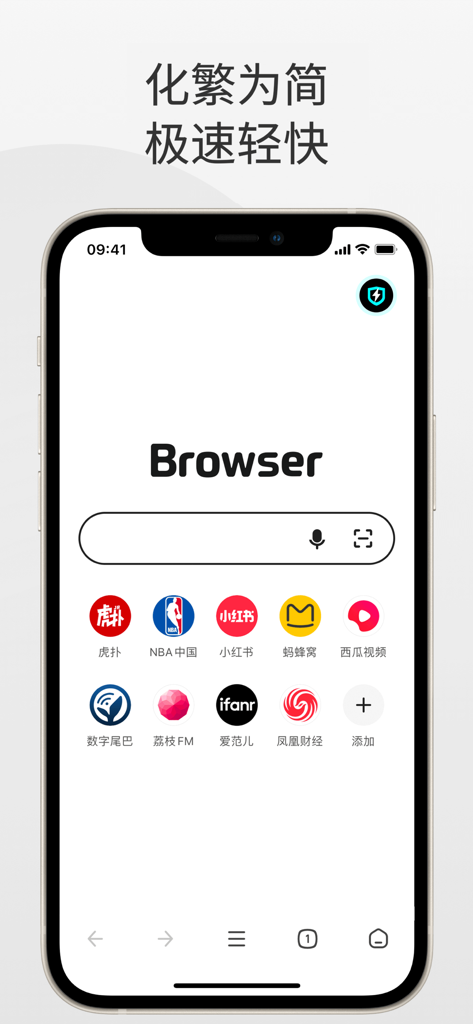

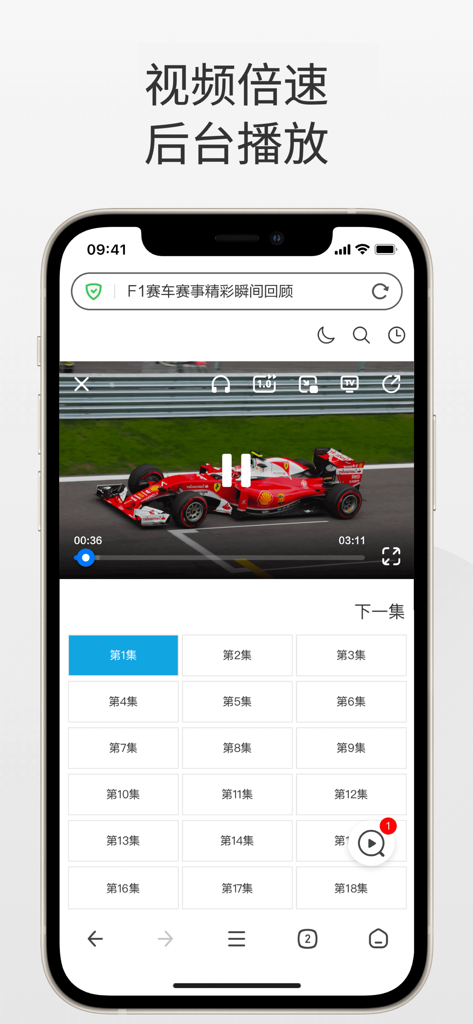
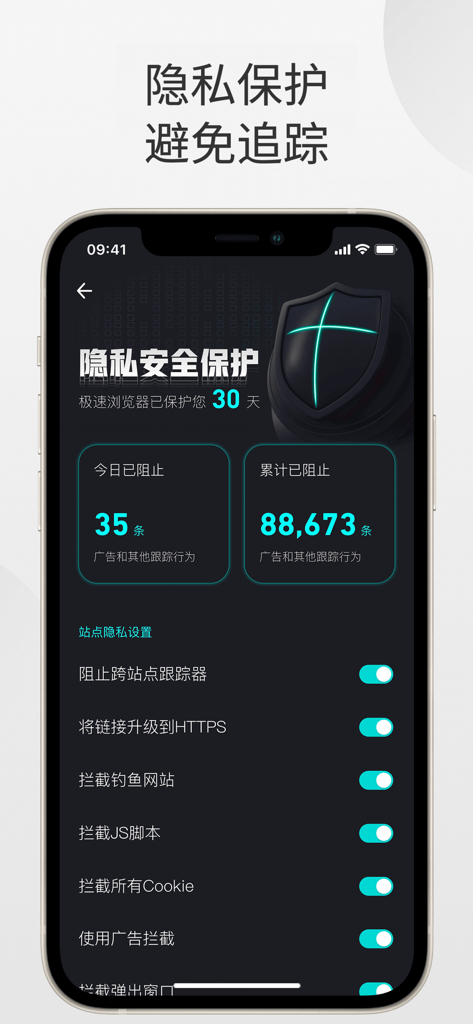
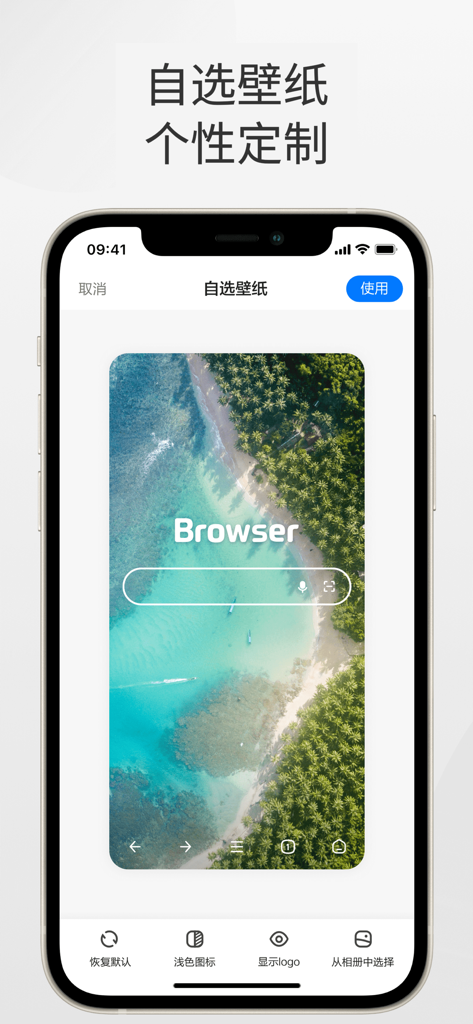
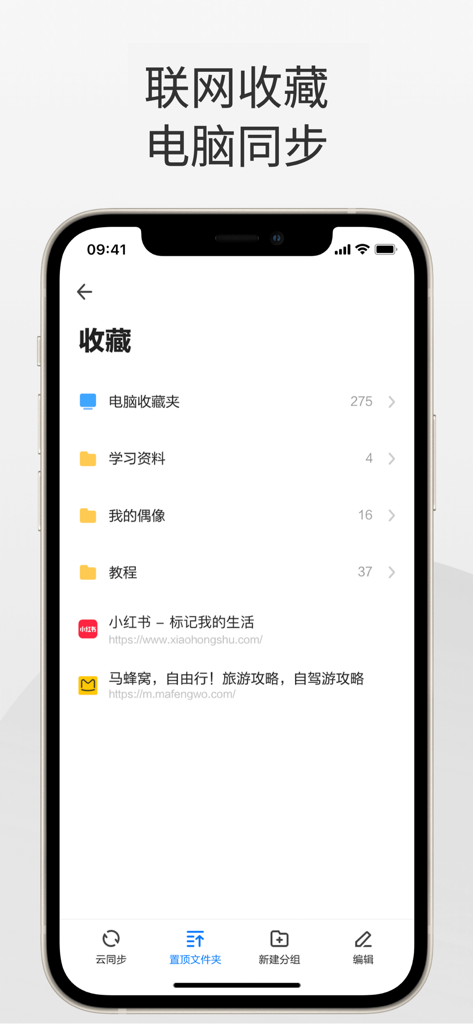

The tools that make this app stand out, trusted by 11M+ users.
Scan documents, convert PDFs, and extract text instantly. Seamlessly import files from WeChat to manage your study materials and work documents in one place.
Experience web videos like never before with floating windows, background playback, and speed control. Multitask freely while listening to your favorite content.
Instantly sync your desktop bookmarks and browsing history. Stay protected with advanced security that blocks dangerous sites and prevents tracking across the web.
Trusted by 11M+ people who love this app.
"As an international student in LA, this browser is a lifesaver. I can scan my handwritten notes directly into PDFs and sync my bookmarks from my laptop in seconds. Having all the file conversion tools in one app saves me so much storage space and time."
"Working in the Valley, I need a browser that is fast and secure. The floating video window is perfect for watching tutorials while I multitask, and the WeChat document import makes handling work files incredibly smooth. It is the only browser I use that truly bridges my desktop and mobile workflows."
Insights from user reviews.
Sentiment Score
Summary
This mobile app receives largely negative feedback, with users frequently reporting critical issues. While a few users praise its ease of use, speed, and specific features like app-jump prevention and ad blocking, the overwhelming sentiment is negative. Major complaints include pervasive and unavoidable advertising, significant data loss (such as disappearing bookmarks and chat history), and severe performance issues like frequent crashes and lagging. Additionally, users report numerous bugs with core features, including ineffective dark mode, inability to download files, and non-functional 'extreme mode', with version-specific issues like full-screen rotation on iPhone 16 Pro Max also noted.
Common Themes
Everything you need to know about 360浏览器-极速版-安全上网-文件扫描PDF工具.
Description
Latest Version
5.6.4
Size
120.6 MB
First Released
Oct 31, 2014
Experience seamless sync with your PC, advanced PDF tools, and high-speed secure browsing designed for your global lifestyle.
Everything you need to know about 360浏览器-极速版-安全上网-文件扫描PDF工具
The 360 Browser offers speedy scanning, PDF tools, AI image processing, a versatile video player, robust privacy protection, dangerous website interception, and incognito browsing, all within a minimalist design.
Yes, 360 Browser integrates the latest security and danger interception technologies. It automatically identifies dangerous websites and intercepts attacks, ensuring a secure and reliable internet experience.
The 360 Browser's speedy scan processes files, books, and ID photos. It can also remove handwriting, extract text, record screens, and count items, making it ideal for office tasks.
Yes, 360 Browser's PDF tools support converting images, Word, Excel, and PPT files to PDF, and vice versa. It also facilitates easy import of WeChat documents.
The 360 Browser's player provides web video with floating window, speed adjustment, background playback, mini-window, and audio-only modes. These options comprehensively meet diverse video consumption needs.
360 Browser protects privacy by blocking cross-site trackers, upgrading links to HTTPS, intercepting phishing sites, and blocking JS scripts and cookies. This makes users difficult to track across websites.
Yes, 360 Browser includes an incognito mode. This feature ensures that browsing history, cache, and cookies are not saved, providing a private and secure browsing experience.
Yes, 360 Browser supports bookmark synchronization. Users can easily sync their collected bookmarks from the 360 Browser on their laptop to the mobile application.
A continuous monthly 360 Browser membership costs 32 CNY per month. Alternatively, a single one-month membership is available for 35 CNY.
A continuous annual 360 Browser membership costs 170 CNY per year. A non-continuous 12-month membership is available for 180 CNY per year.
Apps with similar features and user experience

Zoho Corporation

GRUHERSAN SRL

Google LLC

Mozilla Corporation

Opera Norway AS

DIRECT CURSUS COMPUTER SYSTEMS TRADING LLC

Vivaldi Technologies AS

NAVER Corp.

Qwant