
Vivaldi Powerful Web Browser



Take control of your web experience with desktop-style tabs, built-in ad blocking, and end-to-end encrypted sync. Designed for professionals who demand speed, privacy, and total customization.
Publisher
Category
UtilitiesDownloads
335K+User Rating
Total Ratings
10K+Locales
34Discover the interface used by 335K+ users.
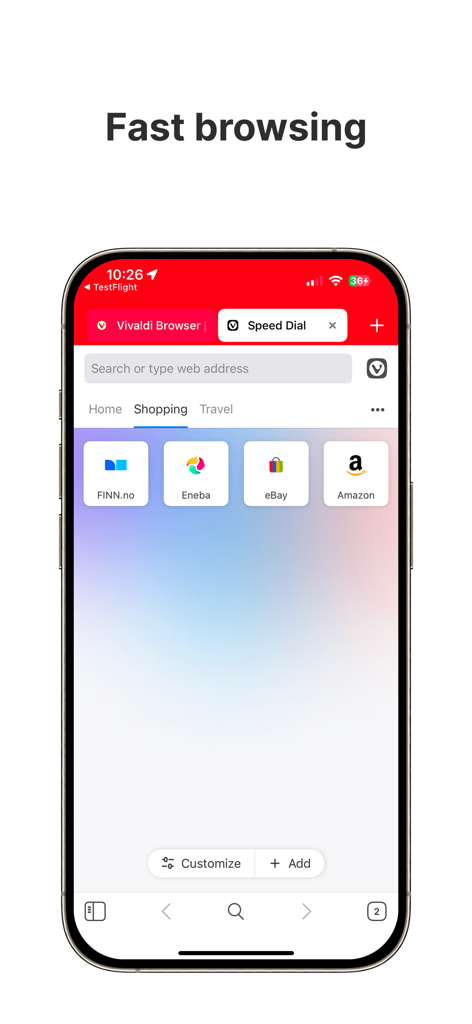
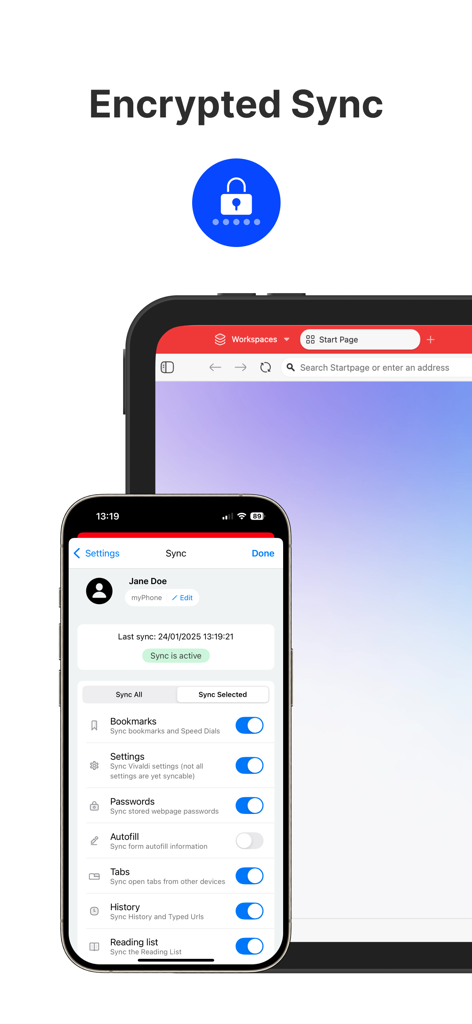
The tools that make this app stand out, trusted by 335K+ users.
Ditch the cumbersome mobile switchers. Navigate effortlessly between sites with a visible tab bar that brings desktop-level multitasking to your iPhone.
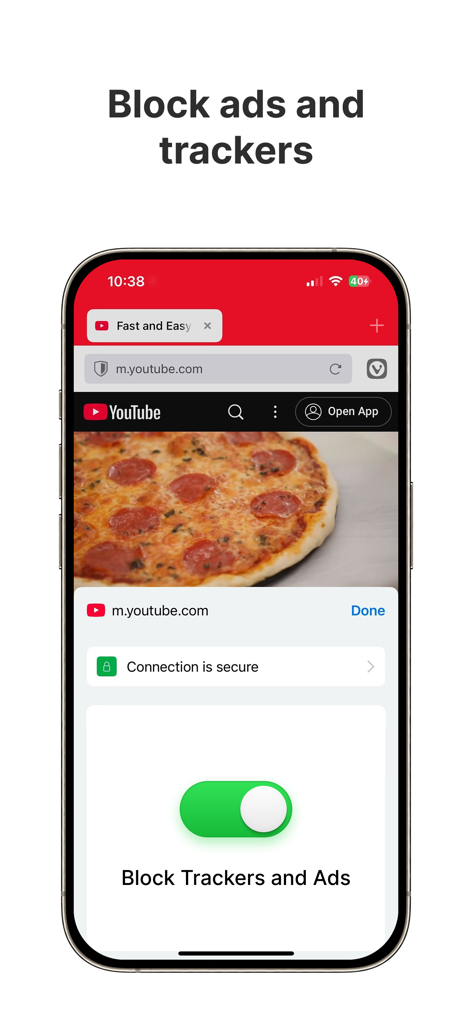
Block intrusive ads and trackers by default. Enjoy faster loading speeds and complete peace of mind without downloading third-party extensions.
Your data, your eyes only. Seamlessly sync bookmarks, passwords, and notes across all devices with end-to-end encryption that respects your autonomy.
Trusted by 335K+ people who love this app.
"Vivaldi is the only browser that actually feels like a productivity tool on my iPhone. Having real tabs and built-in notes makes managing my research on the go so much faster. The encrypted sync with my desktop is the cherry on top for my professional workflow."
"Privacy is my top priority, and Vivaldi delivers without the headache of extra extensions. The built-in ad blocker is incredibly effective, and I love how I can customize the theme and force dark mode on every website for a truly personal browsing experience."
Everything you need to know about Vivaldi Powerful Web Browser.
Description
Latest Version
7.7.3861.44
Size
221.3 MB
First Released
Sep 27, 2023
Join over a million power users who refuse to settle. Experience desktop-grade productivity, total privacy, and a browser that finally adapts to your workflow.
Everything you need to know about Vivaldi Powerful Web Browser
Yes, Vivaldi Browser features a built-in Ad Blocker for browsing with minimal distractions. It protects user privacy and enhances the browsing experience.
Yes, Vivaldi Powerful Web Browser integrates a Tracker Blocker. This protects users with leading privacy and security features, preventing websites from tracking online activity.
Yes, Vivaldi Browser offers Encrypted Sync. It seamlessly synchronizes open tabs, saved logins, bookmarks, and notes across mobile and desktop devices using end-to-end encryption.
To set Vivaldi as your default browser on iOS, navigate to Settings, locate Vivaldi, and then select it as your Default Browser App. This process is straightforward.
Yes, Vivaldi Powerful Web Browser features a unique Tab Bar on iOS, offering robust desktop-like tab management. Users can toggle this setting in the Vivaldi menu under Settings.
No, Vivaldi Browser explicitly states it does not track user data or behavior. It operates with a private philosophy, focusing on user control and privacy protection.
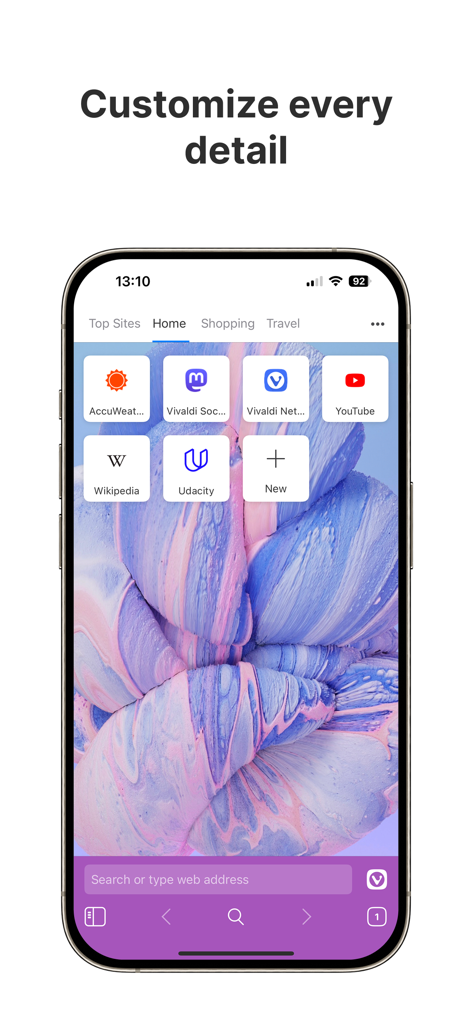
Yes, Vivaldi Powerful Web Browser offers extensive customization. Users can choose custom wallpapers, themes, apply Dark Mode to webpages, and personalize the app icon.
Yes, Vivaldi Browser includes a Reading Lists feature. Users can save articles for offline reading, providing convenience for accessing content without an internet connection.
Yes, some links within the Vivaldi Browser app are affiliate links. Purchases made through these links may earn Vivaldi a commission, supporting its independent development.
Yes, Vivaldi Powerful Web Browser allows users to switch their preferred search engine on the fly. This feature provides flexibility and control over search providers.
Apps with similar features and user experience

Zoho Corporation
GRUHERSAN SRL

Google LLC
Mozilla Corporation

Opera Norway AS

DIRECT CURSUS COMPUTER SYSTEMS TRADING LLC

Beijing Qihoo Technology Co Ltd

NAVER Corp.

Qwant