
Whale - Naver Whale Browser




Experience a faster, ad-free web with seamless cross-device syncing and built-in productivity tools like Scrapbook and Quick Search. Designed for those who demand more from their browser.
Publisher
Category
UtilitiesDownloads
2M+User Rating
Total Ratings
21K+Locales
2Discover the interface used by 2M+ users.

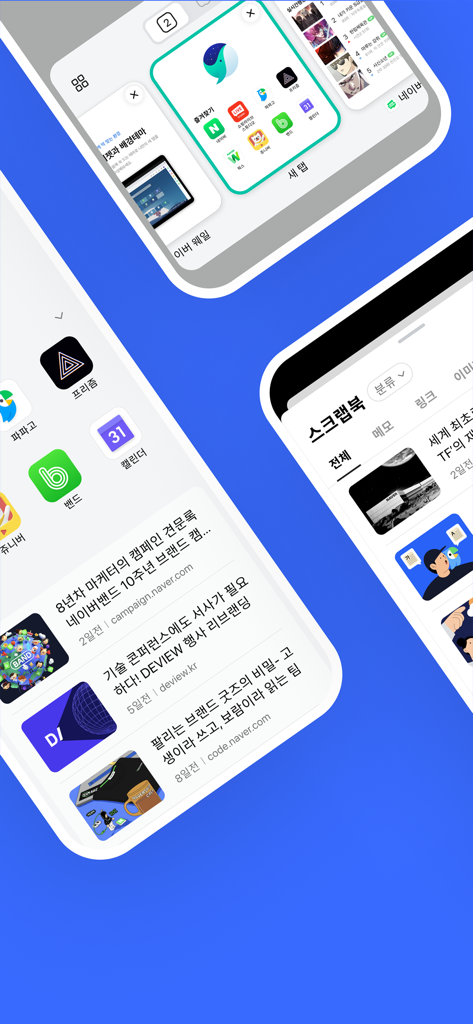
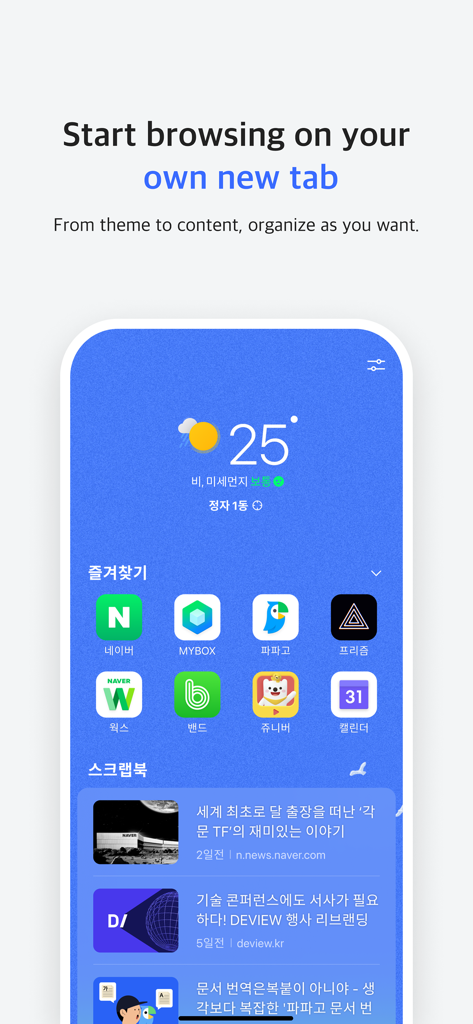
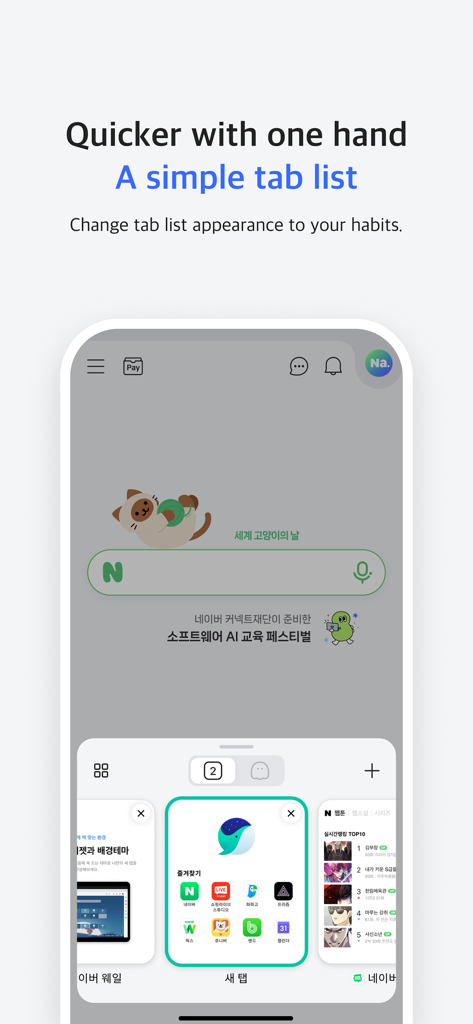

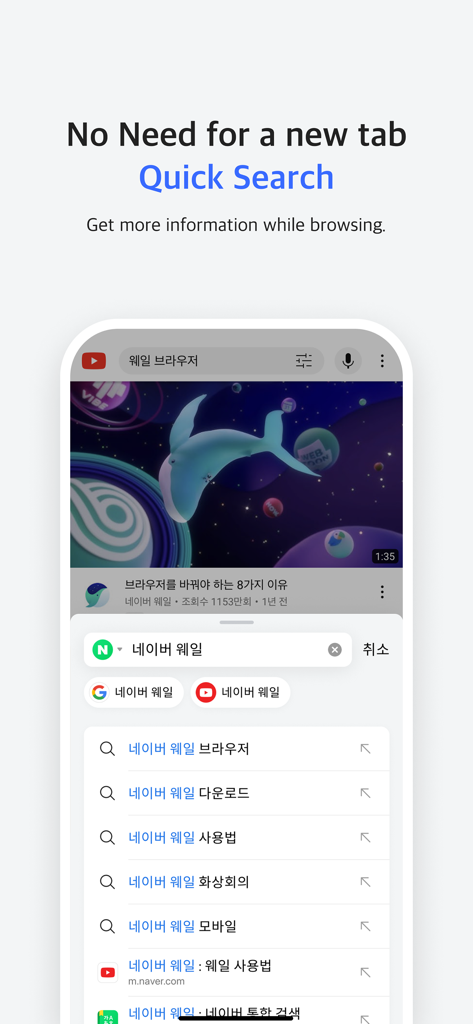
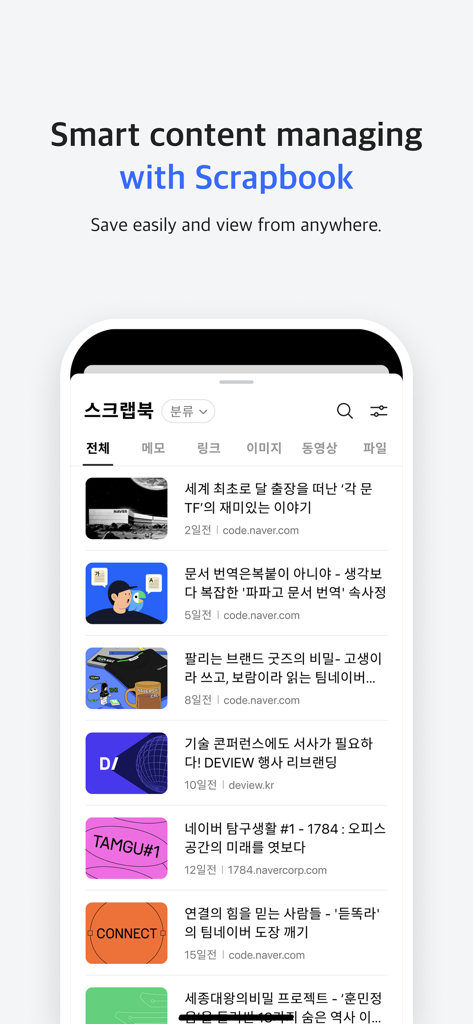
The tools that make this app stand out, trusted by 2M+ users.
Move effortlessly between your PC and mobile device. Your tabs, bookmarks, and history are always right where you left them.
Organize your inspiration in one place. Save articles, shopping links, and K-culture trends without cluttering your bookmarks.
Built-in ad blocking ensures a cleaner, faster web. Enjoy a stunning interface that puts your content front and center.
Trusted by 2M+ people who love this app.
"Whale makes browsing across my iPad and laptop so seamless. The Scrapbook feature is perfect for organizing my research and K-culture interests in one place. It's the most beautiful browser I've ever used."
"As someone who hates tab clutter, Whale’s intuitive design and built-in ad blocking are a breath of fresh air. The sync feature is lightning fast, making it easy to switch from my desktop to mobile without losing a beat."
Everything you need to know about Whale - Naver Whale Browser.
Description
Latest Version
3.9.8
Size
318.7 MB
First Released
Apr 24, 2018
Join over 2 million users browsing beautifully. Sync your world, block distractions, and experience the ultimate all-in-one browser tailored for your lifestyle.
Everything you need to know about Whale - Naver Whale Browser
Naver Whale Browser offers fast searching, data synchronization across devices, ad blocking, Quick Search, and a Scrapbook for content management. It features an intuitive design.
Yes, Naver Whale Browser allows you to synchronize your data across any PC or mobile device. This ensures a consistent browsing experience.
Naver Whale Browser's Quick Search allows users to perform fast and easy searches directly on the screen they are currently viewing, without opening a new tab.
The Scrapbook feature in Naver Whale Browser serves as a convenient tool for content management, similar to bookmarks. It enables users to save and view web content from anywhere.
Naver Whale Browser requires Microphone and Camera permissions to facilitate Whale ON video meetings. These are essential for voice and video communication during calls.
Yes, Naver Whale Browser includes functionality to block abusive ads. This feature provides users with a cleaner and more enjoyable web browsing experience.
You can contact the Naver Whale Browser team via email at whaleteam@naver.com. Further resources include their official website at https://whale.naver.com and their forum.
Apps with similar features and user experience

Zoho Corporation
GRUHERSAN SRL

Google LLC

Mozilla Corporation

Opera Norway AS

DIRECT CURSUS COMPUTER SYSTEMS TRADING LLC

Beijing Qihoo Technology Co Ltd

Vivaldi Technologies AS

Qwant
