
Adobe Lightroom for iPad




Bring your creative vision to life with the power of Adobe Firefly AI, precision Apple Pencil tools, and hundreds of premium presets for your best photos and reels.
Publisher
Category
Photo & VideoDownloads
14M+User Rating
Total Ratings
233K+Locales
23Discover the interface used by 14M+ users.
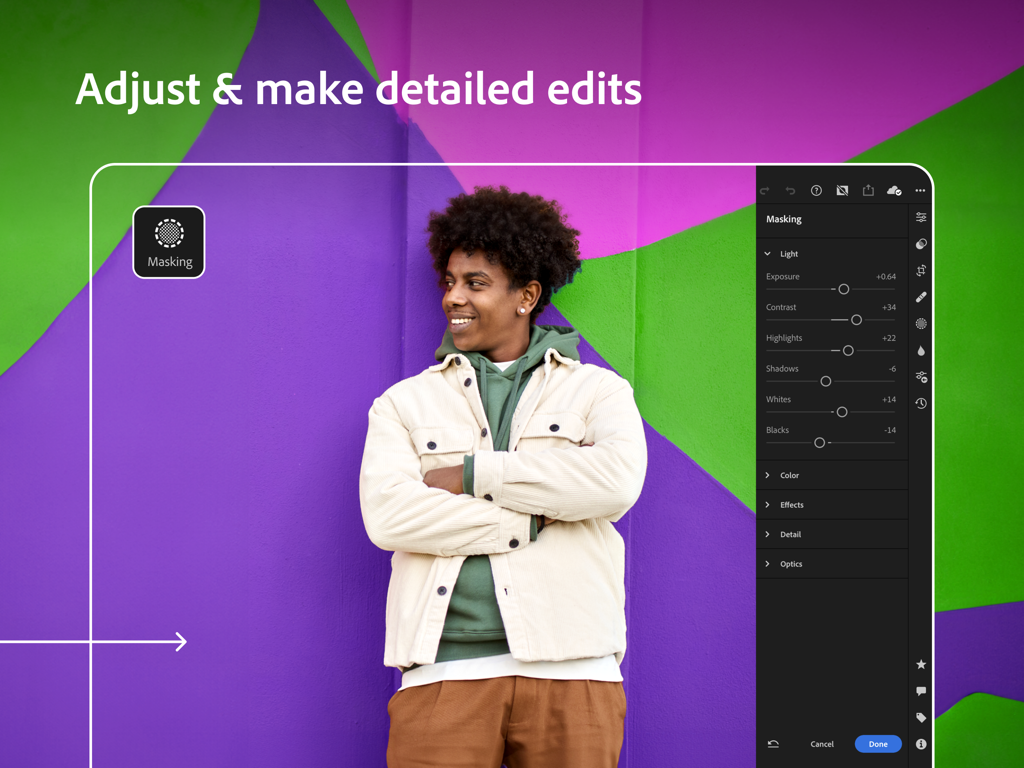
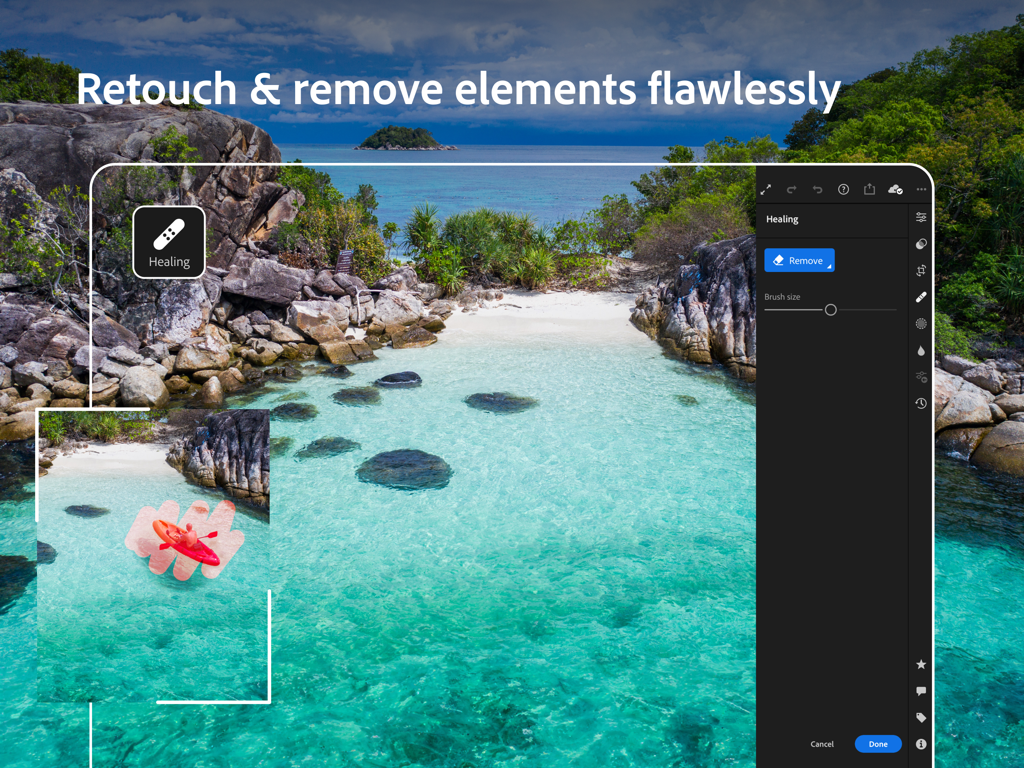
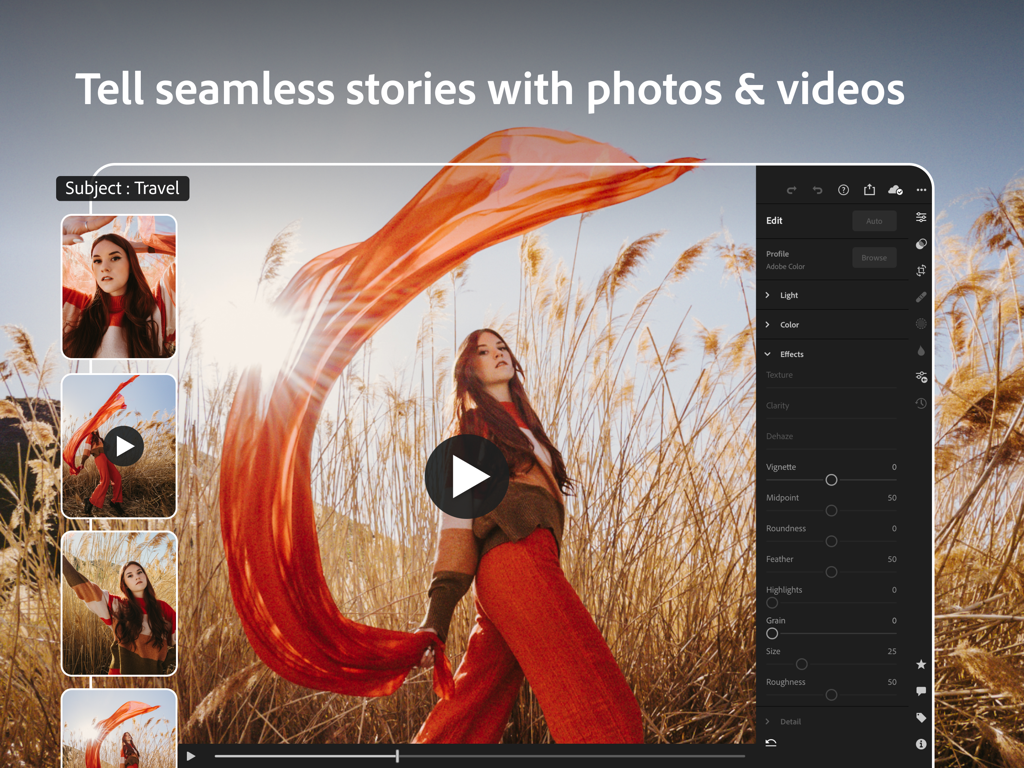
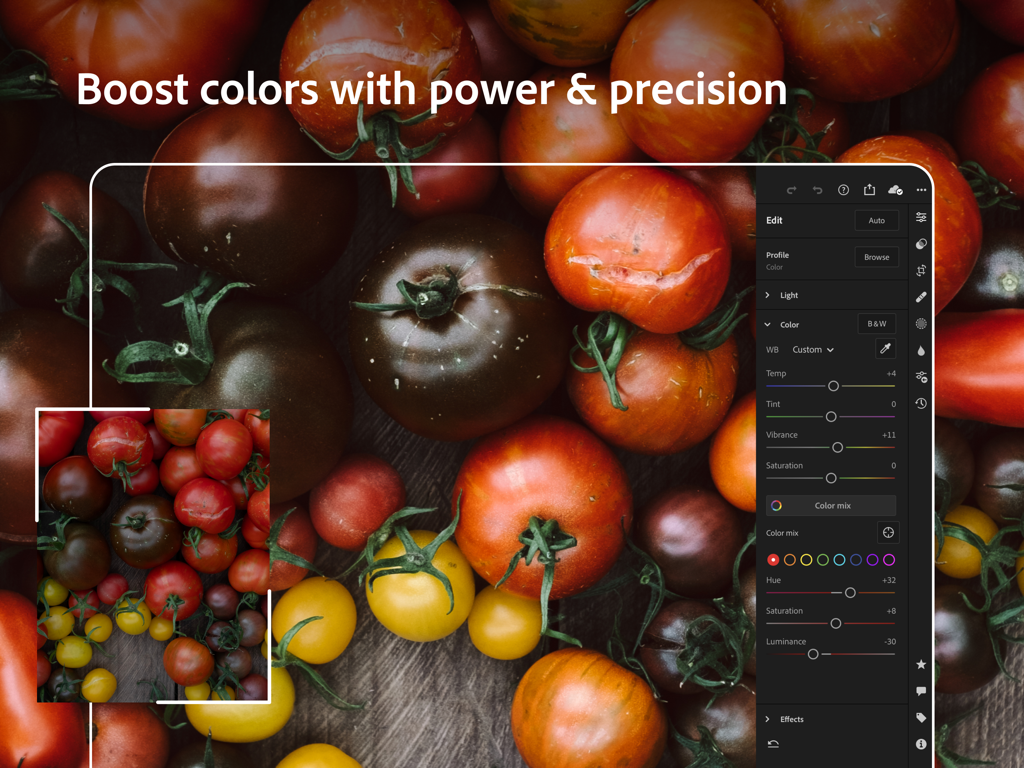
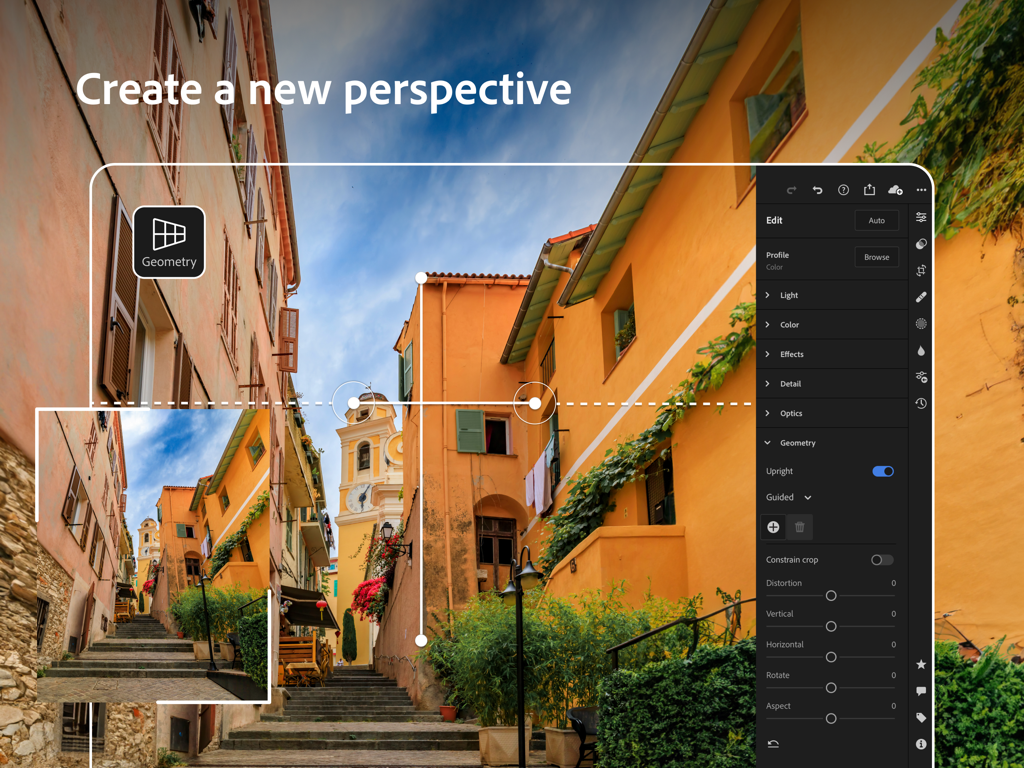
The tools that make this app stand out, trusted by 14M+ users.
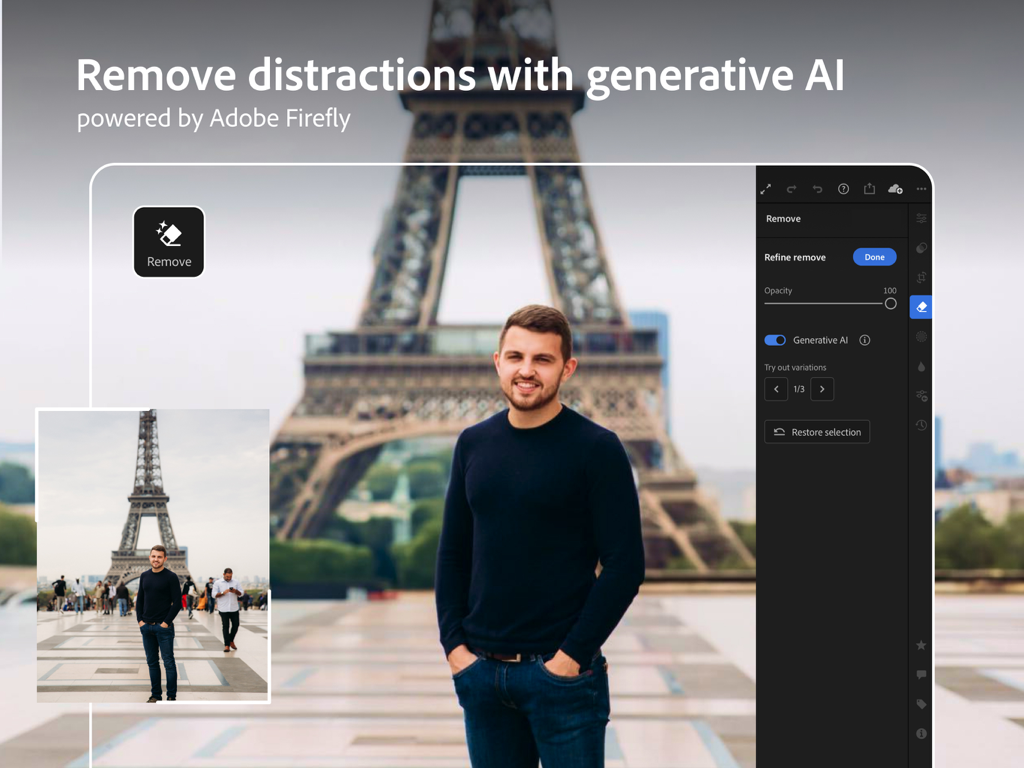
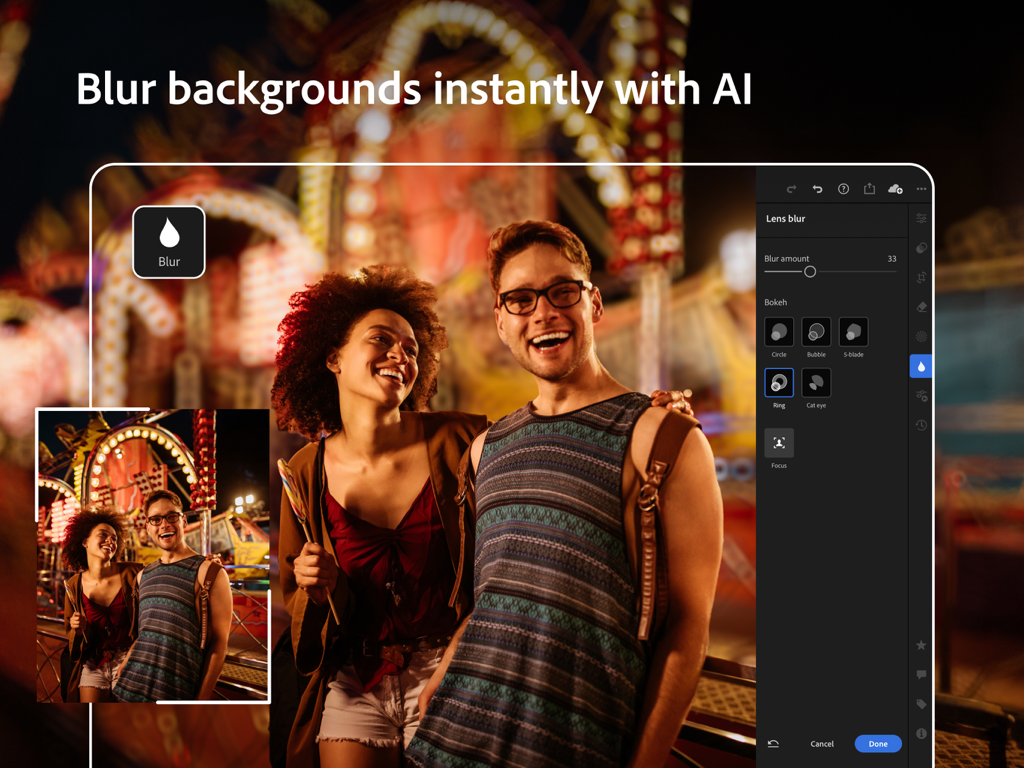
Let Firefly Generative AI do the heavy lifting by removing distractions and applying adaptive lens blur in a single tap.
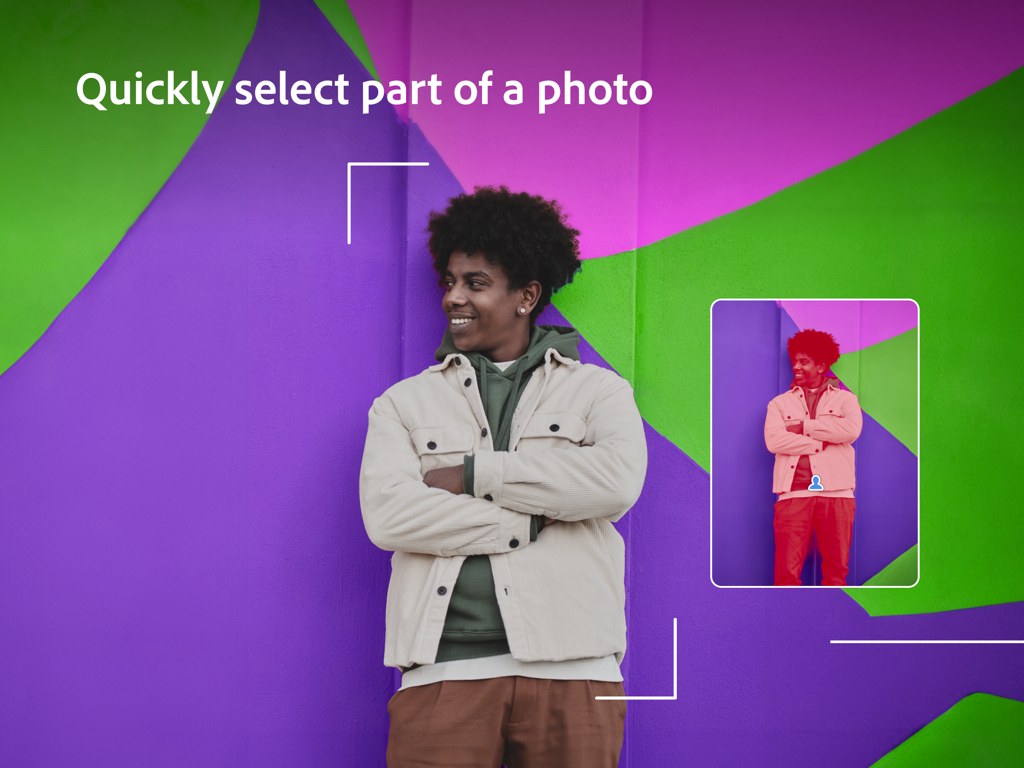
Achieve pixel-perfect results with Apple Pencil support for advanced masking, localized retouching, and precision color grading.
Access 200+ professional filters to instantly nail your aesthetic and turn your editing process into viral social reels.
Trusted by 14M+ people who love this app.
"The iPad version of Lightroom has completely changed my workflow. Being able to use the Apple Pencil for precise masking and the new Generative Remove feature means I can finish a full client shoot at a coffee shop instead of being stuck at my desk. The sync with my desktop is seamless."
"I'm obsessed with the premium presets! They give my Reels and photos that consistent, high-end look in seconds. The AI-powered tools like Lens Blur make my phone photos look like they were shot on a professional camera. Total game changer for my content."
Everything you need to know about Adobe Lightroom for iPad.
Description
Latest Version
11.1
Size
327.2 MB
First Released
Apr 8, 2014
Join over 14 million creators who trust Adobe Lightroom for pro-level AI editing on the go. Download now to transform your photos and reels with professional precision.
Everything you need to know about Adobe Lightroom for iPad
Adobe Lightroom for iPad is an AI-powered photo and video editor. It allows users to enhance photos, videos, and reels with presets, fine-tune details, remove objects, and blur backgrounds to bring their vision to life.
Yes, Adobe Lightroom for iPad includes a Generative Remove feature, powered by Firefly generative AI, to remove unwanted objects and distractions from photos in a single touch.
Yes, Adobe Lightroom for iPad provides Lens Blur functionality, powered by AI, to add a bokeh effect or blur photo backgrounds instantly, with various bokeh styles.
Adobe Lightroom for iPad allows precise color adjustments by editing hue, saturation, luminance, and color grading. Users also control the temperature, tint, vibrance, and saturation with precision sliders.
Yes, users can get started with Adobe Lightroom for iPad with a free account. This free version includes a fast and intuitive photo and video editor.
Premium features include AI-powered tools for faster searching and easier editing, 200+ exclusive presets, Generative Remove, masking, geometry tools, RAW editing, multi-photo editing, seamless sync, and 100GB of cloud storage.
Yes, Adobe Lightroom for iPad functions as a quick video editor and reels maker. It allows applying presets, trimming, rotating, and retouching videos with precision sliders for various effects.
Yes, Adobe Lightroom for iPad's built-in pro-grade camera offers RAW capture. Premium users can also edit and retouch photos in RAW format directly within the app.
Adobe Lightroom for iPad allows users to create and save their own customized presets or filters for future edits. This feature helps ensure a consistent look across their photo and video collections.
Yes, a Premium subscription to Adobe Lightroom for iPad includes 100GB of cloud storage. This enables seamless photo and video edits that sync across your phone, tablet, or laptop.
Apps with similar features and user experience

Adobe Inc.

灏 徐

Onelight Apps CY Ltd

Zhanghan Ke

Gustas Brazaitis

MWM

handyCloset Inc.

Seungyun Kim

Alenrom sp. z o.o.

