
AR Code Object Capture 3D Scan



Create photorealistic 3D scans with LiDAR and Gaussian Splatting. Generate custom AR QR codes to engage customers and boost conversions with a frictionless, no-app viewing experience.
Publisher
Category
Graphics & DesignDownloads
556K+User Rating
Total Ratings
2K+Locales
32Discover the interface used by 556K+ users.
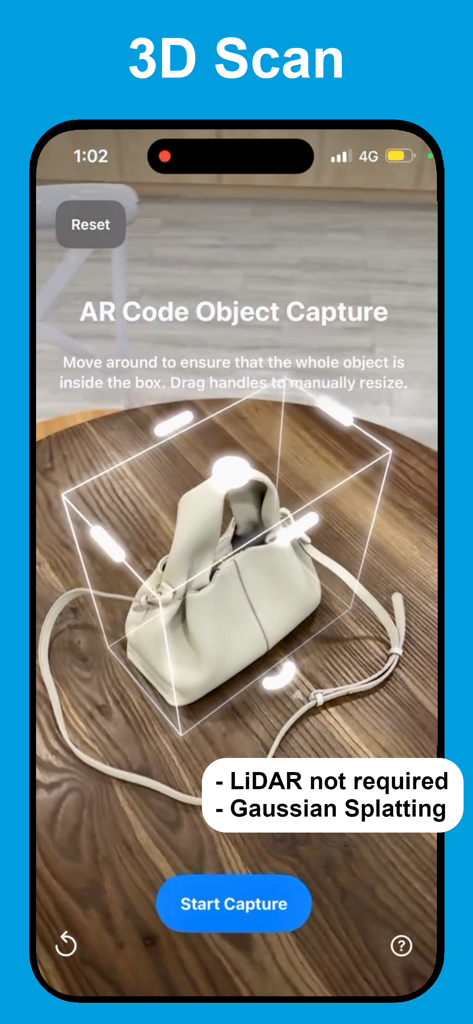
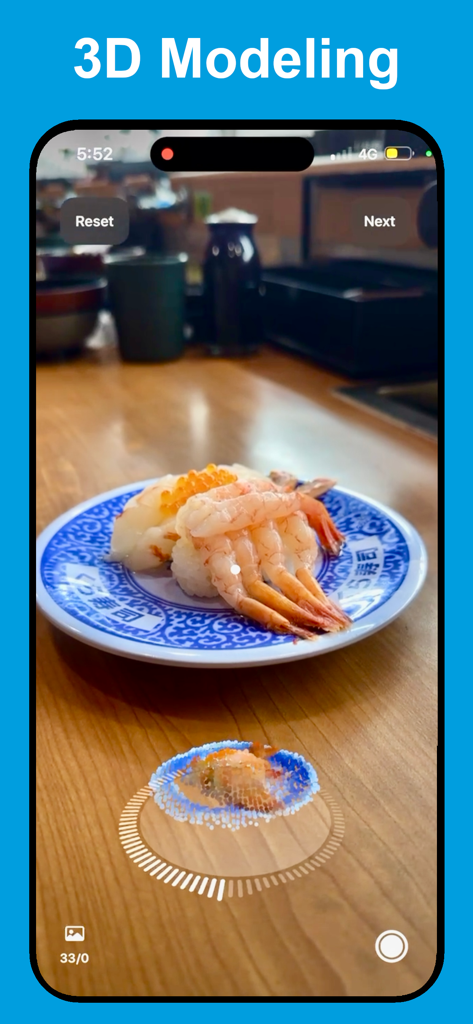
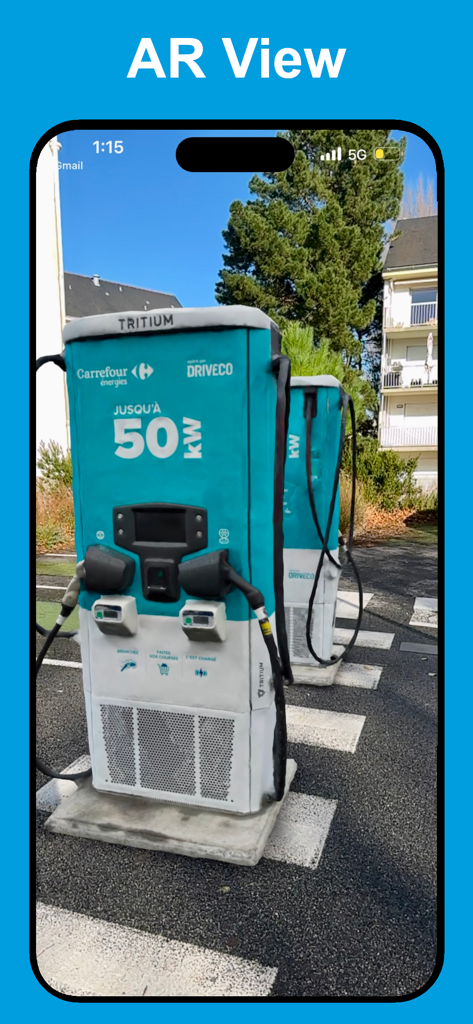
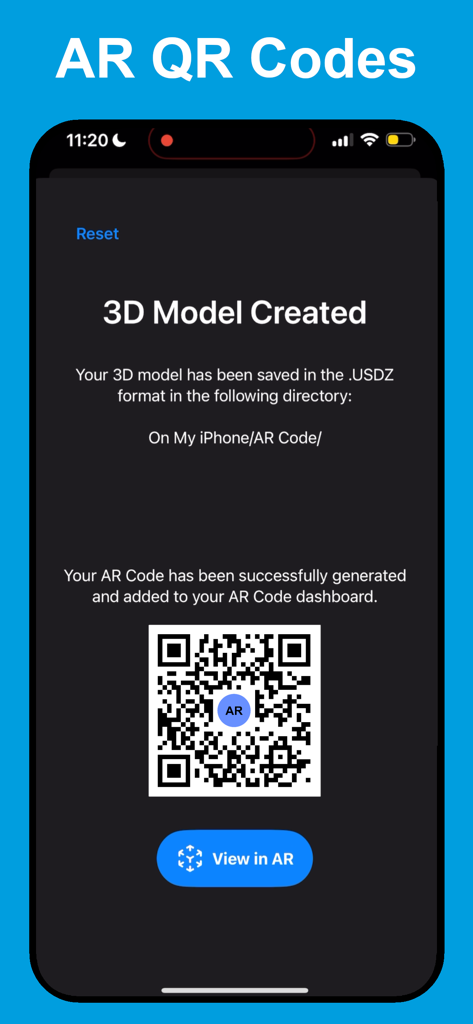
The tools that make this app stand out, trusted by 556K+ users.
Generate custom AR QR codes that work natively on any smartphone. Your clients view your inventory in 3D instantly without downloading a single app.
Capture complex surfaces like glass or metallic finishes using Gaussian Splatting technology. Ensure your digital twins look as premium as your physical products.
Turn scans into sales tools by adding customizable in-AR banners and Call-to-Action buttons that link directly to your checkout page or website.
Trusted by 556K+ people who love this app.
"This app has completely transformed how I showcase my custom furniture pieces on Shopify. The AR QR codes allow my clients to see exactly how a table fits in their room before they buy. It's incredibly intuitive, and the AR Splat tech handles even my polished wood finishes perfectly. It paid for itself in the first week through increased sales!"
"As a freelance 3D designer, I've tried every scanning tool out there, but the LiDAR integration and cloud photogrammetry here are unmatched for speed and precision. The ability to generate a scan and immediately turn it into a brandable AR experience without requiring my clients to download an extra app is a total game-changer for my workflow."
Insights from user reviews.
Sentiment Score
Summary
This mobile app elicits mixed to largely negative feedback from users. While some users praise its effective 3D scanning capabilities, highlighting its image accuracy and overall usefulness for various projects, a significant number report critical issues. Major complaints frequently concern the app's high pricing model, including mandatory subscriptions and unexpected charges, alongside severe instability such as frequent crashes, freezing, and failure to launch. Additionally, many users criticize the poor quality of scan outputs and persistent device compatibility problems across different iPhone models and iOS versions, including freezing on iPhone 16 Pro Max, issues on iOS 18.3, and incompatibility with iPhone 13, pointing to a need for substantial performance and accessibility improvements.
Common Themes
Everything you need to know about AR Code Object Capture 3D Scan.
Description
Latest Version
4.1.3
Size
21.0 MB
First Released
Nov 19, 2019
Join thousands of professionals using LiDAR and Gaussian Splatting to create high-converting 3D experiences. Start your 7-day free trial now.
Everything you need to know about AR Code Object Capture 3D Scan
AR Code Object Capture 3D Scan is a professional 3D capture tool and AR QR Code generator. It supports iPhone, iPad, and Mac devices with Apple silicon for creating immersive AR experiences and shareable AR Codes.
No, AR Code Object Capture 3D Scan does not require LiDAR. It utilizes LiDAR for precise 3D scans when available, but otherwise processes models via cloud photogrammetry for high detail. Gaussian Splatting is also used.
AR Code Object Capture 3D Scan uses Gaussian Splatting, referred to as "AR Splat," to create photorealistic 3D scans. This technology effectively handles transparent and reflective materials for detailed models.
Yes, AR Code Object Capture 3D Scan generates one-tap AR QR codes from your 3D models. Viewers do not need an additional app to experience the AR content.
No, AR Code Object Capture 3D Scan is not free. It offers "AR Code Object Capture Premium," a monthly recurring subscription. A 7-day free trial is available before the subscription begins.
The AR Code Object Capture Premium subscription costs US$34.99 per month. This amount is billed through the App Store after the 7-day free trial period concludes.
You can manage and cancel your AR Code Object Capture 3D Scan subscription within the App Store. Cancellation must occur at least 24 hours before the current period ends to avoid renewal.
AR Code Object Capture 3D Scan supports iPhone, iPad, and Macs equipped with Apple silicon. It is a pro-grade 3D capture tool and AR QR Code generator for these devices.
Yes, AR Code Object Capture 3D Scan saves generated 3D models in the .USDZ format. These models are stored on your iPhone/AR Code directory, as shown in the app.
Yes, AR Code Object Capture 3D Scan allows for customizable AR Code designs. You can make them both functional and align them with your brand for sharing.
Apps with similar features and user experience

Toolbox AI, Inc
Recon-3D Inc.
AI Photo Editor Lab SRL

Luma AI, Inc.

Synthetic Dimension GmbH

FARO Technologies Inc.

Magiscan Inc.

KIRI Innovation (Hongkong) Limited

绪海 罗