
Scaniverse - 3D Scanner


Experience the power of free, unlimited 3D scanning on your phone. Create hyper-realistic models, share them on a global map, or export to your favorite design tools with professional-grade, on-device processing.
Publisher
Category
Photo & VideoDownloads
2M+User Rating
Total Ratings
33K+Locales
10Discover the interface used by 2M+ users.
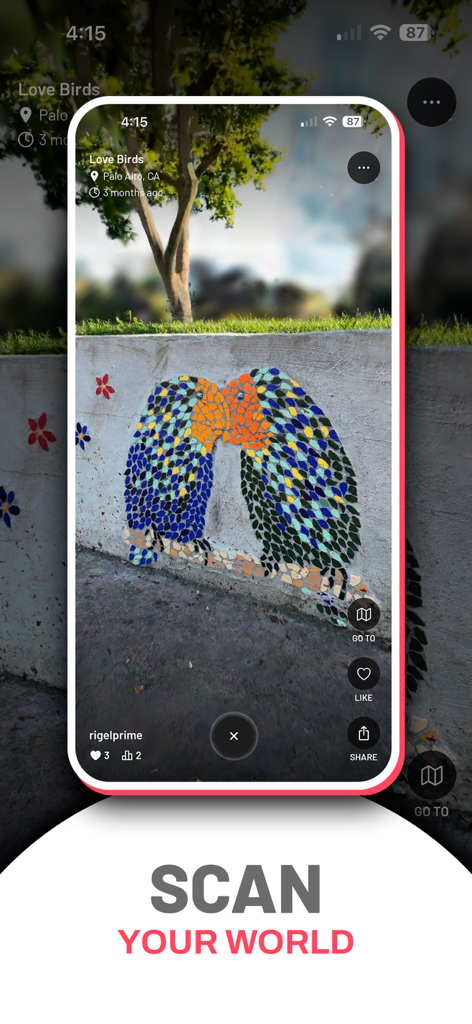
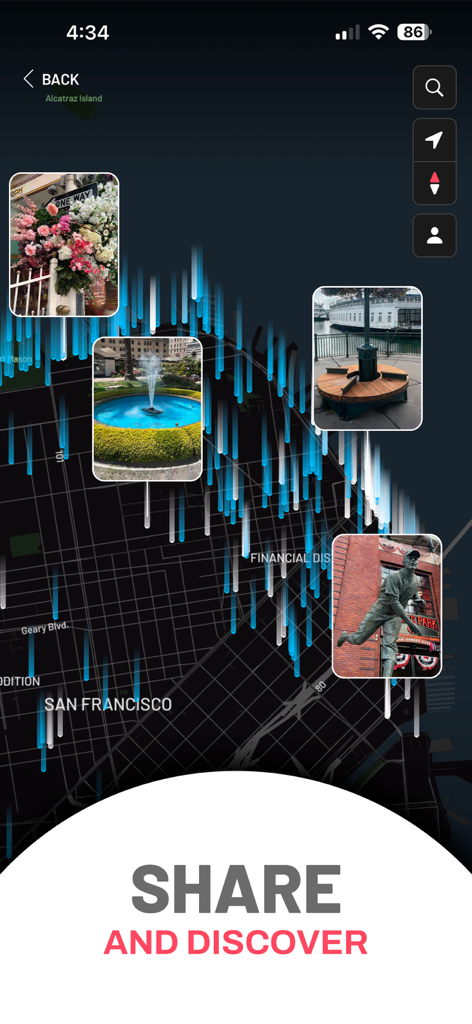
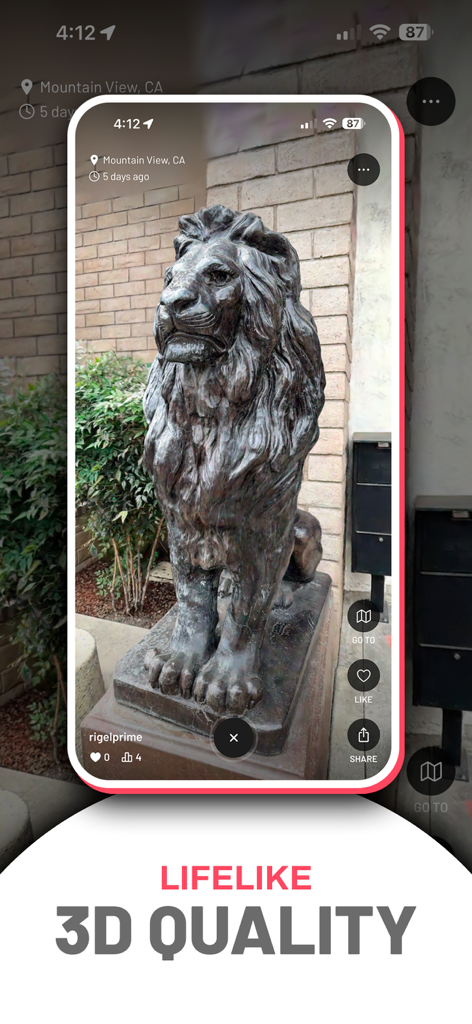
The tools that make this app stand out, trusted by 2M+ users.
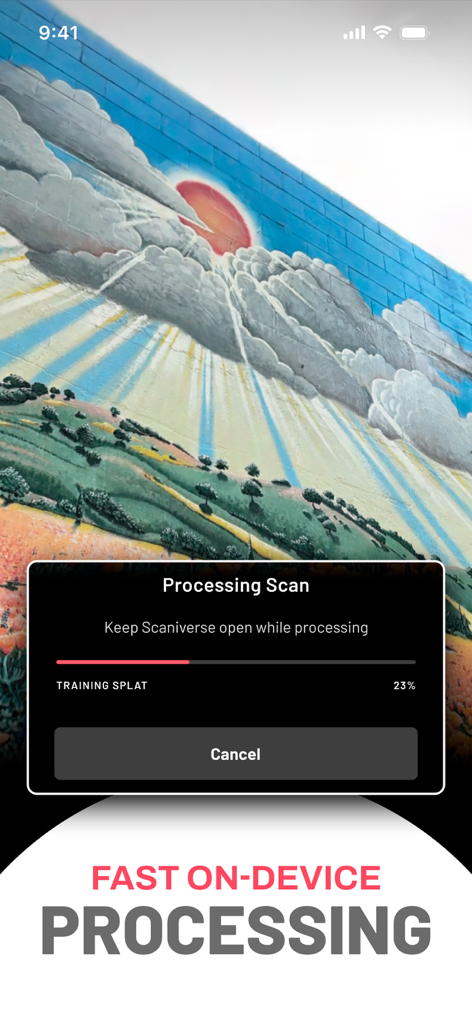
Capture world-class detail with realistic lighting and reflections. Process high-quality 3D splats entirely on-device for maximum speed and privacy.
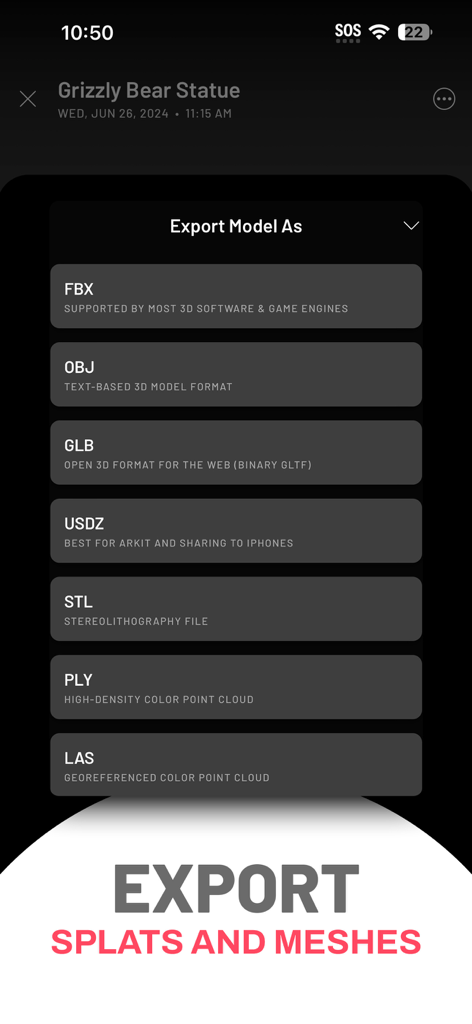
Bring the real world into your projects with OBJ, FBX, and USDZ exports. Perfect for integration with Blender, Unity, Unreal Engine, and 3D printing.
Join a community of thousands mapping the world. Post your scans to the global map or export cinematic fly-through videos for social media.
Trusted by 2M+ people who love this app.
"The Gaussian splatting quality is a game-changer for my 3D workflow. Being able to export high-fidelity models directly to Blender for free is incredible. It is the best tool I have found for capturing real-world assets on the go with zero lag."
"I love how easy it is to capture places I visit and share them on the global map. The 3D photos look so realistic with the reflections and lighting! It is like keeping a portal back to my favorite memories that I can share with anyone."
Everything you need to know about Scaniverse - 3D Scanner.
Description
Latest Version
5.1.0
Size
127.4 MB
First Released
Dec 17, 2020
Join over 2 million creators using Scaniverse for free, unlimited Gaussian splatting and pro-grade exports. Start scanning on-device and share your first 3D masterpiece today.
Everything you need to know about Scaniverse - 3D Scanner
Scaniverse is a mobile app offering free, fast, and unlimited on-device 3D Gaussian splatting. It allows users to capture, process, share, and explore 3D models of real-world locations.
No, Scaniverse is a free application. It offers free, fast, and unlimited on-device 3D Gaussian splatting without any stated costs in the description.
Scaniverse uses exclusive on-device processing for 3D Gaussian splatting. This means the app performs all calculations directly on your phone, without requiring an Internet connection.
Yes, Scaniverse allows users to share their 3D scans in multiple ways. You can post them to a global map, export cinematic videos to social media, or share a link for browser viewing.
Scaniverse supports exporting 3D models in various formats including OBJ, FBX, GLB, USDZ, STL, PLY, and LAS. It also exports splats to SPZ format for Niantic Studio.
No, an internet connection is not required to produce a 3D splat or mesh with Scaniverse. All processing occurs exclusively on your phone.
Scaniverse processes all 3D models on-device, meaning your models stay private. They only become public when you choose to share them.
Yes, Scaniverse features a global map where users can browse and explore 3D scans shared by other people worldwide. The Discover feed shows the latest additions.
Scaniverse splats offer high fidelity to detail, lighting, reflections, and transparency. Users can also adjust brightness, contrast, or crop the scans.
Apps with similar features and user experience

Recon-3D Inc.
AI Photo Editor Lab SRL

AR Code Pte. Ltd.
Luma AI, Inc.
Synthetic Dimension GmbH

FARO Technologies Inc.

Magiscan Inc.

KIRI Innovation (Hongkong) Limited

绪海 罗