AR Drawing - AR Sketch

AR Drawing - AR Sketch

Download on App Store
Spark by MWM logo
Logo of AR Drawing - AR Sketch
AR Drawing - AR Sketch: Transform Your Phone into a High-Tech Art Studio

Stop struggling with proportions and 'blank page' anxiety. Use Augmented Reality to trace any image onto paper, creating stunning hand-drawn masterpieces for your journals, DIY projects, and social media in minutes.

Publisher

Ketanbhai Khokhani

Category

Graphics & Design

Downloads

432K+

User Rating

4.6/5

Total Ratings

3K+

Locales

1

See the Magic in Action

Discover the interface used by 432K+ users.
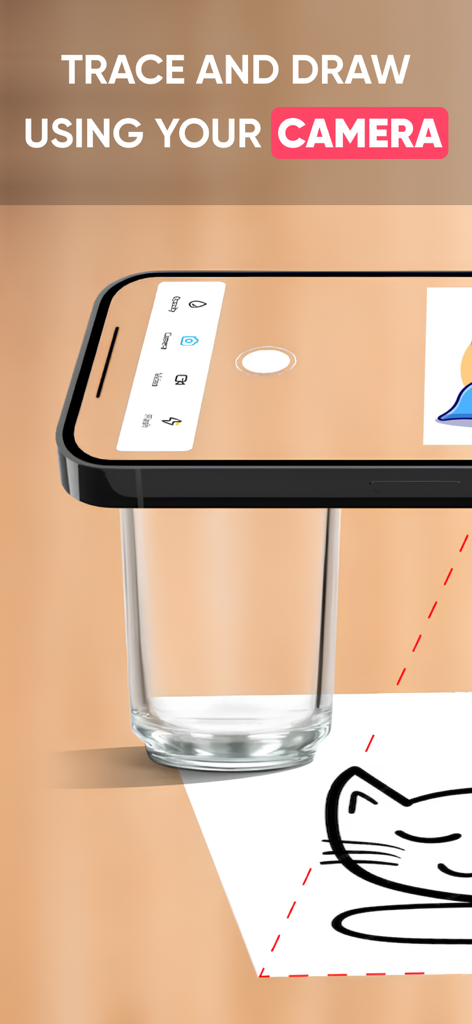
Smartphone camera used for tracing and drawing a cat sketch on paper

Smartphone camera used for tracing and drawing a cat sketch on paper

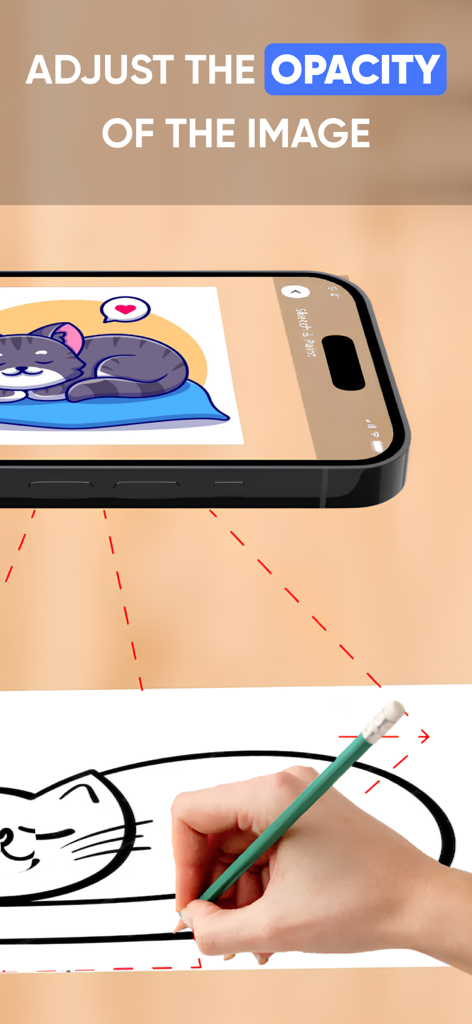
Person tracing a cat sketch onto paper using the AR Drawing app with opacity adjustment

Person tracing a cat sketch onto paper using the AR Drawing app with opacity adjustment

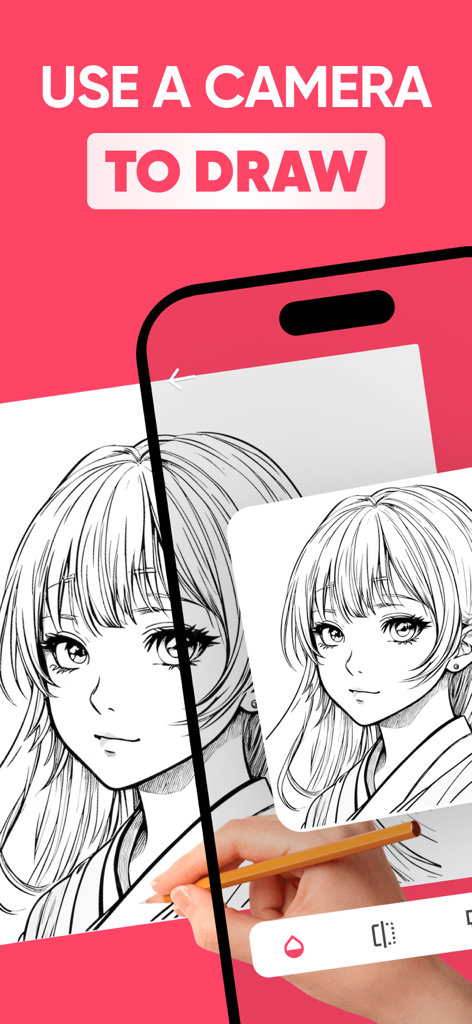
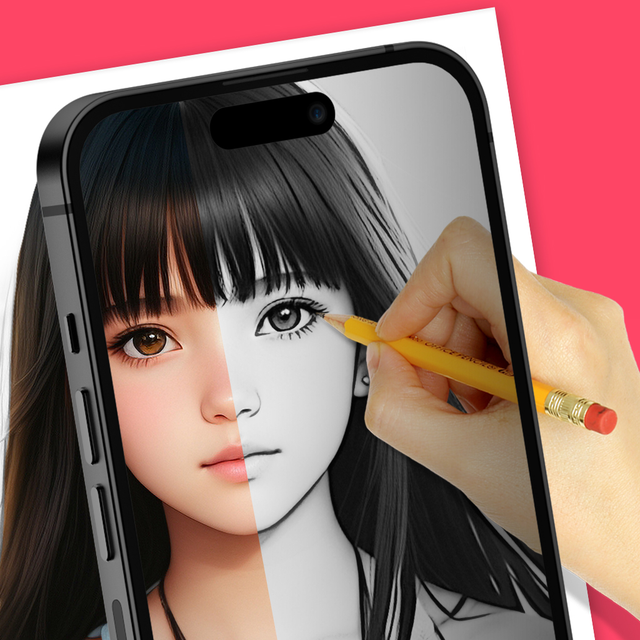
A hand sketching an anime character on paper using the AR Drawing app's camera overlay feature on a smartphone.

A hand sketching an anime character on paper using the AR Drawing app's camera overlay feature on a smartphone.

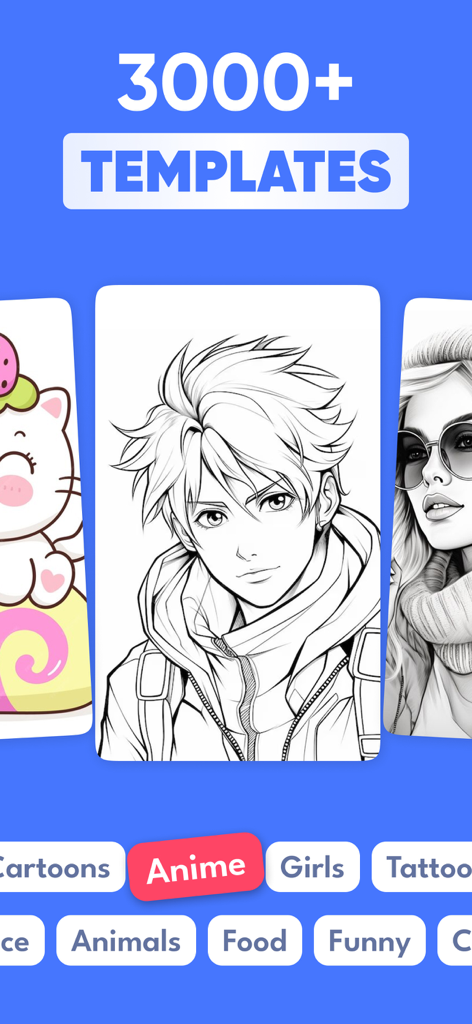
A library showcasing over 3000 drawing templates including anime and cartoon styles in the AR Drawing app interface

A library showcasing over 3000 drawing templates including anime and cartoon styles in the AR Drawing app interface

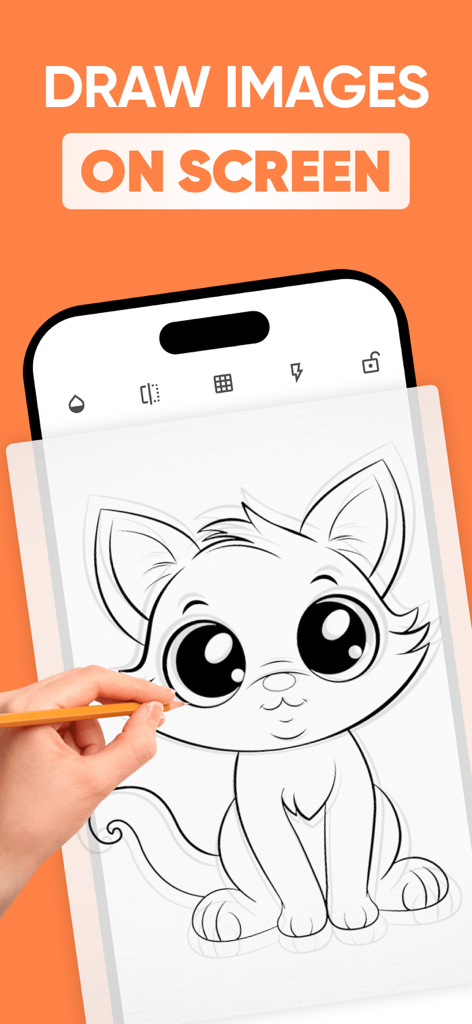
A hand tracing a kitten drawing from a smartphone screen onto paper using the AR Drawing app

A hand tracing a kitten drawing from a smartphone screen onto paper using the AR Drawing app

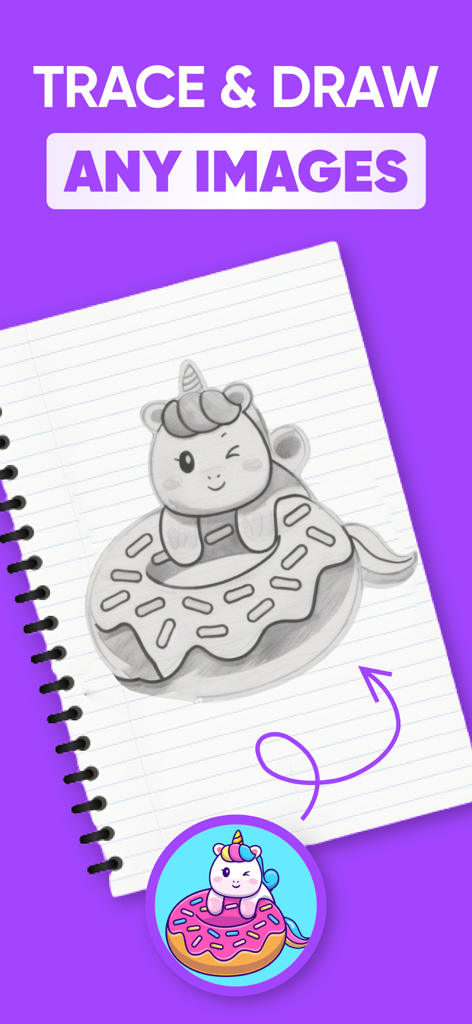
A hand drawn pencil sketch of a winking unicorn on a donut in a notebook

A hand drawn pencil sketch of a winking unicorn on a donut in a notebook

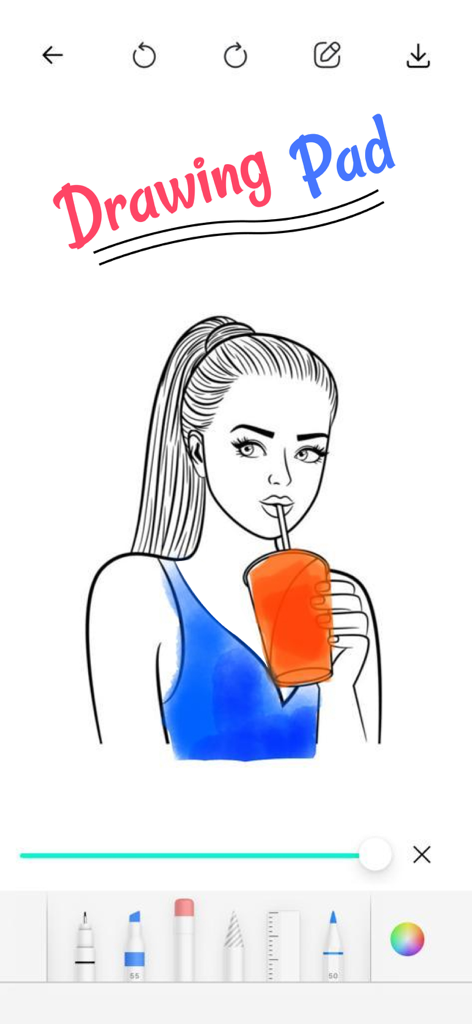
Digital drawing pad interface with a girl illustration and art tools

Digital drawing pad interface with a girl illustration and art tools

Unlock Your Inner Artist with AR Magic

The tools that make this app stand out, trusted by 432K+ users.

Seamless AR Tracing

See your chosen image float on your paper through your camera lens. Perfect your proportions and outlines instantly without the frustration of starting from scratch.

📸

Turn Photos into Sketches

Import any image from your gallery and convert it into a traceable template. Create custom portraits, pet drawings, or personalized DIY gifts in minutes.

✍️

Level Up Your Skills

Access curated drawing lessons designed to build your confidence. Learn the techniques behind the lines and transition from guided tracing to freehand mastery.

Loved by users worldwide

Trusted by 432K+ people who love this app.

"

"I've always wanted to decorate my bullet journal with intricate designs, but I struggled with proportions. This app is a total game-changer! I can trace any image onto my paper perfectly using just my phone. It has completely removed my creative block and made drawing fun again."

Chloe M., DIY Enthusiast
"

"As a beginner artist, getting the basic sketch right used to take me hours. AR Drawing acts like the perfect set of training wheels. It’s like having a portable lightbox that allows me to practice my line work and shading without the stress of starting from a blank page."

David L., Aspiring Illustrator

About the app

Everything you need to know about AR Drawing - AR Sketch.

Description

Draw Trace : Draw Trace Sketch app is a tool that allows users to take a photograph or image and trace over it to create a sketch or drawing. It typically has features such as adjustable line thickness, different brush styles, and an eraser tool. To use the app, the user first selects an image to trace or takes a new photograph. Place phone about 1feet above and look into the phone and draw on paper........... - So how does it works? - Select an image from the app or gallery apply filter to create image traceable. After that, you will see that image on the camera screen with transparency & you have to put drawing paper or book anything on which you want to trace and draw. Your image will not appear on paper but a transparent image with camera so that you can trace it on paper. - Draw on paper by looking at the phone with a transparent image. - Select any image and convert it to a tracing image. AR Drawing Premium Subscription: - With AR Drawing Premium Subscription, you will have access to all premium features like get access for drawing lessions, explore more creative images with an Ads-Free experience. - AR Drawing Premium Subscription is billed monthly and annually at the rate corresponding to the selected plan. - Payment will be charged to iTunes Account at confirmation of purchase. - Subscription automatically renews unless auto-renew is turned off at least 24-hours before the end of the current period. - Account will be charged for renewal within 24-hours prior to the end of the current period, and identify the cost of the renewal. - Subscriptions may be managed by the user and auto-renewal may be turned off by going to the user's Account Settings after purchase. - Any unused portion of a free trial period, if offered, will be forfeited when the user purchases a subscription to that publication, where applicable. Terms of Use :- https://chief-cheque-627.notion.site/Subscription-fc4c0462dcf648788bc7bc11cc1f21c9 Privacy Policy :- https://chief-cheque-627.notion.site/Privacy-Policy-e6097a7e16e641fb98542fb1110d5680

Latest Version

5.0.9

Size

57.9 MB

First Released

Jun 25, 2023

Turn Your Phone into a Professional Art Studio

Join over 400,000 creators and start drawing with confidence. Download AR Drawing today and bridge the gap between digital inspiration and real-world art.

Download on App Store
FAQ

Frequently Asked Questions

Everything you need to know about AR Drawing - AR Sketch

What is the AR Drawing - AR Sketch app?

The AR Drawing - AR Sketch app allows users to trace over photographs or images to create sketches or drawings. It includes features like adjustable line thickness, various brush styles, and an eraser tool for creative flexibility.

How does the AR Drawing - AR Sketch app work for tracing?

To trace, users select an image, apply a filter to make it traceable, and then view it transparently on their camera screen. They place paper under the phone and draw by looking at the transparent image on the device.

Can I trace any image with AR Drawing - AR Sketch?

Yes, the AR Drawing - AR Sketch app allows users to select any image from their app or gallery and convert it into a transparent tracing image for drawing on paper.

Does AR Drawing - AR Sketch offer an in-app drawing pad?

Yes, AR Drawing - AR Sketch features an in-app Drawing Pad. This pad provides various tools including different pens, an eraser, and a color picker for digital drawing and editing directly within the app.

What premium features are included with the AR Drawing Premium Subscription?

The AR Drawing Premium Subscription provides access to all premium features, including drawing lessons, a wider selection of creative images, and an ads-free experience within the AR Drawing app.

How is the AR Drawing Premium Subscription billed?

The AR Drawing Premium Subscription is billed on both a monthly and annual basis. Payment is charged to the user's iTunes Account at the time of purchase confirmation.

Can I adjust the opacity of images in AR Drawing - AR Sketch?

Yes, users can adjust the opacity of the image within the AR Drawing - AR Sketch app. This feature helps in customizing the transparency for better tracing visibility.

How many templates are available in AR Drawing - AR Sketch?

The AR Drawing - AR Sketch app offers over 3000 templates. These templates are organized into various categories such as Cartoons, Anime, and Girls, providing a wide range of options for users.

Are there drawing lessons available in AR Drawing - AR Sketch?

Yes, AR Drawing Premium Subscription members gain access to exclusive drawing lessons. These lessons are part of the additional premium features offered through the subscription.

How do I disable auto-renewal for AR Drawing Premium Subscription?

To disable auto-renewal for the AR Drawing Premium Subscription, users must go to their Account Settings after purchase. Auto-renewal needs to be turned off at least 24 hours before the current subscription period ends.