
BookFusion



Seamlessly organize, read, and sync your eBooks, PDFs, and comics across all devices. Take control of your collection with deep Calibre integration and professional-grade highlight management.
Publisher
Category
BooksDownloads
241K+User Rating
Total Ratings
1K+Locales
4Discover the interface used by 241K+ users.
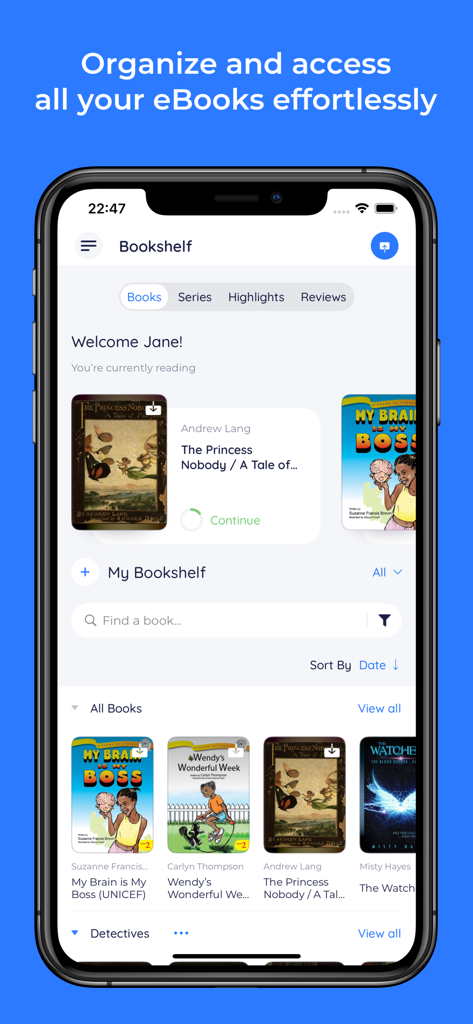
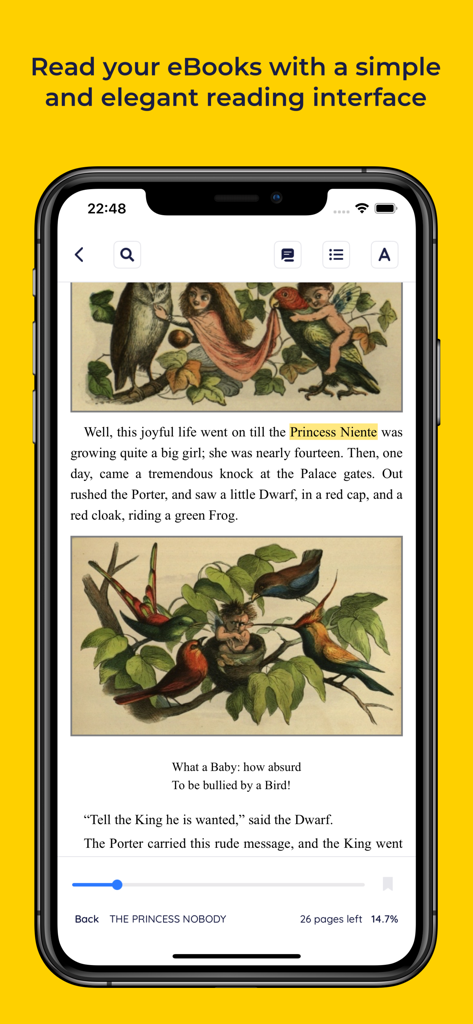
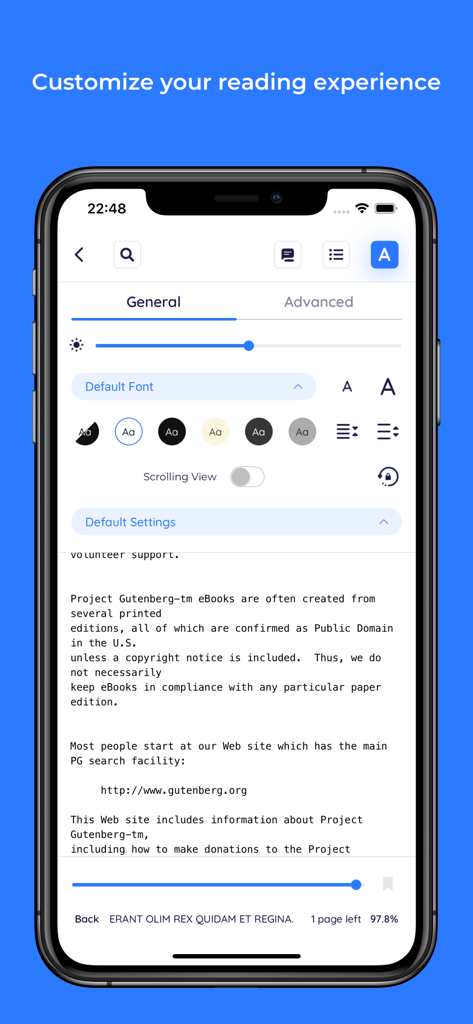
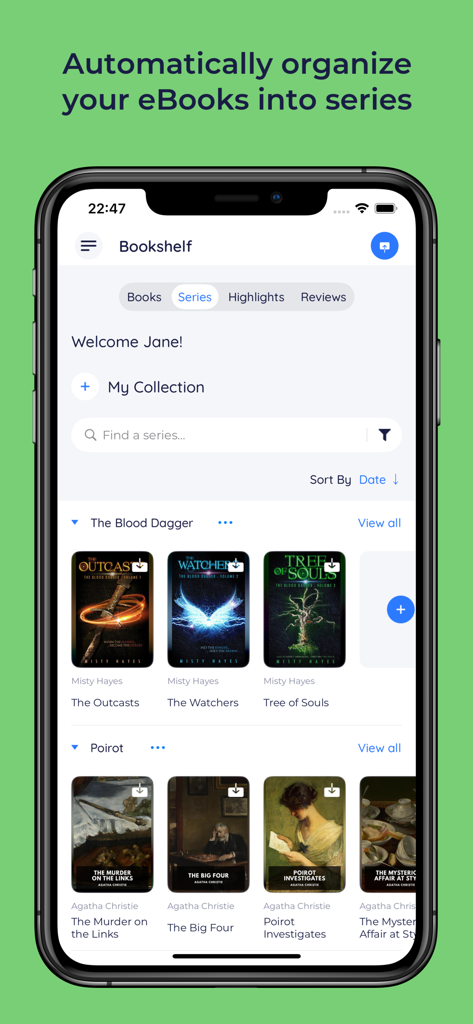
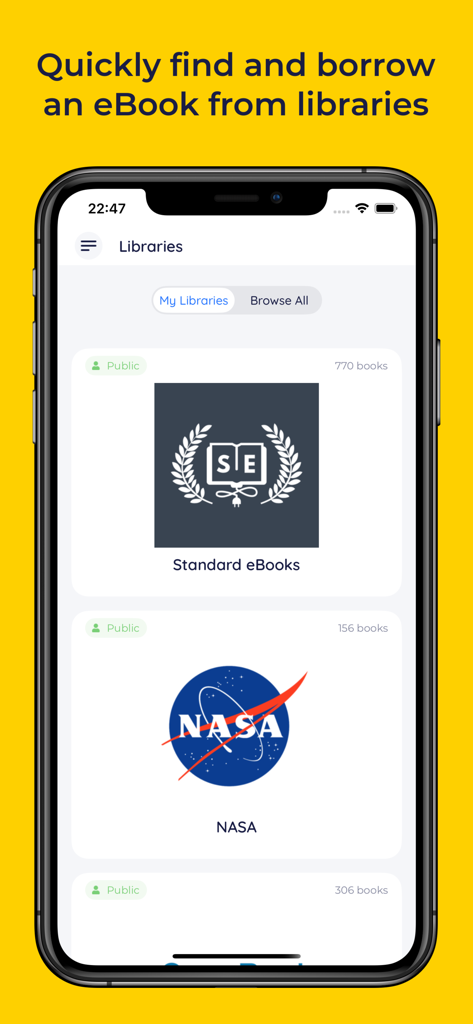
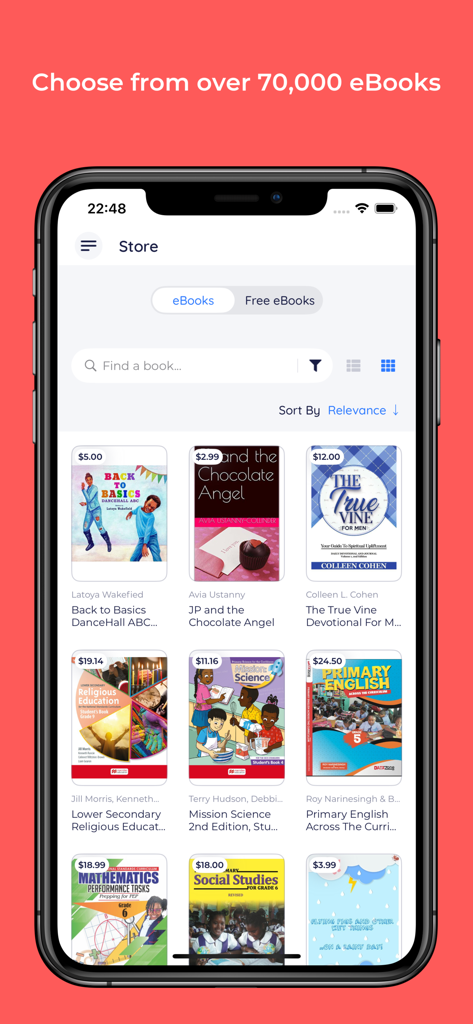
The tools that make this app stand out, trusted by 241K+ users.
The ultimate Calibre ally. Sync your entire library, including custom metadata, series, and tags, to your iPhone and iPad effortlessly.
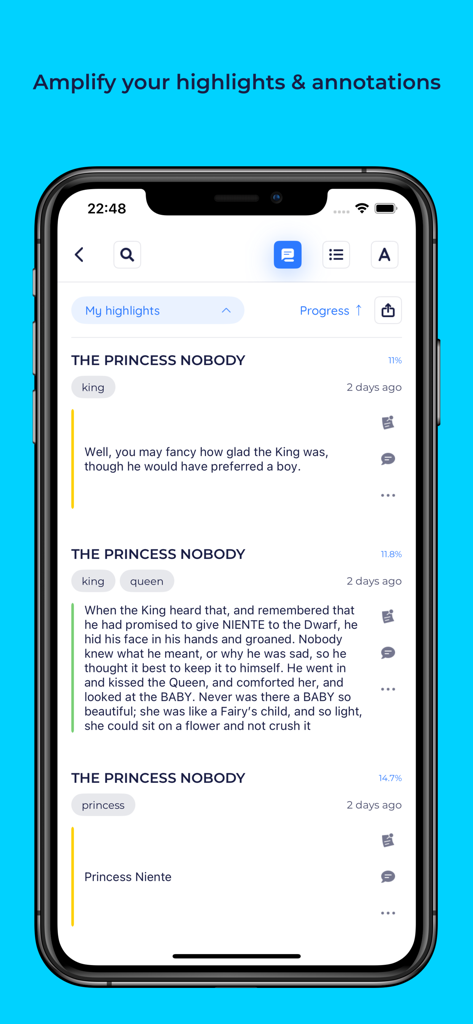
Treat your highlights as data. Capture deep annotations and export them in Markdown or PDF to tools like Notion, Obsidian, and Roam.
One home for EPUBs, PDFs, and Comics. Enjoy power-user features like Multi-Window support for research and vertical writing for global scripts.
Trusted by 241K+ people who love this app.
"BookFusion is the only app that finally bridged the gap between my desktop Calibre library and my mobile devices. The metadata sync is flawless, and being able to access my entire collection of over 2,000 technical EPUBs and PDFs from anywhere is a total game-changer. It is the most powerful and organized reader I have ever used."
"As a researcher, the multi-window support on iPad and the ability to export highlights directly to Markdown has completely transformed my workflow. I can annotate complex PDFs and sync my notes into my personal knowledge base in seconds. It is much more than just a reader; it is an essential tool for my studies."
Everything you need to know about BookFusion.
Description
Latest Version
1.41.3
Size
149.1 MB
First Released
Sep 6, 2016
Join thousands of power users who have moved beyond the walled gardens. Sync your Calibre collection, export your highlights to your second brain, and take full control of your reading experience.
Everything you need to know about BookFusion
BookFusion is a cross-platform eBook reader and manager that offers cloud sync. It allows users to read, organize, and manage over 2 million eBooks across all their devices, supporting formats like EPUB, PDF, and CBZ/CBR.
Yes, BookFusion offers seamless syncing. It syncs reading progress, highlights, annotations, eBooks, and bookmarks across all devices. Users can pick up exactly where they left off on any device.
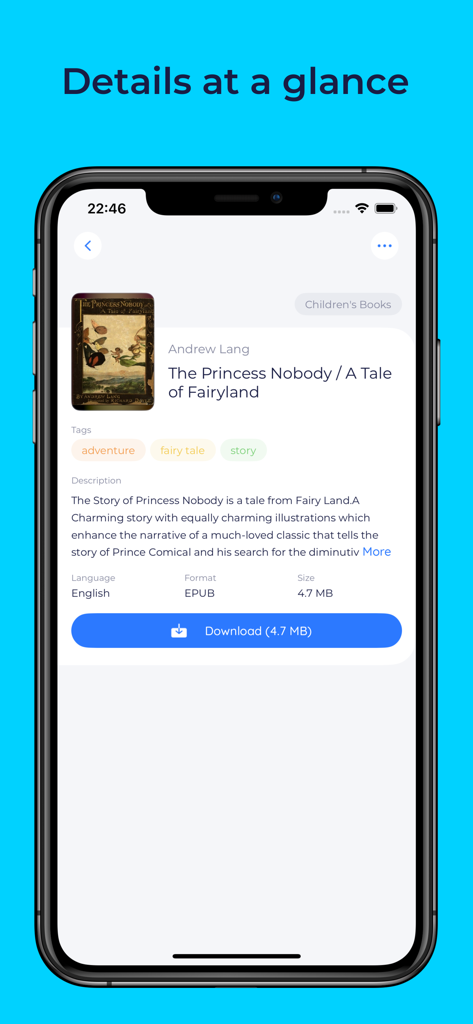
BookFusion supports EPUB, PDF, and CBZ/CBR eBooks directly. Additional formats like AZW, DOCX, HTML, TXT, and others are supported via the Web App, allowing upload before using the iOS App.
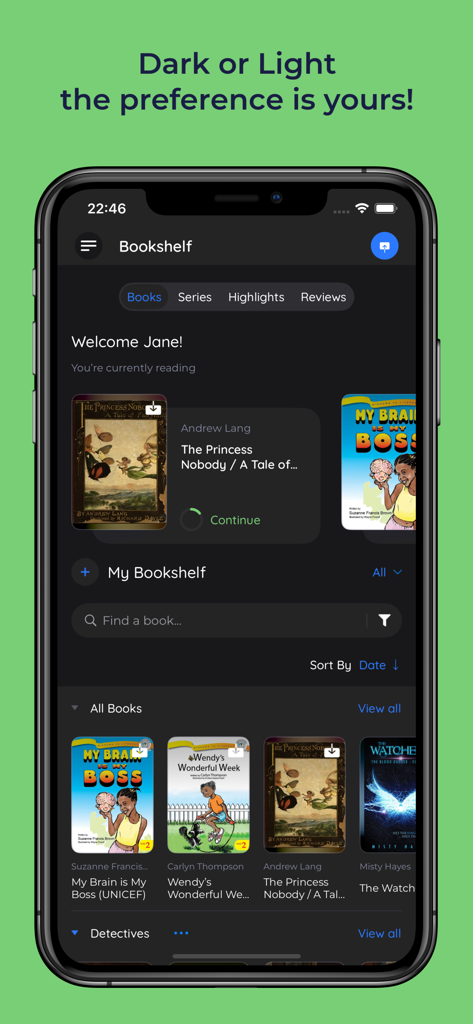
Yes, BookFusion provides both Light and Dark Mode options. Users can choose their preferred visual theme for reading and navigating the app interface.
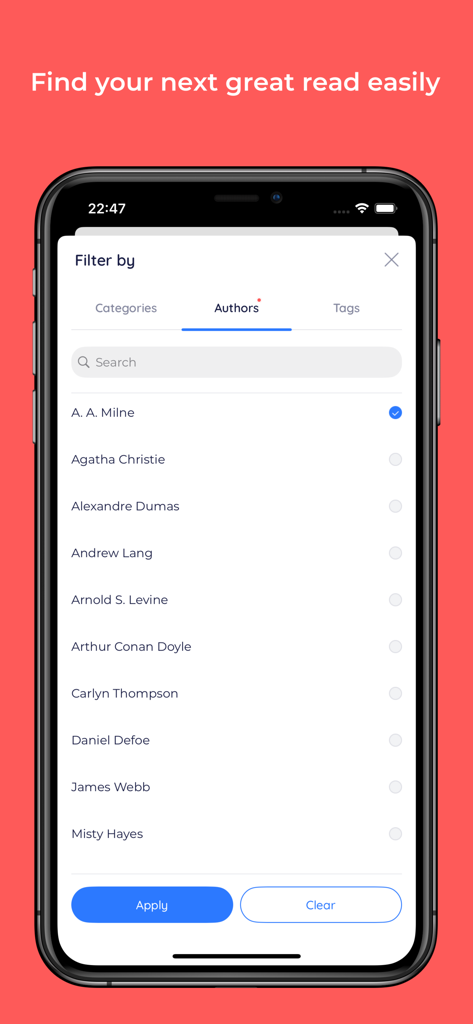
BookFusion organizes eBooks using virtual bookshelves or series. Users quickly find eBooks with category, tags, or author filters. It functions as a comprehensive eBook Organizer and Manager.
Yes, BookFusion enables highlighting with preferred colors and adding tags. Highlights sort by date/progress and export in CSV, Markdown, HTML, and PDF formats.
Yes, BookFusion includes Text-to-Speech (TTS). It uses Apple's native natural-sounding feature. Users customize reading speed, voice, and accessibility settings for audio playback.
Yes, BookFusion integrates with Calibre. It syncs metadata, custom columns, series, tags, and updated PDF & EPUB files, providing access to the entire Calibre library on devices.
Yes, BookFusion offers a "Send to Kindle" feature. Users can organize and quickly send their next read to their Kindle device with one click.
Yes, BookFusion provides Vertical Writing Support. It allows users to read Chinese, Vietnamese, Korean, and Japanese eBooks with ease.
Yes, BookFusion supports Image/Area Highlights & Annotations for PDFs. Users can easily annotate or highlight images, tables, graphs, or any text elements within their PDF documents.
BookFusion allows managing and reading over 2 million eBooks. Additionally, users can choose from over 70,000 eBooks directly within the BookFusion app's store.
Yes, BookFusion supports Multi-Window on iPadOS & macOS. Users can open multiple books side by side, use Split View, or read and view highlights simultaneously for efficient multitasking.
The BookFusion Terms of Service are at https://www.bookfusion.com/terms. The Privacy Policy is at https://www.bookfusion.com/privacy. These documents detail user agreements and data handling practices.
Apps with similar features and user experience

REDIT, OOO

添欢 谢

三英 郑

哲魁 左

Luis Ángel San Martín

Kingjet Network Co., Ltd.

俊杰 阮

Beat Raess

Konstantin Bukreev