
Clip Studio Paint



Experience desktop-class power on your iPad. From advanced 3D anatomy references to industry-leading comic tools, join millions of artists elevating their craft with the most versatile digital art studio.
Publisher
Category
Graphics & DesignDownloads
6M+User Rating
Total Ratings
106K+Locales
11Discover the interface used by 6M+ users.
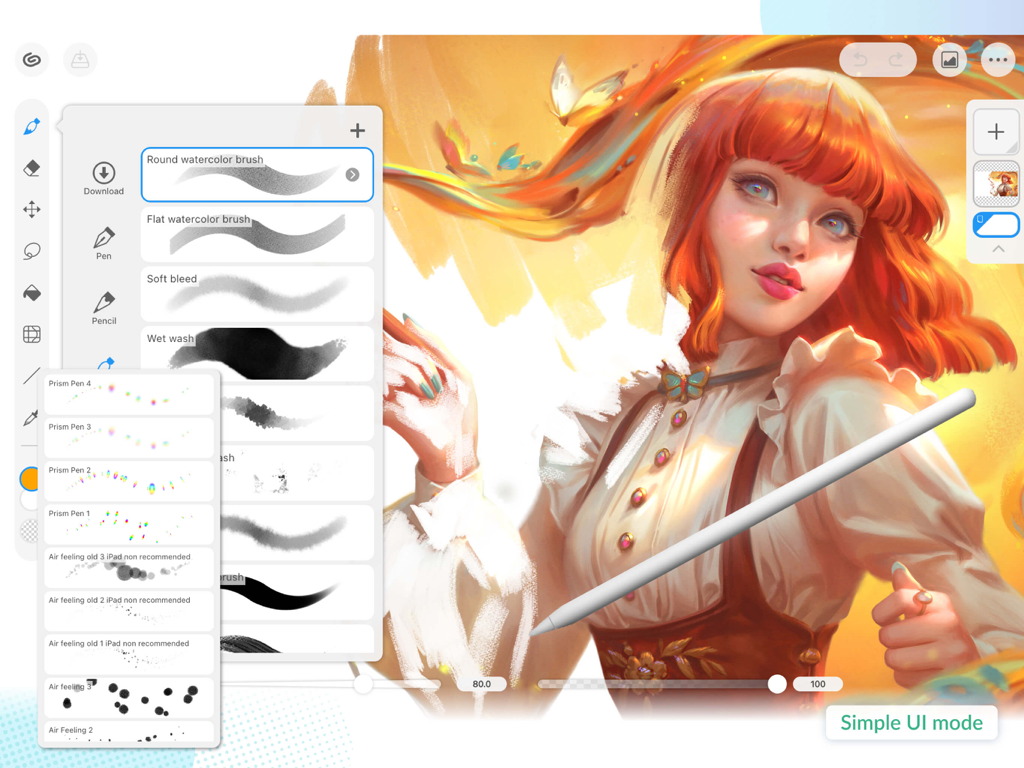
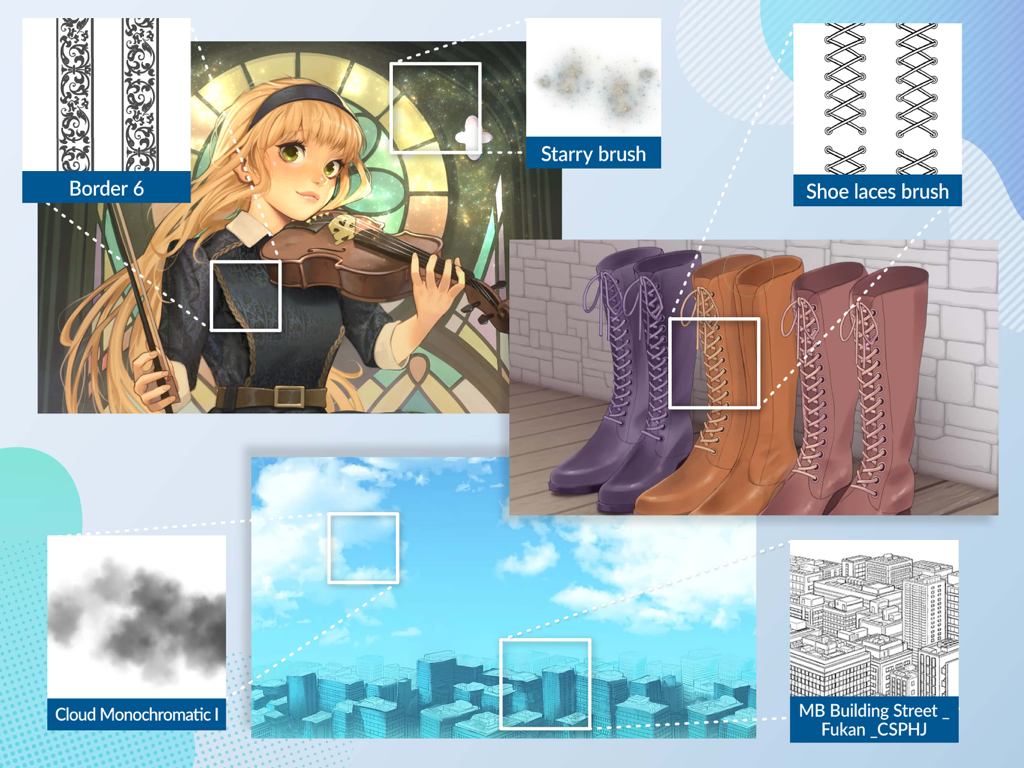
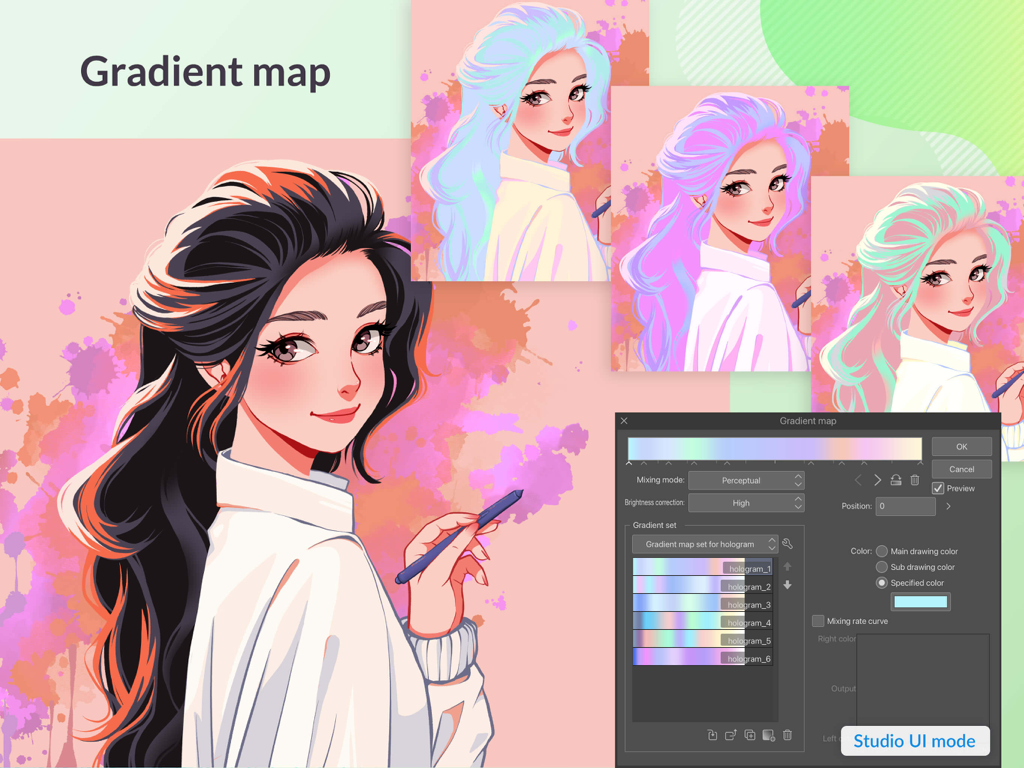
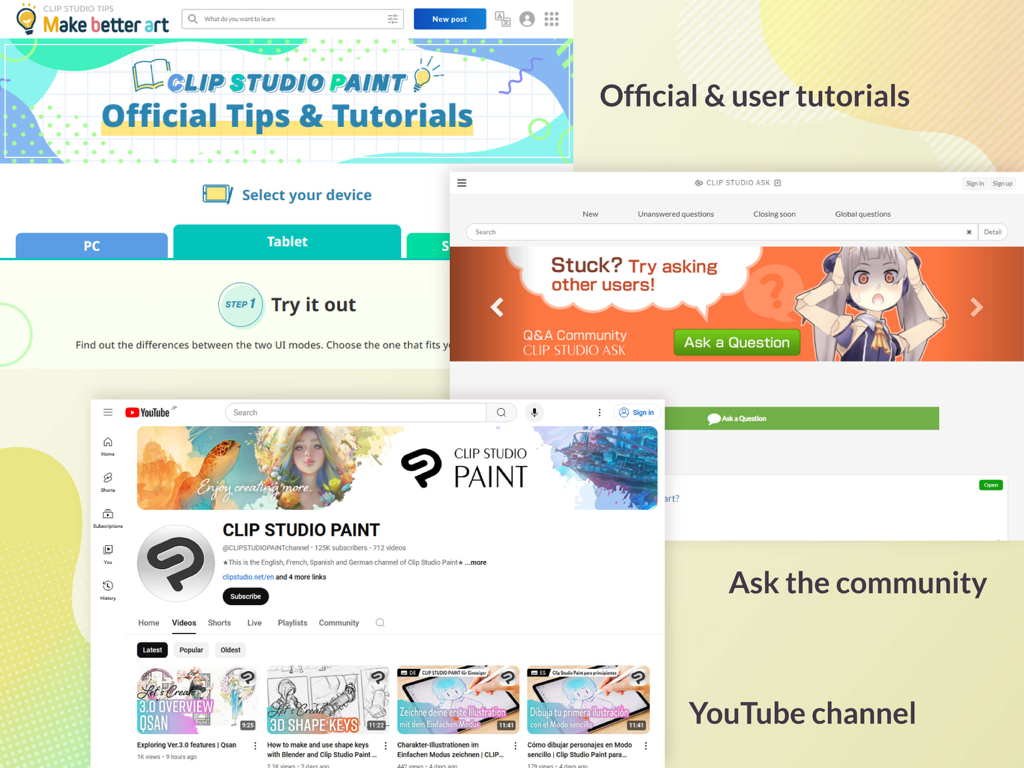
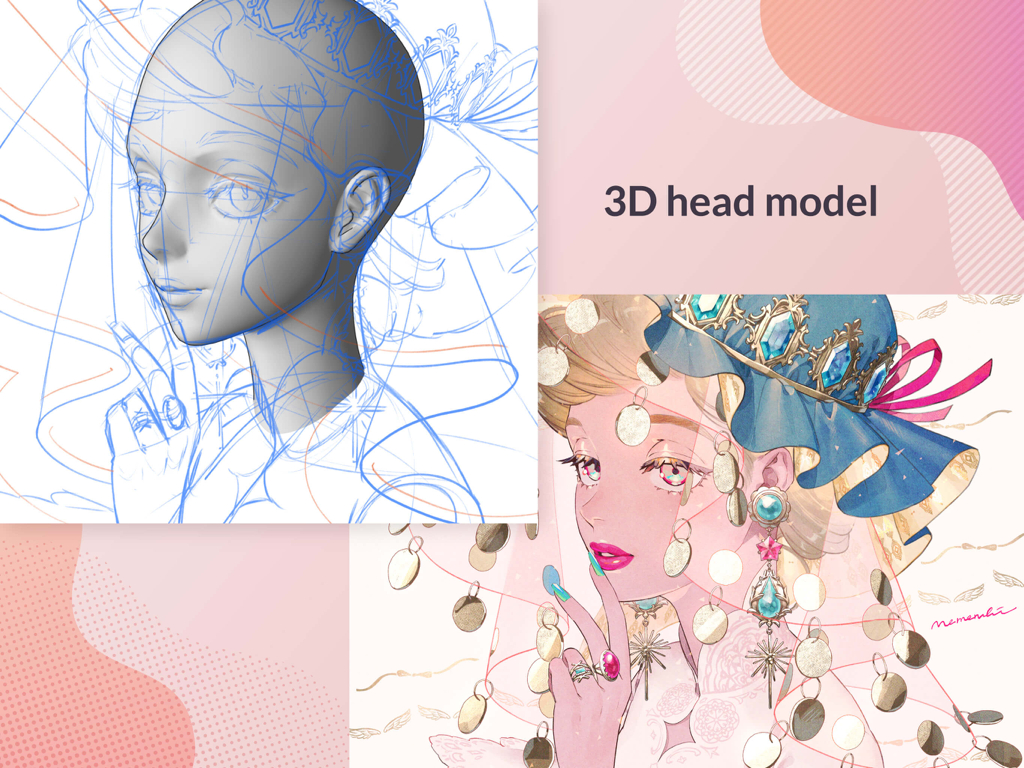
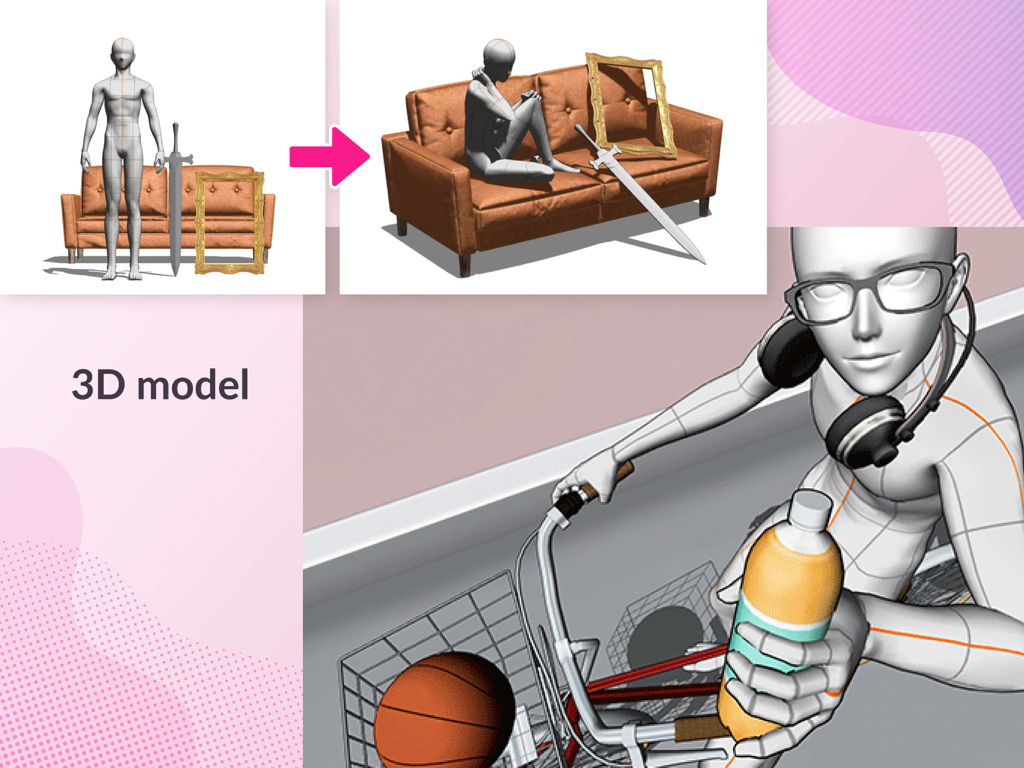
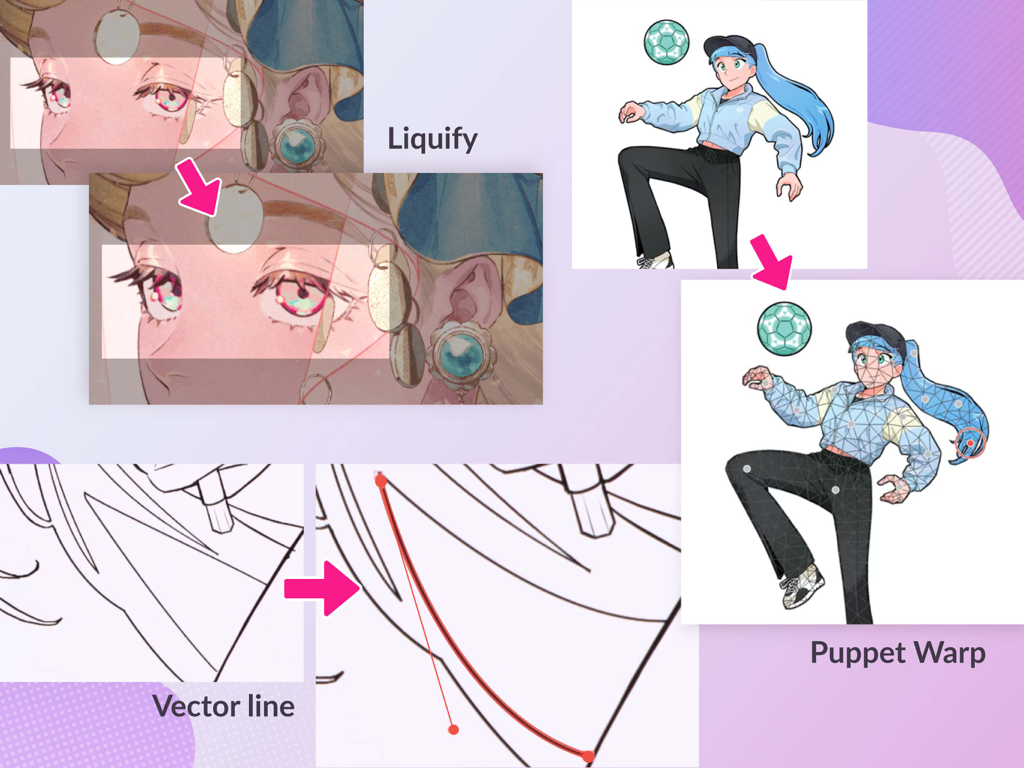
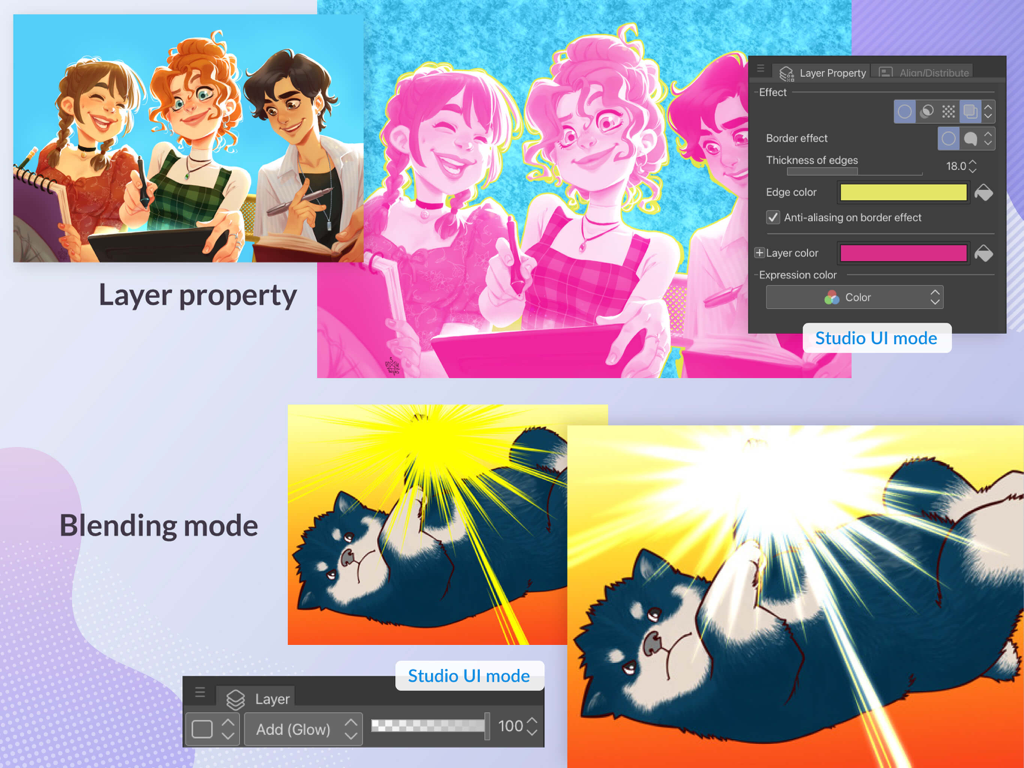
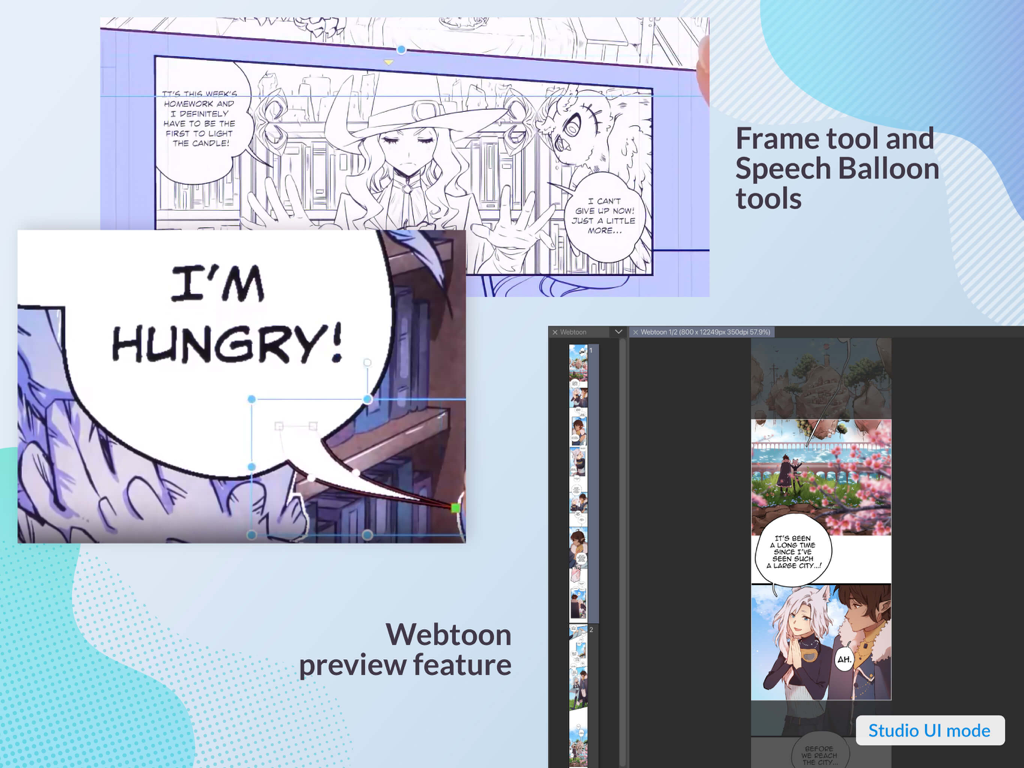
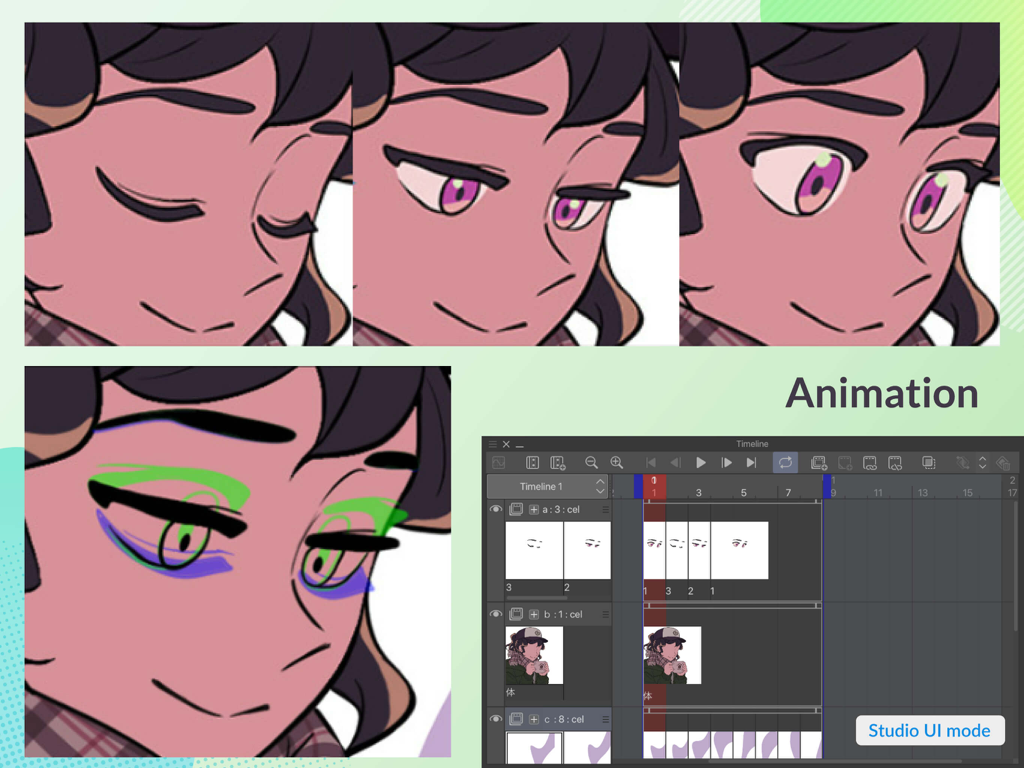
The tools that make this app stand out, trusted by 6M+ users.
Nail complex poses and perspectives using fully customizable 3D drawing figures that serve as the perfect reference for your character art.
Streamline your storytelling with specialized tools for panels, speech bubbles, and effect lines designed for high-volume serial production.
Access an ever-growing library of thousands of artist-made brushes, 3D backgrounds, and textures to speed up your workflow and enhance your style.
Trusted by 6M+ people who love this app.
"Clip Studio Paint is an absolute game-changer for my webtoon workflow. The specialized paneling tools and the 3D drawing figures save me hours of frustration with anatomy and perspective. It really is the desktop-class experience I needed on my iPad Pro."
"As a freelance character artist, I've tried every drawing app out there, but nothing matches the brush engine and asset library here. The ability to sync my work via the cloud and use professional-grade vector layers on the go has made my commission work significantly faster."
Everything you need to know about Clip Studio Paint.
Description
Latest Version
4.2.5
Size
563.7 MB
First Released
Nov 7, 2017
Join 6 million creators and turn your passion into a profession. Start your 30-day free trial today and experience the ultimate studio for illustration, manga, and animation on your iPad.
Everything you need to know about Clip Studio Paint
Clip Studio Paint is an advanced drawing and painting application designed for creating illustrations, comics, manga, and animations. It offers tools for beginners and professionals to enhance their creative experience.
Yes, Clip Studio Paint offers a free 30-day trial. Users can also get up to 3 months free with their first plan subscription.
Yes, Clip Studio Paint supports 3D models. Users can employ 3D drawing figures for anatomy, customize character models, and attach objects like hats for specific references.
Yes, Clip Studio Paint is the ultimate comic creation app. It provides tools for storyboarding, panel frames, speech balloons, text, effect lines, and screen tones for print or web.
Clip Studio Paint PRO is for illustrations and short animations. EX includes all PRO features plus multi-page functionality for comics/manga and unlimited animation frames.
Yes, Clip Studio Paint provides an unlimited amount of brushes with realistic textures. It also offers countless artist-made materials and community-made brushes for diverse styles.
Yes, Clip Studio Paint includes tools like Liquify for illustration balance, Mesh Transformation for shape adjustments, and Puppet warp to change character poses. Non-destructive color adjustment layers are also available.
Clip Studio Paint requires a minimum of 3GB free storage (4GB recommended) and a recommended display size of 10.5 inches or larger.
Yes, after the free trial, an in-app payment or subscription is required to save and export your canvas in Clip Studio Paint, particularly on iPad.
Yes, Clip Studio Paint offers professional animation tools. Users can draw frames digitally, achieve a pencil-and-paper look, and save vector data up to 4K resolution.
Apps with similar features and user experience

Sketchbook, Inc.

Mental Canvas, Inc.

ibis inc.

ibis inc.

Evernote Corporation

Adobe Inc.

Lofopi Ltd

MediBang inc.

SKETCHES SRL

