MediBang Paint – Drawing & Art

MediBang Paint – Drawing & Art

Download on App StoreDownload on Google Play
Spark by MWM logo
Logo of MediBang Paint – Drawing & Art

MediBang Paint – Create Manga, Webtoons, and Digital Art Anywhere

Join 100 million creators on the ultimate pro-grade art tool. From 180+ customizable brushes to professional comic panels and seamless cloud sync, bring your stories to life across all your devices for free.

Publisher

MediBang inc.

Category

Graphics & Design

Downloads

10M+

User Rating

4.6/5

Total Ratings

259K+

Locales

18

A Glimpse Inside the Canvas

Discover the interface used by 10M+ users.

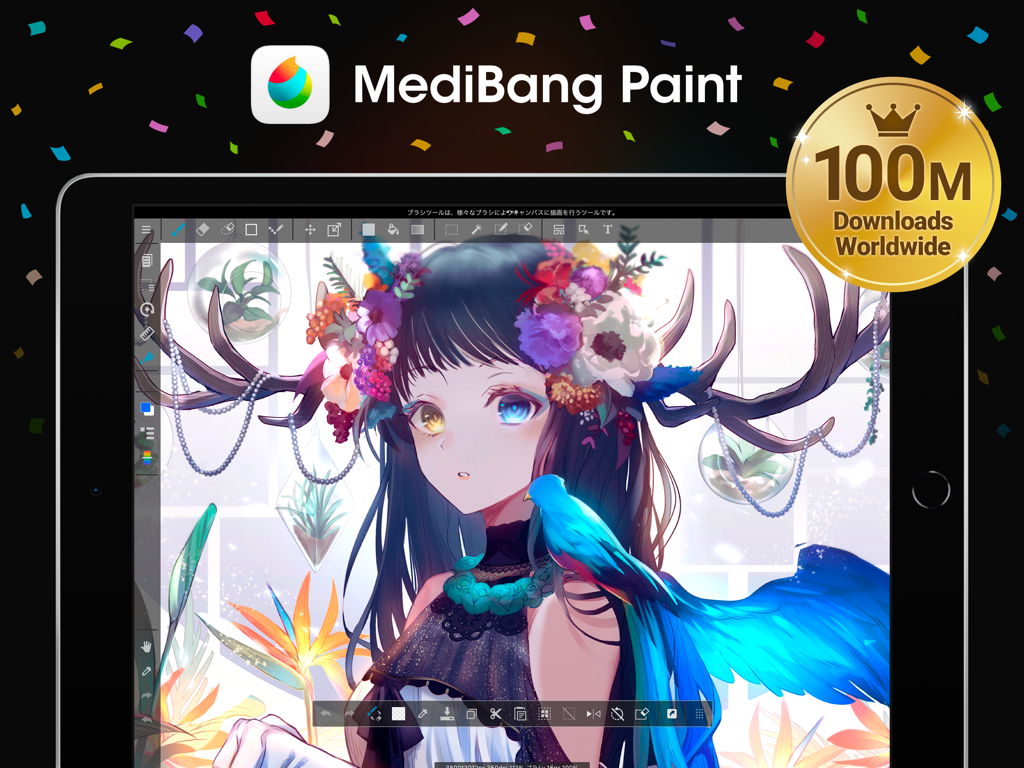
MediBang Paint app on an iPad displaying a detailed anime illustration with a 100 million downloads celebration badge.

MediBang Paint app on an iPad displaying a detailed anime illustration with a 100 million downloads celebration badge.

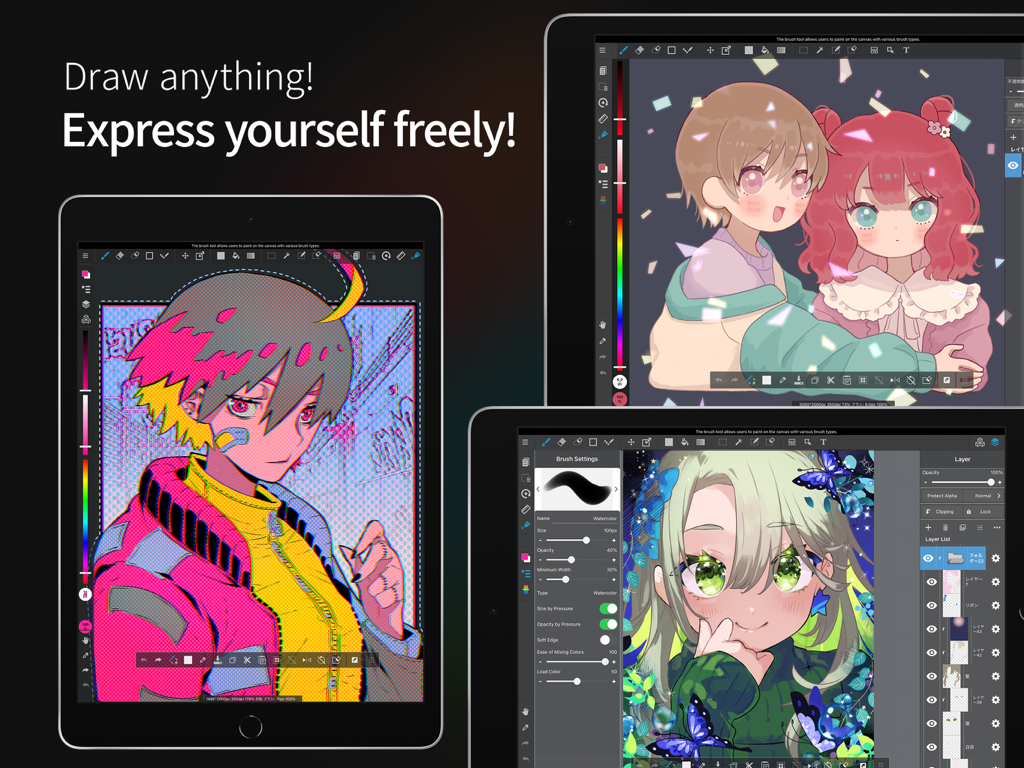
Interface of MediBang Paint app on iPads showcasing vibrant anime and manga character illustrations

Interface of MediBang Paint app on iPads showcasing vibrant anime and manga character illustrations

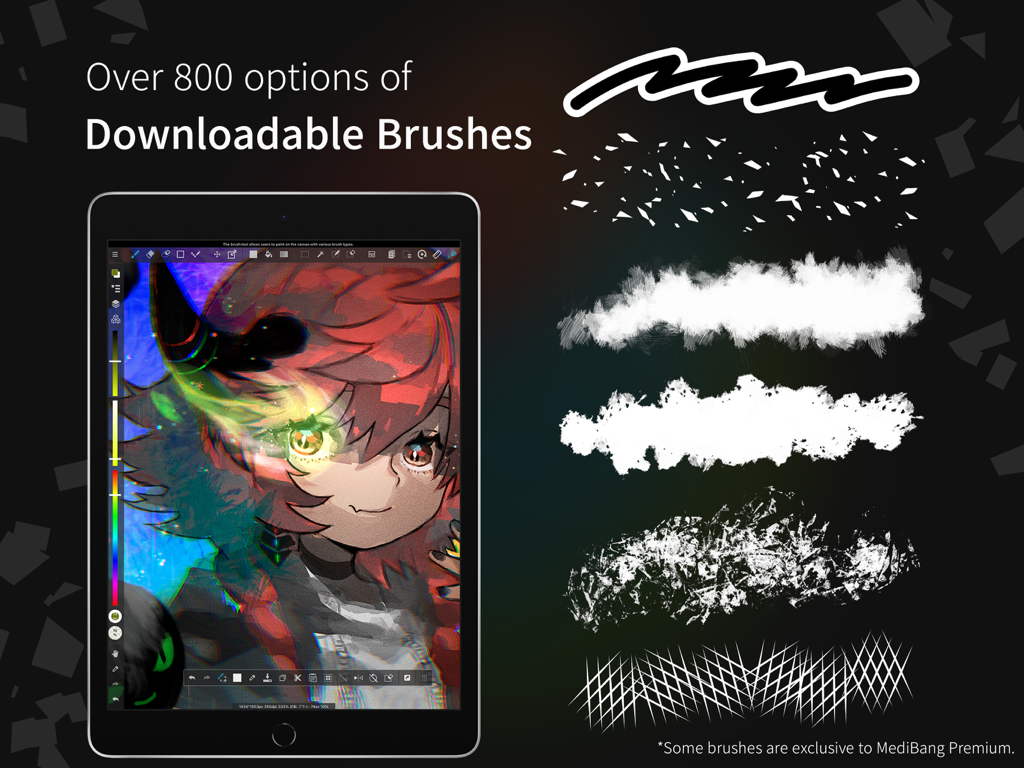
An anime character illustration on a tablet with examples of various digital paint brushes

An anime character illustration on a tablet with examples of various digital paint brushes

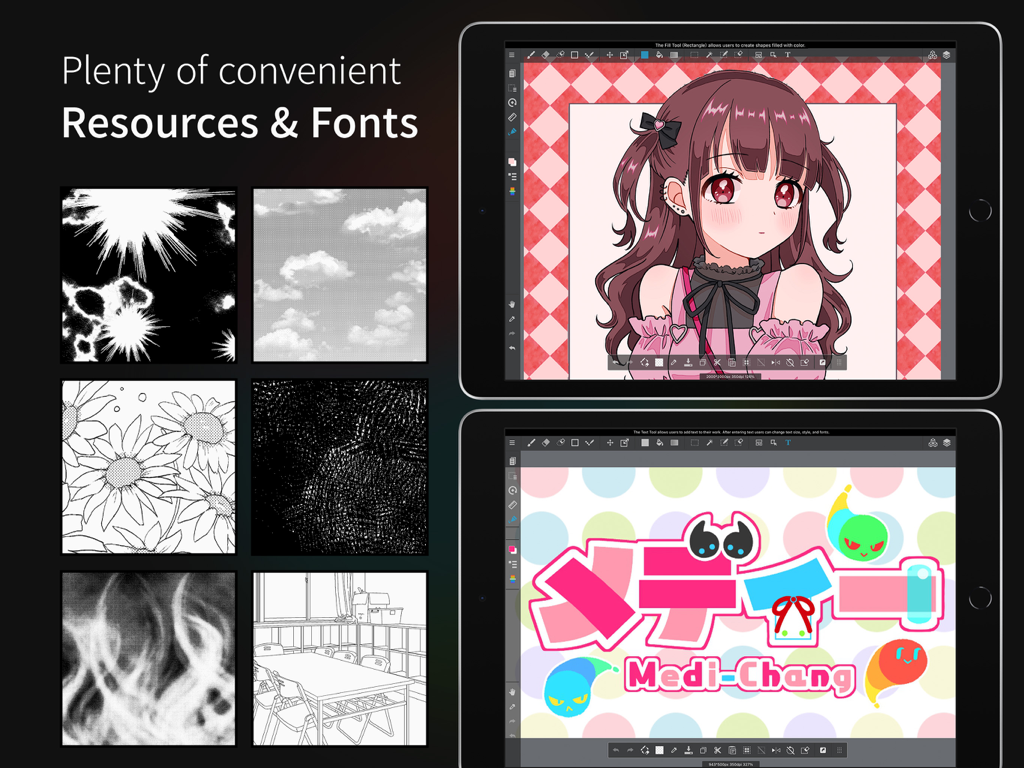
MediBang Paint app on iPad showing manga art resources and creative fonts

MediBang Paint app on iPad showing manga art resources and creative fonts

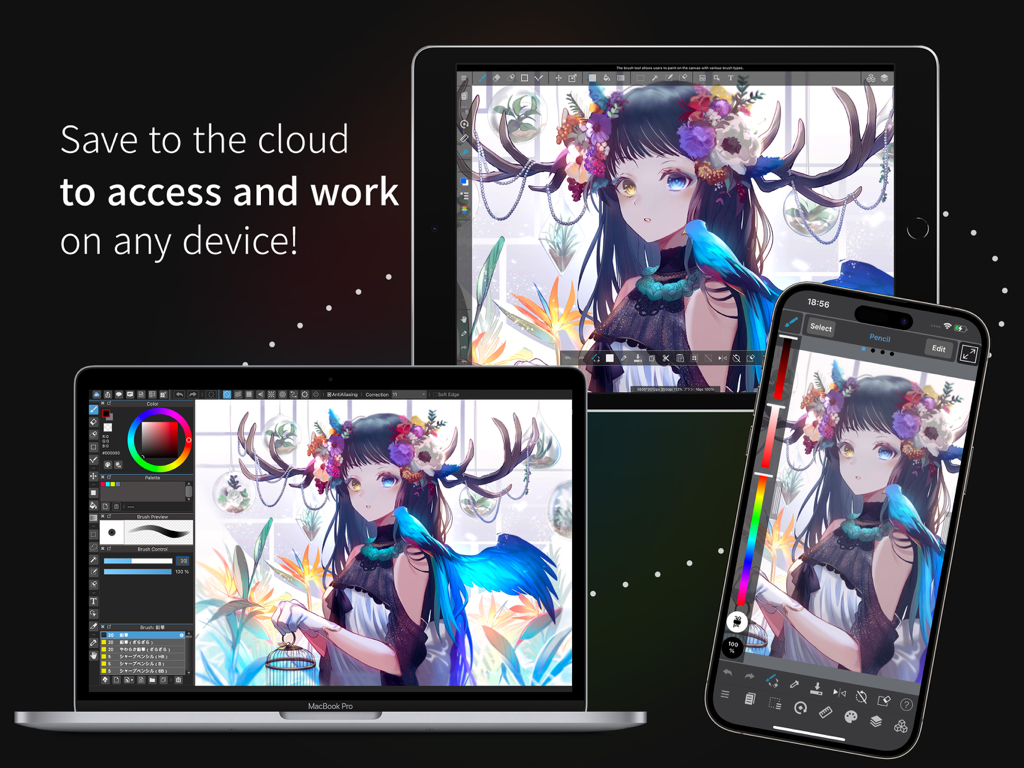
Digital anime art synced across a laptop tablet and smartphone using MediBang Paint cloud storage

Digital anime art synced across a laptop tablet and smartphone using MediBang Paint cloud storage

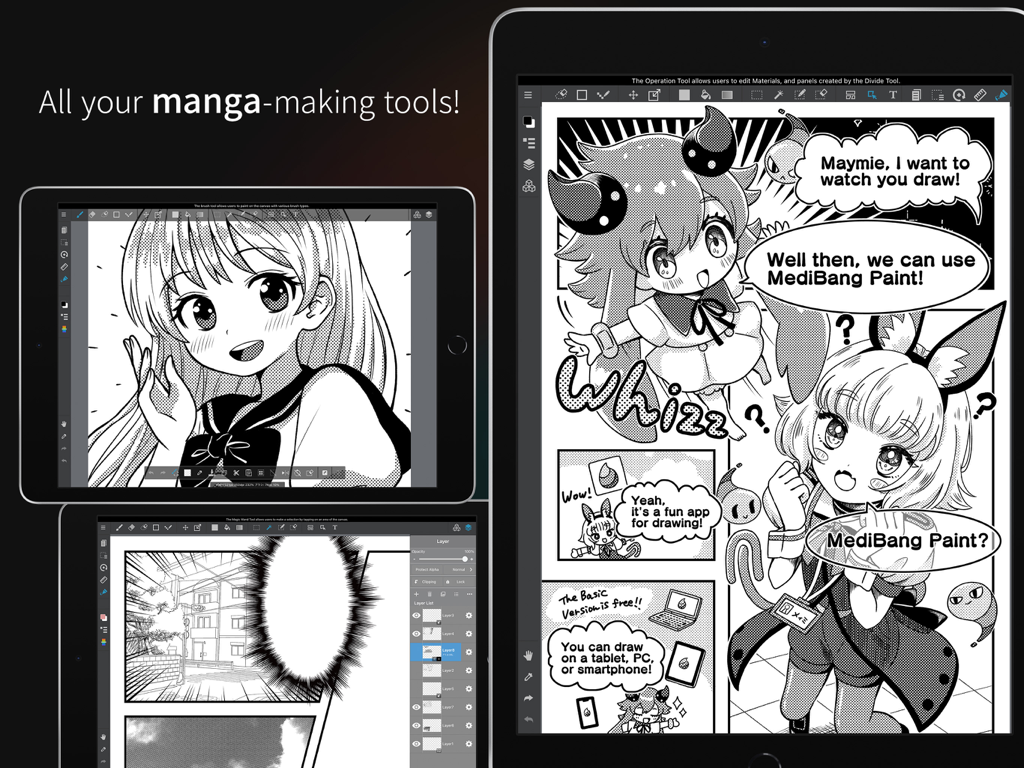
Ipad screen showing Medibang Paint app with manga creation tools screentones and comic panels

Ipad screen showing Medibang Paint app with manga creation tools screentones and comic panels

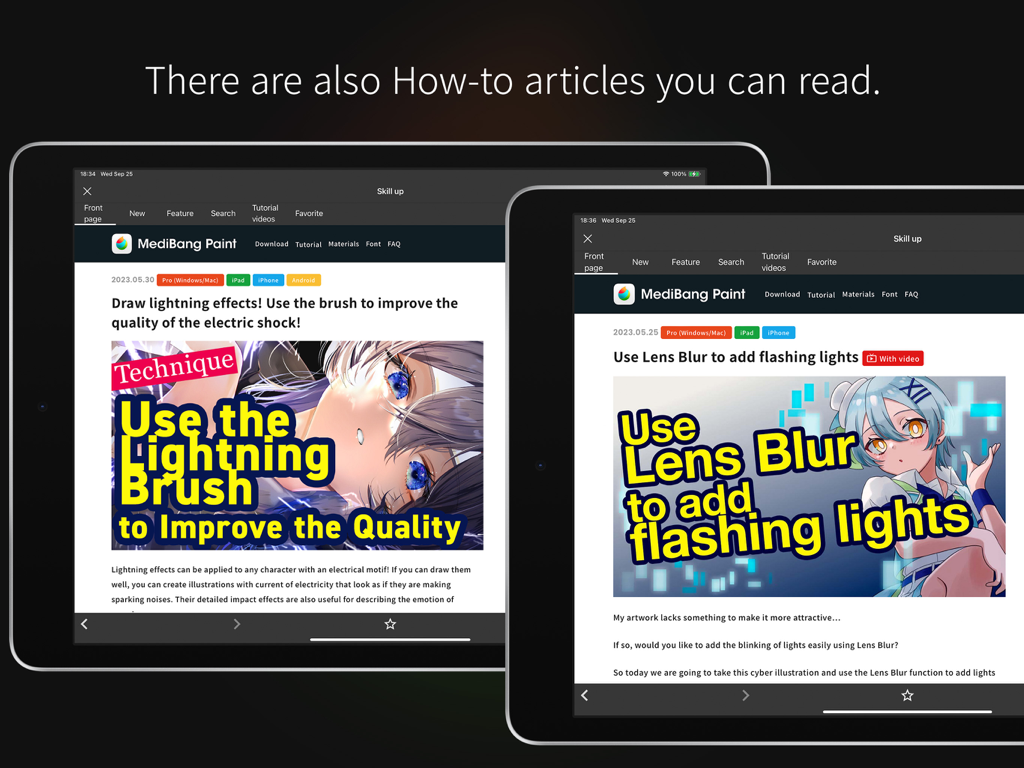
Screenshots of the MediBang Paint app showing manga drawing tutorials and how-to articles on tablet devices.

Screenshots of the MediBang Paint app showing manga drawing tutorials and how-to articles on tablet devices.

Professional Tools for Your Next Masterpiece

The tools that make this app stand out, trusted by 10M+ users.

🖋️

Built for Comic Creators

Craft professional-grade Webtoons effortlessly with 1,000+ screentones, specialized fonts, and easy-to-use paneling tools.

☁️

Seamless Cloud Creativity

Start a sketch on your phone and finish it on your iPad or PC. Your studio and brushes follow you wherever inspiration strikes.

🎞️

Collaborate and Go Viral

Work live with your art squad on shared canvases and export one-tap timelapses to share your creative process on social media.

Loved by users worldwide

Trusted by 10M+ people who love this app.

"

"As an aspiring Webtoon creator, MediBang's comic panel and screentone tools are absolute essentials. The cloud sync is flawless, letting me sketch on my phone and finish on my iPad without missing a beat. It's professional-grade software without the intimidating price tag."

Sarah K.
"

"The Group Project feature is incredible for collaborating with my art team. We can work on the same canvas simultaneously, which has totally streamlined our workflow. I also love the timelapse feature—it makes sharing my process on social media so easy and satisfying!"

Jax D.

About the app

Everything you need to know about MediBang Paint – Drawing & Art.

Description

“Draw Anywhere, With Anything.” MediBang Paint is an art app with more than 100 million downloads in over 150 countries! 【Key Features】 Everything You Need to Make Art ・180 default brushes that anyone can easily adjust to their liking. You can even make your own brushes too! ・700 additional brushes included in all MediBang Premium plans! ・Make comic panels easily with a professional feel, using any of MediBang’s 1000 screentones, and 60 fonts available. ・Use filters, fun background brushes, and more resources to give your art a special finish! Unlimited device usage ・MediBang Paint allows users to create across multiple platforms with no restriction on the number of devices registered to one account. ・Want to switch between desktop and mobile devices? MediBang Paint’s cloud feature lets you switch easily from drawing at home to drawing on the go. Group Project: Keep everyone on the same page. ・Draw on the same canvas with your friends! Join up to 3 teams (unlimited teams for Premium users) and work together on a project, or just sketch for fun! ・For professional comic artists, make it easier and more stress-free than ever for your team to complete pages faster together. Timelapse ・Easily activate from the menu tab and show off your art process when you’re done! ・Share your speedpaints on social media with #medibangpaint and #timelapse Simple interface ・MediBang Paint is an user-friendly painting app with a simple UI that lets you focus on making art over figuring out a complex interface. It won’t intimidate a beginner artist, and won’t distract a pro either! ・MediBang’s lightweight software requires minimum storage space, and you won’t suffer from any brush lag or slow loading times. You can save your work on both the cloud and desktop, easy! 【Further Support】 ・Access https://medibangpaint.com/use for illustration tutorials and useful info! ・Check out our official YouTube channel https://www.youtube.com/@MediBangPaintOfficial/shorts updated twice a week! ・Various templates and practice materials are available for free in the MediBang Library! 【Operating Environment】 ・OS: iOS 13 or later ・Recommended Device: iPad 9th generation or later / iPad Air 5th generation or later / iPad mini 6th generation or later / iPad Pro 5th generation or later *In order to use cloud features, users need to create a MediBang account *App performance may vary depending on the device condition

Latest Version

28.17

Size

156.8 MB

First Released

Jul 15, 2015

Ready to Draw Your Story?

Join over 100 million creators worldwide. Download MediBang Paint for free and turn your ideas into professional comics and illustrations, anywhere you go.

Download on App StoreDownload on Google Play
FAQ

Frequently Asked Questions

Everything you need to know about MediBang Paint – Drawing & Art
What is MediBang Paint?

MediBang Paint is an art application with over 100 million downloads, designed for drawing and art creation. It offers various tools for artists worldwide.

How many brushes does MediBang Paint offer?

MediBang Paint includes 180 default brushes and an additional 700 brushes for MediBang Premium subscribers. Users can also create custom brushes.

Can I use MediBang Paint on multiple devices?

Yes, MediBang Paint allows unlimited device usage across multiple platforms with one account. Its cloud feature enables seamless switching between devices.

Does MediBang Paint support group projects?

Yes, MediBang Paint supports group projects. Users can join up to 3 teams, or unlimited teams with MediBang Premium, to collaborate on the same canvas.

What are the operating system requirements for MediBang Paint?

MediBang Paint requires iOS 13 or later. Recommended devices include iPad 9th generation or later, iPad Air 5th generation or later, and iPad Pro 5th generation or later.

Can MediBang Paint be used for manga creation?

Yes, MediBang Paint includes tools for manga creation. It offers 1000 screentones and features to make comic panels easily, supporting professional comic artists.

Does MediBang Paint offer learning resources?

Yes, MediBang Paint provides various learning resources. Users can access illustration tutorials on its website, official YouTube channel, and free practice materials in the MediBang Library.

What features does MediBang Paint provide for comic artists?

MediBang Paint offers professional comic panel tools, 1000 screentones, and 60 fonts. It also facilitates team collaboration for faster page completion.

Does MediBang Paint have a simple user interface?

Yes, MediBang Paint features a simple and user-friendly interface. This design allows artists to focus on art creation without a complex UI, benefiting both beginners and professionals.

Is MediBang Paint a lightweight application?

Yes, MediBang Paint is lightweight software. It requires minimum storage space and does not suffer from brush lag or slow loading times, ensuring smooth performance.