
CompanyCam


The all-in-one visual workspace for contractors. Automatically organize work by GPS location, protect your business with time-stamped proof, and keep your office and field crews in sync from every job site.
Publisher
Category
BusinessDownloads
1M+User Rating
Total Ratings
22K+Locales
1Discover the interface used by 1M+ users.
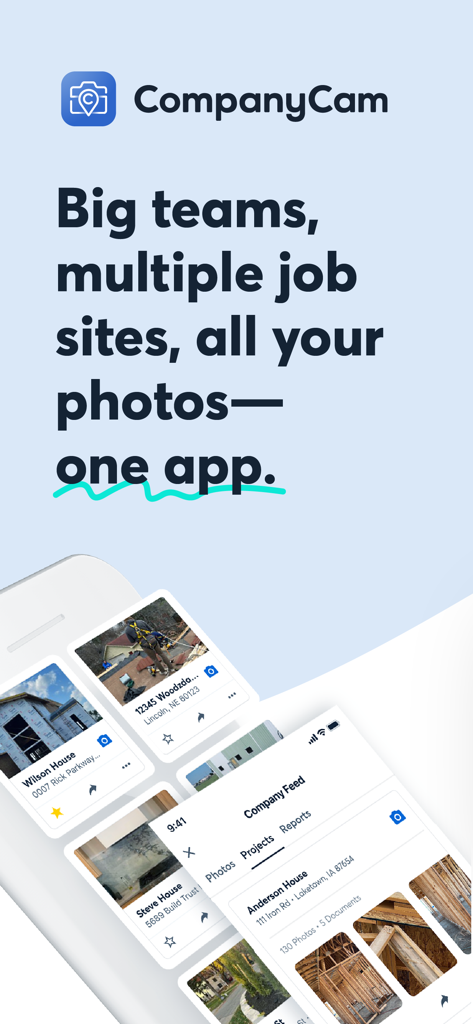
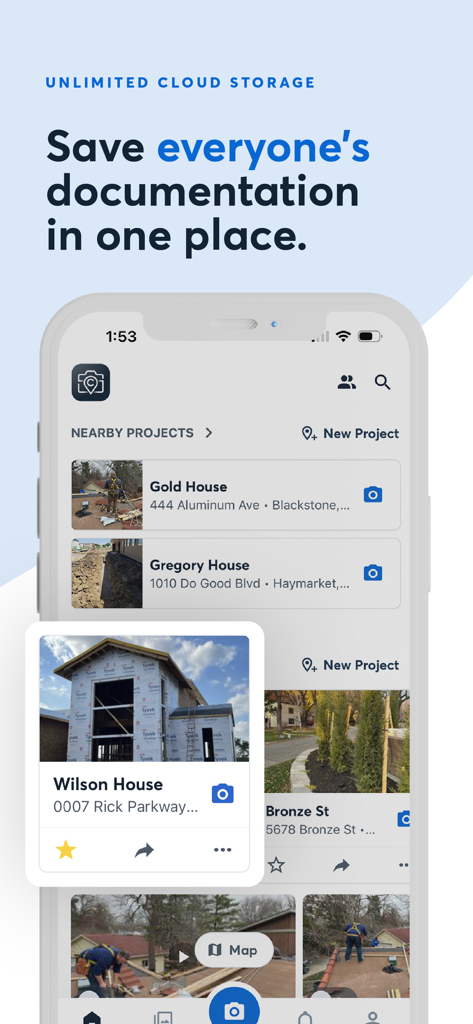
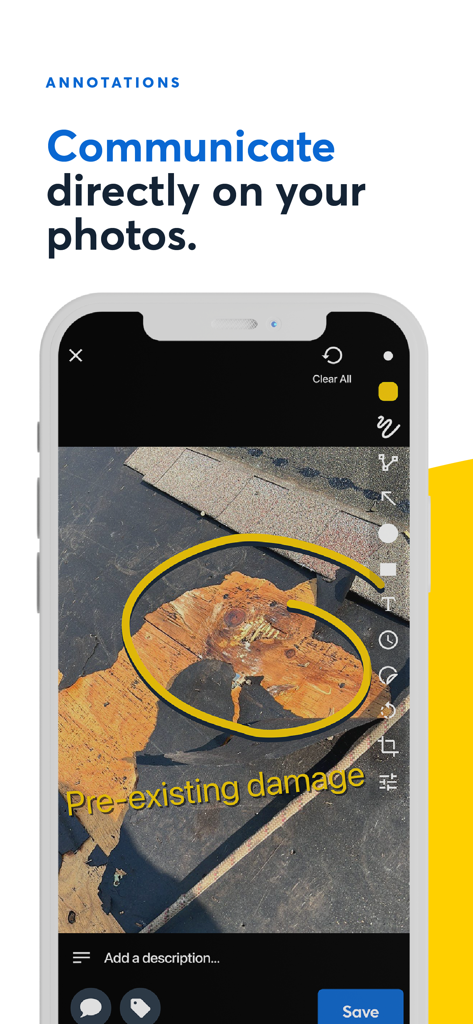
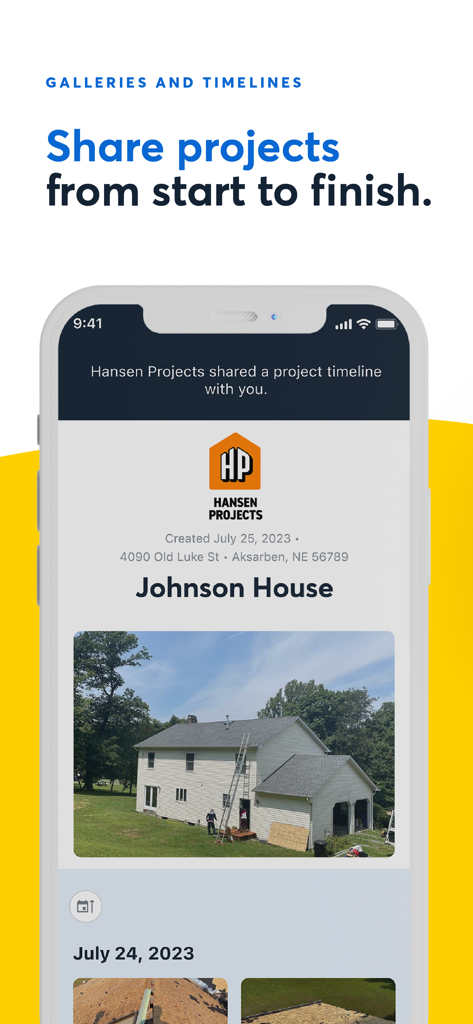
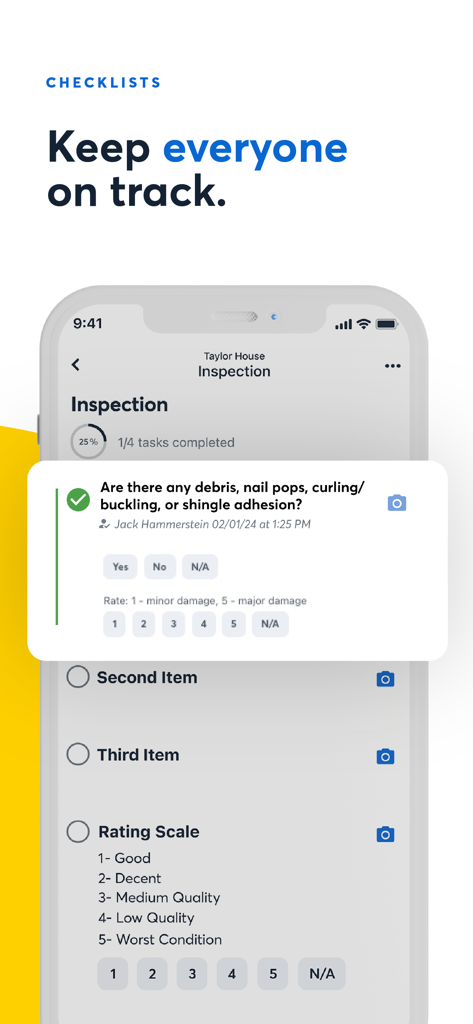
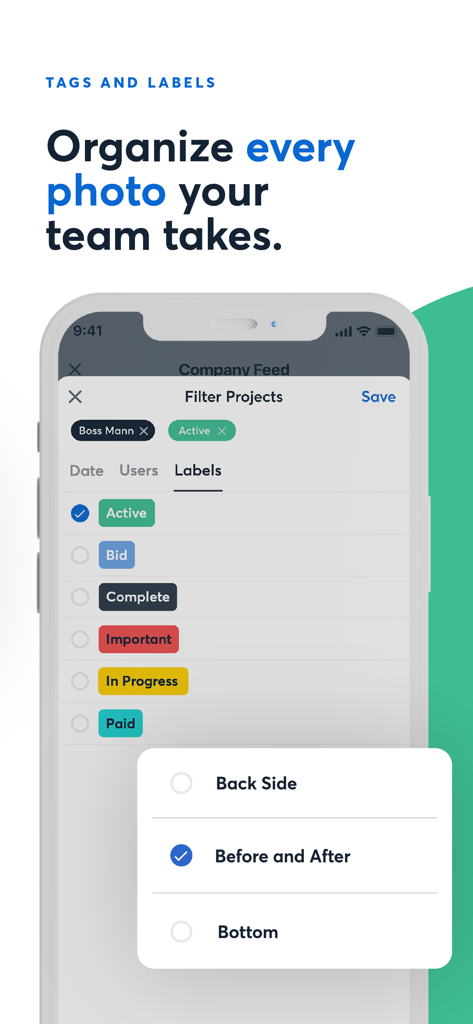
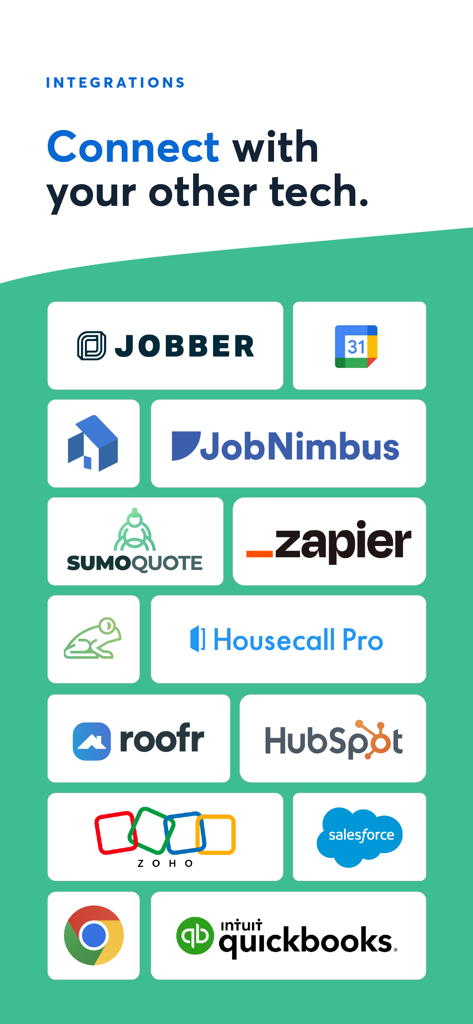
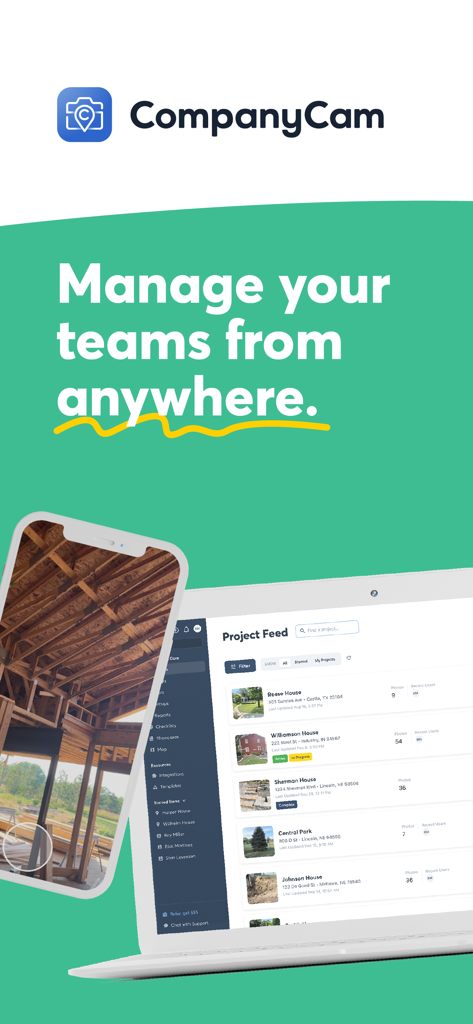
The tools that make this app stand out, trusted by 1M+ users.
Stop digging through your personal camera roll. Photos are automatically pinned to the correct job site based on your location the moment you snap them.
Every photo is GPS and time-stamped, giving you undeniable proof to win insurance disputes, verify pre-existing conditions, and protect your reputation.
Manage multiple crews from your truck. See progress updates in real-time and keep everyone on the same page without the constant back-and-forth phone calls.
Trusted by 1M+ people who love this app.
"Managing multiple crews used to mean a phone full of random job site photos and endless check-in calls. CompanyCam changed everything by automatically organizing every photo by location. I can finally keep my personal life separate from my work while keeping a real-time pulse on every project we have running."
"The GPS and time-stamped photos are a lifesaver for our restoration projects. We used to deal with constant insurance disputes, but now we have undeniable proof for every claim. The photo report builder is so fast that we can send professional updates to homeowners before we even leave the site."
Everything you need to know about CompanyCam.
Description
Latest Version
9.6.102
Size
269.4 MB
First Released
Feb 11, 2015
Join over 1 million pros who use CompanyCam to document every site, protect their business with GPS-stamped proof, and stay organized from the field to the office.
Everything you need to know about CompanyCam
CompanyCam is a photo-first solution organizing work by GPS location. It facilitates quick progress updates, easier crew check-ins, and enhances customer satisfaction through visual documentation.
Yes, CompanyCam provides GPS and time-stamped photos. This feature helps protect your business by offering undeniable visual proof of work completed at specific locations and times.
Yes, CompanyCam offers document scanning and management capabilities. It also provides on-photo annotations and comments, enhancing the clarity and organization of job-related documentation.
CompanyCam integrates with over 50 industry CRMs, FSMs, and more. It feeds live field data to popular tools like JobNimbus, QuickBooks, Jobber, HubSpot, and Google Drive.
CompanyCam streamlines workflow with powerful checklists, a photo report builder, and templates. It organizes work by GPS location for efficient progress updates and crew management, ensuring project consistency.
Yes, CompanyCam offers automatic photo syncing. This connects field and office operations by instantly updating photos, eliminating manual uploads and waiting times for critical project visibility.
CompanyCam offers an in-app subscription that auto-renews monthly. The payment is charged to your iTunes Account upon confirmation of purchase.
Yes, users manage their CompanyCam subscriptions and can turn off auto-renewal. This action must occur at least 24 hours before the end of the current period via the user's Account Settings.
CompanyCam's Privacy Policy is accessible at companycam.com/privacy. Additionally, the Terms of Use are available at companycam.com/terms for user reference.
Yes, CompanyCam includes a photo report builder. This feature allows users to easily create and send professional reports and updates, ensuring clear communication with customers.
Yes, CompanyCam allows users to request and collect payments directly from their phone. Options include entering card details, using tap to pay, or sharing a payment link.
Apps with similar features and user experience

Keep Curiosity, Inc.

OCEAN GALAXY PTE. LTD.

Beidou Hanglu Technology Co.,Ltd.
Keep Curiosity, Inc.

Shuzhuo Network Technology Guangzhou Co., Ltd.

Chengdu Chongbianli Science and Technology Ltd.

佳铭 游

源泽 高

则建 高