
Draft Paper


The intuitive blueprint tool for contractors, designers, and DIYers. Sketch, layer, and export your ideas instantly with Apple Pencil precision and professional CAD compatibility.
Publisher
Category
ProductivityDownloads
988K+User Rating
Total Ratings
15K+Locales
1Discover the interface used by 988K+ users.
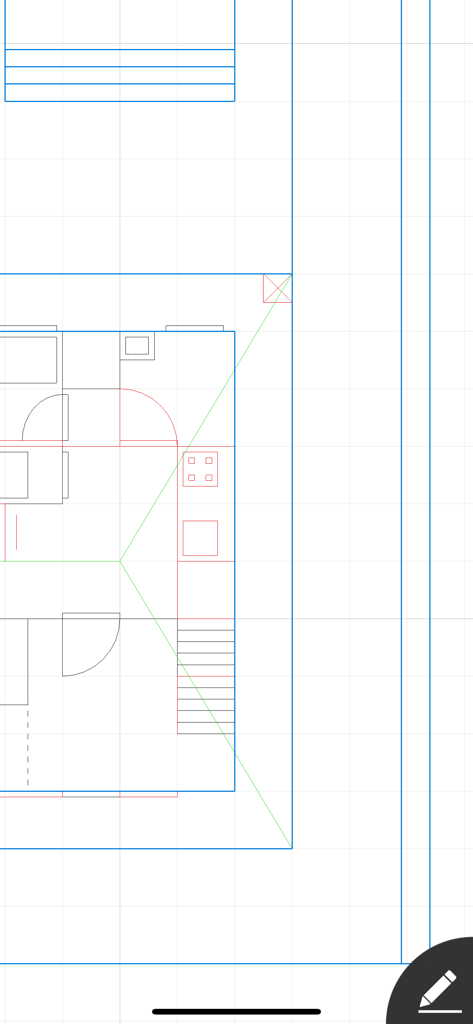
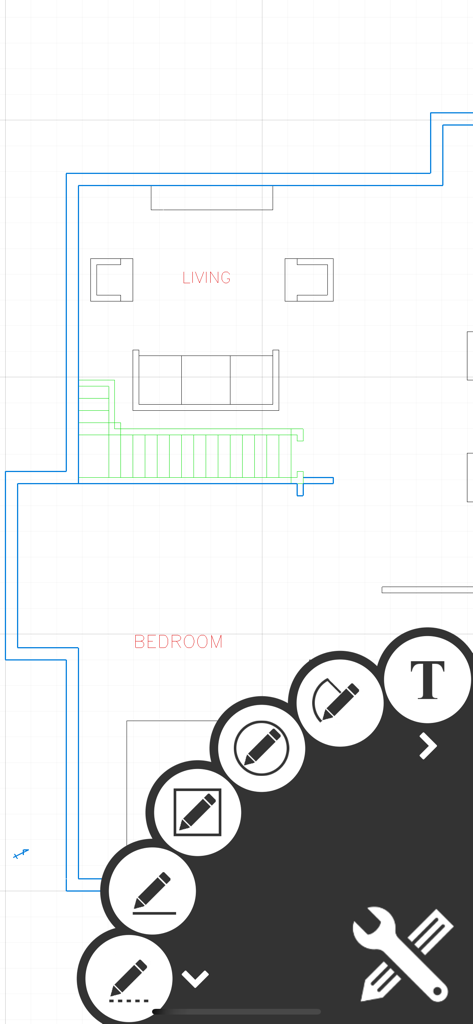
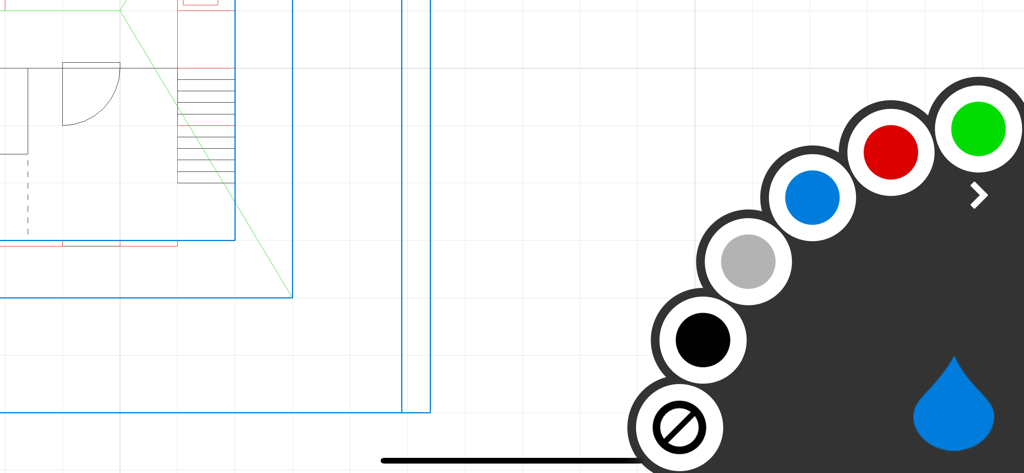
The tools that make this app stand out, trusted by 988K+ users.
Transform your iPad into a professional drafting table. Experience fluid, precision drawing with Apple Pencil support designed for quick on-site layouts.
Go from idea to execution instantly. Export your designs as high-quality PDF or DXF files to share with clients, architects, or hardware stores.
Work with the units you know. Seamlessly switch between inches, feet, and meters to ensure your measurements are perfect for any US or international project.
Trusted by 988K+ people who love this app.
"As an independent contractor, I need to provide quick estimates without spending hours on complex CAD software. Draft Paper is a game-changer; I can sketch a professional-grade floor plan on my iPad while standing in a client's kitchen and export it to PDF instantly. It's intuitive, fast, and has completely replaced my old paper notepad."
"I used Draft Paper to plan my entire home office remodel and it made the process so much smoother. The Apple Pencil support is flawless, and being able to work in layers allowed me to visualize different furniture layouts without starting over. It's the perfect tool for any DIYer who wants precision without the steep learning curve of professional architectural tools."
Everything you need to know about Draft Paper.
Description
Latest Version
1.19.4
Size
2.3 MB
First Released
Aug 30, 2014
Whether you’re remodeling your kitchen or sketching a site plan, Draft Paper makes it easy to design, layer, and export. Get started on your iPad or iPhone today.
Everything you need to know about Draft Paper
Draft Paper is an application designed for quickly and easily creating floor plans, layouts, and blueprints. Users can draw lines and rectangles on up to 10 independent layers.
Yes, Draft Paper can export drawings directly to PDF, JPEG, or DXF formats. These files are ready for printing, emailing, or further editing in other software.
Yes, Draft Paper supports Apple Pencil, including its double-tap functionality. This feature enhances the drawing experience for users on compatible devices.
Draft Paper provides a comprehensive set of drawing tools including Line, Dotted Line, Arrow, Rectangle, Ellipse, Segment, Text, Erase, Measure, and Presentation.
Yes, Draft Paper is designed for both iPhone and iPad. It offers a consistent user experience across Apple's mobile devices for creating floor plans.
Yes, Draft Paper supports multi-file iCloud for syncing. Users can also upload and download files from DropBox or any other compatible application.
Yes, Draft Paper supports both Metric and Imperial (USC) units. Users can switch between these measurement systems to suit their project requirements.
Yes, Draft Paper allows users to work with multiple layers and colors. It supports up to 10 independent layers, enabling complex and organized floor plan designs.
Apps with similar features and user experience

Shapr 3D Zartkoruen Mukodo Reszvenytarsasag

Shanghai Tantian Network Technology Co.,Ltd.

Gstarsoft Co., Ltd

存旺 姜

ZWCAD Software Co.,Ltd.

嘉欣 朱

镇源 余

Autodesk

Beijing Honghu Yuntu Technology Co., Ltd.