FBReader: ePub and fb2 reader

FBReader: ePub and fb2 reader

Download on App StoreDownload on Google Play
Spark by MWM logo
Logo of FBReader: ePub and fb2 reader

FBReader: The Ultimate Multi-Format Reader for Digital Collectors

Escape the locked ecosystems and take total control of your library. Sync EPUB, Kindle, and FB2 files seamlessly across all your devices with a fully customizable experience designed for power users.

Publisher

FBReader.ORG Limited

Category

Books

Downloads

2M+

User Rating

3.5/5

Total Ratings

1K+

Locales

12

A Glimpse Inside

Discover the interface used by 2M+ users.

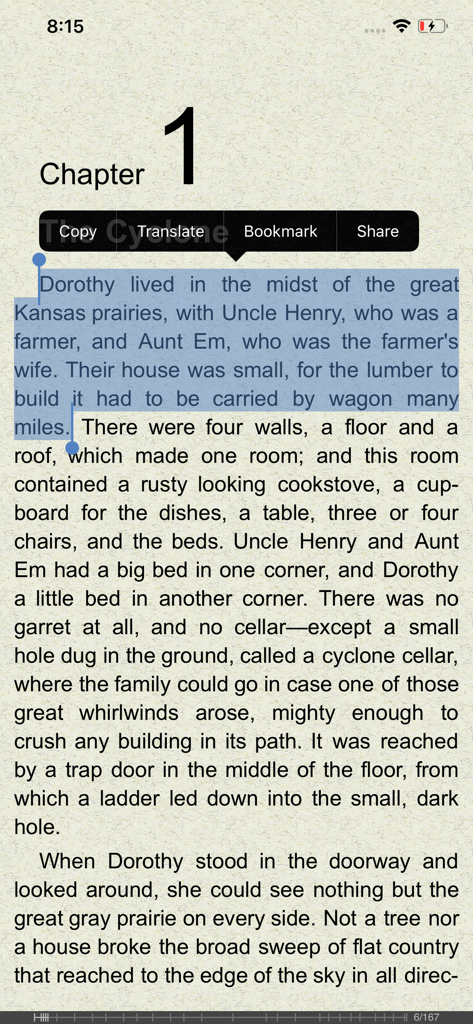
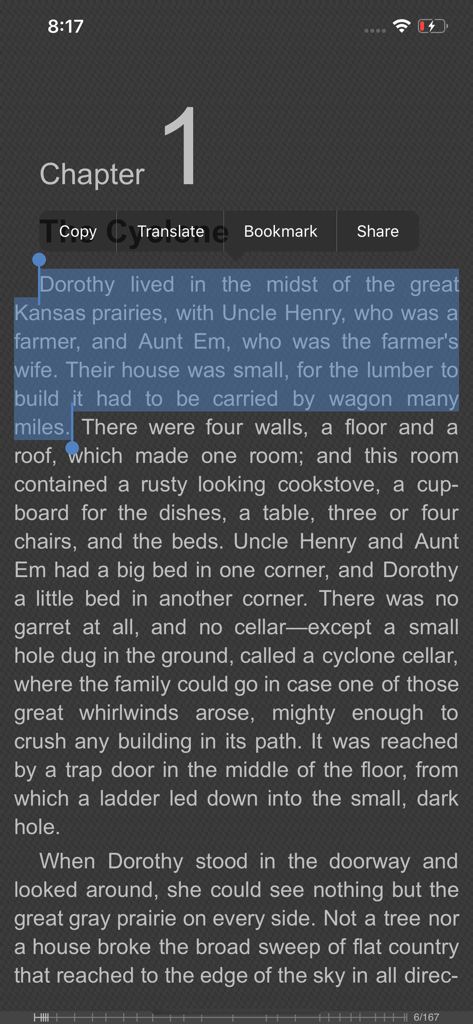
FBReader app interface showing text selection with options to translate and bookmark

FBReader app interface showing text selection with options to translate and bookmark

FBReader app interface on an iPhone displaying a book chapter with text selected and a menu for copy translate and bookmark

FBReader app interface on an iPhone displaying a book chapter with text selected and a menu for copy translate and bookmark

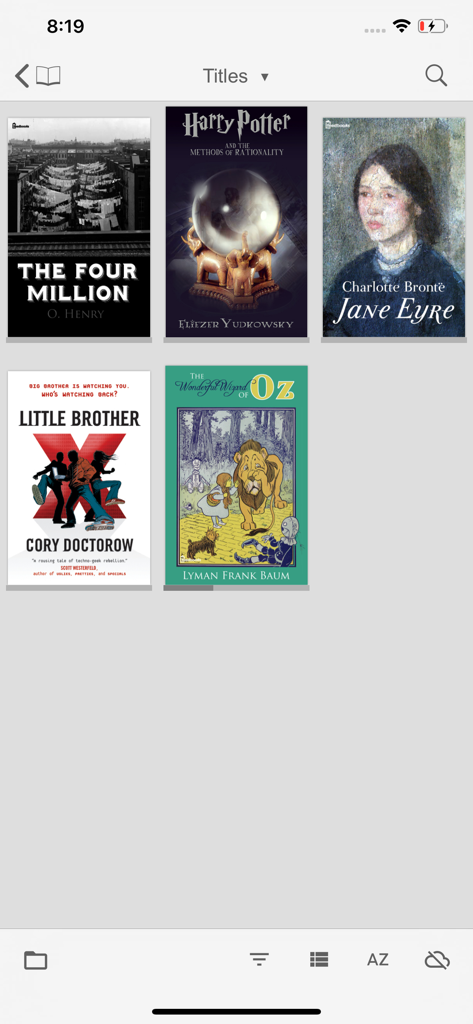
FBReader library screen showing various ebook covers in a grid format

FBReader library screen showing various ebook covers in a grid format

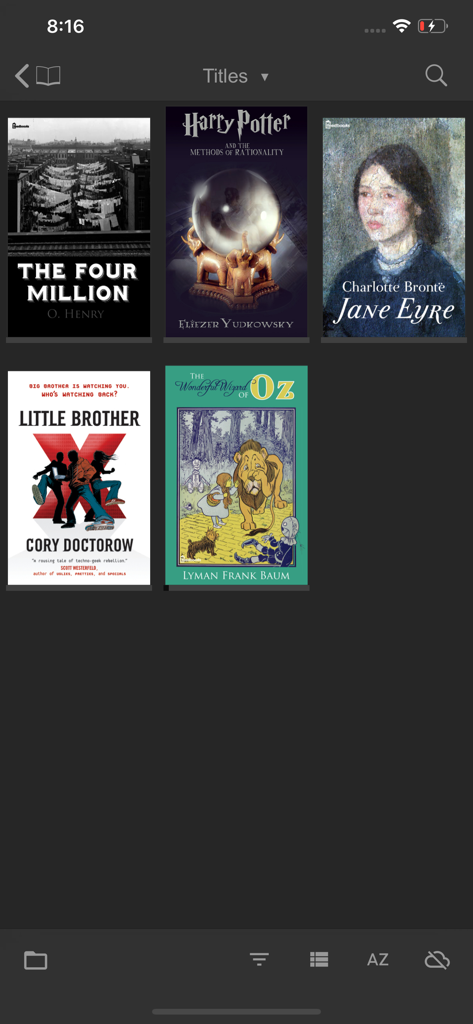
FBReader digital library interface displaying book covers in a grid on a dark theme.

FBReader digital library interface displaying book covers in a grid on a dark theme.

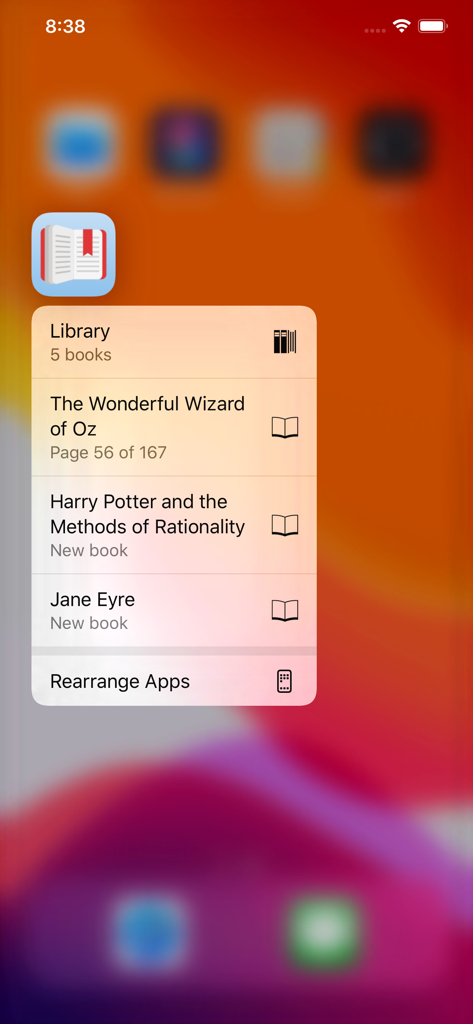
FBReader app icon on iOS showing quick action shortcuts to recent books and library

FBReader app icon on iOS showing quick action shortcuts to recent books and library

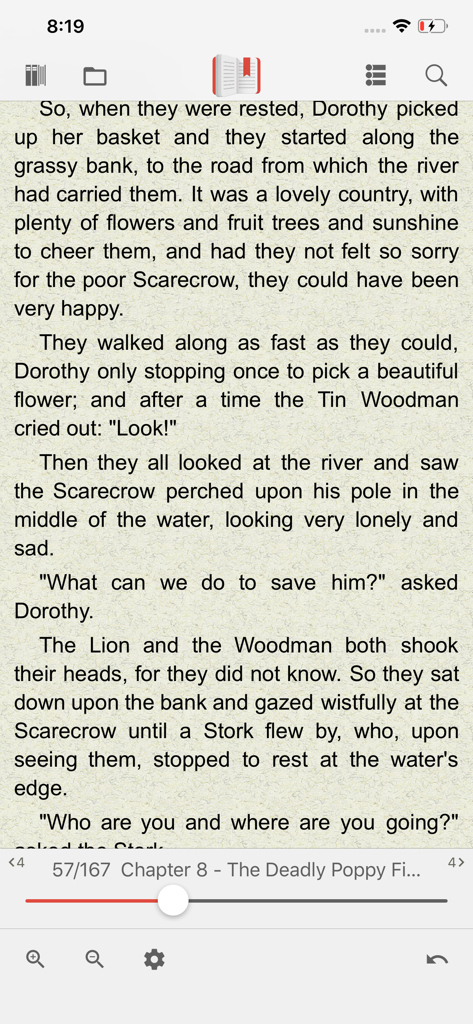
FBReader app reading screen showing a book page and navigation controls

FBReader app reading screen showing a book page and navigation controls

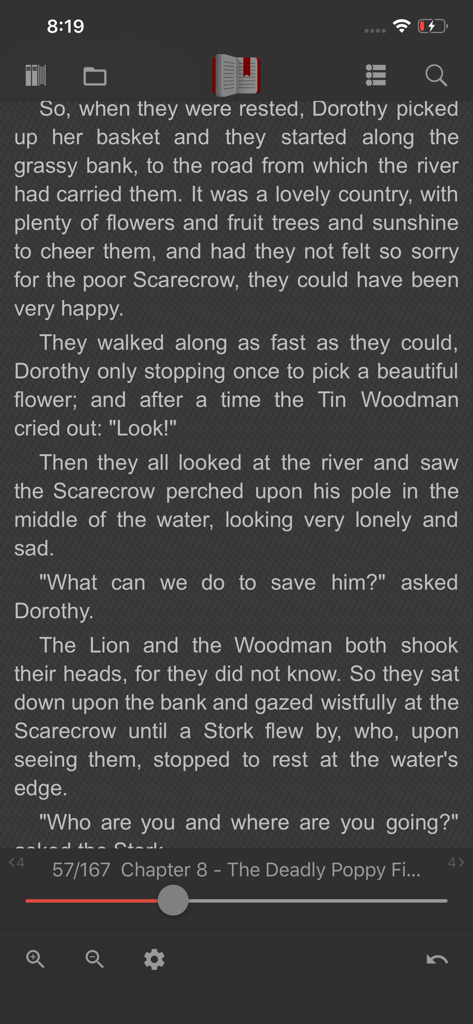
FBReader mobile app displaying a book page in dark mode with navigation and setting controls

FBReader mobile app displaying a book page in dark mode with navigation and setting controls

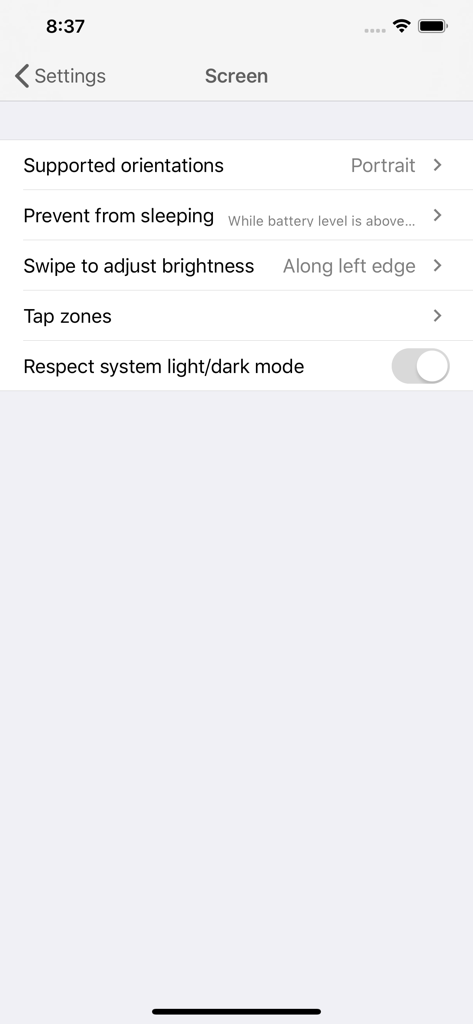
Screen settings menu in the FBReader app for customizing display and navigation.

Screen settings menu in the FBReader app for customizing display and navigation.

Master Your Personal Library

The tools that make this app stand out, trusted by 2M+ users.

📂

Universal Format Support

Effortlessly open ePub, Kindle azw3, fb2, and even Word docs. It is the only reader you need for your diverse collection of DRM-free files.

🔄

Cloud Sync Without Lock-in

Sync your books, bookmarks, and reading positions across iOS and Mac via Google Drive. Your library stays portable and independent.

🎨

Pro-Level Customization

Take total control of your reading experience with deep settings for typography, colors, and margins tailored to your exact preferences.

Loved by users worldwide

Trusted by 2M+ people who love this app.

"

"As someone with a massive collection of DRM-free books, FBReader is a game-changer. The Google Drive sync works perfectly across all my devices, and it handles every format I throw at it, including azw3 and fb2. It is by far the most flexible and reliable reader I have ever used on iOS."

David S., Digital Archivist
"

"I use FBReader for all my academic and leisure reading. Being able to open Word docs and ePubs in one place is so convenient. The customization settings allow me to create the perfect reading environment for long study sessions, and the sync feature ensures I never lose my place."

Sarah L., PhD Candidate

About the app

Everything you need to know about FBReader: ePub and fb2 reader.

Description

Favourite Book Reader for iOS and iPadOS. FBReader supports all major e-book formats, including ePub (with key features of ePub3), Kindle azw3 (also known as Mobipocket), and fb2 (.zip). The app opens both unprotected books and ePub files with Readium LCP DRM protection. Additional supported formats include RTF, MS Word (.doc), HTML, and plain text. With FBReader, you can synchronize your library, reading positions, bookmarks, and more across devices via the FBReader Book Network, a Google Drive™-based cloud service (https://books.fbreader.org/). Alternatively, you can download books directly in your browser and open them with FBReader. A comprehensive set of customization options lets you tailor the reading experience and app behavior to your preferences. Note: The free version of FBReader has some limitations. You can store up to ten books in your library, and the built-in translation feature is disabled. Upgrade to the full version to unlock all features and enjoy unlimited reading!

Latest Version

1.2.5

Size

21.6 MB

First Released

Aug 31, 2017

Take Full Control of Your Digital Library

Join over 2 million readers who refuse to be locked into a single ecosystem. Open any format, customize every detail, and sync your entire collection seamlessly via Google Drive.

Download on App StoreDownload on Google Play
FAQ

Frequently Asked Questions

Everything you need to know about FBReader: ePub and fb2 reader
What e-book formats does FBReader support?

FBReader supports ePub (with ePub3 features), Kindle azw3, fb2 (.zip), RTF, MS Word (.doc), HTML, and plain text formats. It also opens ePub files with Readium LCP DRM protection.

Does FBReader allow synchronization of reading progress?

Yes, FBReader enables synchronization of your library, reading positions, and bookmarks across devices. This feature utilizes the FBReader Book Network, a Google Drive™-based cloud service.

What are the limitations of the free version of FBReader?

The free version of FBReader limits your library to ten books. Additionally, the built-in translation feature is disabled in the free version.

How can I unlock all features in the FBReader app?

To unlock all features and enjoy unlimited reading in FBReader, users must upgrade to the full version. This upgrade removes the ten-book library limit and enables the translation feature.

Does FBReader support dark mode or light/dark system settings?

Yes, FBReader offers a setting to respect the system's light or dark mode. This feature allows the app to automatically adjust its appearance based on your device's display preferences.

Can I translate text directly within FBReader?

Yes, FBReader includes a translation feature. While it is disabled in the free version, the capability for text translation is present within the reading interface, accessible via text selection.