
Financial Overview



The simple, secure way to track recurring bills and income. No complex syncing—just clear visibility into your monthly budget at a glance.
Publisher
Category
FinanceDownloads
36K+User Rating
Total Ratings
6K+Locales
6Discover the interface used by 36K+ users.
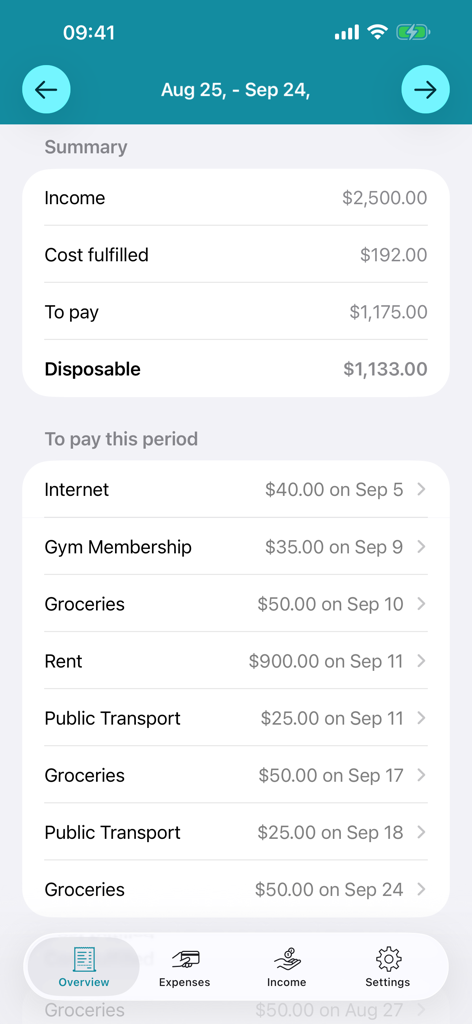
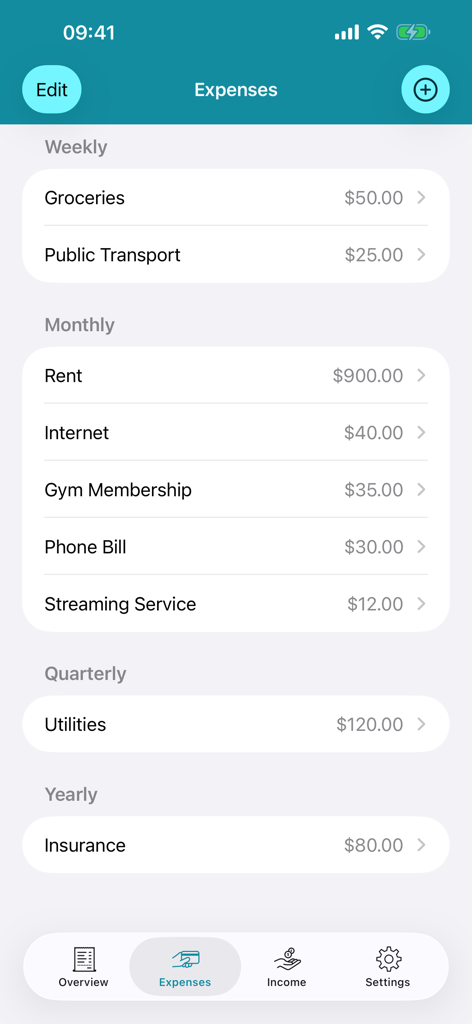
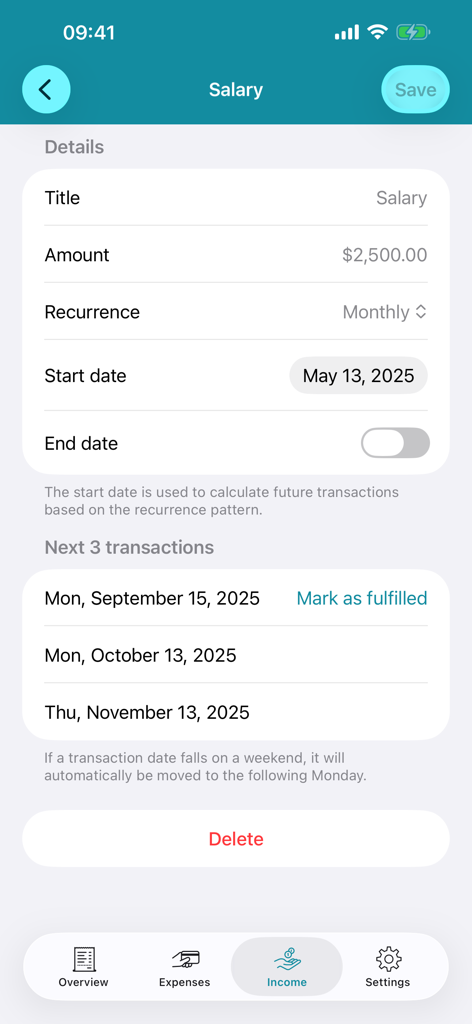
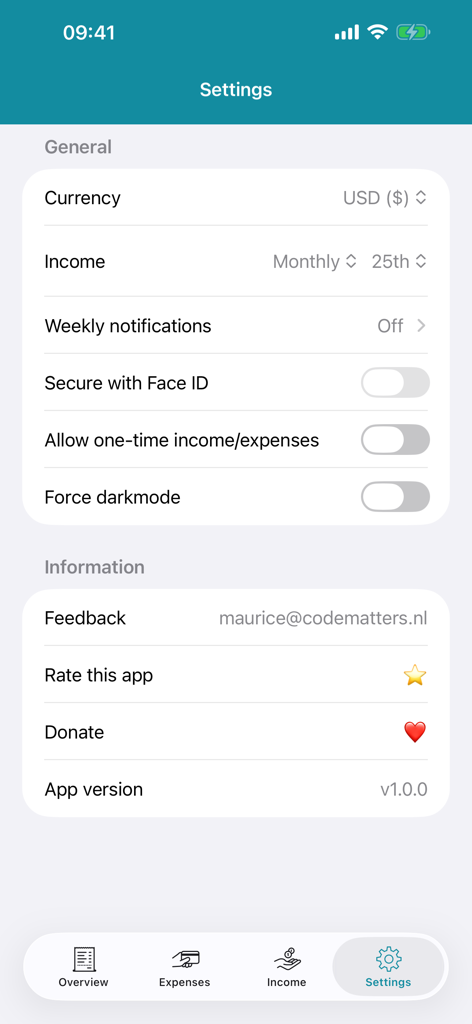
The tools that make this app stand out, trusted by 36K+ users.
Instantly see your remaining budget after all upcoming bills and subscriptions are accounted for, so you can spend guilt-free.
Visualize your subscriptions and fixed costs with flexible intervals, ensuring you're never caught off guard by an automatic debit.
Keep your financial data strictly on your device. Access your overview securely with Face ID or Touch ID—no bank linking required.
Trusted by 36K+ people who love this app.
"Finally, a finance app that doesn't feel like a chore. I love that I don't have to link my bank account—I just enter my monthly subscriptions and rent once, and it tells me exactly what I can actually afford to spend each week. The Face ID security is a huge plus for my peace of mind!"
"The weekly notifications are a game-changer for my budget. It is so helpful to see exactly which bills are coming up and what has already been paid without digging through spreadsheets. Clean, simple, and the dark mode looks great on my iPhone."
Everything you need to know about Financial Overview.
Description
Latest Version
2.0.3
Size
5.3 MB
First Released
Jun 10, 2016
Join 36,000+ users who know exactly what they have left to spend each month. Simple, secure with Face ID, and completely free to use.
Everything you need to know about Financial Overview
The Financial Overview app helps manage your budget by displaying how much you have left to spend monthly, summarizing fixed expenses, and tracking income. It also shows scheduled expenses to be debited.
Yes, the Financial Overview app tracks recurring expenses with frequencies including daily, weekly, monthly, quarterly, half-yearly, and yearly. It also indicates when these expenses are scheduled to be debited.
Yes, the Financial Overview app secures your financial data using Face ID or Touch ID. This biometric authentication provides enhanced privacy and protection for your information within the application.
Yes, the Financial Overview app is entirely free to use and will remain so. Users can support its development through voluntary small donations if they wish.
The Financial Overview app supports tracking income and expenses that repeat daily, weekly, every four weeks, monthly, quarterly, half-yearly, or yearly, offering comprehensive financial tracking options.
Yes, the Financial Overview app displays upcoming expenses under the "To pay this period" section. It lists specific expenses with their corresponding debit dates, providing a clear financial outlook.
Yes, the Financial Overview app includes Dark Mode support. Users can enable this feature in the app's settings to optimize the visual interface for different lighting conditions.
You can change the currency in the Financial Overview app via the "Settings" menu. This option allows users to select their preferred currency for all financial tracking and displays.
Yes, the Financial Overview app offers weekly notifications. These alerts summarize your income and expenses for the week, ensuring you stay informed about your recent financial activities.
Top-ranked apps in the same category

State Administration of Taxation

China Unionpay Co.,Ltd.

Shenzhen Xiaoduotou Information Technology Co.,Ltd.

PayPal, Inc.

AGRICULTURAL BANK OF CHINA LIMITED

MercadoLibre S.A.

KALSHI INC.

Industrial and Commercial Bank of China

State Administration of Taxation