
Home Design 3D: Draw & Plan



Join 60 million homeowners and designers using the most intuitive 3D house designer. Design, furnish, and walk through your dream renovation in real-time before you even pick up a hammer.
Publisher
Category
ProductivityDownloads
23M+User Rating
Total Ratings
342K+Locales
16Discover the interface used by 23M+ users.
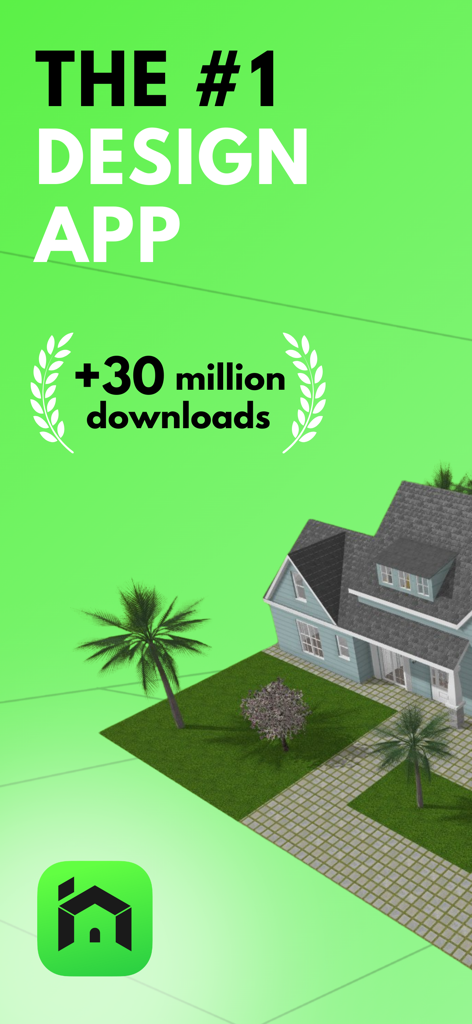
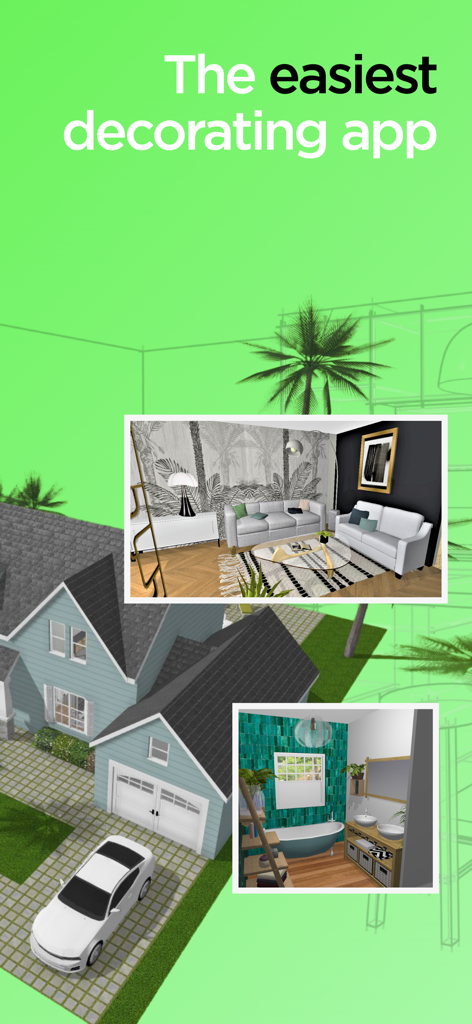
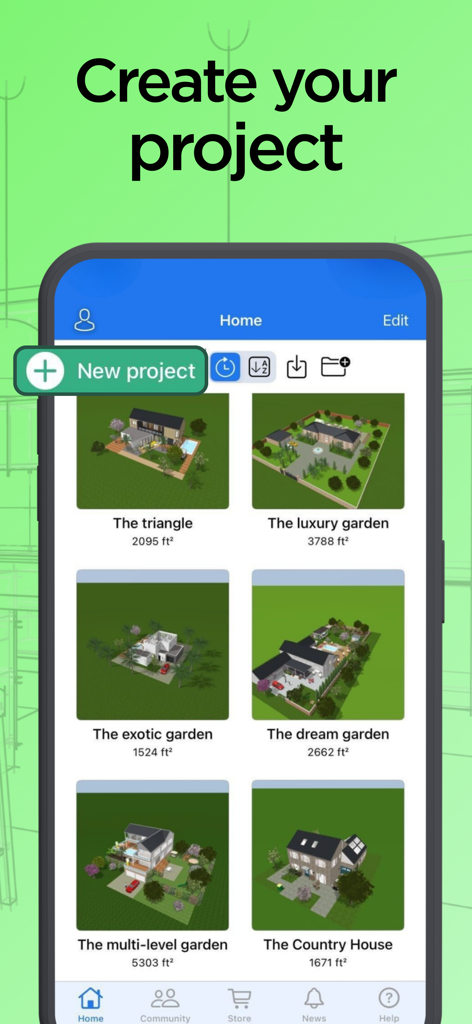
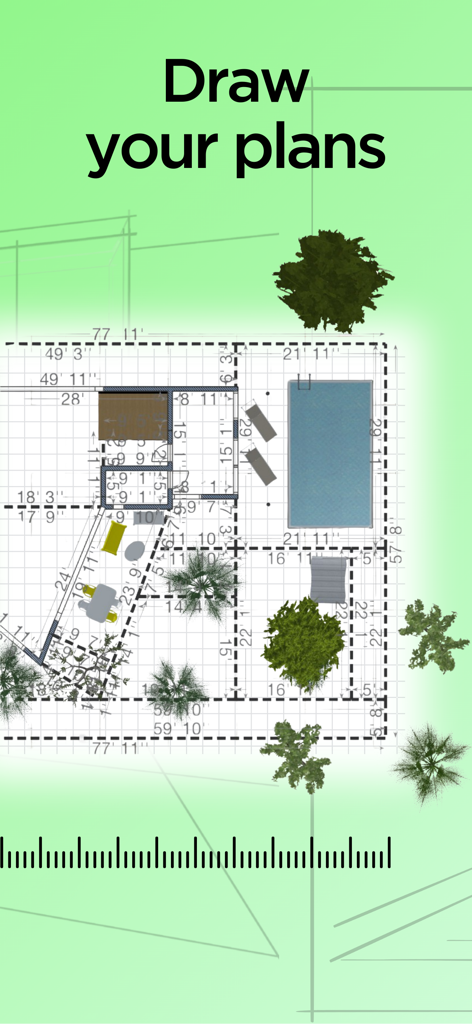
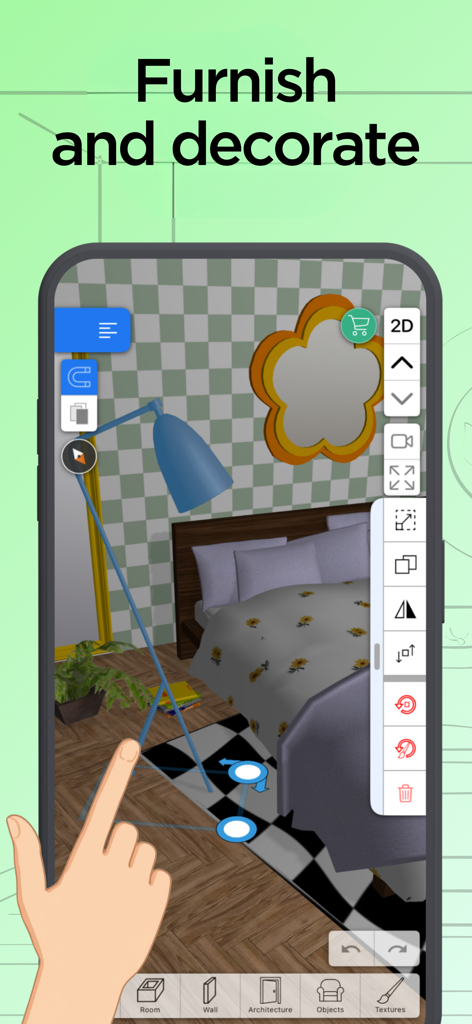
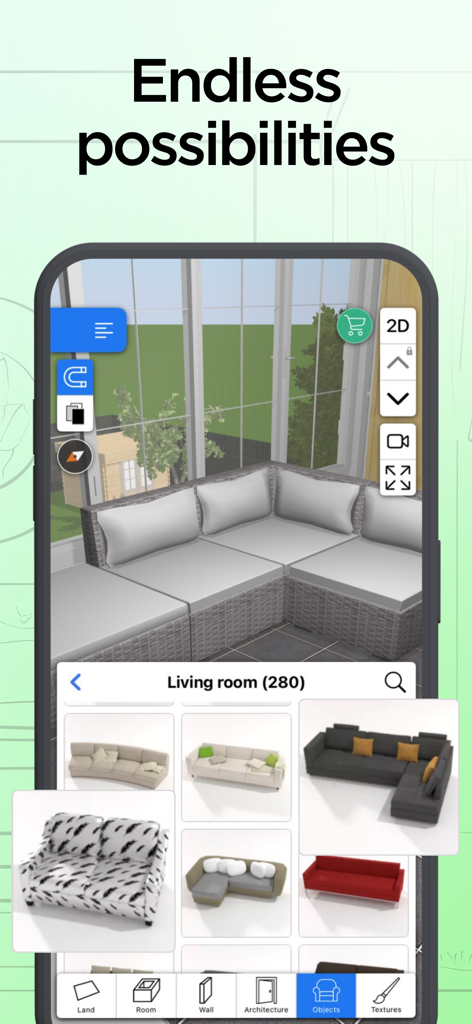
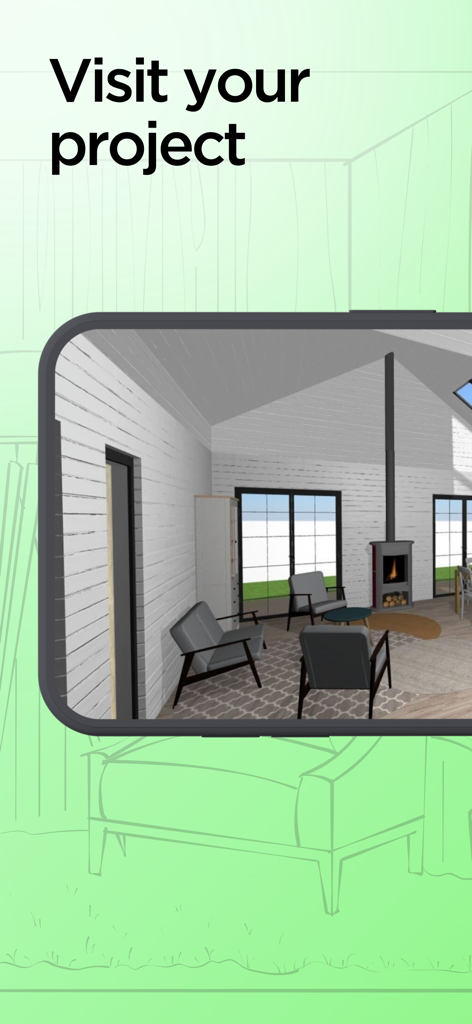
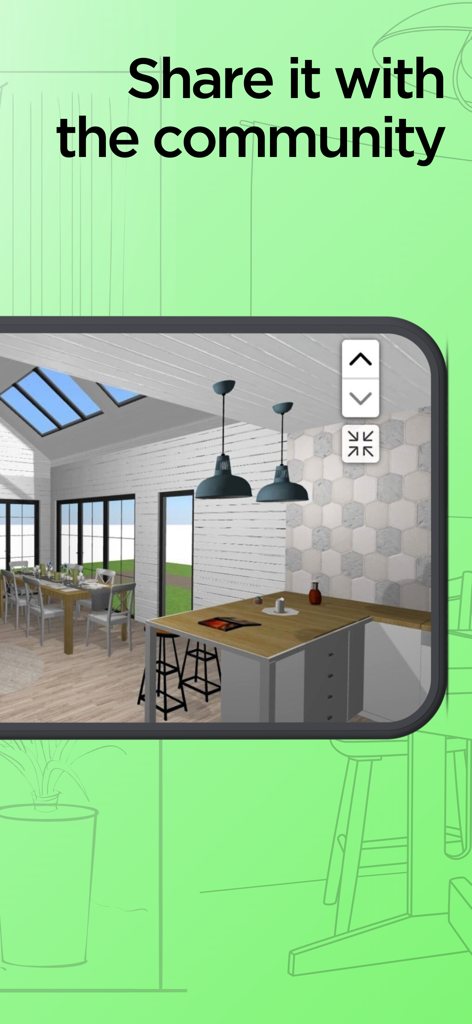
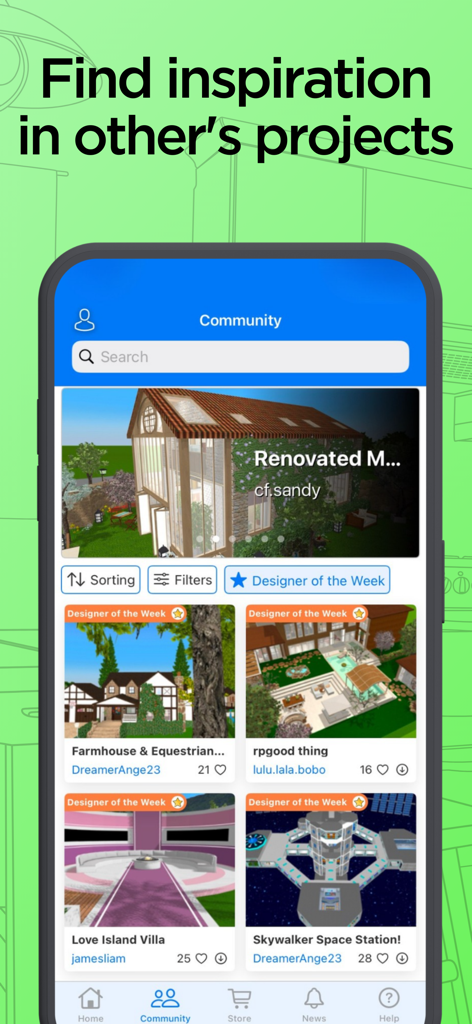
The tools that make this app stand out, trusted by 23M+ users.
Sketch floor plans with precise measurements and switch instantly to an immersive 3D view to see your architectural vision take shape.
Access thousands of furniture items and materials. Test layouts and color palettes digitally before spending a dollar on renovation or new furniture.
Experience your design through stunning 3D renderings and VR exports. Use the day/night slider to preview natural lighting in every room.
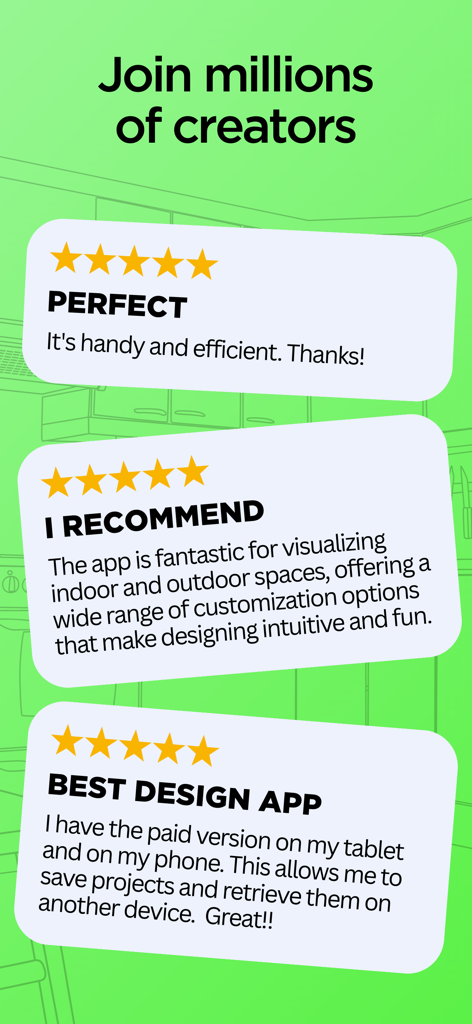
Trusted by 23M+ people who love this app.
"We used Home Design 3D to plan our basement renovation. Being able to adjust wall thickness and test lighting before buying materials saved us a fortune in potential mistakes. It’s the perfect bridge between a rough sketch and hiring a contractor."
"As a first-time homebuyer, I was struggling to visualize how my furniture would fit in a small urban studio. This app made it so easy to 'walk through' my future living room. I love how I can swap paint colors and floor textures in seconds!"
Everything you need to know about Home Design 3D: Draw & Plan.
Description
Latest Version
5.6.1
Size
772.4 MB
First Released
Oct 25, 2011
Join over 60 million creators who have turned their visions into reality. Download Home Design 3D now and start building, decorating, and walking through your perfect home today.
Everything you need to know about Home Design 3D: Draw & Plan
Home Design 3D is a leading app used by over 60 million users to create 3D house designs. It features an intuitive planner for drawing floor plans, furnishing, decorating, and visualizing dream homes for construction and interior design.
Yes, Home Design 3D allows users to create multi-story home renovation design projects. The app supports unlimited floors and provides professional tools for precise construction measurements and adjustments.
Yes, Home Design 3D works offline. Users do not require an internet connection to use the application. An illustrated tutorial is also included to guide users through the features.
Yes, Home Design 3D provides thousands of items to furnish and decorate various spaces like living rooms, kitchens, bedrooms, and gardens. Users can customize furniture size, color, and placement.
Yes, Home Design 3D offers photorealistic 3D rendering and real-time 3D exploration. Users can walk through their dream house, experience it in 5D through virtual reality with VR export, and adjust natural lighting.
Yes, Home Design 3D allows users to import existing projects and blueprints to draw directly on top. It also supports importing custom textures to personalize design spaces with unique materials.
Yes, Home Design 3D is an intuitive design tool suitable for both beginners and professional house designers. It offers a streamlined workflow for construction planning, remodeling, and interior design projects.
Home Design 3D allows users to share architecture projects via email, Dropbox, or OneDrive. Users can also publish to the community for feedback and connect with other designers on homedesign3d.net.
The Home Design 3D app has over 30 million downloads. It is promoted as 'THE #1 DESIGN APP' according to the visual assets.
Yes, Home Design 3D facilitates redecorating entire rooms instantly. Users can compare different styles in seconds, offering a quick way to test layouts before starting home renovation.
Apps with similar features and user experience

CamPlan AI Ltd

Trimble Inc.

Arctuition LLC

Morpholio LLC

Quasarts LLC

Sebastian Kemper

Quasarts LLC

Homestyler (Shanghai) Technology Co., Ltd.
AI Photo Editor Lab SRL
