
Linearity Curve Graphic Design


Unleash your creativity with the most intuitive vector tool for iPad, Mac, and iPhone. Turn sketches into production-ready art instantly with AI-powered Auto Trace and master every curve with precision Bézier tools.
Publisher
Category
Graphics & DesignDownloads
6M+User Rating
Total Ratings
44K+Locales
12Discover the interface used by 6M+ users.
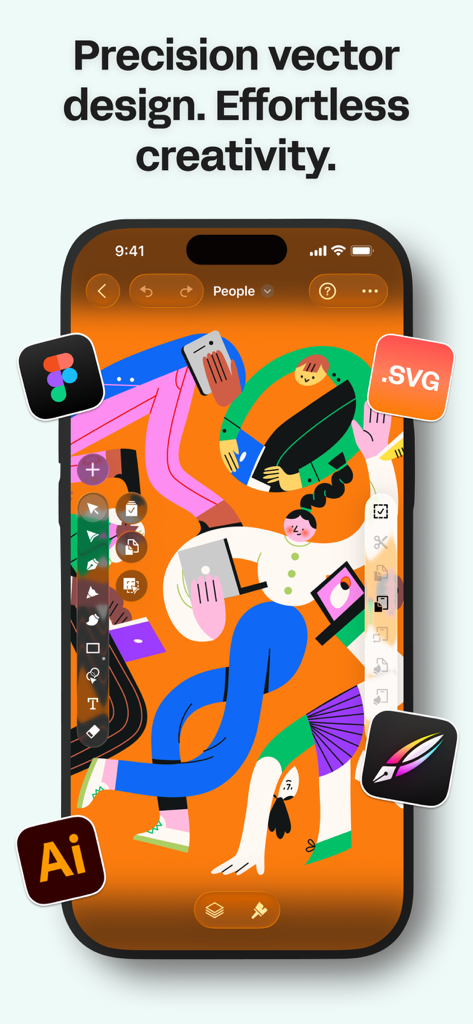
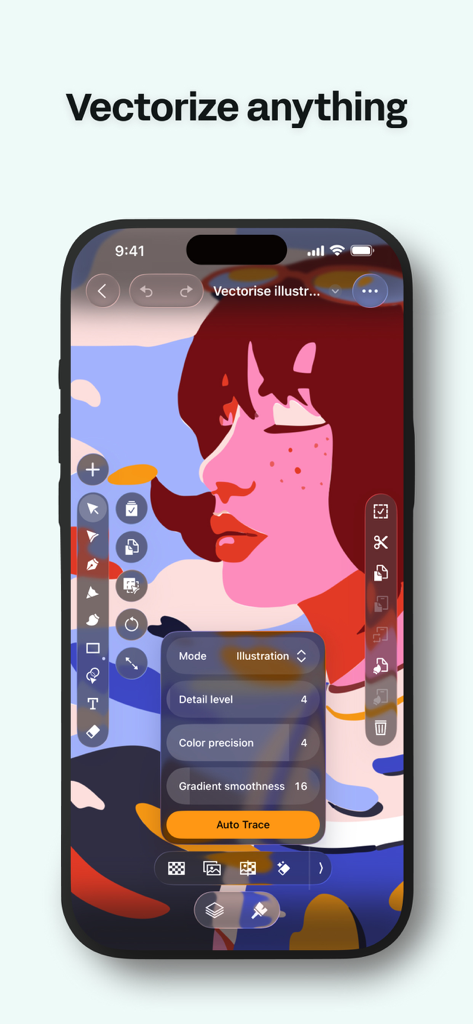
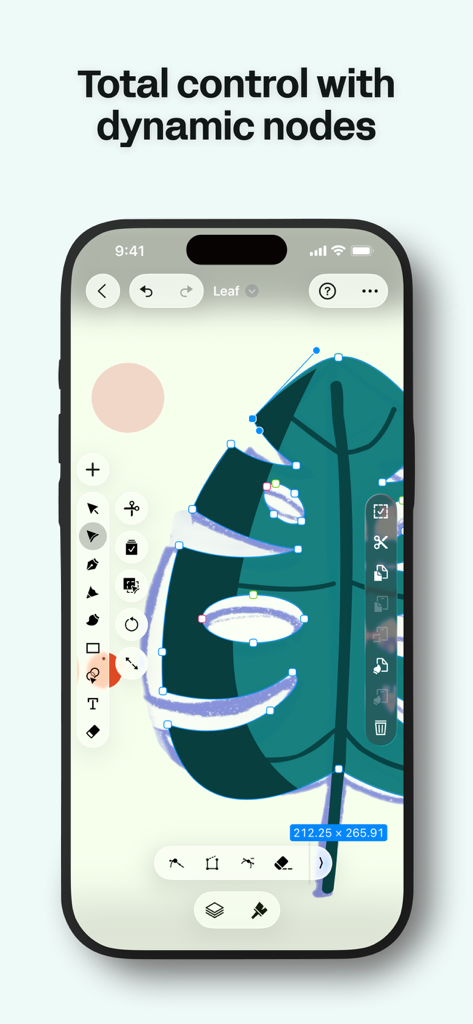
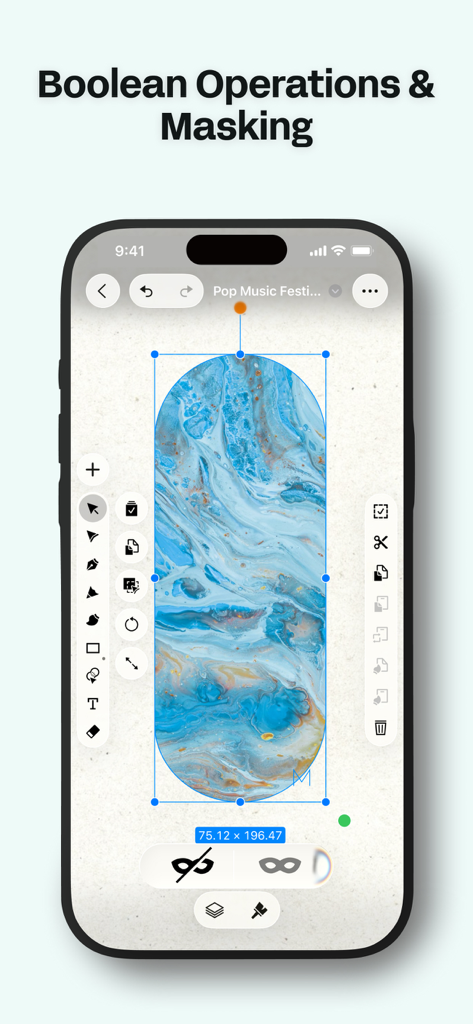
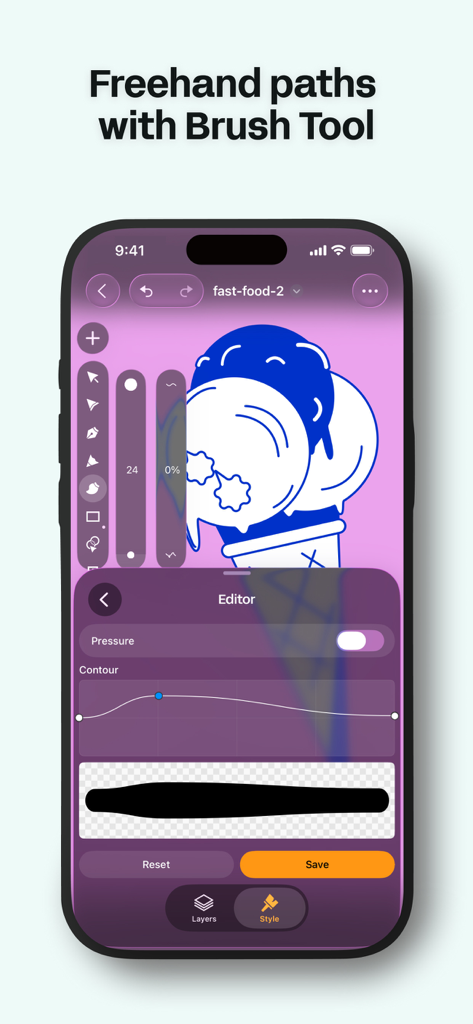
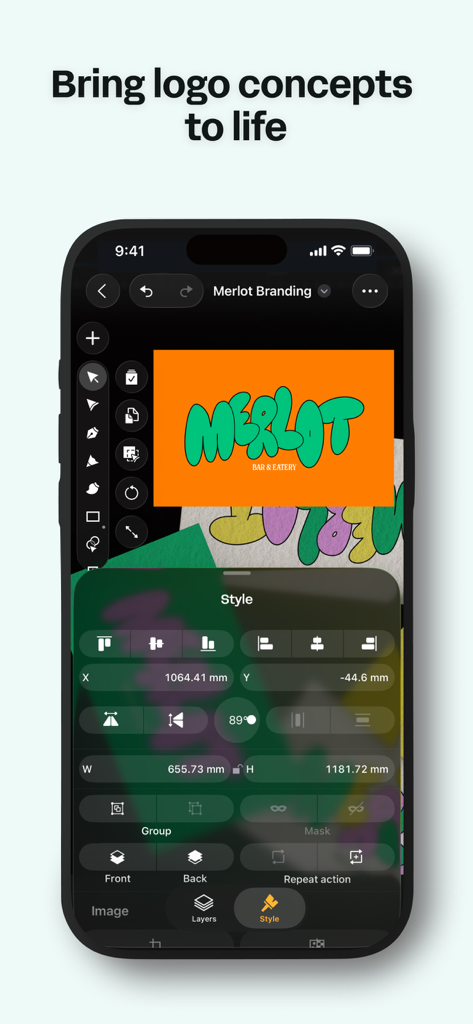
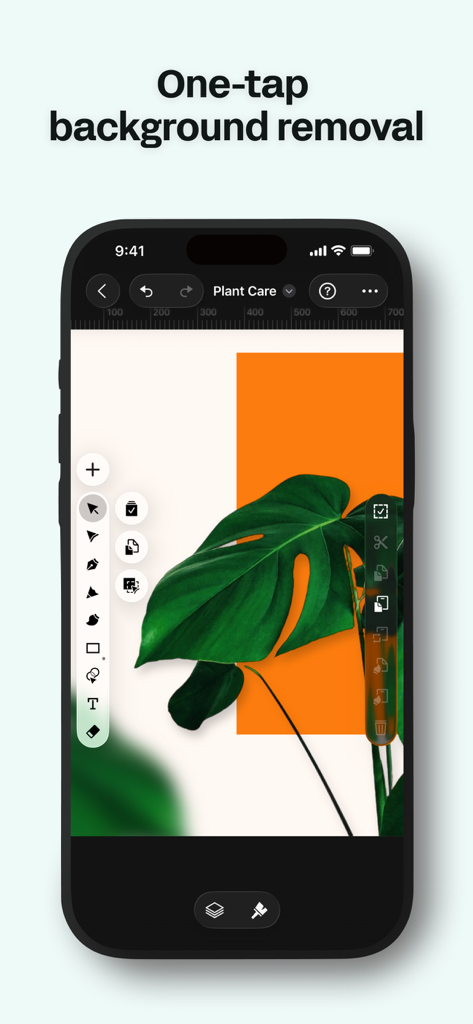
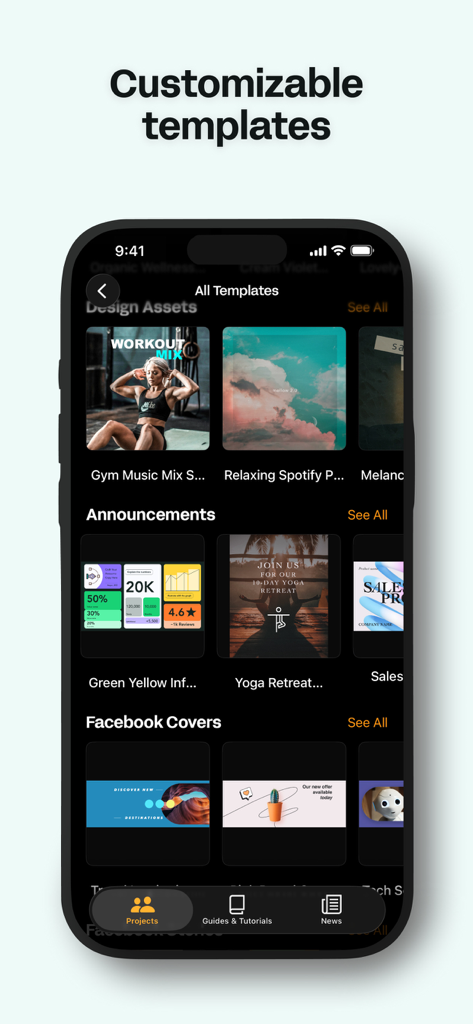
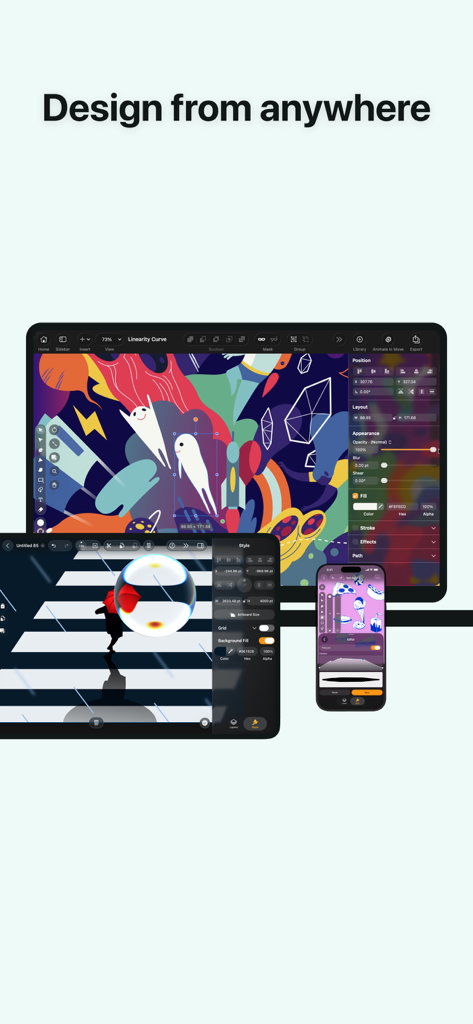
The tools that make this app stand out, trusted by 6M+ users.
Turn your hand-drawn sketches or photos into clean, editable vector paths in seconds with our AI-powered Auto Trace.
Experience the most natural way to design with precision node editing and gesture support optimized for your iPad Pro.
Start your project on iPad, refine it on Mac, and review on iPhone with real-time sync and shared workspaces.
Trusted by 6M+ people who love this app.
"As a freelance designer, the mobility of Linearity Curve is unmatched. The Auto Trace feature saves me hours of manual redrawing, and the Apple Pencil support feels more natural than any desktop software I have used. It is the perfect bridge between my hand-drawn sketches and professional vector assets."
"Switching our social media design workflow to Curve was the best decision we made this year. The seamless sync between my iPad and Mac allows me to stay productive anywhere, and the templates are a huge head start for our daily content. It is professional-grade design without the complexity."
Everything you need to know about Linearity Curve Graphic Design.
Description
Latest Version
6.5.1
Size
845.5 MB
First Released
May 24, 2017
Join over 6 million creators who have ditched the complexity. Download Linearity Curve today and turn your sketches into professional, production-ready vector art on your iPad or Mac.
Everything you need to know about Linearity Curve Graphic Design
Linearity Curve is a professional vector drawing app for iPad and iPhone. It provides tools for creating vector art, illustrations, logos, and graphic designs, optimized for desktop creativity and precision Bezier tools.
Yes, Linearity Curve Graphic Design is designed for use across multiple Apple devices. It is available on iPad, iPhone, and Mac, with cloud sync to keep projects updated across all platforms.
Yes, Linearity Curve features an 'Auto Trace' tool. It instantly vectorizes sketches, photos, illustrations, or scanned artwork into editable paths, converting any image into clean, organized SVG files using AI.
Linearity Curve supports importing and exporting industry formats such as .ai, SVG, PDF, PNG, JPG, and TIFF. It also opens projects directly from Illustrator, Figma, and Sketch.
Yes, Linearity Curve includes AI-powered 'Background Removal' functionality. This feature isolates subjects in one click, simplifying image editing and allowing for quick adjustments to your designs.
Yes, Linearity Curve is built for macOS. It offers native Apple Silicon performance with hardware acceleration, full keyboard shortcut support, trackpad gestures, and a Liquid Glass interface for Mac users.
Yes, Linearity Curve supports real-time collaboration. It provides shared workspaces where teams can see changes instantly and seamlessly hand off projects between members on Mac, iPad, and iPhone.
Yes, Linearity Curve allows users to create custom vector brushes. This feature helps artists develop a unique and consistent style for their digital art, offering flexibility in design.
Linearity Curve is built for logo designers, illustrators, digital art creators, marketing teams, UX/UI designers working on icons and design systems, and print designers preparing various materials.
Linearity Curve is a professional vector art and graphic design software. It allows users to create stunning vector art, design complex illustrations, vectorize photos, and develop logos and brand systems.
Apps with similar features and user experience

Sketchbook, Inc.

Mental Canvas, Inc.

ibis inc.

ibis inc.

Evernote Corporation

Adobe Inc.

Lofopi Ltd

MediBang inc.

SKETCHES SRL