Lloyds Mobile Banking

Lloyds Mobile Banking

Download on App Store
Spark by MWM logo
Logo of Lloyds Mobile Banking

Lloyds Mobile Banking: Be the Boss of Your Money

Manage your UK accounts with total confidence from anywhere in the world. Join 10 million users enjoying real-time spending insights, 24/7 biometric security, and seamless financial control at your fingertips.

Publisher

Lloyds Banking Group

Category

Finance

Downloads

10M+

User Rating

4.8/5

Total Ratings

2M+

Locales

1

Banking at a Glance

Discover the interface used by 10M+ users.
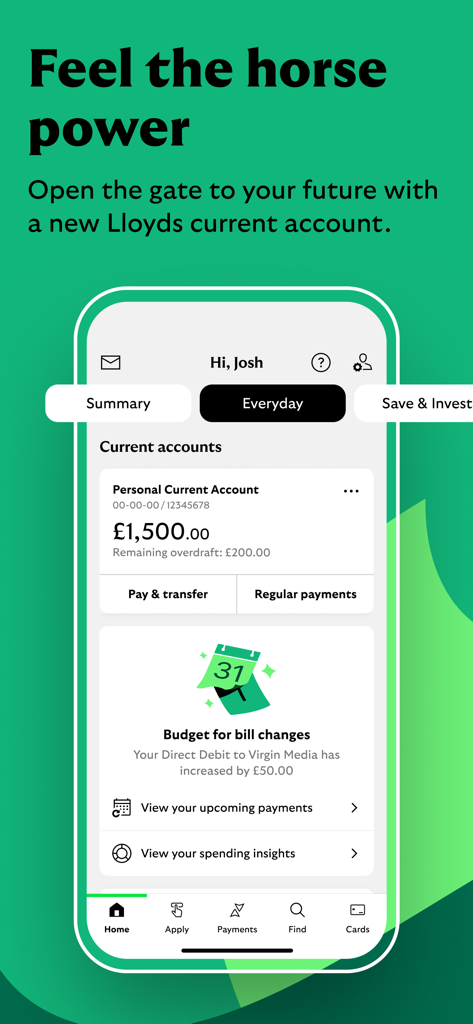
Lloyds Mobile Banking app displaying current account balance and budget alerts for bill changes

Lloyds Mobile Banking app displaying current account balance and budget alerts for bill changes

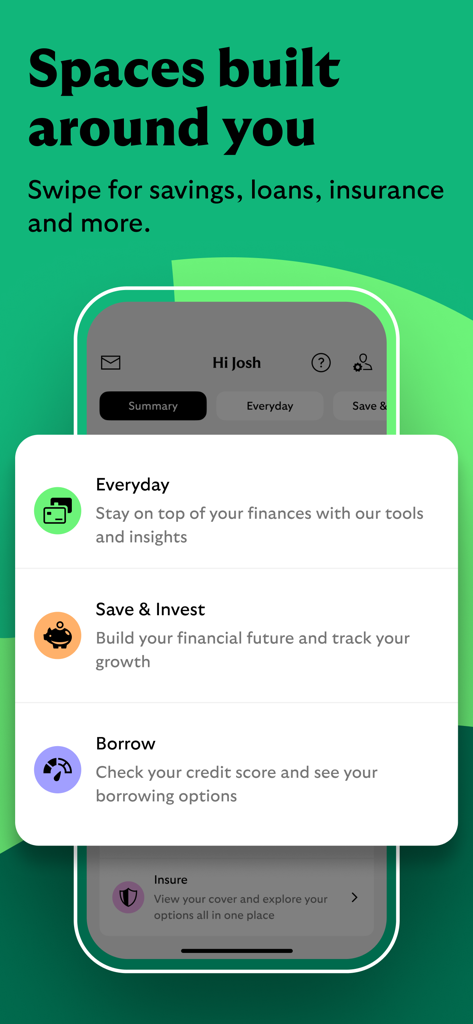
A screenshot of the Lloyds Mobile Banking app showing personalized financial spaces for everyday banking saving borrowing and insurance

A screenshot of the Lloyds Mobile Banking app showing personalized financial spaces for everyday banking saving borrowing and insurance

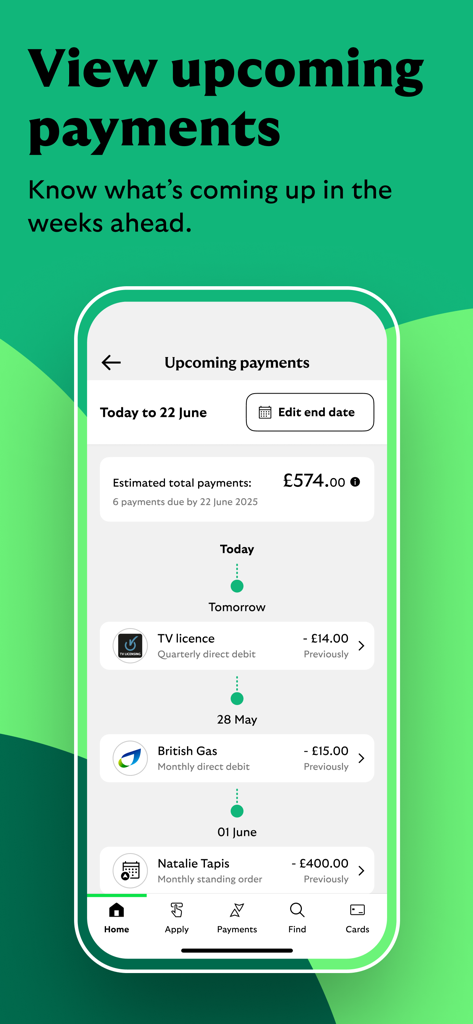
Lloyds Mobile Banking app interface showing a timeline of upcoming payments and estimated total costs

Lloyds Mobile Banking app interface showing a timeline of upcoming payments and estimated total costs

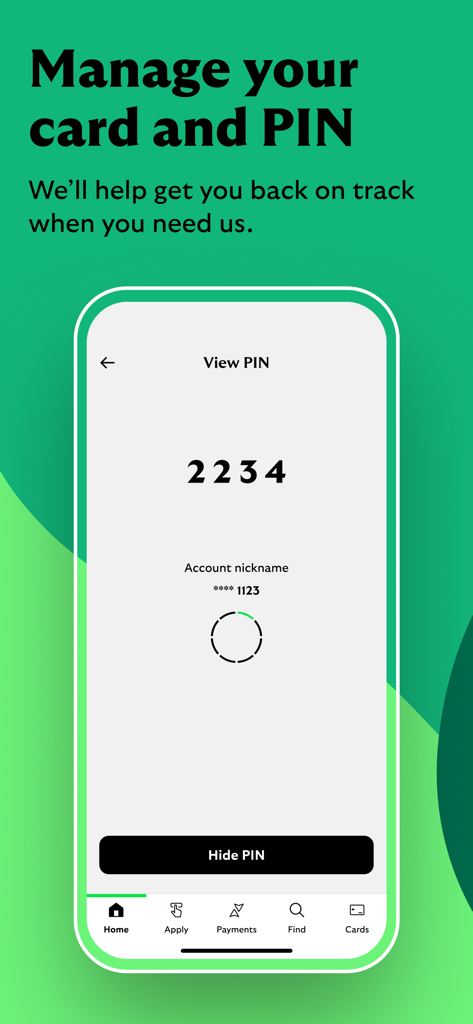
A smartphone screen from the Lloyds Mobile Banking app showing the View PIN feature with a four-digit code displayed above a Hide PIN button.

A smartphone screen from the Lloyds Mobile Banking app showing the View PIN feature with a four-digit code displayed above a Hide PIN button.

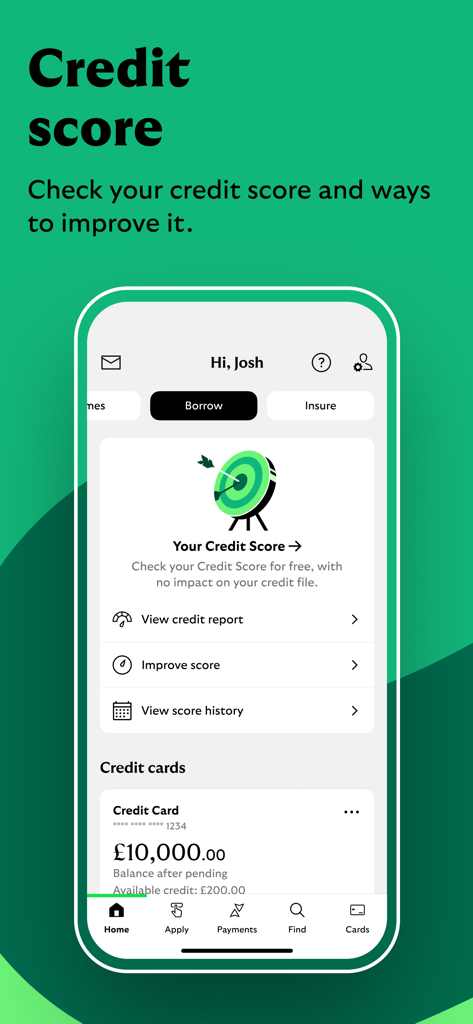
Lloyds bank app screen showing credit score tracking and credit card balance details

Lloyds bank app screen showing credit score tracking and credit card balance details

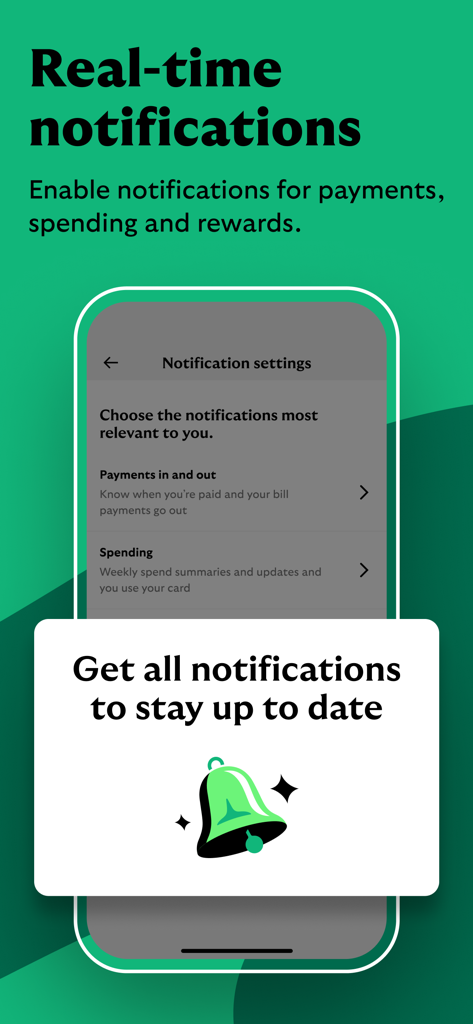
A screen from the Lloyds Mobile Banking app showing real-time notification settings for payments and spending

A screen from the Lloyds Mobile Banking app showing real-time notification settings for payments and spending

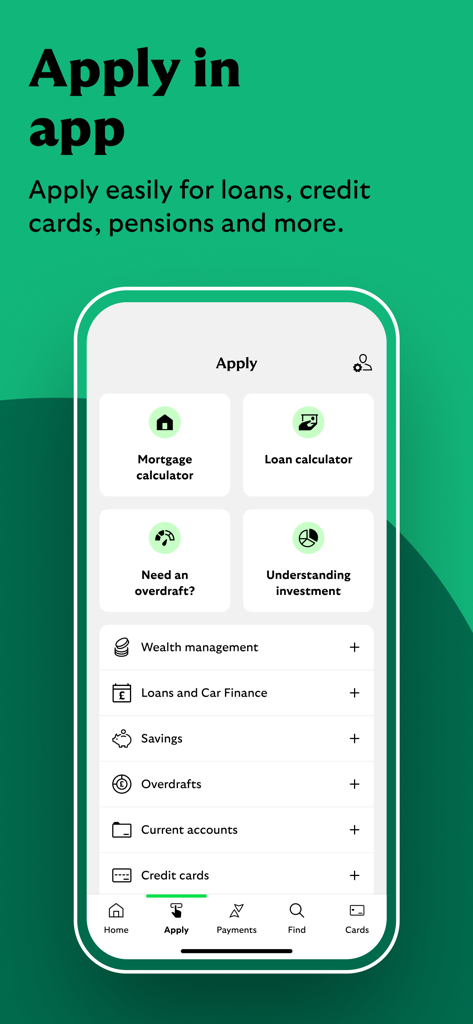
Lloyds Mobile Banking app interface showing the Apply screen with options for loans, credit cards, and savings

Lloyds Mobile Banking app interface showing the Apply screen with options for loans, credit cards, and savings

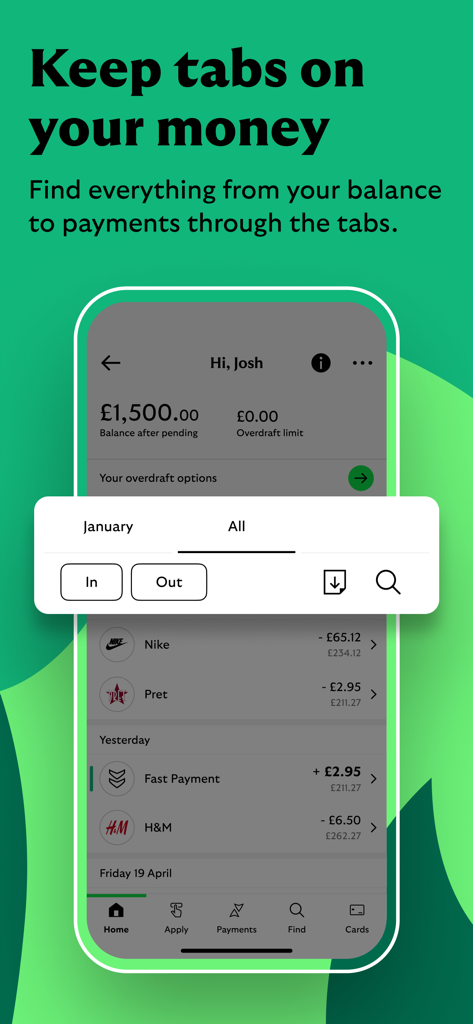
Lloyds Mobile Banking app interface showing account balance and recent transactions

Lloyds Mobile Banking app interface showing account balance and recent transactions

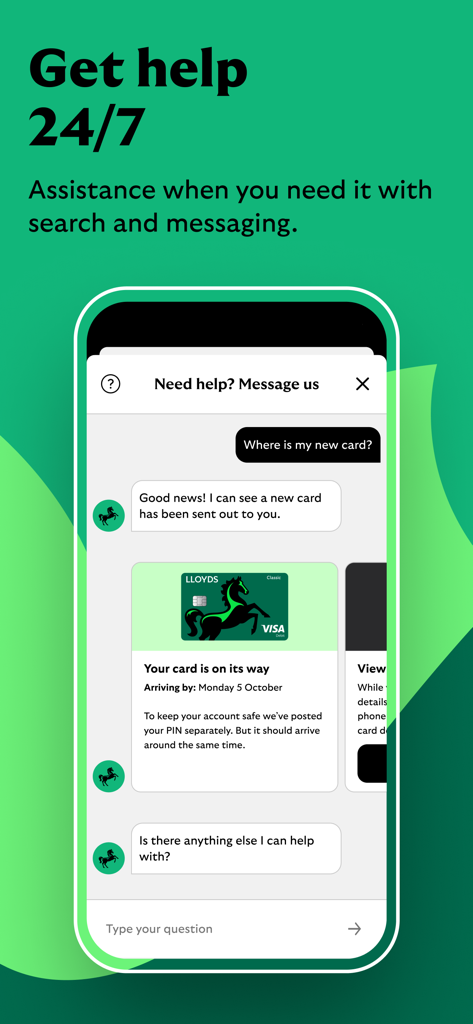
Lloyds Mobile Banking app showing the 24/7 customer support chat interface

Lloyds Mobile Banking app showing the 24/7 customer support chat interface

Master Your UK Finances From Anywhere

The tools that make this app stand out, trusted by 10M+ users.

📅

Smart Subscription Management

Don't get caught in the subscription trap. Easily view, block, or cancel recurring payments and free trials directly from your phone.

📊

Real-Time Spending Insights

Monitor your money across borders with instant notifications and spending categories that show you exactly where your money goes.

🔒

Total Card Control & Security

Protect your assets with biometric login and the ability to freeze or unfreeze your card in seconds—essential for international peace of mind.

Loved by users worldwide

Trusted by 10M+ people who love this app.

"

"Living in New York while managing my UK assets used to be a headache with the time difference. This app changed everything. I can freeze my card instantly, manage subscriptions, and see exactly where my money goes without ever needing to call a branch. It's fast, secure, and incredibly intuitive."

James H., Senior Consultant in NYC
"

"As a student in Boston, the 'Save the Change' feature is a game-changer for my savings. I also love the peace of mind I get from the instant notifications—I know exactly when my transfers from home land. It’s the most reliable banking app I’ve ever used, even from thousands of miles away."

Eleanor R., International Student

About the app

Everything you need to know about Lloyds Mobile Banking.

Description

BE THE BOSS OF YOUR MONEY Manage your money with confidence, whenever and wherever you need. Join our 10 million App users – get the app and get started. Seeing your balance, paying a bill or checking your transactions are just the start. Here’s some of the great stuff we’ve got going on in the App. SPEND? SAVE? BORROW? INSURE? INVEST? APPLY IN THE APP TODAY - Not yet banking with us? Don’t worry – download the App, it’s the quickest and easiest way to apply for a bank account with us. - You can share documents with us in real-time using your built-in camera to complete your application quickly. TAKE CONTROL OF YOUR EVERYDAY SPENDING - Ever fallen into the subscription trap after that free trial? See, block and cancel subscriptions anytime. - Need to settle up or transfer money fast? With Faster Payments you can sort it in quick time. - Splitting the bill? Friend forgot their card? Request and receive money you’re owed from family and friends using ‘Request a Payment’. - Get support all day and night, every day. STAY IN THE KNOW WITH REAL TIME INSIGHTS - Know what’s going on with your money in real-time, with upcoming payments and instant notifications when money’s coming in and going out. - Wondering where your money goes? See where you’re spending and where you might be able to save, with Spending Insights. MAKE YOUR MONEY WORK HARDER FOR YOU - Enjoy a cheeky bargain or three with Everyday Offers. Earn cashback of up to 15% from a range of retailers with our current accounts and credit cards. - Turn your pennies to pounds – using ‘Save the Change’. We’ll round up your debit card spend to the nearest pound and move it into a chosen savings account with us. - Keep track of your credit score for free, with helpful tips and tools to improve it. KEEPING YOU AND YOUR MONEY SAFE - Use your fingerprint or face to login - it’s the fastest and most secure way to bank. - Whether your card is lost, stolen or turned into a chew toy, you can relax knowing you can freeze it, unfreeze it or order a new one in seconds. - With the latest security tech we keep your money safe and stop those pesky hackers in their tracks. - Your eligible deposits with Lloyds are protected up to £85,000 by the Financial Services Compensation Scheme. Find out more at lloydsbank.com/FSCS LEAVE US A REVIEW ABOUT OUR APP We’re always ready to listen and make things better for you. Lloyds and Lloyds Bank are trading names of Lloyds Bank Plc (registered in England and Wales (no. 2065), registered office: 25 Gresham Street, London EC2V 7HN). Authorised by the Prudential Regulation Authority and regulated by the Financial Conduct Authority and the Prudential Regulation Authority under registration number 119278. The app is available to customers with a UK personal bank account and valid registered phone number. LEGAL INFORMATION This app is designed and intended for Lloyds UK customers to access and service UK personal products, and for customers of Lloyds Bank Corporate Markets plc, using the business names Lloyds Bank International and Lloyds Bank International Private Banking, to access and service personal products held in Jersey, Guernsey and the Isle of Man. It should only be downloaded for this purpose. While the app can be downloaded from App Stores outside the UK, this does not mean we are inviting, offering or recommending you engage in any transactions or establish a customer relationship with Lloyds or Lloyds Bank Corporate Markets plc. Any confirmation that our product or service complies with European Union law is made to Apple to meet this legal requirement. This does not imply any representation, warranty, or statement to you and should not be relied upon for entering into any contract.

Latest Version

178.07

Size

670.9 MB

First Released

May 4, 2016

Be the Boss of Your Money, Wherever Life Takes You

Join 10 million users managing their UK finances with total confidence. Get the app now for secure, real-time control and 24/7 support at your fingertips.

Download on App Store
FAQ

Frequently Asked Questions

Everything you need to know about Lloyds Mobile Banking

Can I manage my finances with the Lloyds Mobile Banking app?

Yes, the Lloyds Mobile Banking app allows users to check their balance, pay bills, and view transactions. It provides comprehensive tools for managing personal finances with confidence.

Can I open a new bank account using the Lloyds Mobile Banking app?

Yes, customers not yet banking with Lloyds can apply for a new bank account directly through the Lloyds Mobile Banking app. It is the quickest and easiest way to apply.

How do I manage subscriptions with the Lloyds Mobile Banking app?

The Lloyds Mobile Banking app allows users to see, block, and cancel subscriptions anytime. This feature helps users take control of their everyday spending and avoid unwanted charges.

Does the Lloyds Mobile Banking app offer fast money transfers?

Yes, the Lloyds Mobile Banking app supports Faster Payments. This feature enables users to settle up or transfer money quickly to other accounts, providing efficient financial transactions.

Does the Lloyds Mobile Banking app provide real-time notifications for transactions?

Yes, the Lloyds Mobile Banking app provides real-time insights and notifications. Users receive instant alerts for money coming in and going out, along with information on upcoming payments.

How does the Lloyds Mobile Banking app help me track my spending?

The Lloyds Mobile Banking app includes 'Spending Insights'. This feature shows users where their money is spent and helps identify potential areas for saving, improving financial awareness.

What is 'Save the Change' in the Lloyds Mobile Banking app?

'Save the Change' in the Lloyds Mobile Banking app rounds up debit card spending to the nearest pound. It then automatically moves the difference into a chosen savings account.

Can I check my credit score for free using the Lloyds Mobile Banking app?

Yes, the Lloyds Mobile Banking app allows users to track their credit score for free. It also provides helpful tips and tools designed to improve the credit score over time.

What secure login options does the Lloyds Mobile Banking app offer?

The Lloyds Mobile Banking app offers secure login options. Users can log in using their fingerprint or face recognition, providing a fast and highly secure way to access their bank account.

How can I manage a lost or stolen card in the Lloyds Mobile Banking app?

The Lloyds Mobile Banking app allows immediate card management. Users can freeze, unfreeze, or order a new card in seconds if their existing card is lost, stolen, or damaged.

Are deposits protected when using the Lloyds Mobile Banking app?

Yes, eligible deposits with Lloyds are protected by the Financial Services Compensation Scheme (FSCS) up to £85,000. This ensures the security of user funds within the app.

Does the Lloyds Mobile Banking app offer 24/7 customer support?

Yes, the Lloyds Mobile Banking app provides 24/7 customer support. Users can access assistance all day and night, every day, through search and messaging features within the app.

Can I view my upcoming payments in the Lloyds Mobile Banking app?

Yes, the Lloyds Mobile Banking app allows users to view their upcoming payments. This feature provides a clear overview of scheduled debits and standing orders in the weeks ahead.