
Network Print



Seamlessly print documents, travel vouchers, and photos at thousands of convenience stores like FamilyMart and Lawson—no local printer needed.
Publisher
Category
UtilitiesDownloads
2M+User Rating
Total Ratings
1K+Locales
2Discover the interface used by 2M+ users.
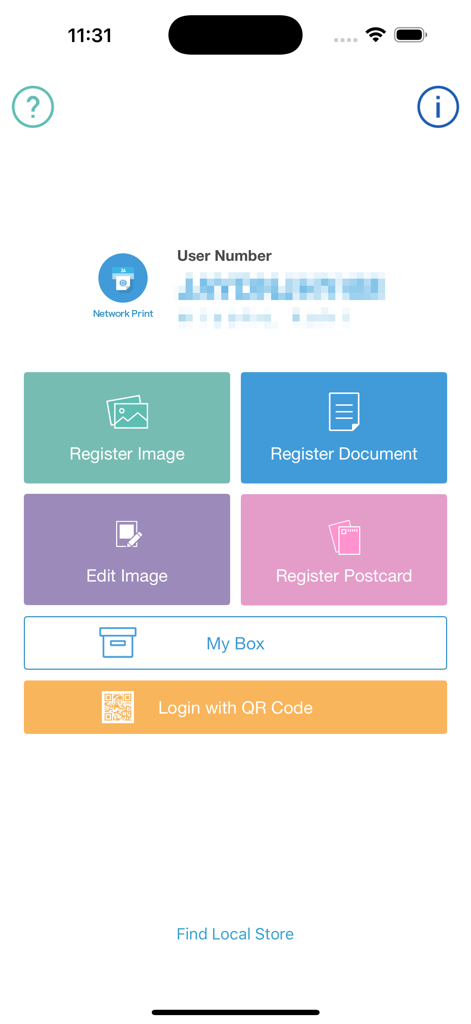
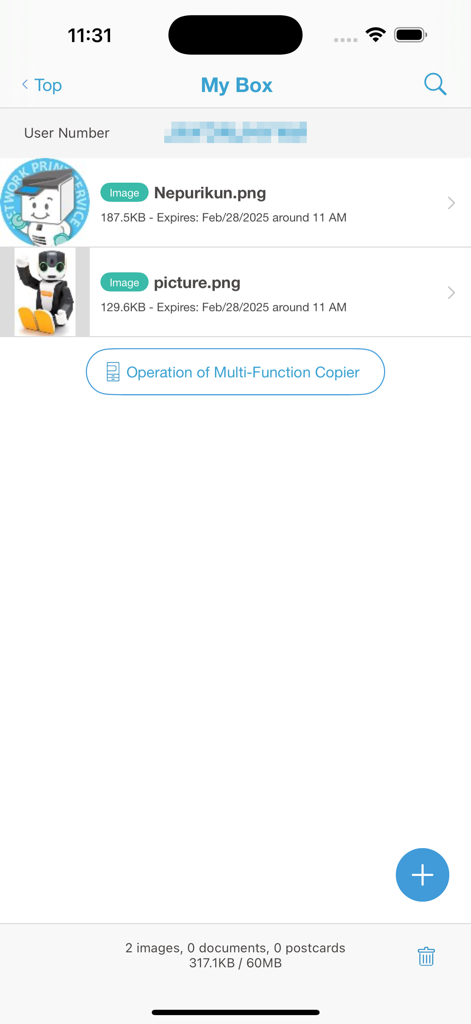
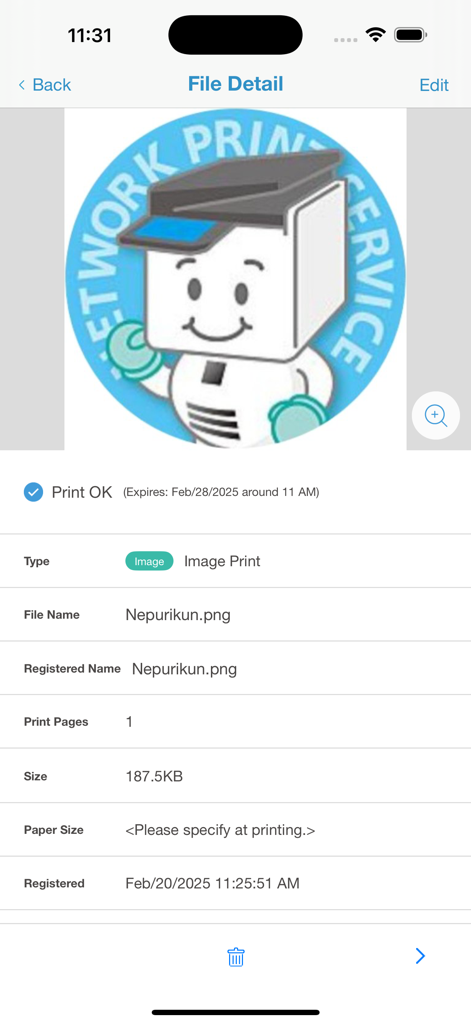
The tools that make this app stand out, trusted by 2M+ users.
Forgot your hotel voucher or JR Pass confirmation? Print any PDF or map instantly at the nearest FamilyMart or Lawson without needing a Japanese printer.
Stay productive on your business trip. Securely upload Word, Excel, and PowerPoint files to print high-quality documents for your next meeting in minutes.
Generate professional-grade ID photos for local transit passes or print high-gloss memories directly from your camera roll at any Sharp multi-function copier.
Trusted by 2M+ people who love this app.
"Absolute lifesaver during my business trip to Tokyo! I realized I forgot to print a contract for an early morning meeting, but I was able to upload the PDF to the app and print it at the Lawson across the street in minutes. The English interface made it so easy to navigate."
"This app is a must-have for anyone visiting Japan. I used it to print out our museum tickets and ID photos for a local rail pass. Finding a Sharp copier at FamilyMart was effortless, and the print quality was perfect. It really took the stress out of being away from home without a printer."
Insights from user reviews.
Sentiment Score
Summary
User feedback for this mobile app is overwhelmingly negative, citing widespread issues across various functionalities. Many users report persistent connectivity problems, frustrating login failures, and poor app performance characterized by slowness, freezing, and crashing. While some positive comments mention ease of use for basic printing functions or smoother image registration compared to the web version, the overall user experience is marred by complex and difficult processes, significant feature limitations like unsupported file types or missing functionalities, and a mandatory, often problematic, registration requirement. These issues lead to frequent frustration with unreliable printing and a desire for more user-friendly alternatives.
Common Themes
Everything you need to know about Network Print.
Description
Latest Version
4.43.0
Size
18.1 MB
First Released
Oct 3, 2015
Don't let a missing voucher or business document slow you down. Download Network Print now and enjoy the peace of mind that comes with instant access to over 30,000 printers at FamilyMart and Lawson stores nationwide.
Everything you need to know about Network Print
Network Print enables users to register files via the internet and print them at Sharp Multi-Function Copiers located in Japanese convenience stores like FamilyMart, Poplar Group, and Lawson.
First, register your file in the Network Print app after free membership. Then, go to a Japanese convenience store with a Sharp Multi-Function Copier and select your file to print the required copies.
Network Print allows printing at Sharp Multi-Function Copiers found in Japanese convenience stores. Supported stores include FamilyMart, Poplar Group, and Lawson. Service availability may vary by location.
Network Print supports printing Word, Excel, PowerPoint, PDF documents, and various image types, including photos, ID photos, calendars, posters, postcards, and map images.
Yes, a prior membership registration is required to use the Network Print app. This membership registration is completely free of charge.
Yes, Network Print supports registering and printing photos in L/2L sizes. Users specify the desired size at the Sharp Multi-Function Copier during the printing process.
Users access their registered files through the "My Box" section within the Network Print app. This section lists all files along with their expiration dates and details.
The Network Print app provides a "My Box" with a maximum storage capacity of 60MB for all registered files. Users can monitor their usage within the app.
Yes, Network Print is designed to resolve urgent printing needs while traveling in Japan. Users can print documents like hotel vouchers or reservation coupons quickly at convenience stores.
Apps with similar features and user experience

PlusMinusOne, Inc.

Princh ApS
FUJIFILM Business Innovation Corp.

KOPIKS, OOO

FamilyMart Co.,Ltd.

FUJIFILM Corporation

VISIONOTS Co.,Ltd

WEPA Inc.

Xerox Corporation
