
OpenVPN Connect



The industry-standard client built by the creators of the OpenVPN protocol. Effortlessly connect to Access Server or CloudConnexa with enterprise-grade encryption, seamless SSO integration, and the reliability of a true Zero-Trust architecture.
Publisher
Category
UtilitiesDownloads
12M+User Rating
Total Ratings
87K+Locales
1Discover the interface used by 12M+ users.

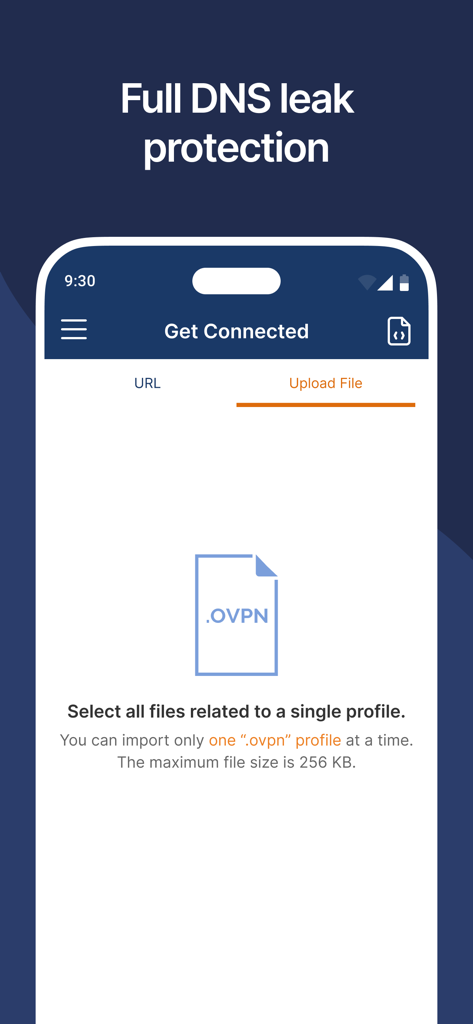
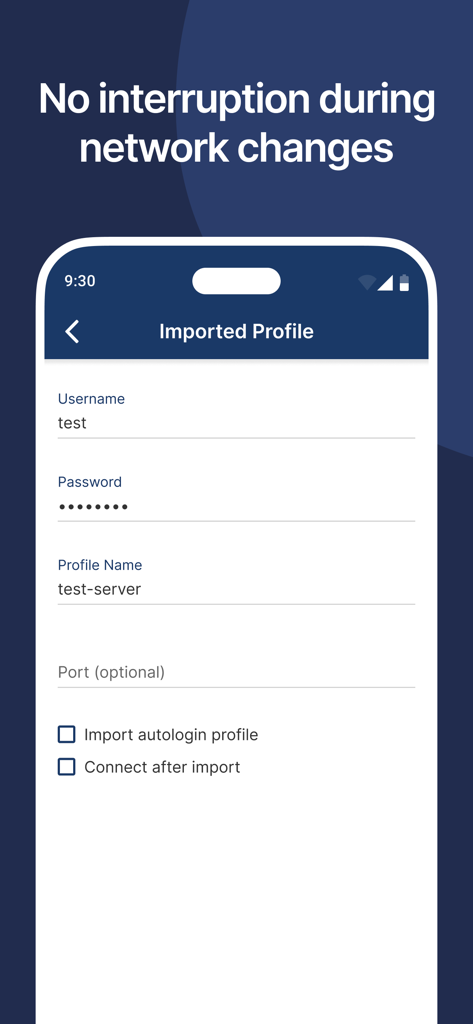
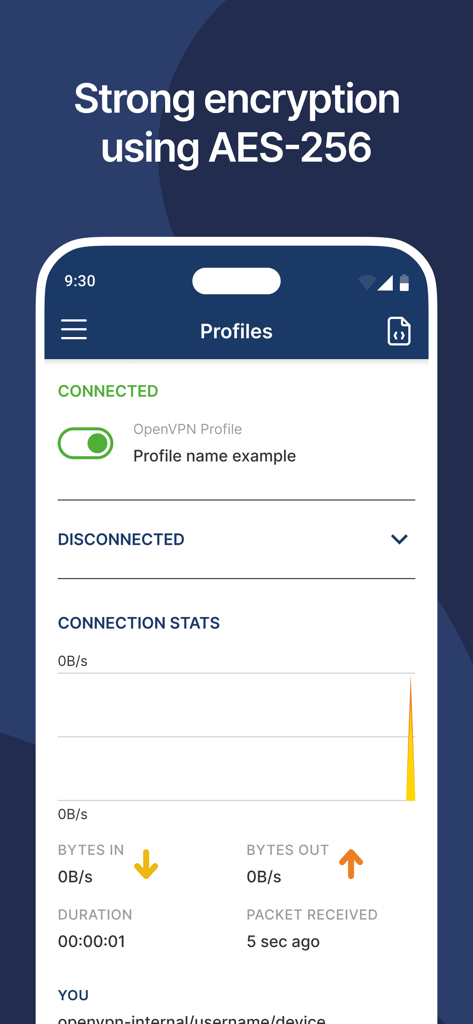
The tools that make this app stand out, trusted by 12M+ users.
Protect sensitive data with AES-256 encryption and continuous device posture checks that uphold the principle of 'Never Trust, Always Verify'.
Eliminate password fatigue and streamline your workflow by logging in with SAML and SSO providers like Okta, Azure AD, or Google Workspace.
Maintain peak efficiency with seamless split-tunneling, fail-safe kill switches, and the ability to import custom .ovpn profiles for any environment.
Trusted by 12M+ people who love this app.
"As a systems administrator managing a distributed dev team, I only trust the official OpenVPN Connect app. The zero-trust architecture and seamless SAML SSO integration have made our remote access both more secure and significantly easier to manage. It is the gold standard for reliability and protocol compatibility."
"Working in finance requires absolute data security. OpenVPN Connect allows me to access our internal cloud resources safely from anywhere. I love the split-tunneling feature—I can stay connected to my office servers while still using my local printer at home without any configuration headaches."
Insights from user reviews.
Sentiment Score
Summary
The app receives predominantly negative feedback, with a significant number of users reporting critical issues with importing VPN profiles and certificates, often resulting in "parse hex errors" or complete failure to connect. Many users also experience the app simply not working or failing to establish a usable VPN connection, particularly after updating to iOS 26 or iPadOS 26, which introduces UI bugs and connectivity problems. Several reports mention paying for a service that soon stops working, coupled with unresponsive support. While a few users find it effective and appreciate its privacy-focused nature, the general consensus points to severe usability and reliability issues that hinder its intended function for most.
Common Themes
Everything you need to know about OpenVPN Connect.
Description
Latest Version
3.7.2
Size
31.3 MB
First Released
Jan 17, 2013
Join 20,000+ global organizations and millions of IT professionals using OpenVPN Connect for seamless, zero-trust connectivity.
Everything you need to know about OpenVPN Connect
OpenVPN Connect is the official OpenVPN client app developed by OpenVPN Inc. It enables secure remote access to internal networks, cloud resources, and private applications using OpenVPN’s zero-trust business VPN solutions.
No, OpenVPN Connect does not include a built-in VPN service. It establishes an OpenVPN tunnel to a VPN server or service compatible with the OpenVPN protocol.
Users connect to OpenVPN Connect by entering their organization's URL and login credentials. Alternatively, they can import .ovpn profiles directly into the app.
OpenVPN Connect uses strong AES-256 encryption and supports TLS 1.3 for secure VPN tunneling. This ensures robust data protection during transmission.
Yes, OpenVPN Connect provides IPv6 and DNS leak protection. This feature ensures user privacy and security by preventing DNS queries from leaking outside the VPN tunnel.
OpenVPN Connect works seamlessly over Wi-Fi, LTE/4G, 5G, and all other mobile networks. This ensures continuous and reliable connectivity across various environments.
Yes, OpenVPN Connect is MDM-friendly. It supports global configuration files for easier deployment and centralized management across multiple devices within an organization.
OpenVPN Connect is best paired with OpenVPN’s business Zero-trust VPN solutions: Access Server for self-hosted deployments and CloudConnexa® for cloud-delivered services.
Yes, OpenVPN Connect supports Web authentication for SAML SSO. This enables single sign-on capabilities, enhancing user convenience and security by simplifying access.
Yes, users can easily import .ovpn profiles into OpenVPN Connect for quick setup. The app allows importing one profile at a time, with a maximum file size of 256 KB.
Apps with similar features and user experience

Palo Alto Networks

Pulse Secure LLC

Pickpointio LLC

Shanghai best oray information s&t co.,ltd

Fortinet, Inc

Cisco

Publicroam B.V.

Zscaler inc

Check Point Software Technologies Ltd.