
Oracle Fusion Applications




Empowering employees and managers with secure access to Oracle Cloud. From HR self-service and team management to healthcare inventory scanning, stay productive anywhere with a responsive experience designed for the modern workforce.
Publisher
Category
BusinessDownloads
1M+User Rating
Total Ratings
600Locales
28Discover the interface used by 1M+ users.
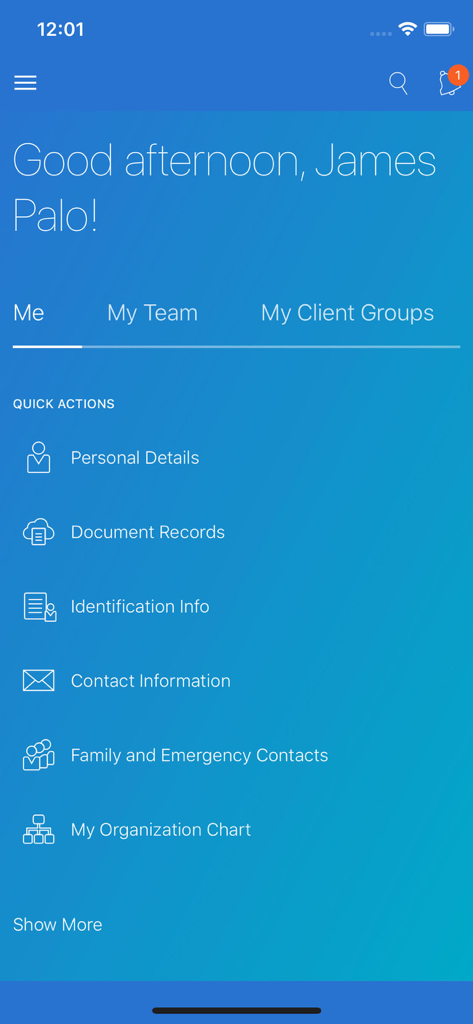
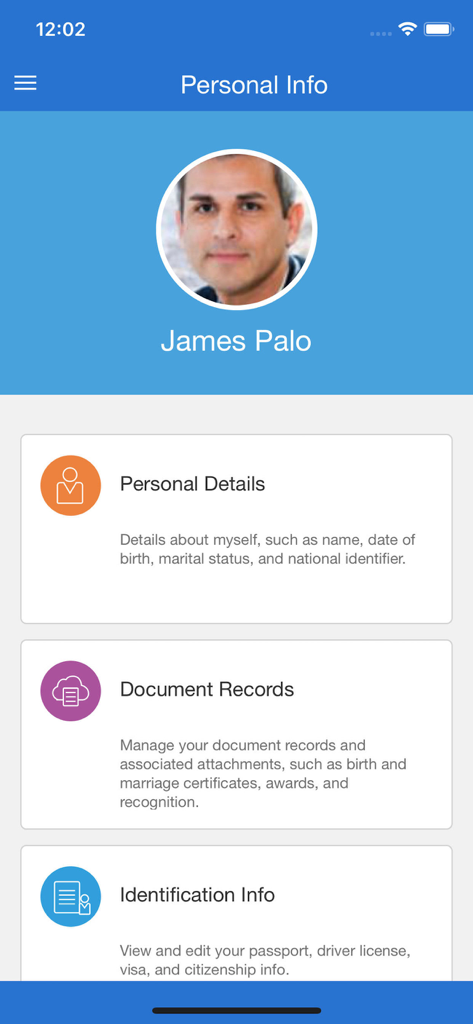
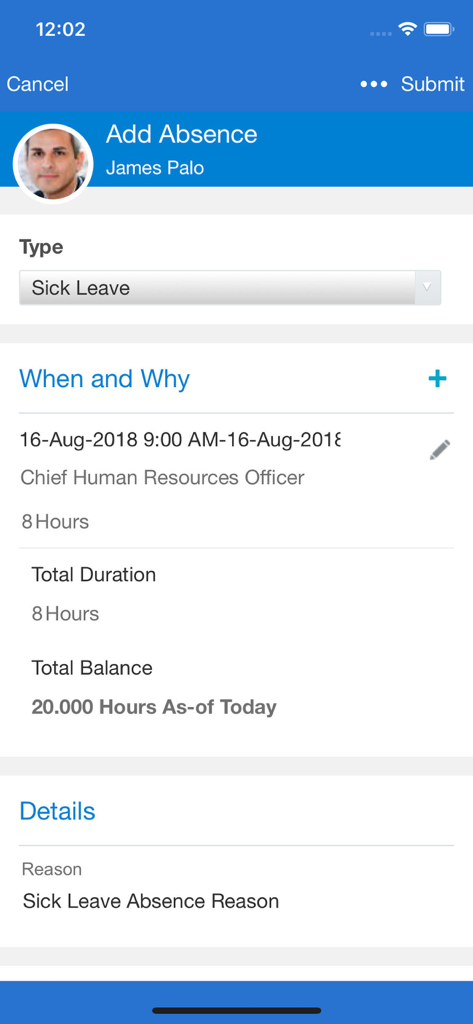
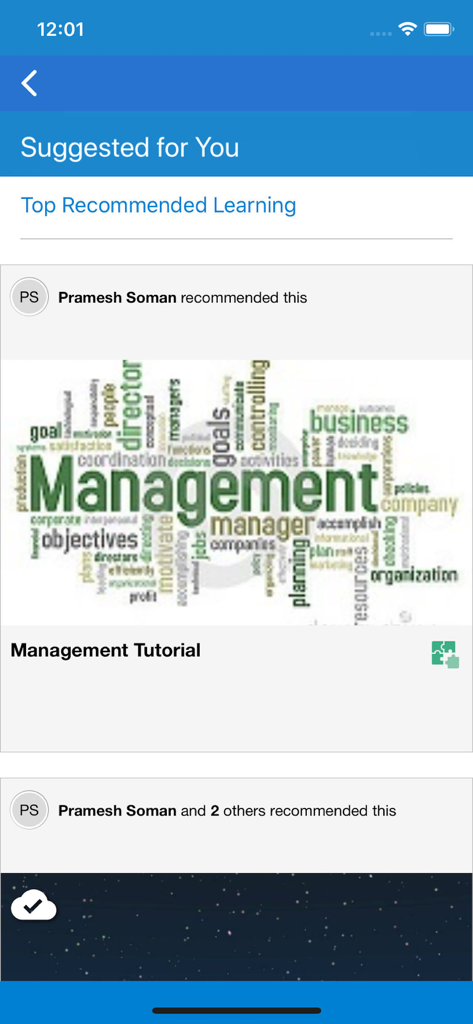
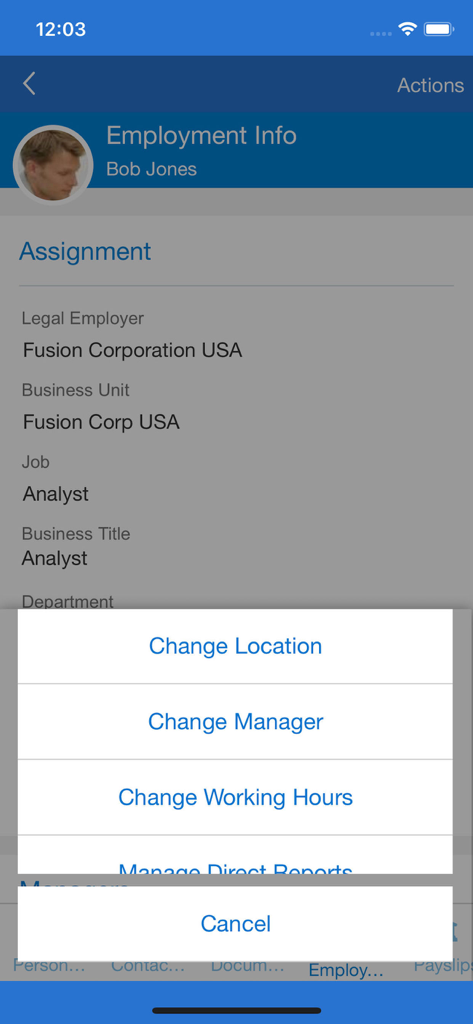
The tools that make this app stand out, trusted by 1M+ users.
Approve requests, manage team compensation, and streamline hiring processes directly from your mobile device.
Access payslips, update benefits, and track career goals with a single tap, keeping you in control of your work life.
Optimize inventory and healthcare logistics using integrated barcode scanning with full offline support for PAR counts.
Trusted by 1M+ people who love this app.
"The inventory management tools are a total game-changer for my daily rounds. Being able to perform PAR counts and scan barcodes directly with my phone camera—even in hospital basements with no signal—saves me hours of manual data entry every week."
"I can handle my team's approvals and salary changes between meetings without ever opening my laptop. The responsive design is consistent with the web version, making it easy to manage goals and view my payslip on the fly. It's transformed how I handle HR tasks."
Insights from user reviews.
Sentiment Score
Summary
The mobile app receives overwhelmingly negative feedback from users, citing critical issues across various aspects. Users frequently report problems with constant sign-ins, lack of biometric authentication like Face ID, and recurring login errors. Performance is a major concern, with complaints about the app being slow, freezing, and crashing, often requiring reinstallation. While some users appreciate the convenience of accessing payslips, leaves, and other HR processes in one place, many core functionalities are reported as broken or missing, such as viewing pay statements, managing expenses, or accurately tracking time. The app's user interface is often described as clunky and outdated, with specific compatibility issues noted on various iPhone models (including screen cut-offs on Apple 13 and iOS 17, and unresponsive sliders). A highly concerning bug involved the app redirecting users to a casino website.
Common Themes
Everything you need to know about Oracle Fusion Applications.
Description
Latest Version
11.13.24.10.01
Size
27.3 MB
First Released
Apr 7, 2018
Join over 1 million professionals managing HR, supply chain, and team operations with the secure and responsive Oracle Fusion mobile experience.
Everything you need to know about Oracle Fusion Applications
The Oracle Fusion Applications mobile app provides secure, on-the-go access to Oracle Cloud Applications. It offers a responsive user experience for various tasks, including supply chain management, HR functions, and learning.
Yes, employees can manage personal information, view payslips, manage goals, and update benefits elections through the Oracle Fusion Applications mobile app.
Managers can use Oracle Fusion Applications to hire employees, promote, transfer, change working hours, and manage salary and compensation for current employees.
Supply chain healthcare users can perform cycle counts, receiving, put away, stocking inquiries, stock issues, pick confirm, subinventory transfers, and periodic automatic replenishment (PAR) counts within the Oracle Fusion Applications mobile app.
Yes, the Oracle Fusion Applications mobile app includes offline support for periodic automatic replenishment (PAR) counts. This allows users to complete tasks without an active internet connection.
Yes, Oracle Fusion Applications provides offline support for HCM Learning. Learners can complete their assignments without internet access, and progress synchronizes when the device reconnects online.
Yes, the Oracle Fusion Applications mobile app supports scanning relevant barcode data for supply chain mobile flows. Users can utilize either a camera-based or device-based scanner.
Users must have an active Oracle Cloud Applications user account to access and utilize the Oracle Fusion Applications mobile app features.
No, an internet connection is not always required. While usually needed, specific features like PAR counts and HCM Learning include offline support within Oracle Fusion Applications.
You can access individual mobile pages directly by clicking on the Quick Actions listed on the home screen. For example, 'PAR Count (Mobile)' navigates directly to that page.
Yes, new hires can view and manage their onboarding tasks before their first day of work directly through the Oracle Fusion Applications mobile application.
Apps with similar features and user experience

Toast, Inc.

Microsoft Corporation

Tabby Technology LTD

TEC-IT Datenverarbeitung GmbH

salesforce.com

Microsoft Corporation

MISA JSC

AMZN Mobile LLC

Microsoft Corporation
